
1. Introducción
The RCA DTA809 DTV Digital TV Converter Box is designed to enable analog television sets to receive over-the-air digital television broadcasts. This device converts digital signals into an analog format, making them compatible with older analog TVs. It features an Electronic Programming Guide (EPG) for easy program selection and a smart antenna interface for improved signal reception.
Please read this manual thoroughly before operating your converter box to ensure proper setup and use.
2. Contenido del paquete
Verifique que todos los artículos enumerados a continuación estén incluidos en su paquete:
- RCA DTA809 DTV Digital TV Converter Box
- Mando a distancia
- Adaptador de corriente
- RCA User Manual (this document)
- Guía de inicio rápido
- Pilas AAA (para control remoto)
- Cable coaxial

Figura 2.1: Package contents of the RCA DTA809 DTV Digital TV Converter Box. This image displays the converter box, remote control, power adapter, user manual, quick start guide, AAA batteries, and a coaxial cable.
3. Instrucciones de configuración
Follow these steps to connect your RCA DTA809 converter box to your analog television and antenna.
- Conectar la antena: Connect your over-the-air antenna to the "ANT IN" port on the back of the RCA DTA809 converter box.
- Conectar al televisor: Use the coaxial cable provided to connect the "TO TV" (RF Out) port on the converter box to the "ANT IN" or "RF IN" port on your analog television. Alternatively, if your TV has RCA composite video/audio inputs, you can use RCA cables (not included) to connect the "VIDEO OUT" and "AUDIO OUT (L/R)" ports on the converter box to the corresponding inputs on your TV.
- Conecte la electricidad: Plug the power adapter into the "DC IN" port on the converter box, then plug the other end into a standard electrical outlet.
- Inserte las pilas en el control remoto: Abra el compartimento de las pilas en la parte posterior del control remoto e inserte las dos pilas AAA, asegurándose de la polaridad correcta (+/-).
- Encendido: Turn on your television and select the correct input source (e.g., TV, Video 1, AV) that corresponds to where you connected the converter box. Then, press the Power button on the converter box or its remote control.
- Escaneo de canal inicial: Upon first power-on, the converter box will likely prompt you to perform an automatic channel scan. Follow the on-screen instructions to scan for available digital channels. This process may take several minutes.
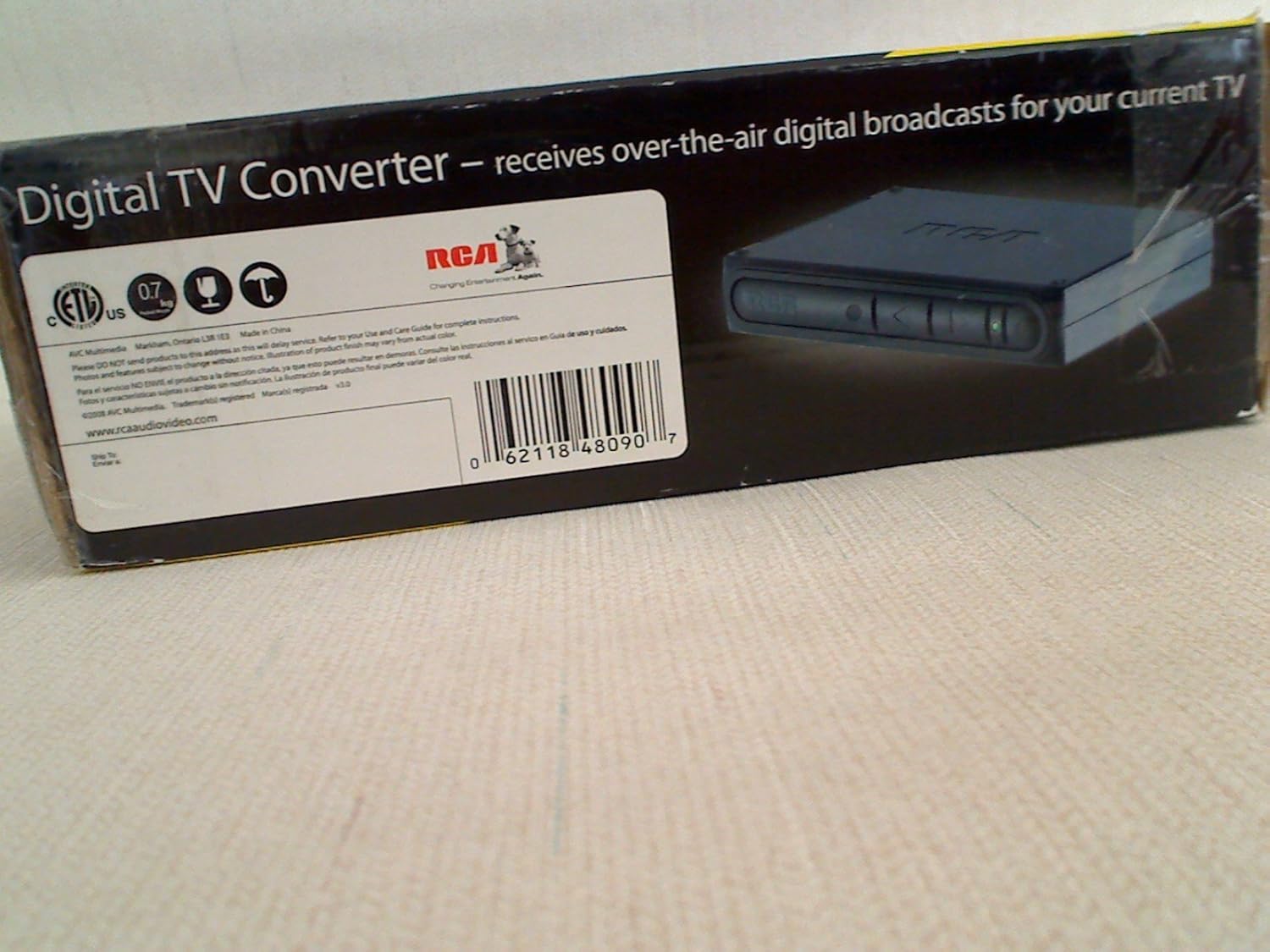
Figura 3.1: Front panel of the RCA DTA809 converter box, showing control buttons and indicator lights.
4. Instrucciones de funcionamiento
Once setup is complete, you can begin using your RCA DTA809 converter box to watch digital television.
4.1 Funcionamiento básico
- Encendido/apagado: Presione el FUERZA button on the remote control or the front panel of the converter box.
- Selección de canal: Utilice el CH+ / CH- buttons to change channels sequentially, or enter the channel number directly using the numeric keypad on the remote.
- Control de volumen: Utilice el VOL+ / vol- buttons on the remote control to adjust the audio volume.
- Silenciar: Presione el MUTE Botón para silenciar temporalmente el audio. Presiónelo de nuevo para restaurarlo.
4.2 Electronic Programming Guide (EPG)
The EPG provides a schedule of current and upcoming programs. To access the EPG:
- Presione el GUÍA Botón en su control remoto.
- Utilice los botones de flecha (UP, ABAJO, IZQUIERDA, BIEN) to navigate through channels and program listings.
- Prensa OK or SELECCIONAR a view details about a selected program.
- Prensa SALIR to leave the EPG.
4.3 Navegación por menús
The menu allows you to adjust settings, perform channel scans, and configure other features.
- Presione el MENÚ button on the remote control to access the main menu.
- Utilice los botones de flecha para navegar por las opciones del menú.
- Prensa OK or SELECCIONAR to enter a sub-menu or confirm a selection.
- Prensa SALIR para volver al menú anterior o salir del sistema de menú.
5. Mantenimiento
Proper care and maintenance will ensure the longevity of your RCA DTA809 converter box.
- Limpieza: Disconnect the power before cleaning. Use a soft, dry cloth to wipe the exterior of the converter box. Do not use liquid cleaners, aerosols, or abrasive materials.
- Ventilación: Ensure the converter box is placed in a well-ventilated area. Do not block any ventilation openings.
- Ambiente: Evite exponer la unidad a temperaturas extremas, humedad, luz solar directa o entornos polvorientos.
- Cable de alimentación: Inspeccione periódicamente el cable de alimentación para detectar posibles daños. Si está dañado, deje de usarlo y contacte con atención al cliente.
6. Solución de problemas
If you encounter issues with your RCA DTA809, refer to the following common problems and solutions.
| Problema | Posible causa / solución |
|---|---|
| Sin poder |
|
| Sin señal / Pantalla negra |
|
| El control remoto no funciona |
|
| Poor Picture Quality / Freezing |
|
7. Especificaciones
Technical specifications for the RCA DTA809 DTV Digital TV Converter Box.
- Marca: RCA
- Modelo: DTA809
- Tipo de interfaz: RCA
- Tipo de material: Componentes electrónicos, plástico
- Código postal: 062118480907
- Peso del artículo: Approximately 0.01 Ounces (Note: This weight seems unusually low and might be a data entry error. Refer to product packaging for accurate weight.)
- Número de canales: 100 (Digital TV channels)
- Tipo de montaje: Montaje en superficie
8. Garantía y soporte
For warranty information, technical support, or service inquiries, please refer to the warranty card included with your product or visit the official RCA support websitio.
Puede encontrar más información y recursos de apoyo en Tienda de la marca RCA en Amazon.