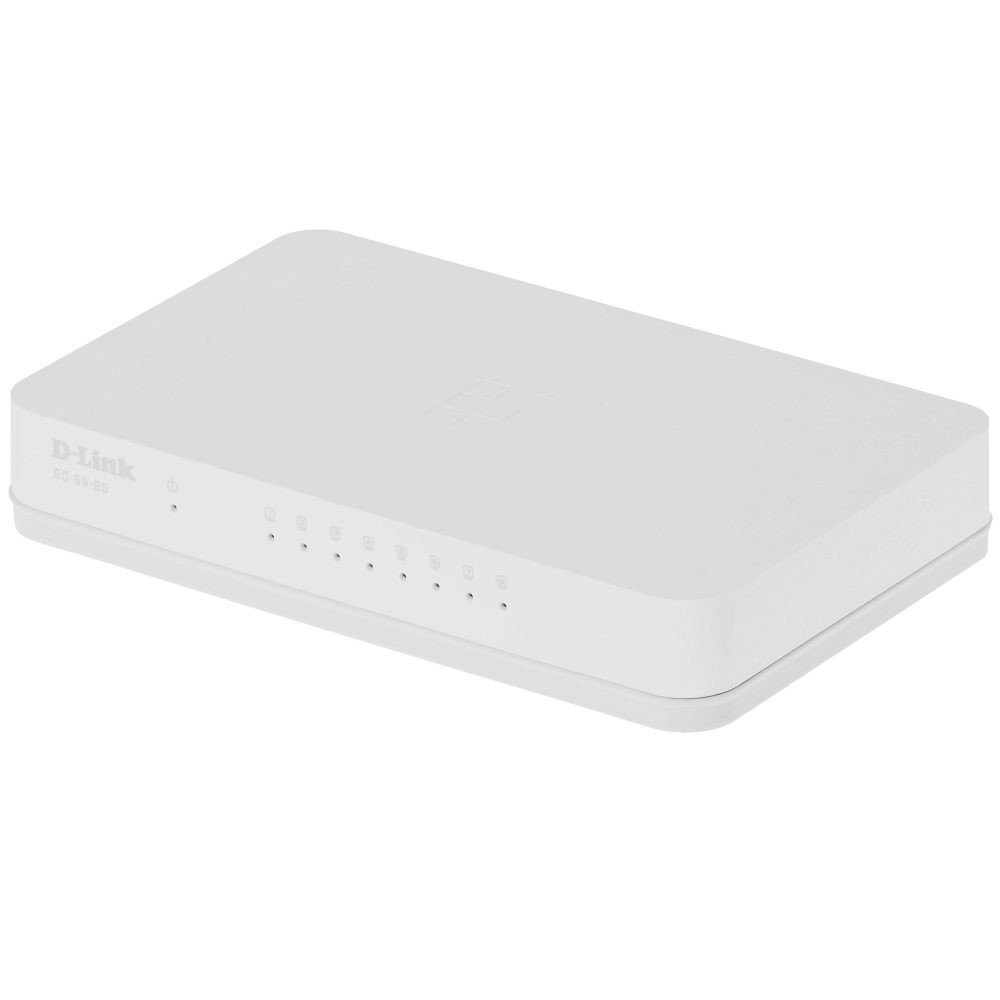
The D-Link GO-SW-8G is an 8-port unmanaged Gigabit desktop switch designed for small office and home office (SOHO) environments. This device facilitates network expansion by providing eight 10/100/1000 Mbps Ethernet ports, enabling high-speed data transfer for connected devices. It incorporates D-Link's Green Technology for energy efficiency, reduced heat generation, and extended product lifespan.
Configuración
Contenido del paquete
Verifique que su paquete contenga los siguientes elementos:
GO-SW-8G device
Adaptador de corriente
Conectando el Switch
The GO-SW-8G is a plug-and-play device, requiring no software configuration for basic operation. Follow these steps to set up your switch:
Conexión de energía: Connect the provided power adapter to the power input port on the rear panel of the GO-SW-8G switch and then plug the adapter into a standard electrical outlet.
Conexión del dispositivo de red: Connect Ethernet cables from your network devices (e.g., computers, network-attached storage, routers) to any of the eight available RJ45 ports on the GO-SW-8G switch. The switch supports auto MDI/MDIX, so you can use either straight-through or crossover Ethernet cables.
Verificación: Once connected, the corresponding LED indicator for each active port will illuminate, indicating a successful link.
Image: D-Link GO-SW-8G 8-Port Unmanaged Gigabit Desktop Switch. This image displays the compact white design of the switch with its multiple Ethernet ports and power input.
Operante
The D-Link GO-SW-8G operates as an unmanaged switch, meaning it requires no user configuration for its core functions. It automatically detects network speed and duplex mode for each connected device, providing optimal performance. The Gigabit Ethernet ports support data transfer rates of up to 1000 Mbps, facilitating fast communication within your local network.
Indicadores LED
The switch features LED indicators for each port and for power. These indicators provide visual feedback on the status of the switch and its connections:
LED de encendido: Se ilumina cuando el interruptor está encendido.
LED de enlace/actividad (por puerto):
Verde sólido: Indicates a successful network link at Gigabit speed (1000 Mbps).
Ámbar sólido: Indicates a successful network link at Fast Ethernet speed (10/100 Mbps).
Brillante: Indicates network activity (data transmission or reception) on that port.
Apagado: No link detected or device is not powered on/connected.
Mantenimiento
To ensure optimal performance and longevity of your D-Link GO-SW-8G switch, follow these general maintenance guidelines:
Colocación: Place the switch in a well-ventilated area to prevent overheating. Avoid direct sunlight and heat sources.
Limpieza: Utilice un paño suave y seco para limpiar el exterior del interruptor. No utilice limpiadores líquidos ni en aerosol.
Sistema de organización de cables: Asegúrese de que los cables de red estén perfectamente organizados y no estén excesivamente doblados o tensos.
Fuente de alimentación: Utilice únicamente el adaptador de corriente suministrado con el dispositivo.
Solución de problemas
If you encounter issues with your D-Link GO-SW-8G switch, refer to the following common troubleshooting steps:
Sin energía:
Asegúrese de que el adaptador de corriente esté conectado de forma segura al interruptor y a una toma de corriente que funcione.
Compruebe si la toma de corriente funciona enchufando otro dispositivo.
Sin luz de enlace:
Verify that the Ethernet cable is securely plugged into both the switch port and the network device.
Asegúrese de que el dispositivo de red conectado esté encendido y funcionando correctamente.
Pruebe con un cable Ethernet diferente para descartar una falla del cable.
Pruebe con un puerto diferente en el conmutador.
Velocidad de red lenta:
Confirm that all connected devices and cables support Gigabit Ethernet (1000 Mbps) for optimal performance.
Compruebe si hay tráfico de red excesivo o aplicaciones que consumen mucho ancho de banda ejecutándose en los dispositivos conectados.
Ensure the switch is placed in an area with adequate ventilation to prevent performance degradation due to overheating.
Presupuesto
Marca
Enlace D
Número de modelo
GO-SW-8G/B
Número de puertos
8
Velocidad de transferencia de datos
1000 megabytes por segundo (Gigabit)
Tipo de interruptor
Sin gestión
Interfaz
RJ45
Dispositivos compatibles
PC, Mac
Volumentage
5 voltios
Tipo de material de la caja
Plástico
Peso del artículo
0.3 libras
Información de garantía
The D-Link GO-SW-8G switch comes with a Garantía limitada de 3 años. For detailed terms and conditions, please refer to the warranty card included with your product or visit the official D-Link websitio.
Apoyo
For technical support, product registration, or to download the latest firmware and documentation, please visit the official D-Link support website. You can typically find support resources by searching for your product model (GO-SW-8G) on their site.
Ask about setup, troubleshooting, compatibility, parts, safety, or missing instructions. Manuals+ will review the question and use this page’s manual context to help answer it.