
Introducción
Thank you for choosing the Tascam TH-200X Studio Headphones. These closed-back headphones are designed for accurate audio monitoring, mixing, and general music listening. They feature a lightweight, durable construction with comfortable padding for extended use. This manual provides essential information for the proper setup, operation, maintenance, and troubleshooting of your TH-200X headphones.
¿Qué hay en la caja?
Por favor, compruebe que todos los siguientes elementos estén incluidos en su paquete:
- Tascam TH-200X Studio Headphones
- Attached Audio Cable (3.5mm jack)
- 6.35mm (1/4-inch) Screw-on Adapter
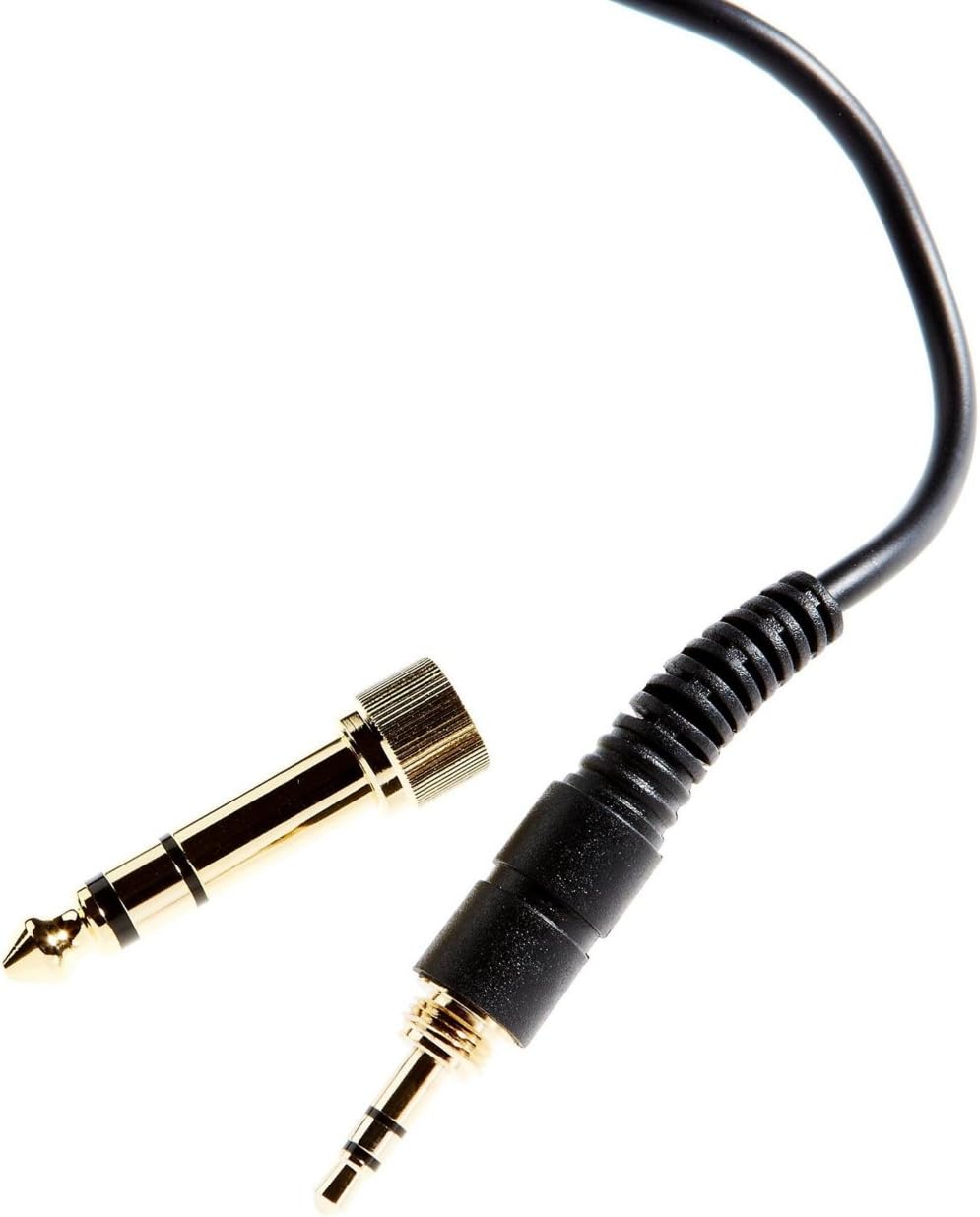
Image: The included 3.5mm audio jack and the detachable 6.35mm (1/4-inch) screw-on adapter for wider compatibility with audio equipment.
Instrucciones de instalación
- Desembalaje: Retire con cuidado los auriculares y todos los accesorios del embalaje.
- Conexión a una fuente de audio:
- For devices with a 3.5mm headphone jack (e.g., smartphones, laptops), simply plug the attached 3.5mm cable directly into the audio output.
- For devices with a 6.35mm (1/4-inch) headphone jack (e.g., audio interfaces, mixing consoles, amplifiers), screw the provided 6.35mm adapter onto the 3.5mm jack before plugging it into the audio output. Ensure the adapter is securely fastened.
- Ajuste de ajuste:
- Coloque los auriculares sobre sus oídos, asegurándose de que los auriculares cubran completamente sus oídos para lograr un aislamiento de sonido y una comodidad óptimos.
- Adjust the headband by sliding the earcups up or down along the stainless steel frame until a comfortable and secure fit is achieved. The 'L' and 'R' indicators on the inside of the headband denote the left and right earcups, respectively.
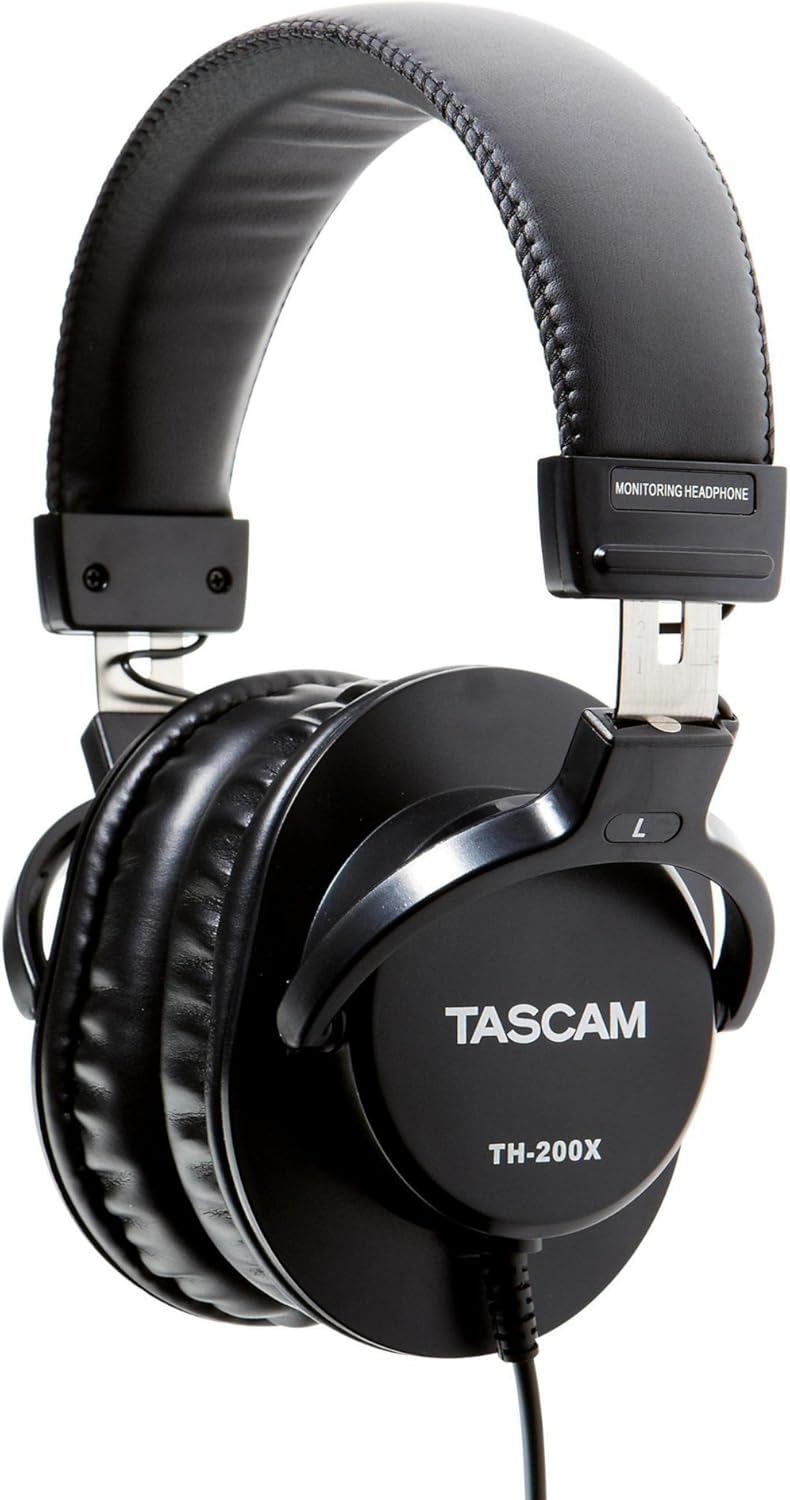
Imagen: Lateral view of the Tascam TH-200X headphones, highlighting the branding and the 'L' indicator for the left earcup.
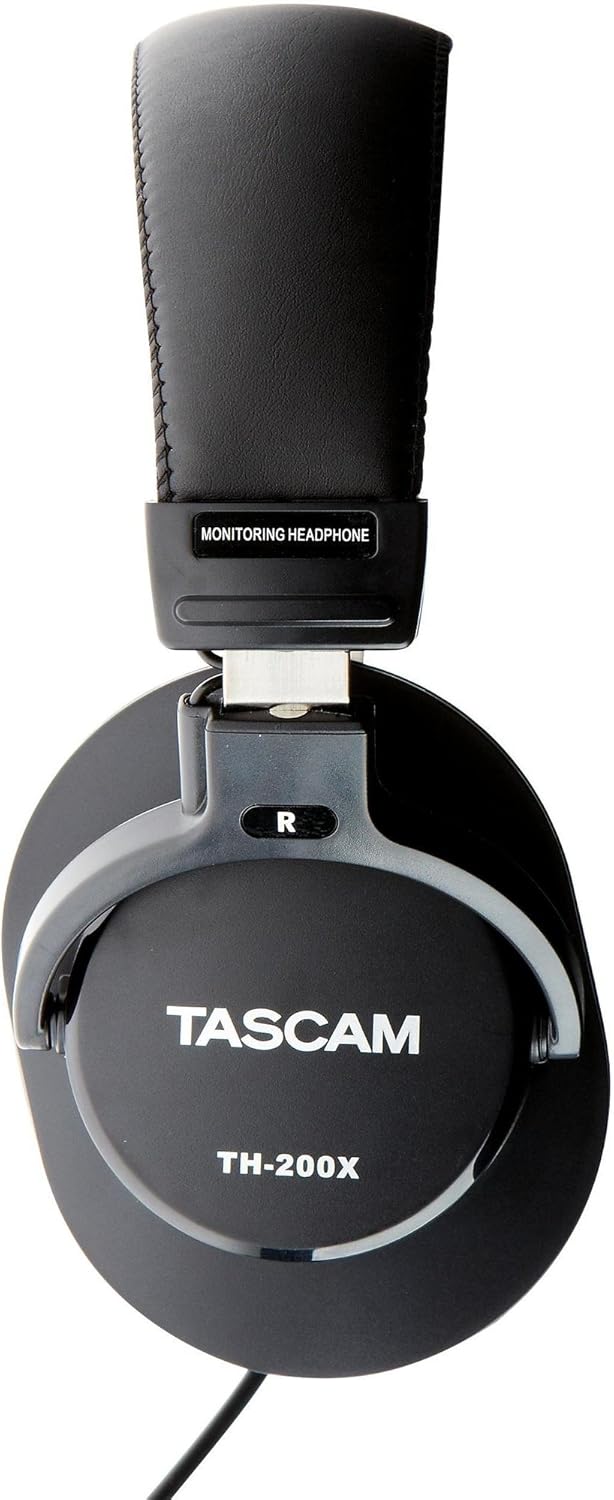
Imagen: Lateral view of the Tascam TH-200X headphones, highlighting the branding and the 'R' indicator for the right earcup.
Instrucciones de funcionamiento
- Control de volumen: Adjust the volume directly from your connected audio source (e.g., computer, audio interface, smartphone). The TH-200X headphones do not feature inline volume controls.
- Escuchar con seguridad: To prevent hearing damage, avoid listening at high volumes for extended periods. Start with a low volume and gradually increase it to a comfortable level.
- Uso previsto: These headphones are optimized for studio monitoring and mixing, providing a neutral sound reproduction. They are also suitable for general music listening.
Mantenimiento
- Limpieza:
- Limpie los auriculares y la diadema con un paño suave y seco.
- Para suciedad difícil, ligeramente dampEnjuague el paño con agua. Evite usar productos químicos agresivos o limpiadores abrasivos.
- No sumerja los auriculares en agua ni en ningún otro líquido.
- Almacenamiento:
- Guarde los auriculares en un lugar limpio y seco, alejado de temperaturas extremas y de la luz solar directa.
- Evite colocar objetos pesados sobre los auriculares.
- Cuidado de cables:
- Evite doblar o torcer bruscamente el cable.
- Do not pull on the cable to disconnect it from an audio source; always grasp the plug itself.
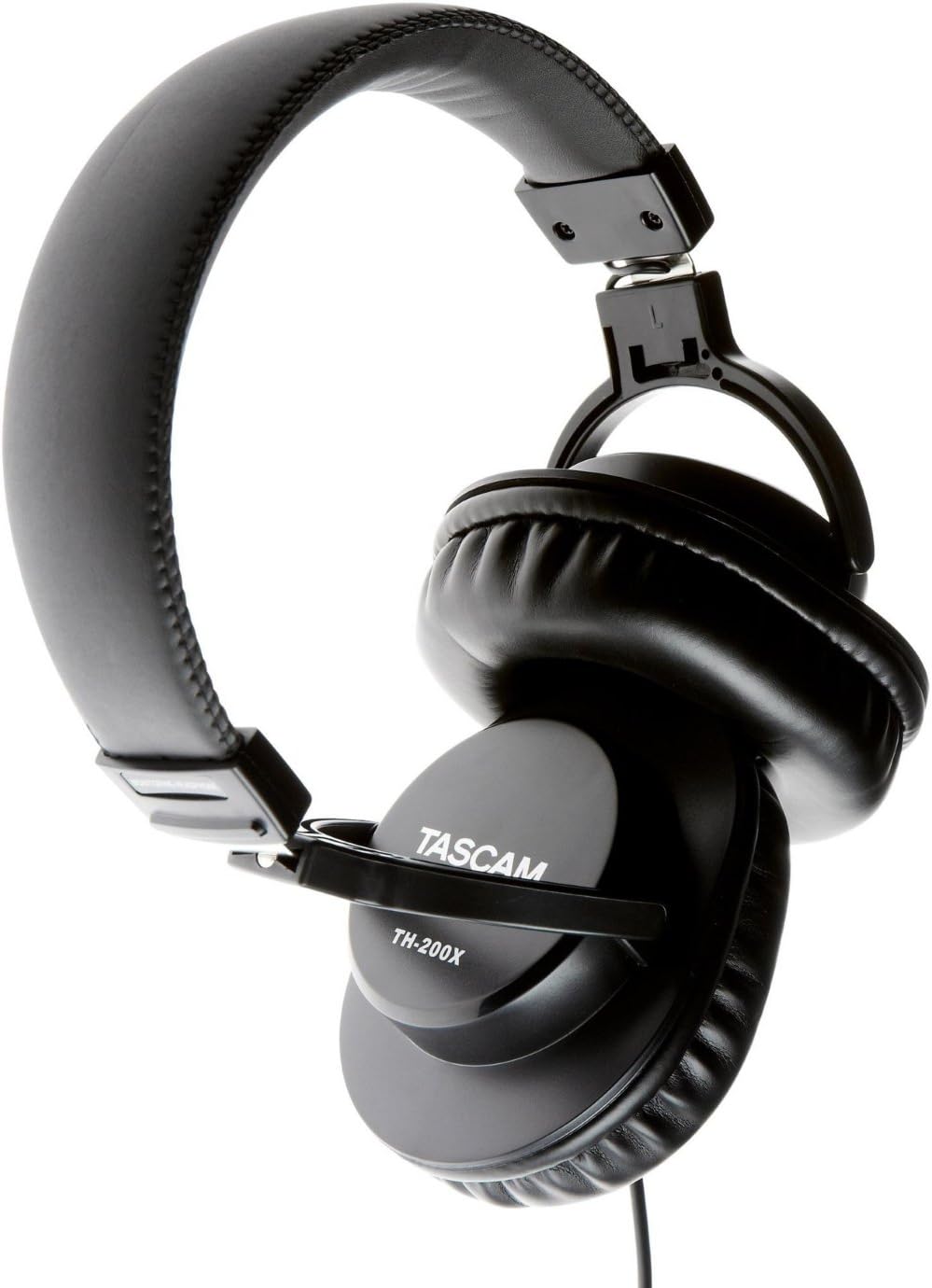
Imagen: En ángulo view of the Tascam TH-200X headphones, demonstrating the adjustable headband and durable construction.
Solución de problemas
- Sin sonido:
- Ensure the headphone cable is fully plugged into both the headphones and the audio source.
- Verifique el nivel de volumen de su fuente de audio y asegúrese de que no esté silenciado.
- Pruebe los auriculares con una fuente de audio o dispositivo diferente para descartar un problema específico del dispositivo.
- If using the 6.35mm adapter, ensure it is securely screwed onto the 3.5mm jack.
- Sonido distorsionado:
- Baja el volumen de tu fuente de audio. Un volumen excesivo puede causar distorsión.
- Asegúrese de que las conexiones del cable de audio sean seguras.
- Test with another audio source to determine if the issue is with the headphones or the source.
- Ajuste incómodo:
- Adjust the headband length by sliding the earcups until they sit comfortably over your ears without excessive pressure.
- Ensure the earcups fully cover your ears.
Especificaciones técnicas
| Modelo | TH-200X |
| Marca | Cámara de vigilancia Tascam |
| Colocación de orejas | Sobre la oreja |
| Factor de forma | Sobre la oreja |
| Control de ruido | Aislamiento de sonido |
| Tipo de controlador de audio | Dynamic Driver (40mm Neodymium Magnet) |
| Rango de frecuencia | 15 Hz–22 kHz |
| Tecnología de conectividad | Cableado |
| Toma de auriculares | Jack de 3.5 mm, Jack de 6.35 mm (con adaptador) |
| Material | Acero inoxidable (marco) |
| Peso del artículo | 0.41 kilogramos |
| Características adicionales | Lightweight, Adjustable, Durable, Retractable Cable |

Imagen: Frente view of the Tascam TH-200X headphones, showcasing the comfortable padded headband and earcups.
Garantía y soporte
Tascam products are manufactured to high-quality standards. For specific warranty information, please refer to the warranty card included with your product or visit the official Tascam websitio.
For technical support, service, or further inquiries, please visit the official Tascam support page:
Conserve su comprobante de compra para reclamos de garantía.
Additionally, if purchased through Amazon, a 30-day refund/replacement policy may apply. Please refer to your Amazon purchase details for more information.


