
Introducción
This manual provides comprehensive instructions for the HCDZ Replacement Remote Control, model HCDZ-X12042. This remote is designed to function as a direct replacement for various LG LCD, LED, and Plasma HDTV TV models, including 42LG50-UA, 42LG50-UG, and 42LG61-UA. No programming is required; simply insert batteries, and the remote will be ready for use.
Información importante de seguridad
- Do not expose the remote control to extremely hot or humid environments.
- Avoid mixing new and old batteries. Always replace all batteries with new ones simultaneously.
- Do not expose the remote control's infrared (IR) sensor to direct sunlight or strong lighting apparatuses, as this may cause malfunction.
- If the remote control will not be used for an extended period, remove the batteries to prevent potential damage from leakage and corrosion.
Contenido del paquete
El paquete incluye:
- 1 x HCDZ Replacement Remote Control (Model HCDZ-X12042)
Nota: Las baterías y las instrucciones adicionales no están incluidas en el paquete.
Configuración
1. Instalación de la batería
- Ubique el compartimiento de la batería en la parte posterior del control remoto.
- Deslice la tapa del compartimento de la batería para abrirla.
- Inserte dos (2) baterías AAA, asegurándose de que los terminales positivo (+) y negativo (-) estén alineados correctamente con las marcas dentro del compartimiento.
- Cierre bien la tapa del compartimento de la batería.
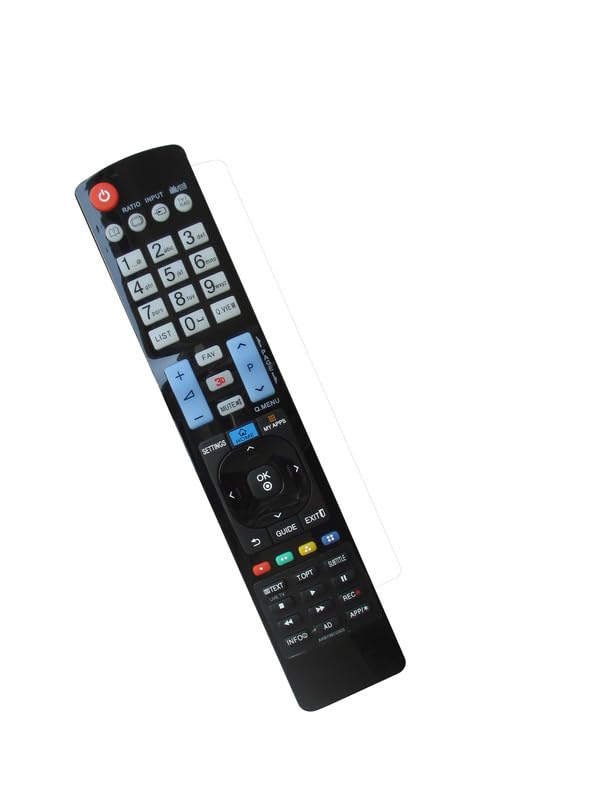
Image: Back of the HCDZ remote control with the battery compartment open, illustrating the correct insertion of two AAA batteries.
The remote control is designed to work immediately after fresh batteries are inserted, with no programming required.
Instrucciones de funcionamiento
Operación básica
- Point the remote control directly towards the infrared (IR) sensor on your LG TV.
- Press the desired function button (e.g., Power, Volume Up/Down, Channel Up/Down, Input, Menu) to control your television.
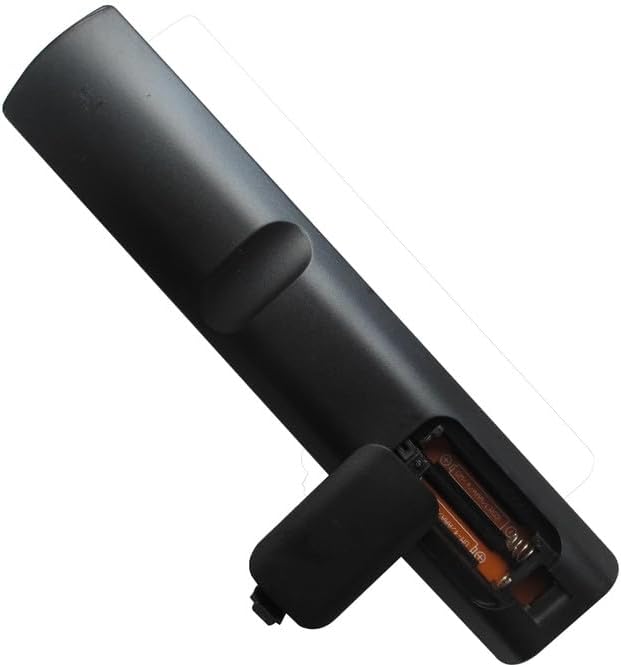
Imagen: Frente view of the HCDZ replacement remote control, displaying its button layout for various TV functions.
Rango de operación
The remote control has a maximum operating range of approximately 8 meters (26 feet). Ensure there are no obstructions between the remote control and the TV's IR sensor for optimal performance.
Mantenimiento
Cuidado de la batería
- Replace batteries when the remote control's responsiveness decreases.
- Reemplace siempre ambas pilas AAA al mismo tiempo.
- Remove batteries if the remote is stored for extended periods to prevent leakage.
Limpieza
Limpie el control remoto con un paño suave y seco. No utilice limpiadores líquidos ni productos abrasivos, ya que pueden dañar la superficie o los componentes internos.
Imagen: Parte posterior view of the HCDZ replacement remote control, showing the closed battery compartment.
Solución de problemas
- El control remoto no responde:
- Reemplace las pilas del control remoto por otras nuevas.
- Revise los terminales de la batería dentro del compartimiento para asegurarse de que estén limpios y hagan contacto adecuado.
- Problemas de alcance del control remoto:
- Acérquese al televisor.
- Remove any physical obstructions between the remote control and the TV's IR sensor.
- TV not powering on/responding:
- Ensure the power cord to your television is securely plugged in and the TV is turned on.
Presupuesto
| Marca | HCDZ |
| Número de modelo | HCDZ-X12042 |
| Dispositivos compatibles | LG Televisions (e.g., 42LG50-UA, 42LG50-UG, 42LG61-UA) |
| Tecnología de conectividad | Infrarrojos (IR) |
| Tipo de controlador | Control de botones |
| Alcance máximo | 8 metros |
| Pilas necesarias | 2 pilas AAA |
| Característica especial | No programming needed, works out of package |
Garantía y soporte
For information regarding warranty coverage or technical support, please refer to the retailer's policy or contact HCDZ customer service directly. Specific warranty details are not provided with this replacement remote control.