
Introducción
The Rocketek FBA_RT-CR7 is a versatile USB 3.0 7-in-1 multi-memory card reader designed for efficient data transfer from various memory card types to your computer. It supports simultaneous reading and writing of up to 5 cards, offering high-speed performance and broad compatibility across multiple operating systems.
Características del producto
- Lector de tarjetas 7 en 1: Supports CF, XD, MS, SD, and Micro SD card types.
- Lectura/escritura simultánea: Capable of reading and writing to 5 different memory cards concurrently.
- USB 3.0 SuperSpeed: Achieves data transfer speeds up to 5Gbps, significantly faster than USB 2.0.
- Amplia compatibilidad: Works with Mac OS, Linux, Chrome OS, and Windows XP/Vista/7/8/8.1/10.
- Conectar y usar: No se necesitan controladores para la instalación.
- Diseño compacto: Portable and easy to carry, ideal for travel.
- Protección incorporada: Características sobrecorriente, sobrevoltaje.tage, y protección contra cortocircuitos.
- Indicador LED: A blue LED light indicates connection and data activity.
Contenido del paquete
- 1 x Rocketek FBA_RT-CR7 USB 3.0 7-in-1 Multi Memory Card Reader
- 1 x USB 3.0 Cable (with USB-C to USB-A adapter)
Instrucciones de instalación
- Conecte el lector de tarjetas: Plug the USB 3.0 cable from the card reader into an available USB port on your computer. If your computer has a USB-C port, use the provided USB-C to USB-A adapter.
- Indicador de encendido: The blue LED indicator on the card reader will light up when successfully connected to your computer.
- Insertar tarjeta de memoria: Carefully insert your memory card into the corresponding slot on the card reader. Ensure the card is inserted correctly according to its orientation. The LED indicator will flicker during data transfer.
- Datos de acceso: Your computer will automatically detect the card reader and the inserted memory card. You can then access the card's contents through your file Explorador (Windows) o Finder (Mac OS).

Figura 1: Sobreview of card reader slots and supported card types.
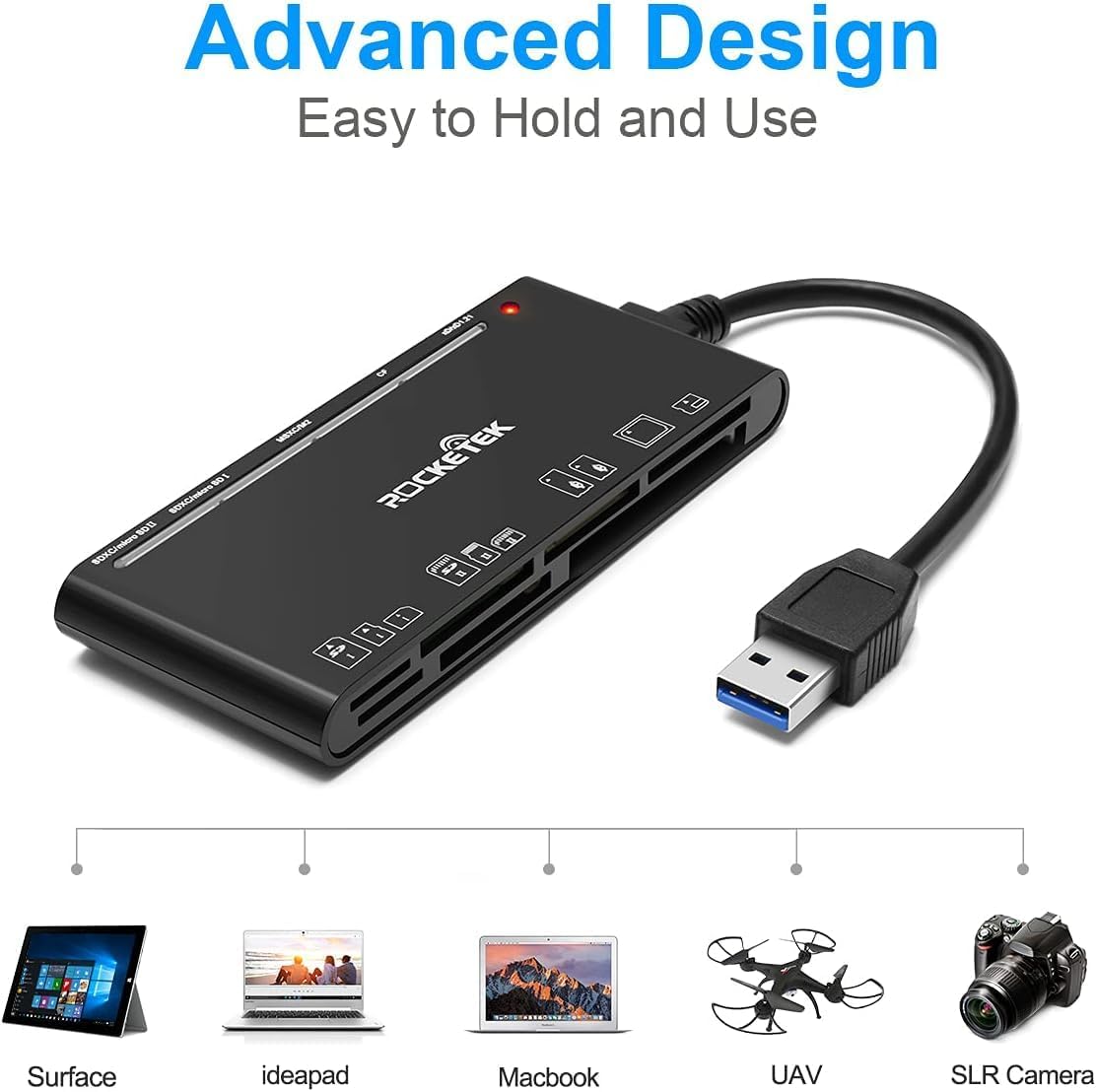
Figure 2: Card reader connected to a laptop, showing operating system compatibility.
Video 1: Demonstration of the Rocketek 7-in-1 Multi Memory Card Reader, showcasing its various card slots, USB 3.0 connectivity, and LED indicator light during operation.
Instrucciones de funcionamiento
- Insertar tarjetas: Gently push the memory card into the appropriate slot until it clicks into place. Do not force the card.
- Datos de lectura/escritura: Once the card is inserted and detected, you can drag and drop files to and from the card. The blue LED indicator will blink during active data transfer.
- Uso simultáneo: The card reader supports reading and writing to multiple cards simultaneously. Ensure proper file management to avoid data conflicts.
- Ejecting Cards: Before removing a memory card, always safely eject it from your computer's operating system to prevent data corruption.

Figure 3: Multiple memory cards inserted into the reader, demonstrating simultaneous access.
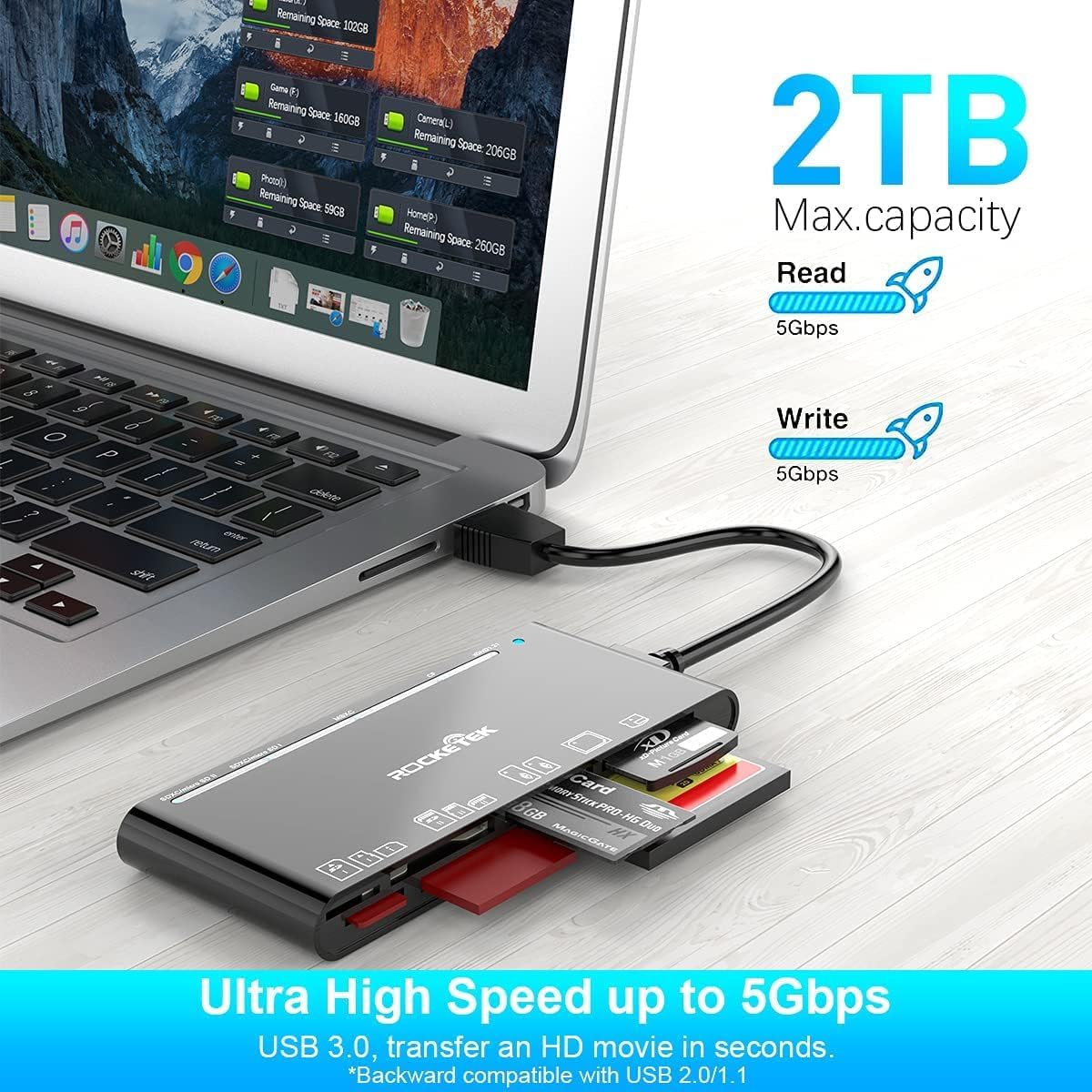
Figure 4: Highlighting the 5Gbps data transfer speed and 2TB maximum capacity.
Compatibilidad
Sistemas operativos compatibles:
- Windows XP / Vista / 7 / 8 / 8.1 / 10
- Mac OS (including MacBook Pro/Air)
- Linux
- Sistema operativo Chrome
Tipos de medios admitidos:
- CompactFlash (CF card, high-speed CF UDMA)
- SD Card (SD, SDXC up to 2TB, SDHC, RS-MMC, miniSD)
- Micro SD (Micro SD, Micro SDXC, Micro SDHC)
- Memory Stick (MS, M2, MSXC, Memory Stick PRO Duo, Memory Stick Pro)
- Tarjeta con imagen xD
Presupuesto
| Marca | Rocketek |
| Nombre del modelo | FBA_RT-CR7 |
| Tecnología de conectividad | USB tipo A |
| Interfaz de hardware | USB 3.0 |
| Velocidad de transferencia de datos | 5 Gbps |
| Slot Count | 7 (supporting 5 simultaneous reads/writes) |
| Color | Negro |
| Dimensiones del artículo (largo x ancho x alto) | 6.1" x 2.9" x 0.4" |
| Peso del artículo | 9.07 gramos |
Mantenimiento y cuidado
- Limpieza: Use a soft, dry cloth to clean the exterior of the card reader. Avoid using liquid cleaners or solvents.
- Almacenamiento: Guarde el lector de tarjetas en un lugar fresco y seco, alejado de la luz solar directa y de temperaturas extremas.
- Manejo: Avoid dropping the device or subjecting it to strong impacts. Do not bend or twist the cable excessively.
- Protección portuaria: Mantenga las ranuras para tarjetas libres de polvo y residuos.
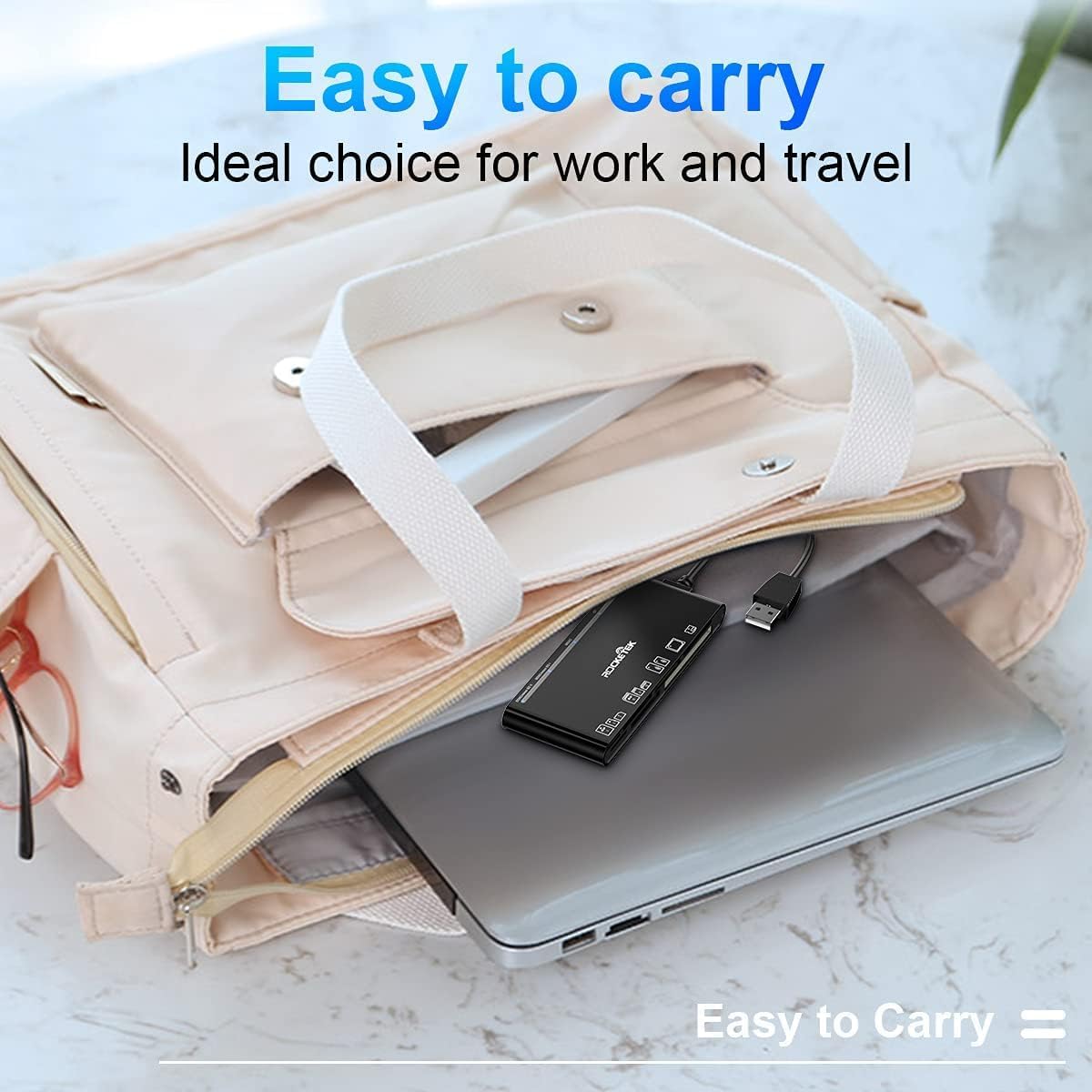
Figure 5: The card reader's compact size, suitable for portability.
Solución de problemas
- Dispositivo no detectado:
- Ensure the USB cable is securely connected to both the card reader and your computer.
- Intente conectarse a un puerto USB diferente en su computadora.
- Reinicie su computadora.
- Tarjeta de memoria no reconocida:
- Verify that the memory card is fully inserted into the correct slot.
- Comprueba si la tarjeta de memoria está dañada. Inténtalo en otro dispositivo si es posible.
- Ensure your operating system supports the file sistema de la tarjeta de memoria.
- Transferencia lenta de datos:
- Ensure the card reader is connected to a USB 3.0 port on your computer for optimal speed.
- Verify that your memory card itself supports high-speed data transfer.
- Evite ejecutar múltiples aplicaciones exigentes durante grandes file transferencias.
- El indicador LED no se enciende:
- Confirm the card reader is properly connected to a powered USB port.
- Si utiliza un concentrador USB, asegúrese de que esté encendido.
Garantía y soporte
The Rocketek FBA_RT-CR7 USB 3.0 7-in-1 Multi Memory Card Reader comes with a Garantía de 2 años Desde la fecha de compra. Esta garantía cubre defectos de fabricación y asegura el correcto funcionamiento del producto en condiciones normales de uso.
For technical support, warranty claims, or any inquiries regarding your product, please contact Rocketek customer service through the retailer's platform or visit the official Rocketek websitio para información de contacto.