
Macally WIFISD2
Manual del usuario del enrutador de viaje inalámbrico y concentrador multimedia Macally WIFISD2
Model: WIFISD2
Introducción
The Macally WIFISD2 is a versatile device designed to enhance your mobile experience. It functions as a wireless travel router, a media hub for streaming and sharing files, and a portable external battery. This manual provides detailed instructions for setting up, operating, and maintaining your device, ensuring you can utilize all its features effectively.
Producto terminadoview
Familiarize yourself with the various components and indicators of your Macally WIFISD2 device.

Figura 1: Frente view of the Macally WIFISD2, highlighting the power button, Micro USB input, USB output, Ethernet port, and SD card slot. LED indicators for battery, SD card, Wi-Fi, and internet connectivity are visible on the top surface.

Figura 2: Arriba view of the Macally WIFISD2, displaying the LED indicators for battery status, SD card activity, Wi-Fi connection, and internet access.

Figura 3: De cerca view of the device's side, showing the power button, Micro USB 'Input' port for charging, standard USB 'Output' port for charging other devices or connecting USB storage, and the Ethernet port.
Componentes:
- Botón de encendido: Se utiliza para encender/apagar el dispositivo.
- Entrada micro USB: For charging the WIFISD2's internal battery.
- Salida USB: For connecting USB storage devices or charging external devices.
- Puerto Ethernet: For wired internet connection or creating a Wi-Fi hotspot from a wired source.
- Ranura para tarjeta SD: For inserting SD memory cards to access stored media.
- Botón de reinicio: (Small pinhole) For factory reset.
Indicadores LED:
- Indicador de batería: Muestra el nivel actual de la batería.
- Indicador de tarjeta SD: Lights up when an SD card is inserted and active.
- Indicador de Wi-Fi: Muestra el estado de la red Wi-Fi.
- Indicador de Internet: Indica el estado de la conectividad a Internet.
Configuración
1. Carga del dispositivo
Before initial use, fully charge your Macally WIFISD2. Connect the provided Micro USB cable to the device's Aporte port and the other end to a USB power adapter (not included) or a computer's USB port. The battery indicator LED will show charging status. The internal battery capacity is 2600mAh.
2. Inserción de medios de almacenamiento
The WIFISD2 supports both SD cards and USB drives for media storage and sharing.
- Tarjeta SD: Insert a full-size SD card into the SD card slot until it clicks into place. If using a Micro SD card, an appropriate adapter is required.

Figura 4: The Macally WIFISD2 with an SD card correctly inserted into its dedicated slot.
- Unidad USB: Plug a USB flash drive or external hard drive into the Producción Puerto USB.
3. Encendido / apagado
Press and hold the Power Button on the side of the device for approximately 3 seconds to turn it on. The LED indicators will light up. To turn off, press and hold the Power Button again until the lights extinguish.
4. Connecting to the Device's Wi-Fi
Once powered on, the WIFISD2 creates its own Wi-Fi network. On your smartphone or tablet:
- Go to your device's Wi-Fi settings.
- Look for a network named WIFISD2-XXXX (where XXXX is a unique identifier).
- Connect to this network. The default password can be found in the quick start guide or on a label on the device.
- Descargar el "Wi-Fi Disk" app from your device's app store (available for iOS and Android). This app is essential for accessing and managing files on the WIFISD2.
Instrucciones de funcionamiento
1. Media Streaming and File Sharing (Wi-Fi Storage)
The WIFISD2 allows you to wirelessly stream media and share files stored on an inserted SD card or USB drive to multiple connected devices simultaneously.
- Abrir el "Wi-Fi Disk" app on your connected smartphone or tablet.
- The app provides categories like Videos, Photos, and Music. While you can organize files into these folders on your computer, the app may not always automatically recognize them within these specific categories.
- For reliable access to all files, navigate to the "File/Folder" section within the app. From there, you can browse the contents of your SD card or USB drive directly.
- Seleccione una file a view or stream. The device supports streaming to multiple devices, though performance may vary depending on the file type and number of concurrent streams.
2. Travel Router Functionality
The WIFISD2 can act as a travel router, providing internet access to your devices in various scenarios.
- Wi-Fi Pass-Through: Connect the WIFISD2 to an existing Wi-Fi network (e.g., hotel Wi-Fi) via the app's settings. Your devices connected to the WIFISD2 will then share this internet connection.
- Wired Access (Wi-Fi Hotspot): If you have access to a wired Ethernet connection (e.g., in a hotel room), plug the Ethernet cable into the WIFISD2's Ethernet port. The device will then convert this wired connection into a Wi-Fi hotspot, allowing your wireless devices to access the internet.
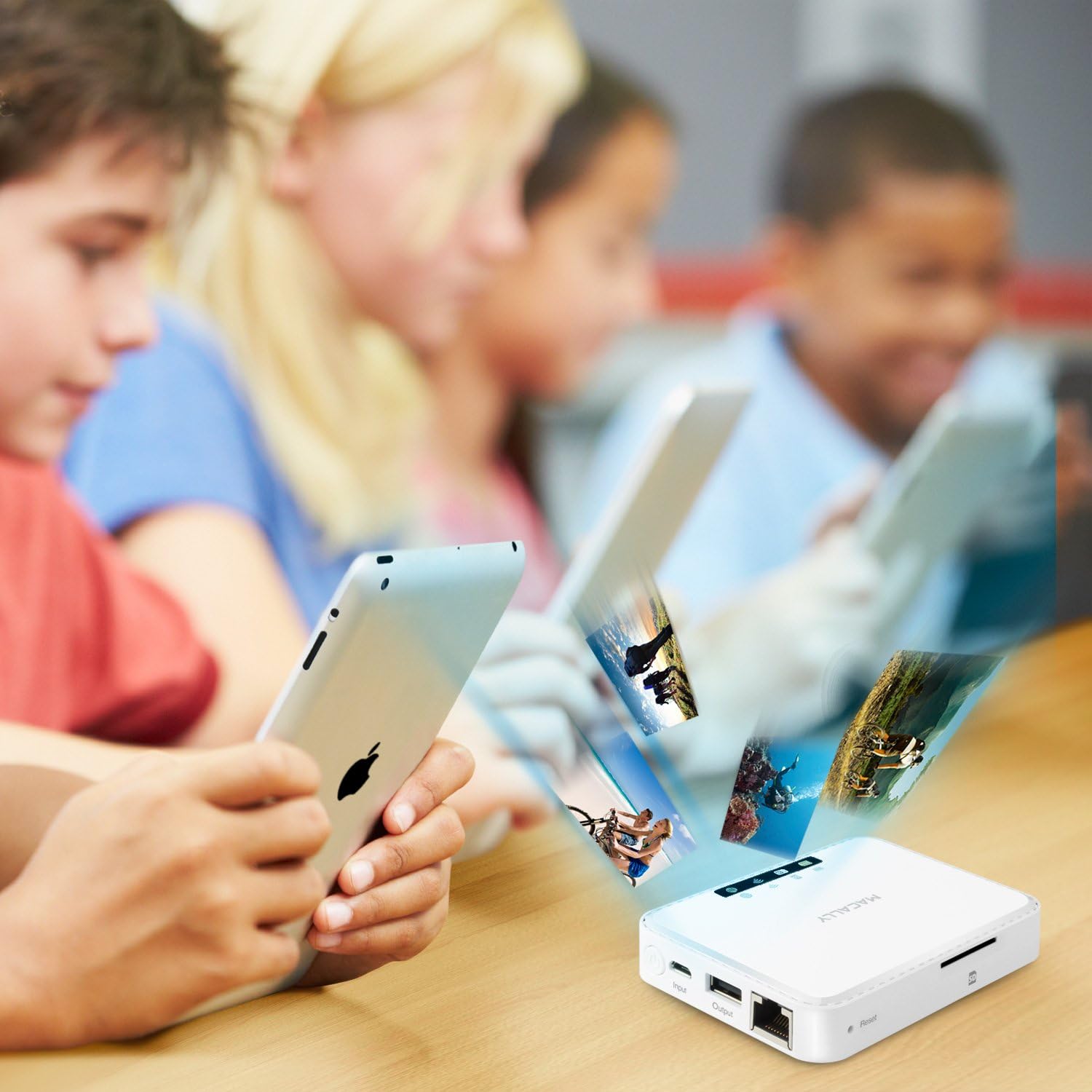
Figura 5: The Macally WIFISD2 connected to an Ethernet cable, demonstrating its capability to create a Wi-Fi hotspot from a wired internet source.
3. External Battery Function
The built-in 2600mAh battery can be used to charge your smartphones or other USB-powered devices in emergencies.
- Connect your device's charging cable to the WIFISD2's Producción Puerto USB.
- La carga comenzará automáticamente.
- Nota: Using the WIFISD2 as an external battery will drain its internal power, potentially reducing its operating time for other functions.
4. File Respaldo
The device supports one-touch backup of photos and videos from your mobile devices to an attached USB flash drive, hard drive, or SD card. It also offers integration with Dropbox for cloud storage.
Mantenimiento
- Limpieza: Utilice un paño suave y seco para limpiar el dispositivo. Evite limpiadores líquidos o materiales abrasivos.
- Almacenamiento: Guarde el dispositivo en un lugar fresco y seco, alejado de la luz solar directa y de temperaturas extremas.
- Actualizaciones de firmware: Periodically check the Macally websitio para obtener actualizaciones de firmware disponibles para garantizar un rendimiento y compatibilidad óptimos.
- Restablecimiento del dispositivo: If the device is unresponsive or experiencing persistent issues, locate the small pinhole reset button. Use a paperclip or similar thin object to press and hold the button for a few seconds to perform a factory reset. This will revert all settings to their default values.
Solución de problemas
If you encounter issues with your Macally WIFISD2, refer to the following common problems and solutions:
- El dispositivo no se enciende:
- Asegúrese de que el dispositivo esté completamente cargado. Conéctelo a una fuente de alimentación y déjelo cargar durante al menos 30 minutos antes de volver a intentar encenderlo.
- Cannot connect to the WIFISD2 Wi-Fi network:
- Verify the device is powered on and the Wi-Fi indicator LED is active.
- Check that you are selecting the correct network name (SSID) and entering the correct password.
- Try restarting both the WIFISD2 and your connecting device.
- Files on SD card/USB drive are not visible in the app's categories (Videos, Photos, Music):
- The app's categorized views may not always automatically detect files. Navegar hasta el "File/Folder" section within the app to browse the storage media directly.
- Ensure the SD card or USB drive is properly inserted and recognized by the device (check SD card indicator LED).
- Streaming performance is poor or videos are choppy:
- Reduce the number of devices streaming simultaneously.
- Ensure your device is close to the WIFISD2 for optimal Wi-Fi signal strength.
- The quality of streaming can depend on the video file format and resolution. Try lower resolution files if issues persist.
- No internet access when using travel router function:
- If using Wi-Fi pass-through, ensure the WIFISD2 is successfully connected to the external Wi-Fi network.
- If using wired access, ensure the Ethernet cable is securely connected and the external internet source is active.
- Check the internet indicator LED on the WIFISD2.
Presupuesto
| Marca | macally |
| Nombre del modelo | WIFISD2 |
| Tipo inalámbrico | 802.11b |
| Clase de banda de frecuencia | Doble banda |
| Número de puertos USB 2.0 | 1 |
| Sistema operativo | Android, iOS |
| Peso del artículo | 0.479 onzas |
| Dimensiones del producto | 8 x 1.4 x 5.5 pulgadas |
| Color | Blanco |
| Volumentage | 5 voltios (CC) |
| Baterías | 2 Lithium Ion batteries (2600mAh, included) |
| Tecnología de conectividad | USB, Wi-Fi |
| Característica especial | WPS |
| Dispositivos compatibles | Smartphone, Tablet, Other Smart Devices |
Garantía y soporte
The Macally WIFISD2 comes with a garantía de un año from the date of purchase. For warranty claims, technical support, or further assistance, please refer to the official Macally webSitio web o contacte directamente con el servicio de atención al cliente. Conserve su comprobante de compra para validar la garantía.
For the latest drivers, software, and support resources, visit the Tienda Macally en Amazon or the official Macally support page.
Ask a question about this manual
Ask about setup, troubleshooting, compatibility, parts, safety, or missing instructions. Manuals+ will review the question and use this page’s manual context to help answer it.