
Kanto PMX700
Kanto PMX700 Pro Series Full Motion Articulating TV Wall Mount User Manual
Modelo: PMX700
Marca: Kanto
Introducción
The Kanto PMX700 Pro Series Full Motion Articulating TV Wall Mount is designed for 50" to 100" TVs, offering adjustable positioning, integrated cable management, and toolless tilt functionality. This manual provides comprehensive instructions for safe and effective installation, operation, and maintenance of your TV wall mount.
Información de seguridad
- Read all instructions carefully before installation. Failure to do so may result in personal injury or property damage.
- Se recomienda la instalación profesional para una seguridad y un rendimiento óptimos.
- Asegúrese de que la superficie de montaje pueda soportar de forma segura el peso combinado del soporte y el televisor.
- No exceda la capacidad máxima de peso del soporte.
- Always use the provided hardware and follow the specified drilling and tightening procedures.
Contenido del paquete
- Kanto PMX700 TV Wall Mount
- Mounting Hardware (lag bolts, anchors, washers, spacers)
- Plantilla de taladro
- Integrated Cable Management Clips and Covers
Configuración e instalación
The PMX700 mount features a segmented design for easier installation. The wall plate can be installed unassisted, and the arm assembly can then be hooked into place.
Paso 1: Preparar el televisor
Attach the TV brackets to the back of your television. Ensure proper screw length and use spacers if necessary to avoid damaging internal components.

Trasero view of a television with the Kanto PMX700 brackets attached, ready for mounting.
Paso 2: Ubique los montantes de la pared y marque los puntos de perforación
Use a stud finder to locate the center of your wall studs. Use the provided drill template to mark the precise drilling locations.
Official Kanto video demonstrating the installation process for PMX Series Full Motion TV Mounts, including wall plate setup.

The Kanto PMX700 mount's wall plate, highlighting the horizontal offset feature for flexible stud placement.
Paso 3: Instale la placa de pared
Drill pilot holes and secure the wall plate to the wall using the appropriate lag bolts and anchors for your wall type (wood studs or concrete).

The Kanto PMX700 mount in its fully retracted position, showing its low-profile design against the wall.
Step 4: Attach Arm Assembly
The arm assembly can be easily hooked into the wall plate and secured with the provided hardware. This segmented design simplifies the installation process.

Frente view of the Kanto PMX700 TV wall mount, showcasing its robust construction and articulating arms.
Paso 5: Montar el televisor
Carefully lift the television and hook the TV brackets onto the arm assembly. Secure the TV using the safety screws.

A television mounted on the Kanto PMX700, extended from the wall, demonstrating its full motion capabilities.
Instrucciones de funcionamiento
Ajuste de posición
The full-motion design allows you to extend, swivel, and tilt your TV to achieve the optimal viewing angle. The PMX700 extends up to 31.3 inches from the wall. The horizontal offset feature allows the arm assembly to be positioned independently of the wall plate, making it easier to center your television regardless of stud location.

Lado view of the Kanto PMX700 TV wall mount fully extended, demonstrating its reach and articulation.
Toolless Tilt
The PMX series features a specially designed tilt mechanism that allows for precise adjustments without the need of tools. Set the tension to allow for fingertip adjustments, or lock it in place at the desired angle. The maximum tilt angle is 12 degrees.
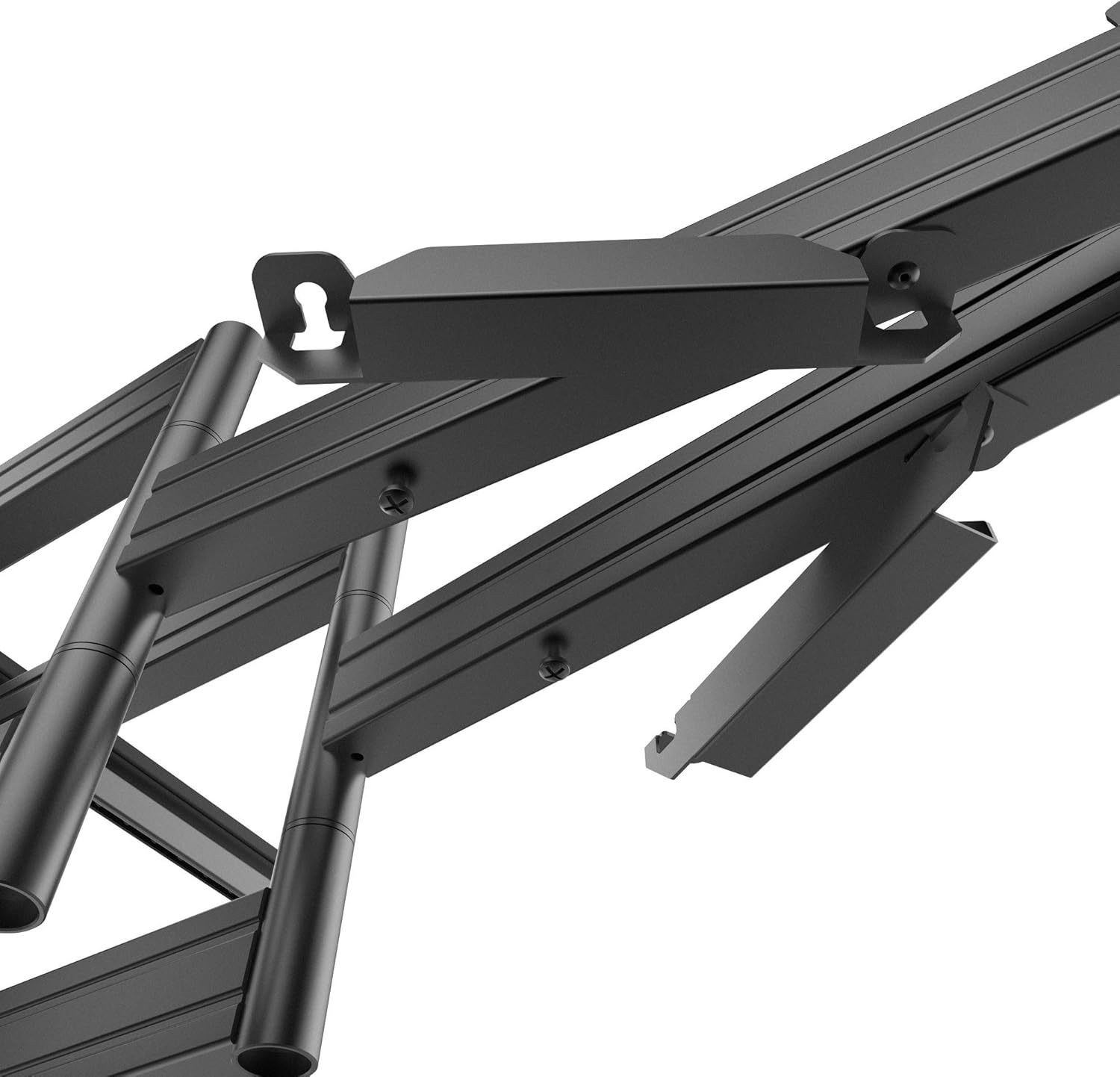
Detallado view of the toolless tilt mechanism on the Kanto PMX700 mount.
Gestión de cables
Utilize the integrated cable management clips and covers to route and conceal cables for a clean and organized appearance. This helps maintain a professional and tidy setup.
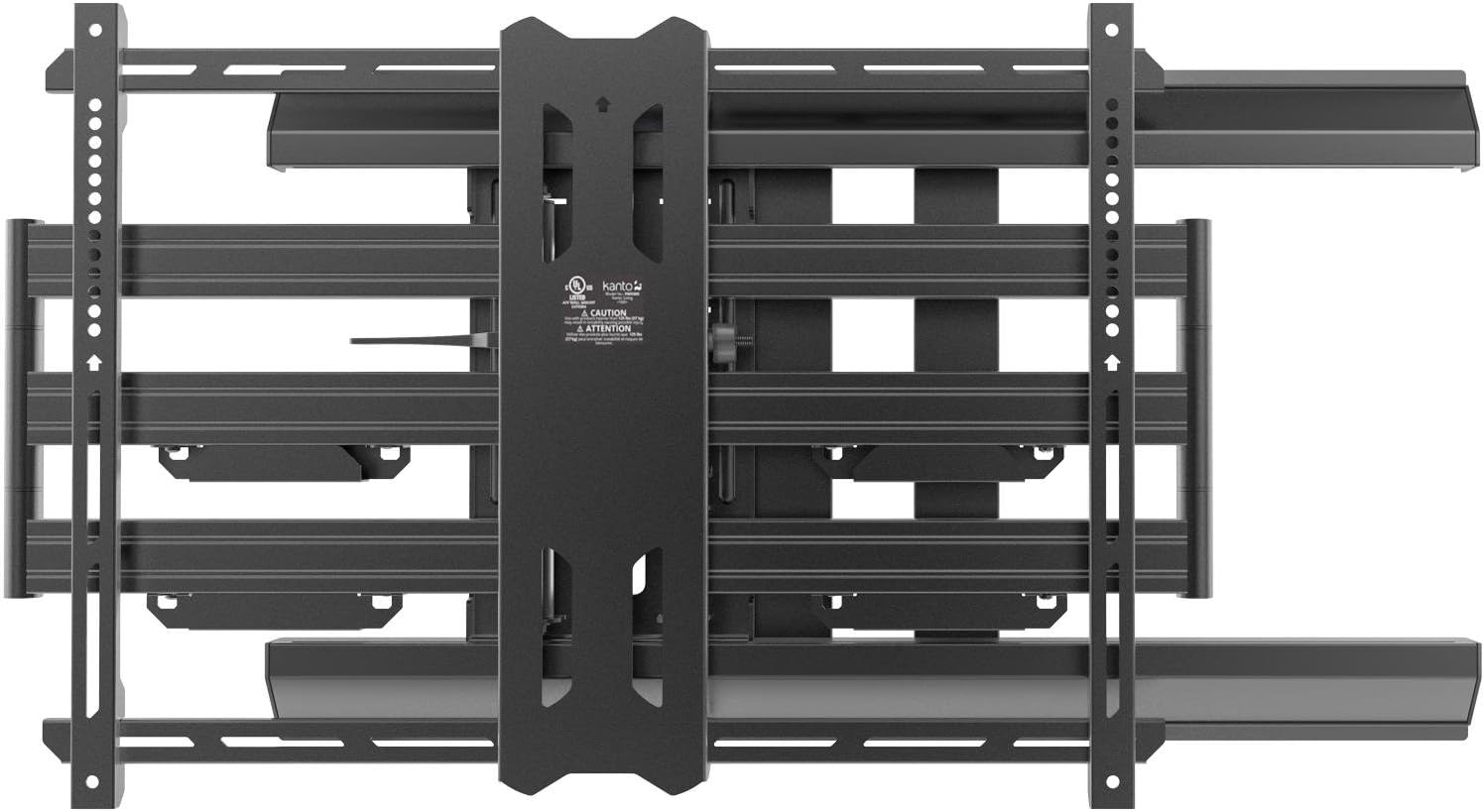
Close-up of the Kanto PMX700 mount's cable management system, showing cables neatly routed.
Mantenimiento
- Regularly check all screws and bolts to ensure they are securely tightened. Loose connections can compromise safety and stability.
- Limpie el soporte con un paño suave y seco. Evite limpiadores abrasivos o disolventes que puedan dañar el acabado.
- Periodically lubricate moving parts with a silicone-based spray to maintain smooth articulation and tilt functionality.
Solución de problemas
- If the TV is not level: Adjust the leveling screws on the TV brackets. The segmented design allows for easy post-installation leveling.
- If the mount feels loose: Re-tighten all wall plate and arm assembly bolts. Refer to the installation steps for proper torque.
- If movement is stiff: Apply a small amount of silicone-based lubricant to the articulating joints.
- If cables are pinched: Re-route cables through the integrated management system, ensuring they have enough slack for full motion.
Presupuesto
| Tipo de montaje | Montaje en pared |
| Tipo de movimiento | Articulación, inclinación |
| Material | Aluminio |
| Color | Negro |
| Dispositivos compatibles | Monitor, Televisión |
| Ángulo de inclinación máximo | 12 grados |
| Minimum-Supported Screen Size | 50 pulgadas |
| Maximum-Supported Screen Size | 100 pulgadas |
| Peso del artículo | 46.7 libras |
| Extensión máxima | 31.3 pulgadas |
| Pro retraídofile | 2.6 Inches from wall |
Garantía y soporte
The Kanto PMX700 TV Wall Mount comes with a Ten-year manufacturer's warranty, ensuring long-term reliability and peace of mind.
For technical support, warranty claims, or additional assistance, please visit the official Kanto website or contact Kanto customer service directly. Contact information can typically be found on the Kanto websitio o embalaje del producto.
Ask a question about this manual
Ask about setup, troubleshooting, compatibility, parts, safety, or missing instructions. Manuals+ will review the question and use this page’s manual context to help answer it.