
1. Producto terminadoview
El Vimtag CP1 is a wireless IP video monitoring surveillance security camera designed for remote home or business monitoring. It features high-definition video, pan/tilt functionality, two-way audio, and night vision capabilities.
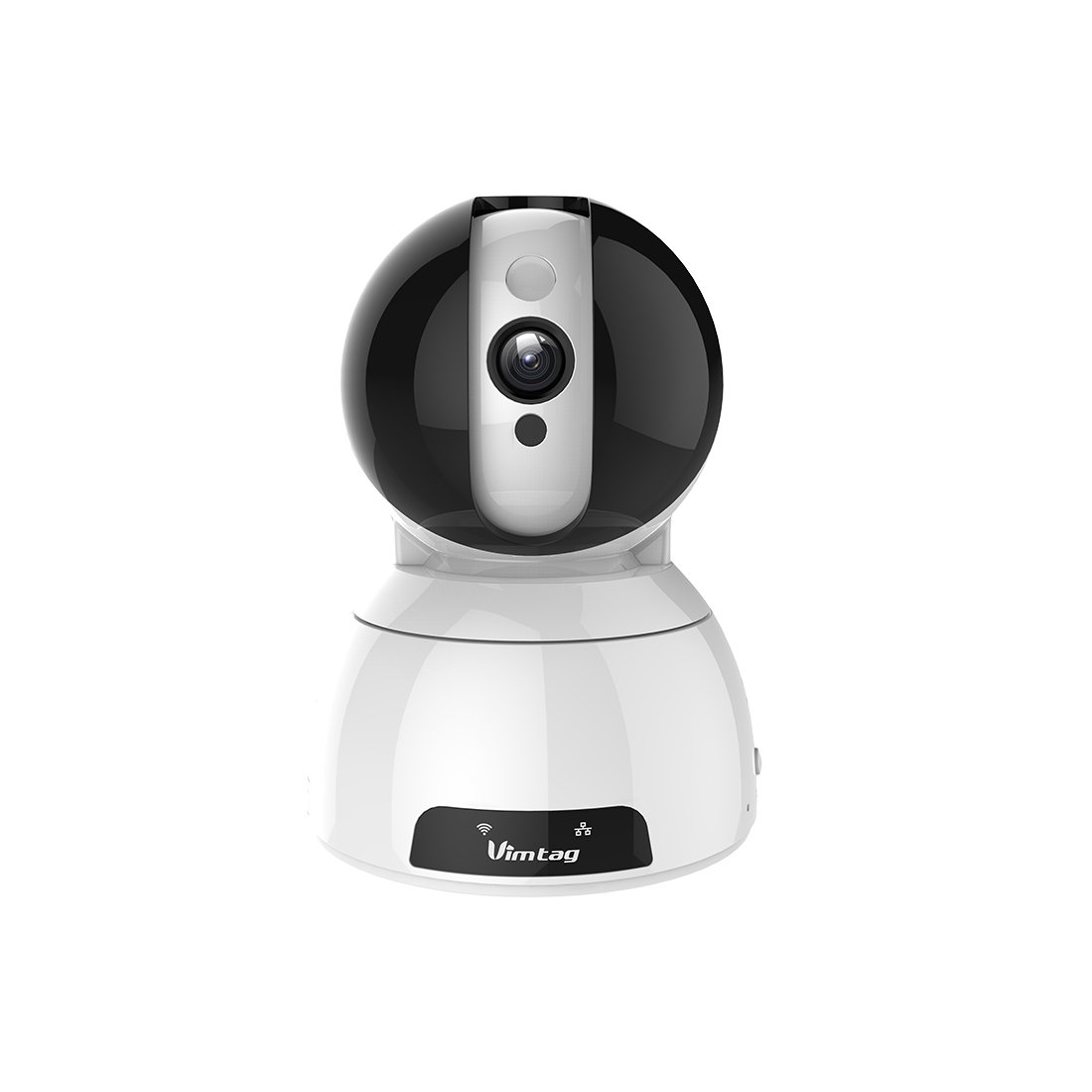
Figure 1: Vimtag CP1 Camera Front View
Características principales:
- Calidad de video HD: 1280 x 720p at 25 frames per second for clear monitoring.
- Funcionalidad panorámica e inclinación: 350-degree horizontal rotation and 100-degree vertical tilt to cover a wide area.
- Audio bidireccional: Micrófono y altavoz incorporados para comunicación.
- Visión nocturna: Infrared LEDs provide clear visibility up to 10 meters in low-light conditions.
- Detección de movimiento: Alerts with snapshots and video clips upon detecting movement.
- Almacenamiento local y en la nube: Supports Micro SD cards up to 64GB and optional cloud storage.
- Fácil configuración: Quick Wi-Fi setup via the Vimtag Aplicación móvil.

Figure 2: Vimtag CP1 Key Features
2. Guía de configuración
2.1 Contenido del paquete
Antes de comenzar, asegúrese de que todos los elementos estén presentes en el paquete:
- 1 x Vimtag Cámara CP1
- 1 x Camera Rack
- 1 x cable de alimentación
- 1 x Cable de Ethernet
- 1 x Manual de usuario (este documento)
2.2 Pasos de configuración inicial
- Encendido: Conecte el cable de alimentación a la cámara y enchúfelo a una toma de corriente. La cámara iniciará su secuencia de encendido.
- Descargar la aplicación: Download the free Vimtag aplicación desde la tienda de aplicaciones de su teléfono inteligente (iOS App Store o Google Play Store).
- Registro de cuenta: Abra Vimtag app and register for a new account or log in if you already have one.
- Agregar cámara: Follow the in-app instructions to add your new CP1 camera. This typically involves scanning a QR code on the camera or entering its device ID.
- Configuración wifi: Configure the camera to connect to your Wi-Fi network using the app. Ensure your Wi-Fi network is 2.4GHz, as 5GHz networks may not be supported.
- Montaje (opcional): Use the included camera rack to mount the camera on a wall or ceiling if desired.
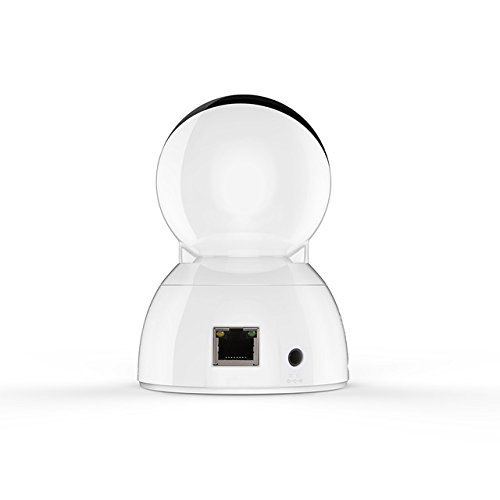
Figure 3: Vimtag CP1 Back View con puertos
For detailed visual guidance, refer to the video tutorials available on the official Vimtag apoyo websitio.
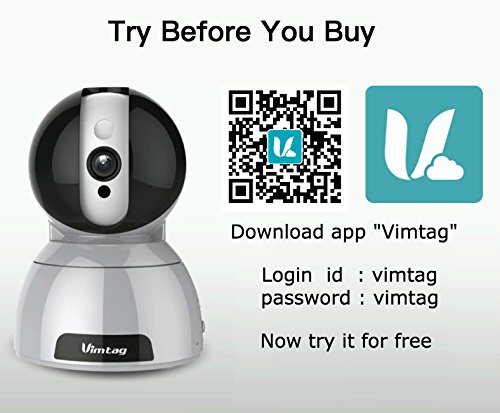
Figure 4: Vimtag App Download and Demo Information
Descarga el Vimtag aplicación de empujetag.com/download/.
3. Instrucciones de funcionamiento
3.1 en vivo View y control de panorámica/inclinación
Once the camera is connected, open the Vimtag app to access the live video feed. Use the on-screen controls to pan the camera horizontally (350 degrees) and tilt it vertically (100 degrees) to adjust the viewángulo de ing.

Figure 5: Pan and Tilt Control via App
3.2 Audio bidireccional
The camera supports two-way audio. Tap the microphone icon in the app to speak through the camera's speaker, and listen to audio from the camera's built-in microphone.
3.3 Visión nocturna
The CP1 camera automatically switches to night vision mode in low-light conditions, providing clear black and white video up to 10 meters using its infrared LEDs.
3.4 Detección de movimiento y alertas
Configure motion detection settings within the Vimtag app. You can set sensitivity levels and define specific areas for detection. When motion is detected, the camera can send instant notifications to your smartphone, including snapshots or short video clips.
3.5 Grabación y almacenamiento de vídeo
La cámara admite dos métodos de almacenamiento principales:
- Tarjeta micro SD: Insert a Micro SD card (up to 64GB, not included) into the camera's designated slot for local recording. Recordings can be accessed and managed through the app.
- Almacenamiento en la nube: Optional cloud storage services are available through Vimtag for remote backup and access to recorded footage.
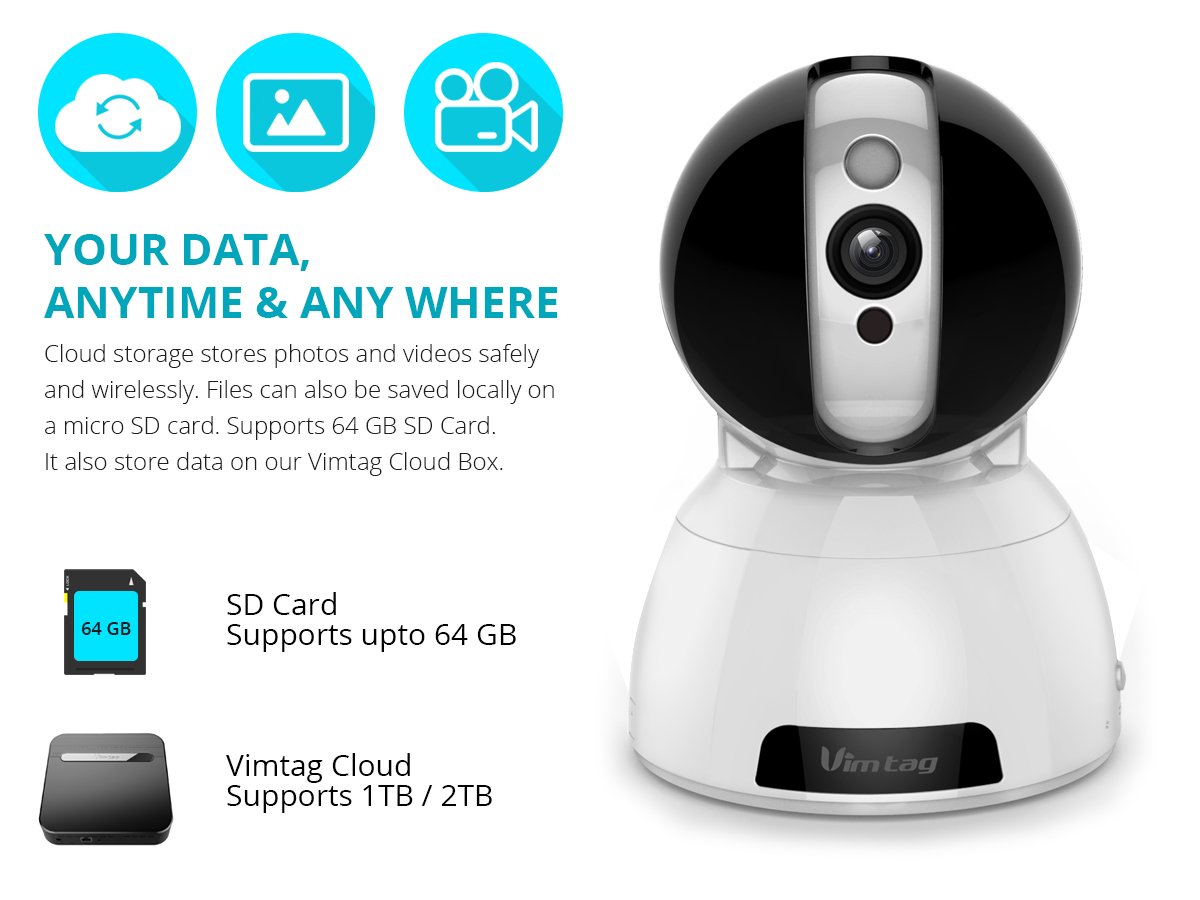
Figure 6: Storage Options for Vimtag CP1
4. Mantenimiento
4.1 Limpieza
To maintain optimal performance, periodically clean the camera's lens and exterior. Use a soft, dry cloth. Avoid abrasive cleaners or solvents that could damage the camera's finish or lens coating.
4.2 actualizaciones de firmware
Empujetag may release firmware updates to improve camera performance, add features, or enhance security. Check the Vimtag app regularly for available updates and follow the in-app instructions to install them. Ensure the camera remains powered during the update process.
4.3 Consideraciones ambientales
El Vimtag CP1 camera is designed for indoor use. Avoid exposing it to extreme temperatures, direct sunlight, high humidity, or water, as it is not water-resistant.
5. Solución de problemas
This section addresses common issues you might encounter with your Vimtag CP1 camera.
5.1 La cámara no se conecta al Wi-Fi
- Comprobar banda Wi-Fi: Asegúrese de que su red Wi-Fi sea de 2.4 GHz. Es posible que la cámara no admita redes de 5 GHz.
- Intensidad de la señal: Coloque la cámara más cerca de su enrutador Wi-Fi para garantizar una señal fuerte.
- Contraseña correcta: Double-check that you are entering the correct Wi-Fi password in the app.
- Restablecer cámara: Locate the reset button on the camera (often a small pinhole) and press it for 5-10 seconds until the camera resets. Then, attempt the setup process again.
- Configuración del enrutador: Verify that your router's firewall or security settings are not blocking the camera's connection.
5.2 Mala calidad de video
- Ancho de banda de la red: Ensure your internet connection has sufficient upload speed for streaming HD video.
- Ajustes de Aplicacion: Check the video quality settings within the Vimtag app; you might be able to adjust it.
- Limpieza de lentes: Limpie la lente de la cámara con un paño suave y seco.
5.3 Problemas de audio bidireccional
- Niveles de volumen: Check the volume settings on your smartphone and within the Vimtag aplicación.
- Obstrucción del micrófono/altavoz: Asegúrese de que el micrófono y el altavoz de la cámara no estén obstruidos.
- Latencia de conexion: High network latency can affect audio quality and introduce delays.
5.4 La detección de movimiento no funciona
- Habilitar función: Verify that motion detection is enabled in the Vimtag Configuración de la aplicación.
- Sensibilidad: Ajuste la sensibilidad de detección de movimiento. Si es demasiado baja, podría perder eventos.
- Zonas de detección: Ensure the areas you want to monitor are correctly configured as detection zones.
6. Especificaciones técnicas
| Nombre del modelo | Empujetag CP1 |
| Número de modelo del artículo | 6970167642228 |
| Resolución de captura de video | 720p (1280 x 720 píxeles) |
| Velocidad de cuadros | 25 cuadros por segundo |
| Rango de movimiento horizontal y vertical | 350 degrees (Pan) x 100 degrees (Tilt) |
| Zoom digital | 4x |
| Distancia de visión nocturna | Hasta 10 metros (infrarrojos) |
| Opciones de almacenamiento | Micro SD (hasta 64 GB), almacenamiento en la nube |
| Conectividad | Wireless (Wi-Fi IEEE802.12b/g/n) |
| Fuente de poder | AC Power Adapter (7 Watts) |
| Dimensiones (L x An x Al) | 40 x 30 x 40 milímetros |
| Peso del artículo | 450 gramos |
| Uso en interiores y exteriores | Interior |
| Nivel de resistencia al agua | No resistente al agua |
| Método de control | App (Android, iOS), Voice |
7. Garantía y soporte
7.1 Garantía del producto
El Vimtag CP1 camera comes with a Garantía de reemplazo de 6 mesesEsta garantía cubre defectos de fabricación y mal funcionamiento en condiciones normales de uso. Conserve su comprobante de compra para reclamaciones de garantía.
7.2 Atención al cliente
For any queries, technical assistance, or warranty claims, please contact Vimtag customer support. Support is available via telephone, chat, Skype, and email. Refer to the official Vimtag webSitio para obtener la información de contacto más actualizada.
Step-by-step setup instructions and video tutorials are also available on the Vimtag support portal to assist you with installation and operation.