
Introducción
Welcome to the user manual for your FOREO ISSA 2 Sonic Electric Toothbrush. This device is designed to provide an advanced oral care experience, combining enhanced sonic pulse technology with a unique brush head. Please read these instructions carefully before first use to ensure optimal performance and longevity of your device.

Imagen: Frente view of the FOREO ISSA 2 Sonic Electric Toothbrush in Mint color.

Image: A collection of FOREO ISSA toothbrushes in various colors, showcasing el diseño.
Información de seguridad
- This device is intended for oral hygiene as described in this manual. Any other use may result in damage to the device or injury.
- Consult a dentist or physician before use if you have any oral health concerns or medical conditions.
- Do not use the device if it appears damaged in any way.
- Mantener fuera del alcance de los niños. Este dispositivo no es un juguete.
- Avoid using abrasive cleaners or chemicals on the device.
¿Qué hay en la caja?
Your FOREO ISSA 2 package includes the following items:
- FOREO ISSA 2 Sonic Electric Toothbrush Unit
- Cable de carga USB

Image: The FOREO ISSA 2 Sonic Electric Toothbrush displayed in its original retail packaging.
Configuración
Carga del dispositivo
Before first use, fully charge your ISSA 2 device. A full charge provides extended usage time.
- Locate the charging port at the base of the toothbrush.
- Conecte el cable de carga USB proporcionado al dispositivo.
- Plug the other end of the USB cable into any compatible USB power source (e.g., wall adapter, computer USB port).
- La luz indicadora del dispositivo mostrará el estado de carga. Consulte los patrones de luz específicos del dispositivo para ver si la carga está completa.
The device requires 1 Lithium Polymer battery, which is included and integrated.
Estreno
After charging, your ISSA 2 is ready for use. Ensure the brush head is securely attached.
Instrucciones de funcionamiento
Cepillarse los dientes
- Dampen the brush head and apply your preferred toothpaste.
- Presione el botón de encendido para activar el dispositivo.
- Brush your teeth for two minutes using circular motions, similar to how you would use a manual toothbrush. The device may have a built-in timer to guide you.
- After brushing, press the power button again to turn off the device.
- Rinse your mouth and the ISSA 2 with water. If using fluoride toothpaste, you may choose to avoid rinsing your mouth immediately after brushing to maximize fluoride benefits, but always rinse the device.

Image: A user demonstrating the brushing motion with the FOREO ISSA 2 toothbrush.
Using the Tongue Cleaner
The ISSA 2 features an integrated tongue cleaner on the back of the brush head to help complete your oral care routine.
- After brushing your teeth, turn the device over so the back of the brush head faces your tongue.
- Gently glide the tongue cleaner across your tongue from back to front.
- Rinse your mouth and the device thoroughly after use.

Imagen: Parte posterior view of the FOREO ISSA 2, highlighting the integrated tongue cleaner.
Mantenimiento
Limpieza del dispositivo
To maintain hygiene and performance, clean your ISSA 2 after each use.
- Rinse the brush head and the entire device under running water.
- Wipe the body of the device with a clean, dry cloth.
- Avoid using alcohol, petrol, or acetone-based cleaning products, as these may damage the silicone material.
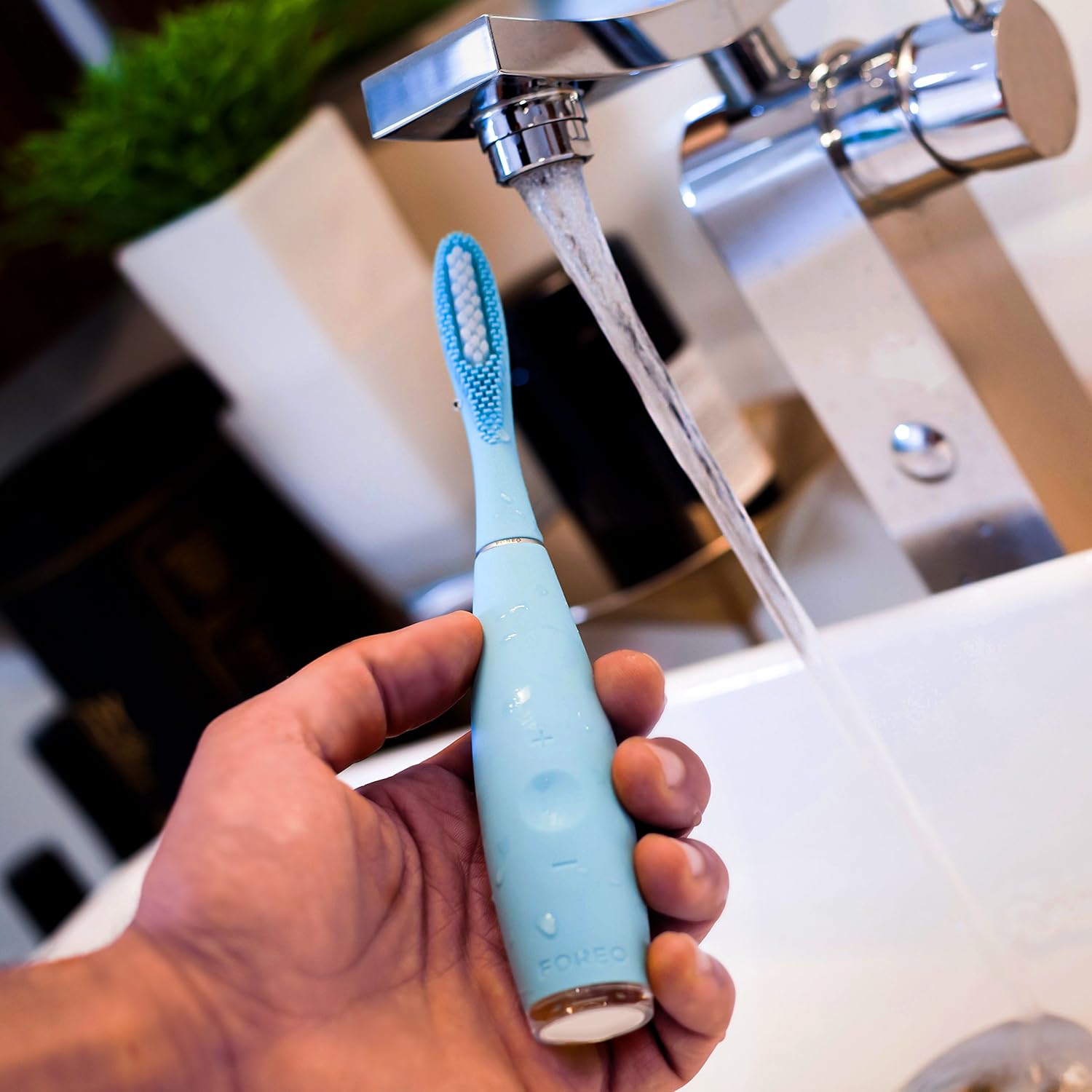
Image: The FOREO ISSA 2 toothbrush being rinsed under running water for cleaning.
Sustitución del cabezal del cepillo
For optimal oral hygiene and performance, it is recommended to replace the brush head every six months.
- Grip the handle of the ISSA 2 firmly.
- Gently pull the current brush head straight off the handle.
- Align the new brush head with the handle and push it down until it clicks securely into place.
Solución de problemas
If you encounter any issues with your FOREO ISSA 2, please refer to the following common solutions:
- El dispositivo no enciende: Ensure the device is fully charged. If the issue persists, try charging it with a different USB port or adapter.
- El dispositivo no se carga: Check that the USB cable is securely connected to both the device and the power source. Verify the power source is active.
- Rendimiento reducido: The brush head may need replacement. Ensure the brush head is securely attached.
For further assistance, please contact FOREO customer support.
Presupuesto
| Marca | FOREO |
| Número de modelo | 2028686 (3616) |
| ASIN | B077V4P76W |
| Descripción del rango de edad | Adulto |
| Fuente de poder | Funciona con pilas |
| Tipo de batería | 1 batería de polímero de litio (incluida) |
| Dimensiones del producto | 2.79 x 2.79 x 15.24 cm |
| Peso del artículo | 77.11 gramos |
| Característica especial | Integrated Tongue Scraper |
| Product Firmness | Suave |
| Color | Menta |
| Material del cabezal del cepillo | PBT Polymer and Silicone |
| Forma del cabezal del cepillo de dientes | Redondo |
| Primera fecha disponible | 30 de marzo de 2018 |
Información de garantía
FOREO products are manufactured with the highest quality standards. For detailed information regarding the warranty coverage for your ISSA 2 device, please refer to the official FOREO webSitio web o la tarjeta de garantía incluida con su compra. Conserve el comprobante de compra para reclamaciones de garantía.
Atención al cliente
If you have any questions, concerns, or require technical assistance with your FOREO ISSA 2, please contact FOREO customer support. Contact details can typically be found on the official FOREO websitio o dentro del embalaje de su producto.