
1. Introducción
The Picun H12 Bluetooth Neckband Headset offers a comfortable and high-quality audio experience for various activities, including sports and daily use. Featuring Bluetooth 4.1 connectivity, a 13mm driver for clear sound, and IPX6 water resistance, these earphones are designed for durability and convenience. The magnetic earbuds and lightweight neckband design enhance portability and ease of use.
2. ¿Qué hay en la caja?
- Picun H12 Bluetooth Neckband Headset
- Cable de carga USB
- Earbuds Covers (various sizes)
- Manual de usuario
3. Producto terminadoview
The Picun H12 headset is engineered for superior sound and extended battery life, ensuring an immersive audio experience.

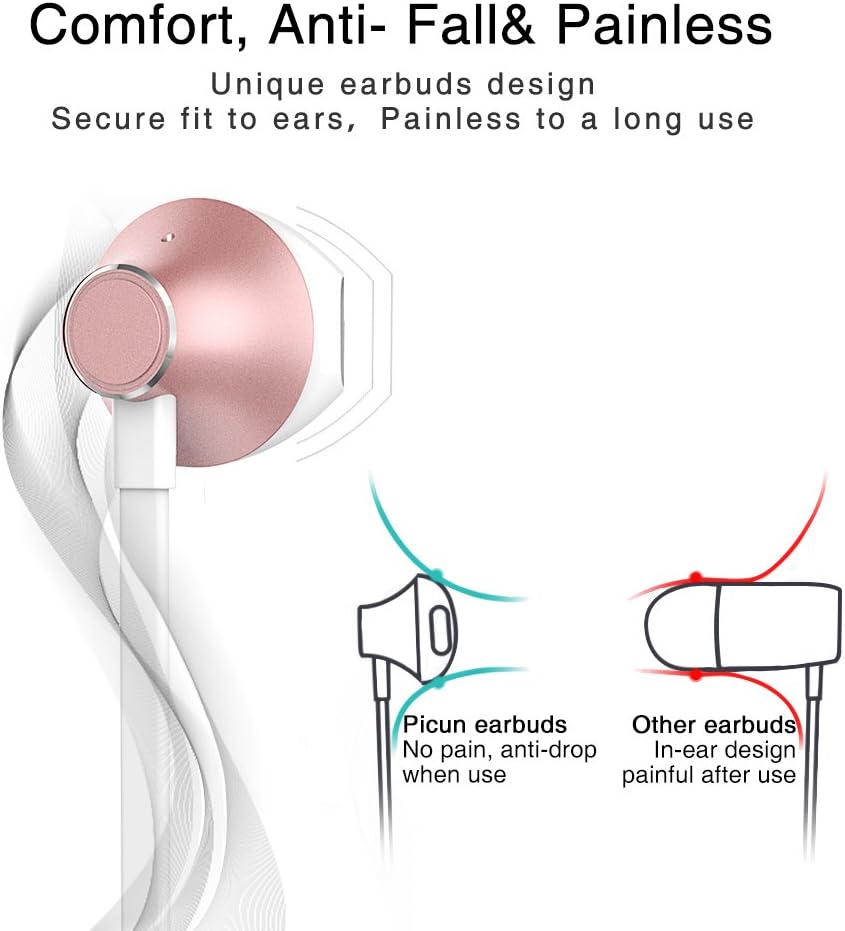
Designed for comfort, the unique earbud shape provides a secure fit without causing discomfort, even during prolonged use.
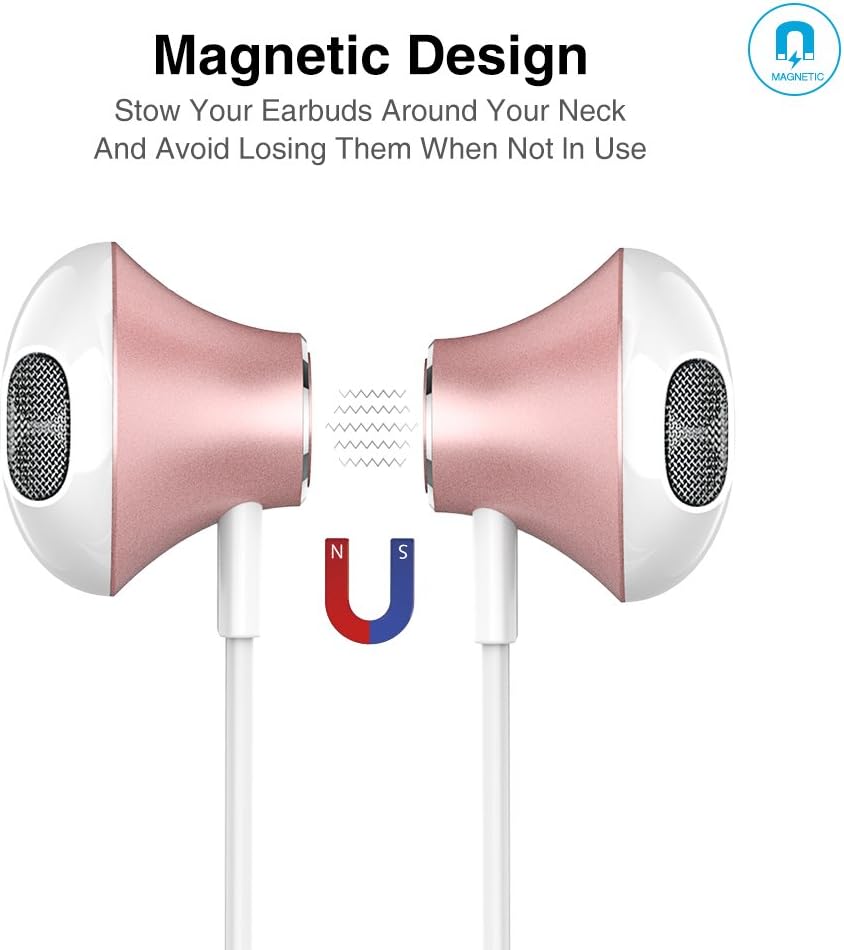
The magnetic design allows the earbuds to clip together when not in use, preventing tangles and making them easy to carry around your neck.
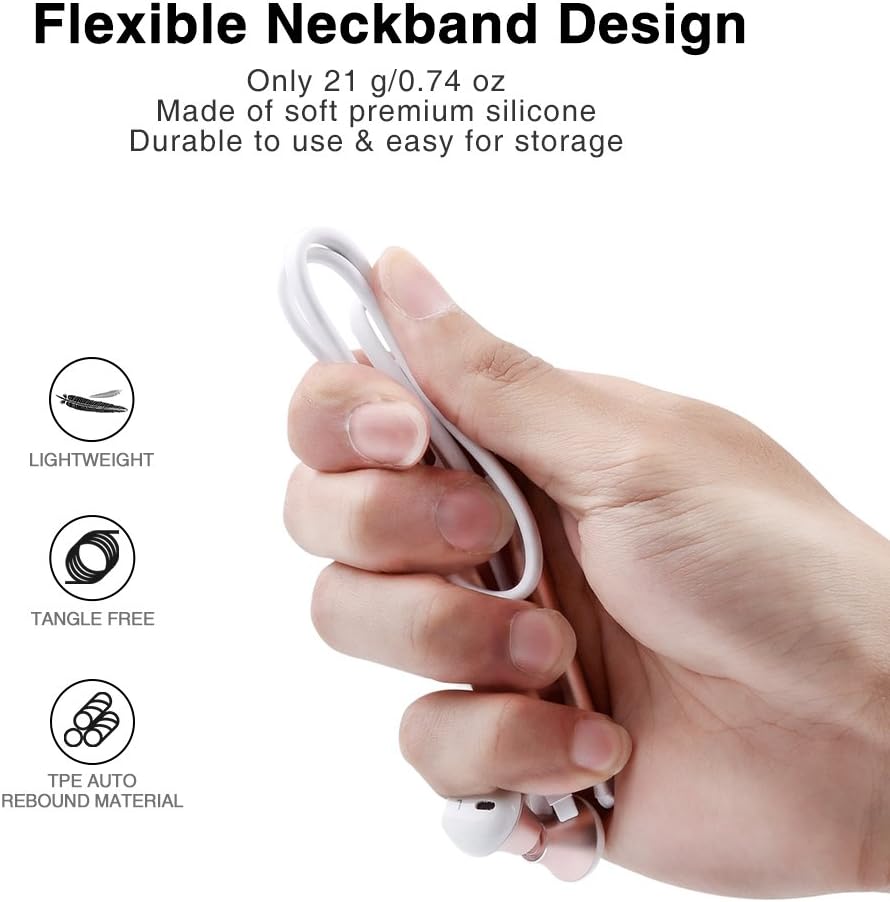
The flexible neckband is lightweight and made from TPE auto-rebound material, ensuring durability and tangle-free storage.
Control your audio and calls effortlessly with the integrated in-line remote and HD noise reduction microphone.

With an IPX6 water-resistant nano-coating, the headset is protected against sweat and rain, making it ideal for workouts.

Mira este video para tener una idea visualview of the Picun H12 Bluetooth Neckband Headset's features and design.
4. Configuración
4.1 Carga de los auriculares
- Connect the micro USB charging cable to the charging port on the headset.
- Conecte el otro extremo del cable a una fuente de alimentación USB (por ejemplo, computadora, adaptador de pared).
- The indicator light will show charging status. A full charge takes approximately 1 hour and provides up to 10 hours of playtime.
4.2 Emparejamiento Bluetooth
- Asegúrese de que los auriculares estén completamente cargados.
- Press and hold the multi-function button (usually the center button on the in-line remote) until the indicator light flashes red and blue, indicating pairing mode.
- En tu dispositivo (teléfono inteligente, tableta, etc.), activa el Bluetooth y busca dispositivos disponibles.
- Select "Picun H12" from the list of found devices.
- Once paired, the indicator light will typically turn solid blue or flash blue slowly. A voice prompt may confirm successful connection.
5. Instrucciones de funcionamiento
5.1 Encendido y apagado
- Encendido: Press and hold the multi-function button for approximately 3 seconds until the indicator light flashes blue and a voice prompt confirms power on.
- Apagado: Press and hold the multi-function button for approximately 3-5 seconds until the indicator light flashes red and a voice prompt confirms power off.
5.2 Reproducción de música
- Reproducir/Pausa: Pulse brevemente el botón multifunción.
- Siguiente canción: Long press the "V+" button.
- Canción anterior: Long press the "V-" button.
- Sube el volumen: Short press the "V+" button.
- Bajar volumen: Short press the "V-" button.
5.3 Gestión de llamadas
- Responder llamada: Presione brevemente el botón multifunción cuando entre una llamada.
- Finalizar llamada: Presione brevemente el botón multifunción durante una llamada.
- Rechazar llamada: Mantenga presionado el botón multifunción cuando entre una llamada.
- Volver a marcar el último número: Presione dos veces el botón multifunción.
6. Mantenimiento
- Limpieza: Utilice un paño suave y seco para limpiar los auriculares. No utilice limpiadores abrasivos ni disolventes.
- Resistencia al agua: The headset is IPX6 water-resistant, meaning it can resist high-pressure, heavy sprays of water. It is not designed for submersion. Dry thoroughly if exposed to water or sweat.
- Almacenamiento: When not in use, store the headset in a cool, dry place. The magnetic earbuds help prevent tangling.
- Cuidado de la batería: Para prolongar la vida útil de la batería, evite descargarla por completo con frecuencia. Cargue los auriculares regularmente, incluso si no los usa durante períodos prolongados.
7. Solución de problemas
| Asunto | Posible solución |
|---|---|
| Los auriculares no se encienden | Asegúrate de que los auriculares estén completamente cargados. Conéctalos a una fuente de alimentación y vuelve a intentarlo. |
| No se puede emparejar con el dispositivo | Ensure the headset is in pairing mode (flashing red and blue light). Turn off and on Bluetooth on your device. Move closer to the headset. |
| Sin sonido o volumen bajo | Check volume levels on both the headset and your connected device. Ensure the headset is properly paired. Try re-pairing. |
| Conexión intermitente | Ensure no obstacles are between the headset and your device. Stay within the 33-foot (10-meter) Bluetooth range. Avoid strong electromagnetic interference. |
| Problema de carga | Check the charging cable and USB power source. Try a different cable or power adapter. Ensure the charging port is clean and free of debris. |
8. Especificaciones
- Marca: Picún
- Modelo: H12
- Tecnología de conectividad: Inalámbrico (Bluetooth)
- Versión de Bluetooth: 4.1
- Alcance inalámbrico: Hasta 33 pies (10 metros)
- Recreo: Hasta 10 horas
- Tiempo de carga: Aproximadamente 1 hora
- Tamaño del controlador: 13 MM Neodymium
- Respuesta de frecuencia: 20 Hz - 20 kHz
- Resistencia al agua: IPX6 (resistente al sudor y a las salpicaduras)
- Colocación de la oreja: En el oído
- Factor de forma: Tirilla
- Tipo de control: In-line Volume Control, Multi-function button
- Micrófono: Built-in HD noise reduction mic
- Peso: 0.05 libras (aproximadamente 21 g)
- Material: Silicone, Thermoplastic Elastomer (TPE)
9. Garantía y soporte
The Picun H12 Bluetooth Neckband Headset comes with a 10-month guarantee period from the date of purchase. For any product-related inquiries, technical support, or warranty claims, please contact Picun customer service. Refer to the contact information provided on the product packaging or the official Picun webSitio para obtener ayuda.