1. Introducción
Welcome to the instruction manual for your Jabra Elite Active 65t True Wireless Sports Earbuds. This guide provides essential information on setting up, operating, maintaining, and troubleshooting your earbuds to ensure optimal performance and longevity.
2. ¿Qué hay en la caja?
- Jabra Elite Active 65t Earbuds (Left and Right)
- Estuche de carga inalámbrica
- EarGels (varios tamaños para un ajuste óptimo)
- Cable de carga USB
- Guía de inicio rápido
3. Producto terminadoview

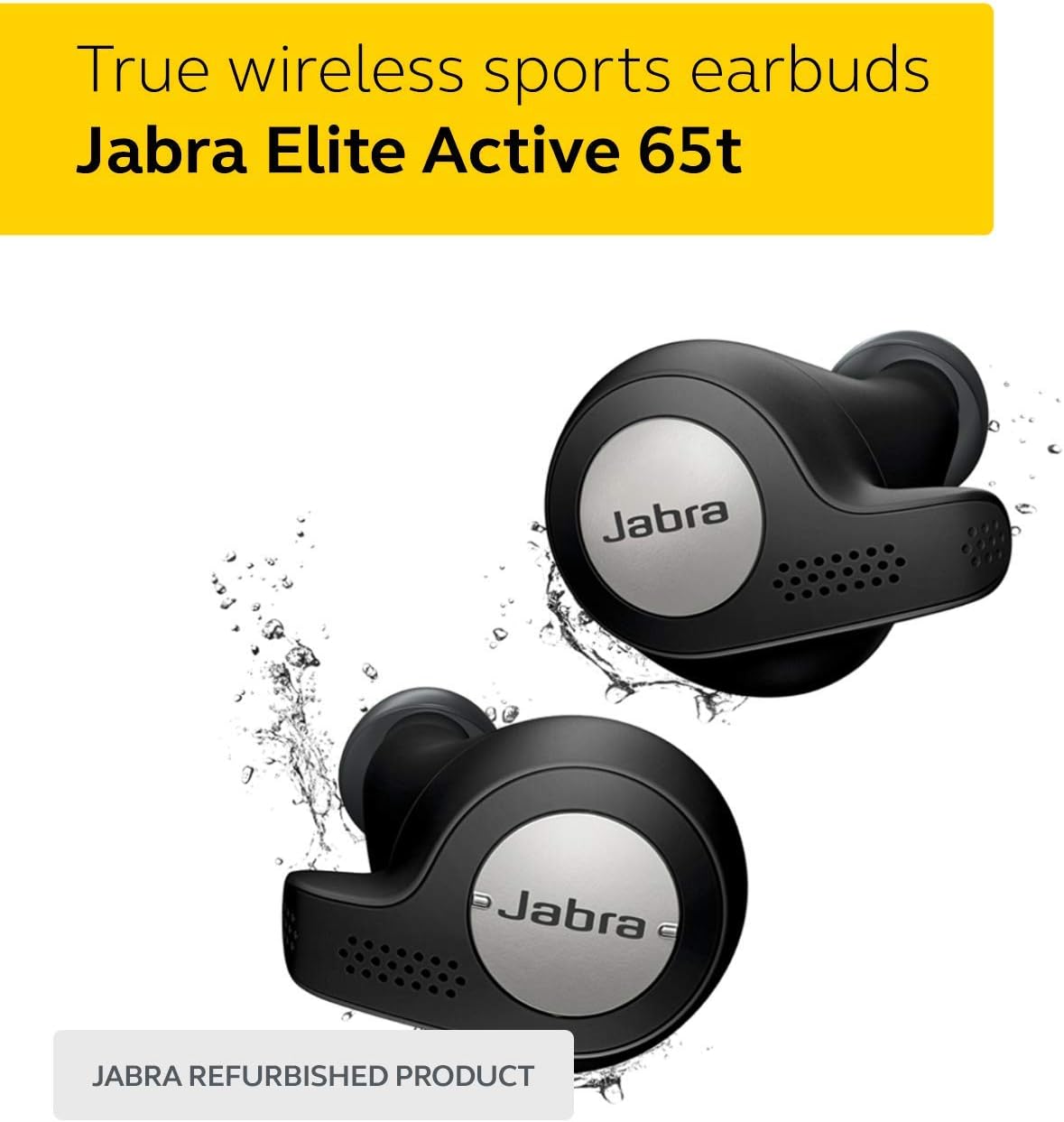
Descripción de la imagen: A pair of black Jabra Elite Active 65t true wireless earbuds, featuring a metallic silver outer button with the Jabra logo, surrounded by water splashes, indicating their water-resistant design.
Componentes de los auriculares
- Botón multifunción: Controls music playback, calls, and voice assistant.
- Micrófonos: Four built-in microphones for clear calls and voice commands.
- Contactos de carga: Para cargar los auriculares en el estuche.
- EarGel: Silicone tips for a secure and comfortable fit.
Estuche de carga
Descripción de la imagen: The black Jabra Elite Active 65t earbuds resting inside their compact black charging case, which is open to reveal the earbuds.
- Puerto de carga: Puerto USB para cargar el estuche.
- Indicador LED: Displays battery status of the case and earbuds.
- Cierre magnético: Secures earbuds within the case.
4. Configuración
4.1 Cargo inicial
Before first use, place the earbuds in the charging case and connect the case to a USB power source using the provided cable. Ensure both the earbuds and the case are fully charged. The LED indicator on the case will show charging status.

Descripción de la imagen: A man wearing Jabra Elite Active 65t earbuds during an outdoor workout, with text overlay highlighting "Up to 5 hours battery" and "15 hours with charging case."
4.2 Emparejamiento con su dispositivo
- Abre el estuche de carga y retira los auriculares. Entrarán automáticamente en modo de emparejamiento.
- En su teléfono inteligente o dispositivo con Bluetooth, vaya a la configuración de Bluetooth.
- Select "Jabra Elite Active 65t" from the list of available devices.
- Siga las instrucciones en pantalla para completar el proceso de emparejamiento.
Nota: If you experience difficulty pairing, ensure the earbuds are charged and within range of your device. You may need to manually put them into pairing mode by holding down the multi-function button on both earbuds until the LED flashes blue.
Descripción del vídeo: An official product video demonstrating the features and usage of the Jabra Elite Active 65t True Wireless Earbuds, including pairing and daily use scenarios.
4.3 Aplicación Jabra Sound+
Download the Jabra Sound+ app from your device's app store for enhanced control and customization. The app allows you to:
- Adjust the equalizer for personalized sound.
- Enable/disable HearThrough for ambient sound awareness.
- Personalizar las funciones de los botones.
- Actualice el firmware para un rendimiento óptimo.

Descripción de la imagen: A smartphone displaying the Jabra Sound+ application interface, showing options for sound modes, HearThrough control, and a customizable music equalizer with various presets.
5. Instrucciones de funcionamiento
5.1 Encendido y apagado
- Encendido: Saca los auriculares del estuche de carga. Se encenderán automáticamente.
- Apagado: Vuelve a colocar los auriculares en el estuche de carga. Se apagarán automáticamente y comenzarán a cargarse.
5.2 Controles de música
- Reproducir/Pausa: Press the multi-function button on the right earbud once.
- Pista siguiente: Presione dos veces el botón multifunción en el auricular derecho.
- Pista anterior: Triple-press the multi-function button on the right earbud.
- Sube el volumen: Press and hold the volume up button on the right earbud.
- Bajar volumen: Press and hold the volume down button on the left earbud.
5.3 Controles de llamadas
- Responder/Finalizar llamada: Press the multi-function button on the right earbud once.
- Rechazar llamada: Presione dos veces el botón multifunción en el auricular derecho.
- Silenciar/activar micrófono: During a call, press the multi-function button on the left earbud once.
5.4 Asistente de voz
The Jabra Elite Active 65t supports voice assistants like Alexa, Google Assistant, and Siri.
- Activar asistente de voz: Press and hold the multi-function button on the right earbud for 1 second.
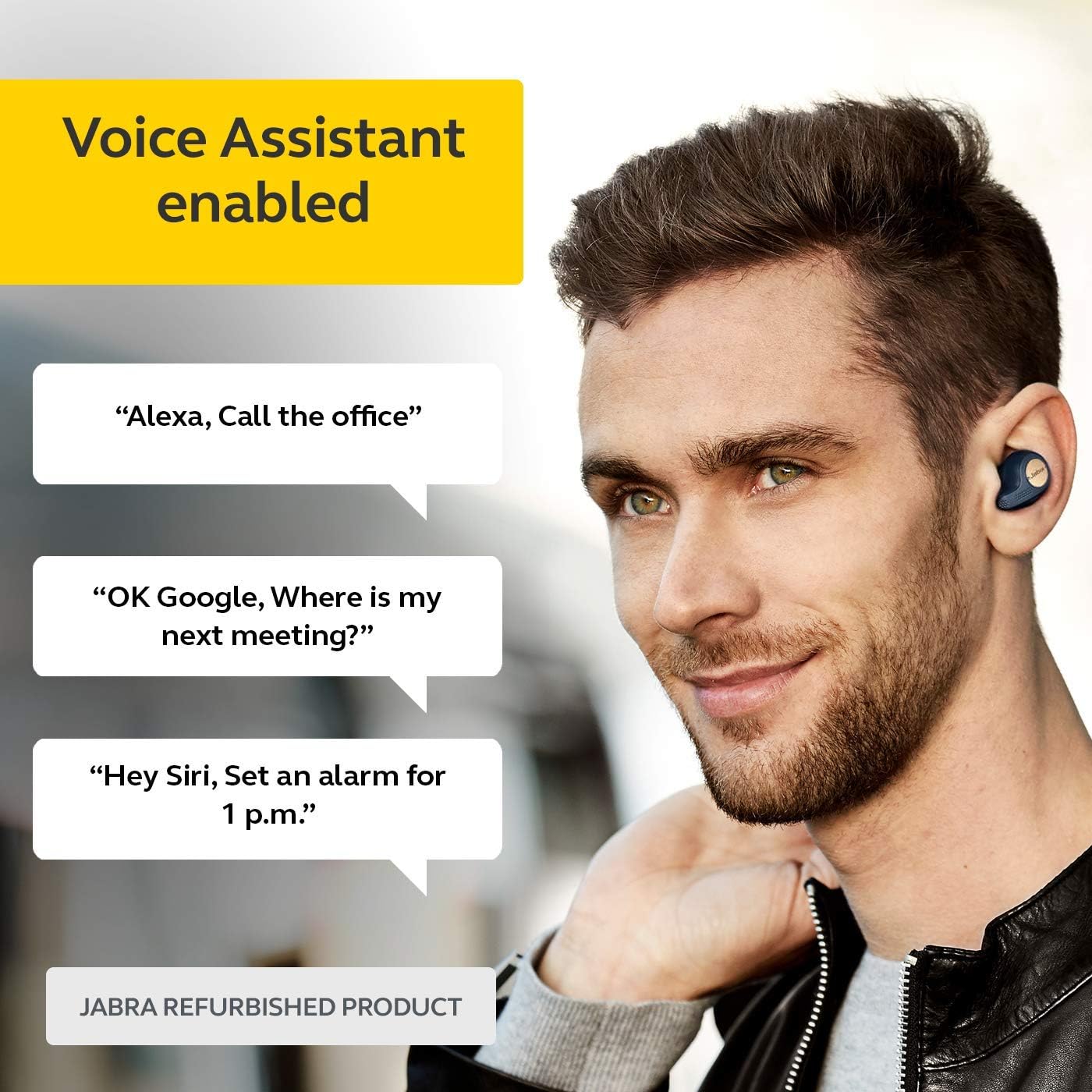
Descripción de la imagen: A man wearing Jabra Elite Active 65t earbuds, with speech bubbles illustrating common voice assistant commands such as "Alexa, Call the office," "OK Google, Where is my next meeting?", and "Hey Siri, Set an alarm for 1 p.m."
5.5 Función HearThrough
HearThrough allows you to hear your surroundings without removing your earbuds.
- Toggle HearThrough: Press the multi-function button on the left earbud once.
6. Mantenimiento
6.1 Limpieza
La limpieza regular ayuda a mantener la calidad del sonido y la higiene.
- Limpie suavemente los auriculares y el estuche de carga con un paño suave, seco y sin pelusa.
- Remove EarGels and clean them with mild soap and water, then dry thoroughly before reattaching.
- Ensure charging contacts are free of debris.
6.2 Almacenamiento
Guarde sus auriculares en su estuche de carga cuando no los utilice para protegerlos y mantenerlos cargados.
6.3 Resistencia al agua y al polvo (IP56)
The Jabra Elite Active 65t earbuds are IP56-rated, meaning they are protected against dust ingress and high-pressure water jets from any direction. This makes them suitable for sports and exercise, including use in light rain or during sweaty workouts.
Descripción de la imagen: A close-up of the Jabra Elite Active 65t earbuds with water droplets, illustrating their IP56 water and dust resistance, ideal for active use.
7. Solución de problemas
- Sin sonido/mala calidad de sonido:
- Ensure earbuds are properly seated in your ears and EarGels are the correct size.
- Verifique el volumen del dispositivo y el volumen de los auriculares.
- Verifique que la conexión Bluetooth esté activa y estable.
- Clean earbuds and charging contacts.
- Los auriculares no se cargan:
- Asegúrese de que los auriculares estén colocados correctamente en el estuche de carga.
- Check that the charging case itself is charged or connected to a power source.
- Limpie los contactos de carga de ambos auriculares y del estuche.
- Problemas de conexión:
- Desactive y active nuevamente el Bluetooth en su dispositivo.
- Intente volver a emparejar los auriculares (consulte la Sección 4.2).
- Asegúrese de que ningún otro dispositivo interfiera con la señal Bluetooth.
- Los auriculares no se encienden:
- Asegúrese de que los auriculares y el estuche de carga estén completamente cargados.
- If stored outside the case, manually power them on by holding the multi-function button.
8. Especificaciones
| Marca | Jabra |
| Nombre del modelo | Elite Active 65t |
| Tecnología de conectividad | Bluetooth 5.0, inalámbrico |
| Tecnología de comunicación inalámbrica | Bluetooth |
| Control de ruido | Active Noise Cancellation (via app settings) |
| Duración de la batería (auriculares) | Hasta 5 horas |
| Duración total de la batería (con estuche de carga) | Hasta 15 horas |
| Nivel de resistencia al agua | IP56 (resistente al agua) |
| Micrófonos | Tecnología de 4 micrófonos |
| Tipo de control | Alexa (Voice Assistant) |
| Peso del artículo | 4.2 onzas |
| Código Postal | 615822011662 |
9. Garantía y soporte
Your Jabra Elite Active 65t earbuds come with a manufacturer's warranty. For detailed warranty information, product registration, and technical support, please visit the official Jabra support websitio o consulte la tarjeta de garantía incluida en el embalaje de su producto.
For further assistance, you may also contact Jabra customer service directly.