1. Introducción y másview
The SMARTDEVIL Small Mini USB Desk Fan is designed for maximum convenience and efficient personal cooling. Weighing only 6 oz, its compact and lightweight design makes it perfect for various settings. It provides cooling air circulation in any desired direction with its 360-degree tilt rotation.
This fan is ideal for use in homes, cars, offices, desktops, camping, or travel, offering quiet operation and energy-saving features.
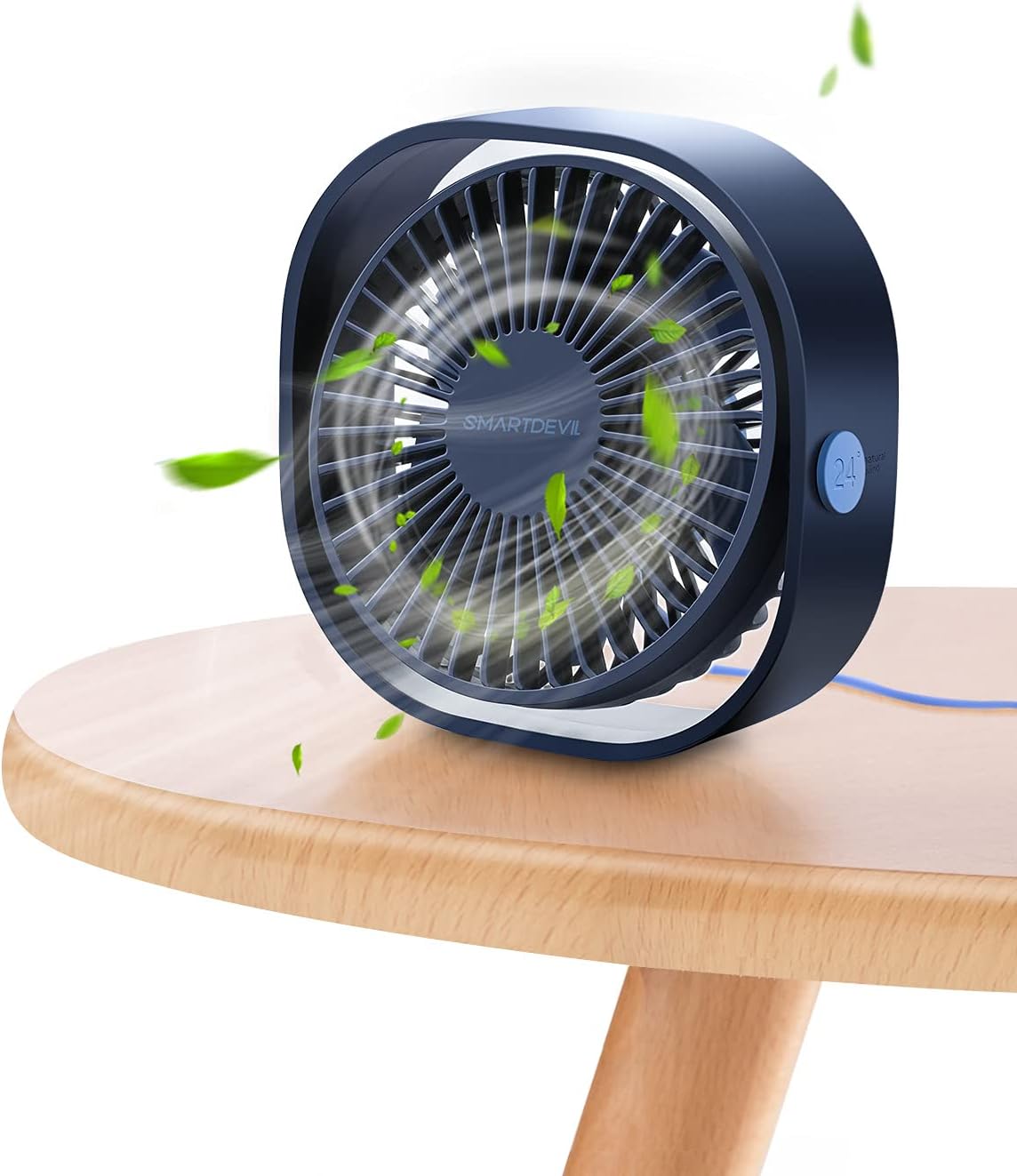
Figure 1: SMARTDEVIL Small Mini USB Desk Fan in Navy Blue.
2. Características del producto
- Compacto y portátil: Weighing only 6 ounces and with dimensions of 4.72"D x 4.72"W x 1.97"H, this fan is incredibly easy to carry and fits into small spaces.
- 360-Degree Adjustable Tilt: The fan head can be freely rotated 360 degrees, allowing you to direct airflow precisely where needed.
- Tres niveles de velocidad: Choose from low (3.9m/s), medium (4.9m/s), and high (5.9m/s) settings to customize your cooling experience.
- Operación ultra silenciosa: Designed for quiet performance, with a noise level of 25 dB, making it suitable for bedrooms, offices, and libraries without disturbance.
- Alimentado por USB: Conveniently powered via USB, compatible with various devices such as computers, power banks, USB chargers, and hubs.
- Construcción duradera: Made with PC material for enhanced durability.

Figure 2: Compact dimensions of the fan.

Figure 3: Visual representation of the three speed levels.
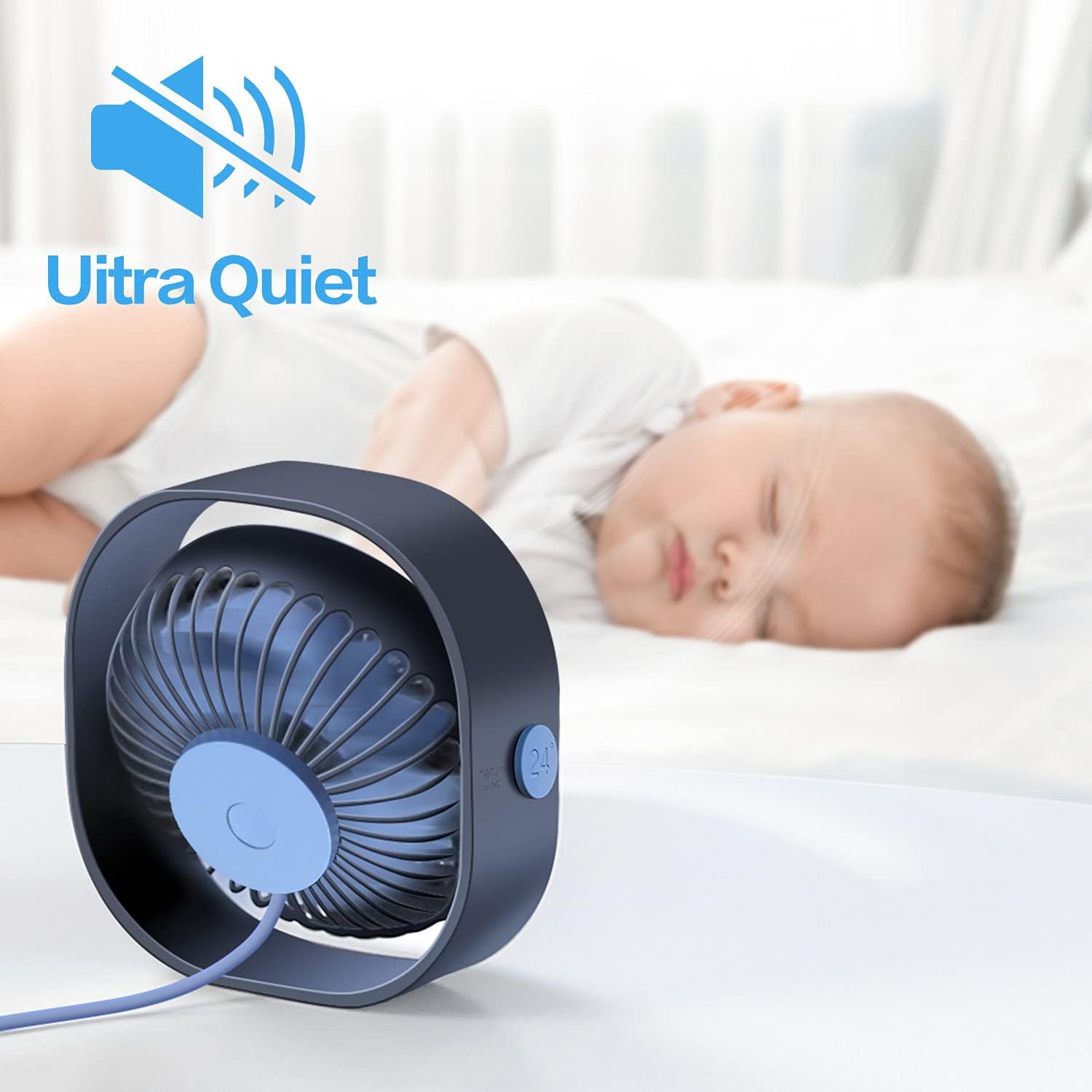
Figure 4: The fan's ultra-quiet operation, suitable for sleeping environments.
3. ¿Qué hay en la caja?
Your SMARTDEVIL Small Mini USB Desk Fan package includes:
- 1 x SMARTDEVIL Small Mini USB Desk Fan (Navy Blue)
- 1 x Integrated USB Power Cord (3.9 Feet)

Figura 5: El ventilador tal como viene empaquetado en su caja de venta.
4. Configuración
Setting up your SMARTDEVIL fan is quick and easy:
- Deshacer: Retire con cuidado el ventilador de su embalaje.
- Posición: Coloque el ventilador sobre una superficie plana y estable donde desee que haya flujo de aire.
- Conecte la electricidad: Plug the integrated USB power cord into any compatible USB power source (e.g., computer USB port, USB wall adapter, power bank, USB hub).
- Ajustar ángulo: Tilt the fan head to your preferred angle for optimal air direction. The 360-degree rotation allows for versatile positioning.
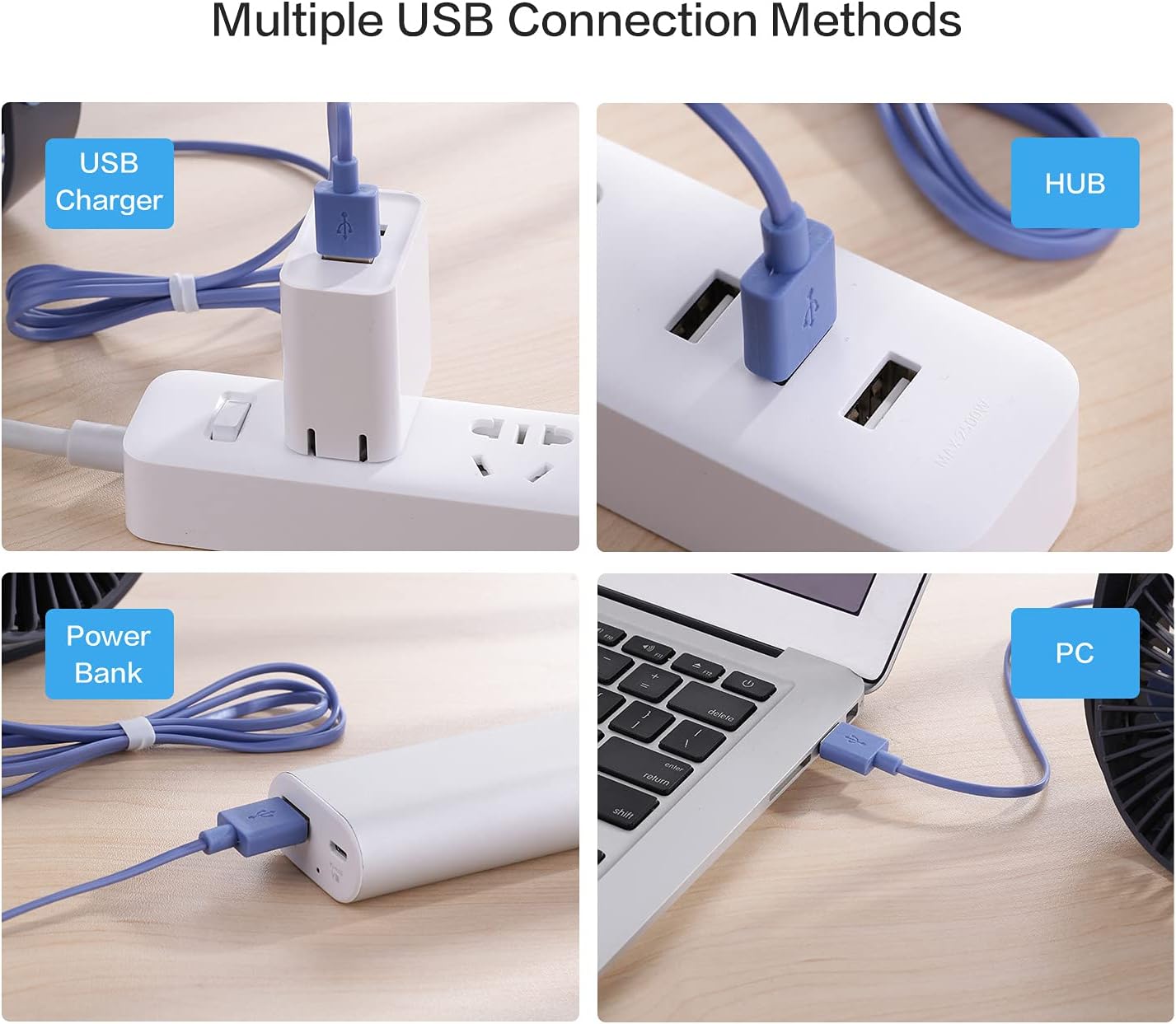
Figure 6: Multiple ways to power your SMARTDEVIL fan via USB.

Figure 7: The fan's 360-degree adjustable head allows for precise airflow direction.
Vídeo de demostración de configuración
Video 1: Digital David's unboxing and review, demostrando la configuración y las funciones.
5. Instrucciones de funcionamiento
The fan features a simple one-button control for all functions:
- Encendido (baja velocidad): Press the power button once to turn on the fan at the lowest speed setting (3.9m/s).
- Velocidad media: Press the power button a second time to switch to the medium speed setting (4.9m/s).
- Alta velocidad: Press the power button a third time to activate the highest speed setting (5.9m/s).
- Apagado: Presione el botón de encendido una cuarta vez para apagar el ventilador.

Figure 8: The single power button for controlling speeds and power.
Vídeo de demostración de la operación
Video 2: Demonstration of the fan's three speed levels.
6. Mantenimiento
To ensure optimal performance and longevity of your SMARTDEVIL fan, follow these simple maintenance guidelines:
- Limpieza: Regularly wipe the exterior of the fan with a soft, dry cloth to remove dust. For deeper cleaning, ensure the fan is unplugged and gently clean the fan blades and grille with a soft brush or compressed air. Do not use harsh chemicals or abrasive materials.
- Almacenamiento: Cuando no utilice el ventilador durante períodos prolongados, guárdelo en un lugar fresco y seco, alejado de la luz solar directa y de temperaturas extremas.
7. Solución de problemas
If you encounter any issues with your SMARTDEVIL fan, please refer to the following common problems and solutions:
| Problema | Posible causa | Solución |
|---|---|---|
| El ventilador no se enciende. | No hay suministro de energía o conexión suelta. | Asegúrese de que el cable USB esté bien conectado tanto al ventilador como a una fuente de alimentación USB que funcione. Pruebe con otro puerto USB o adaptador. |
| Flujo de aire débil o nulo. | Fan blades are obstructed or dust buildup. Incorrect speed setting. | Check for any obstructions around the fan blades. Clean the fan blades and grille. Increase the speed setting by pressing the power button. |
| Ruido inusual durante el funcionamiento. | Dust buildup or fan not on a stable surface. | Ensure the fan is placed on a flat, stable surface. Clean any dust from the fan blades. |
8. Especificaciones
| Característica | Detalle |
|---|---|
| Marca | DIABLO INTELIGENTE |
| Nombre del modelo | Small Personal USB Desk Fan |
| Número de modelo del artículo | 8541623328 |
| Color | Azul marino |
| Dimensiones del producto (LxAnxAl) | 4.72" x 4.72" x 1.97" |
| Peso del artículo | 6 onzas (169g) |
| Fuente de poder | USB (5 V-1 A) |
| Longitud del cable | 3.9 pies |
| Número de niveles de potencia | 3 |
| Nivel de ruido | 25 dB |
| Método de control | Tocar (pulsar botón) |
| Características especiales | Portable, Space-Saving, Cooling Fan, Quiet Operation, Energy Saving |
9. Garantía y soporte
SMARTDEVIL products are designed for reliability and performance. For specific warranty information and customer support, please refer to the documentation included with your purchase or visit the official SMARTDEVIL website. Typically, SMARTDEVIL offers 12 months of hassle-free support and 7*24H professional support.
For any inquiries or assistance, please contact SMARTDEVIL customer service.