
Dalí 243721
Manual de usuario del altavoz Bluetooth portátil DALI Katch G2
Modelo: 243721
Introducción
The DALI Katch G2 is a portable Bluetooth speaker designed to deliver high-quality audio in a compact form factor. It combines advanced digital technology with unique design insights to provide a rich sound experience. This manual provides essential information for setting up, operating, maintaining, and troubleshooting your DALI Katch G2 speaker.
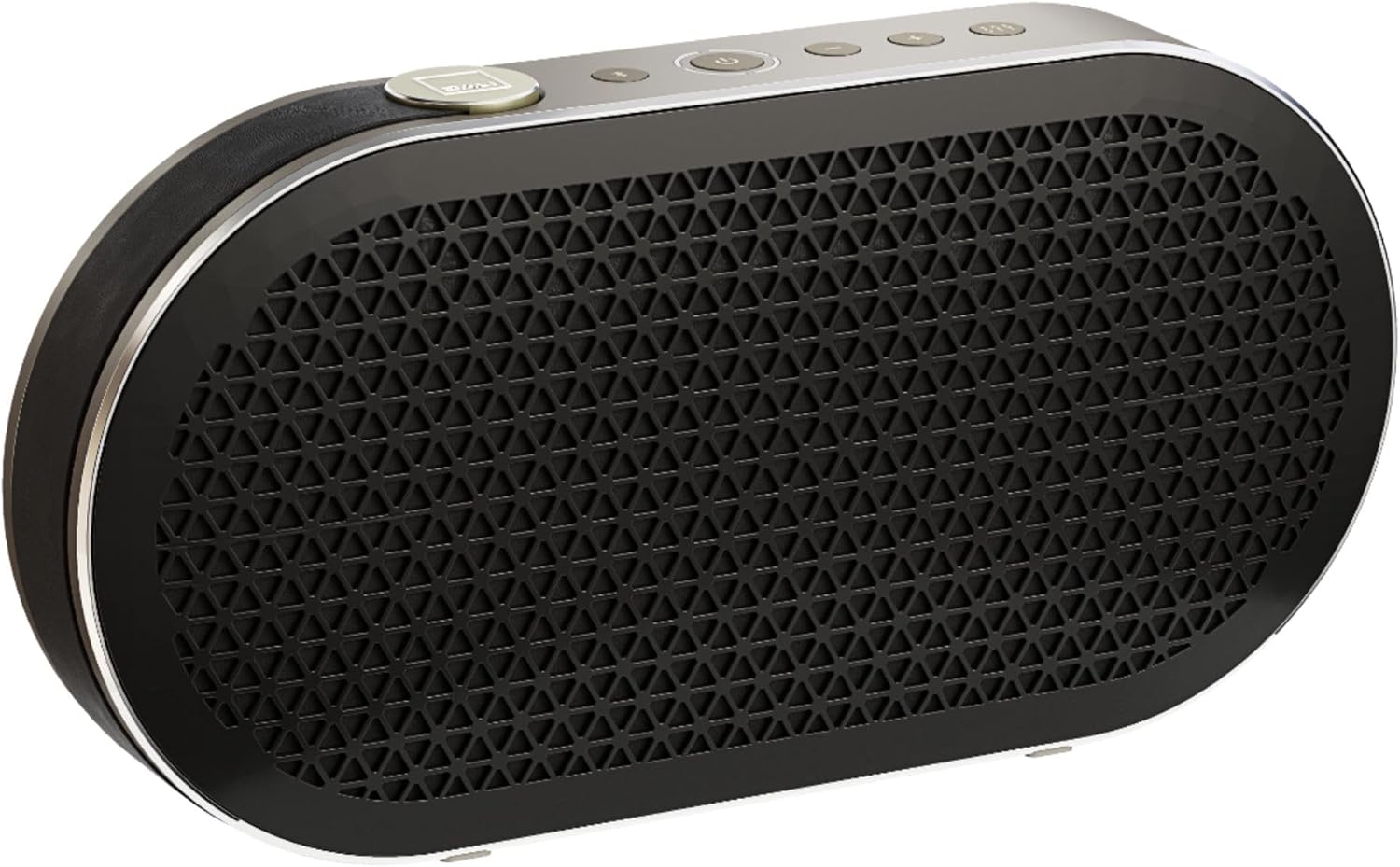
¿Qué hay en la caja?
Asegúrese de que todos los elementos estén presentes antes de continuar con la configuración:
- Altavoz Bluetooth portátil DALI Katch G2
- Adaptador de corriente (15V)
- USB Charge Output Cable
- Guía de inicio rápido / Manual del usuario
- Carrying Pouch (may vary by region)
Configuración
1. Carga del altavoz
Before first use, fully charge your DALI Katch G2. The powerful 3300mAh internal battery provides up to 30 hours of playtime on a full charge. A full charge typically takes 2 hours using the supplied 15V power adapter.
- Conecte el adaptador de corriente suministrado al puerto de carga del altavoz.
- Enchufe el adaptador en un tomacorriente de pared.
- The power level indicator lights will illuminate to show charging status.
2. Encendido / apagado
Press and hold the power button located on the top panel of the speaker to turn it on or off. The power indicator lights will confirm the status.

3. Emparejamiento Bluetooth
The DALI Katch G2 features Bluetooth 5.0 for improved connection range and stability, supporting apt-X, apt-X HD, and AAC codecs for high-quality audio streaming.
- Turn on the DALI Katch G2.
- Press the Bluetooth pairing button (usually indicated by a Bluetooth symbol) on the speaker. The indicator light will flash, indicating it's in pairing mode.
- On your device (smartphone, tablet, computer), go to Bluetooth settings and select "DALI Katch G2" from the list of available devices.
- Una vez conectado, la luz indicadora de Bluetooth en el altavoz se volverá fija.
Emparejamiento NFC: For devices with NFC, simply tap your NFC-enabled device to the NFC area on the speaker to initiate pairing.
Emparejamiento estéreo: You can connect two DALI Katch G2 speakers wirelessly to create a stereo sound system. Refer to the detailed instructions in the full user manual for specific steps on stereo pairing.

4. Conexión por cable (AUX)
For analog audio sources, the DALI Katch G2 includes a 3.5mm stereo mini-jack input.
- Conecte un extremo de un cable de audio de 3.5 mm (no incluido) al puerto de entrada AUX del altavoz.
- Conecte el otro extremo al conector de auriculares o a la salida de audio de su dispositivo.
- The speaker will automatically switch to AUX input mode when a cable is detected.

Operar el altavoz
Controles
The top panel of the DALI Katch G2 features several buttons for easy control:
- Botón de encendido: Press and hold to turn the speaker on/off. A quick press activates the power level indicator lights.
- Botón Bluetooth: Inicia el modo de emparejamiento Bluetooth.
- Subir volumen (+): Aumenta el volumen de reproducción.
- Bajar volumen (-): Disminuye el volumen de reproducción.
- Audio profesionalfile Botón: Toggles between different audio profiles (e.g., Clear, Warm) for customized sound.
Carga de dispositivos externos
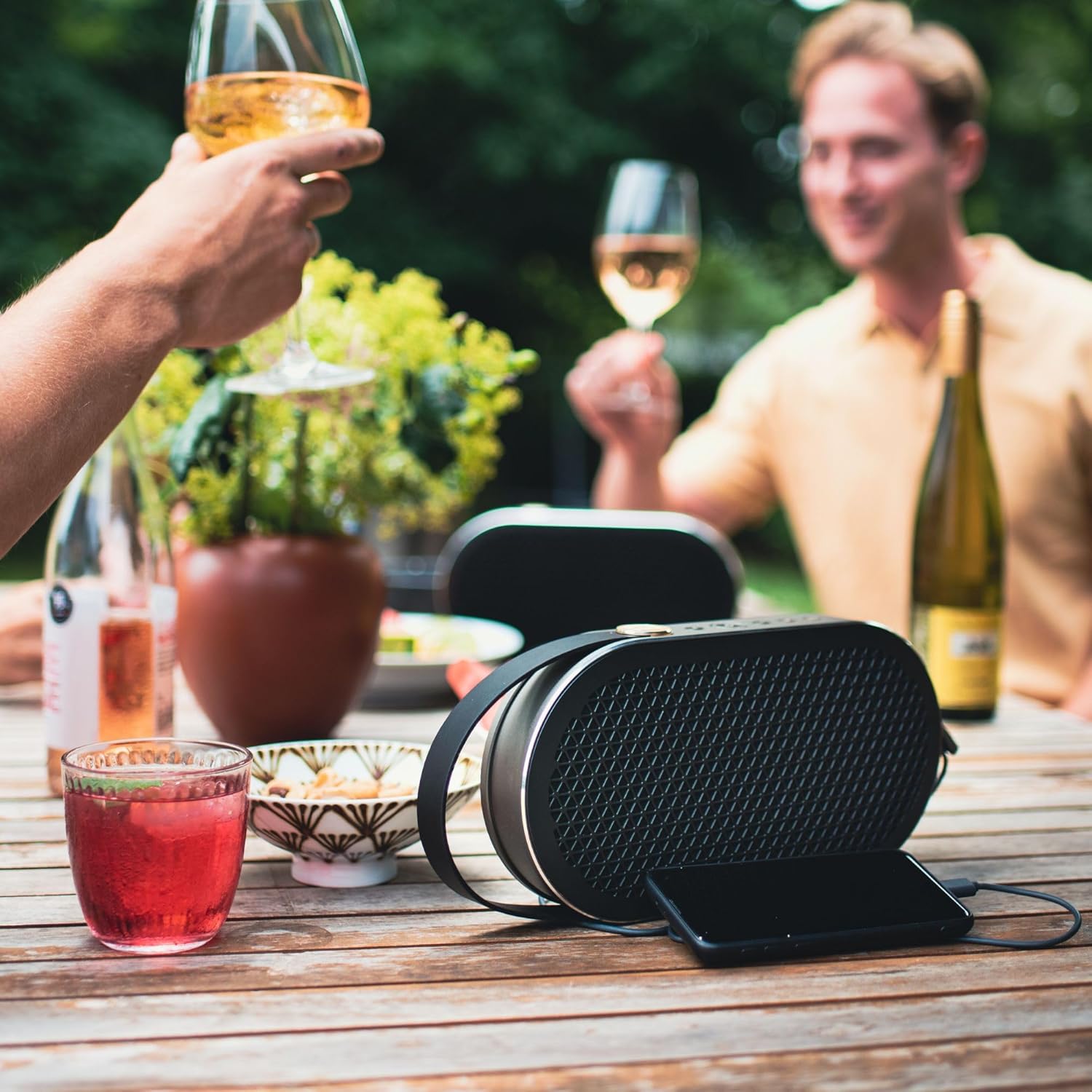
The DALI Katch G2 can also be used as a power bank to charge your mobile devices via its USB output (5V/1A).
- Conecte el cable de carga de su dispositivo al puerto de salida USB del altavoz.
- Su dispositivo comenzará a cargarse automáticamente.
Producto terminadoview Video
Mira este video oficial para obtener una breve descripciónview of the DALI Katch G2's features and design.
Video: Official DALI Katch G2 Portable Bluetooth Speaker overview (24 segundos).
Mantenimiento
Proper care will ensure the longevity of your DALI Katch G2 speaker.
- Limpieza: Utilice un paño suave y seco para limpiar la superficie del altavoz. No utilice limpiadores abrasivos ni disolventes.
- Almacenamiento: Guarde el altavoz en un lugar fresco y seco cuando no lo use. Evite temperaturas extremas.
- Cuidado de la batería: Para prolongar la vida útil de la batería, evite descargarla por completo con frecuencia. Cárguela regularmente, incluso si no la usa durante períodos prolongados.
- Resistencia al agua: Please note that the DALI Katch G2 is no Resistente al agua. Evitar la exposición al agua o a la humedad excesiva.

Solución de problemas
If you encounter issues with your DALI Katch G2, refer to the table below for common problems and solutions.
| Problema | Posible causa | Solución |
|---|---|---|
| El altavoz no se enciende | Low battery; Power adapter not connected | Charge the speaker fully; Ensure power adapter is securely connected to speaker and outlet |
| Sin sonido | Volume too low; Incorrect input source; Device not paired | Increase volume on speaker and device; Select correct input (Bluetooth/AUX); Re-pair Bluetooth device |
| El emparejamiento de Bluetooth falla | El altavoz no está en modo de emparejamiento; Dispositivo demasiado lejos; Interferencia | Ensure speaker is in pairing mode; Move device closer (within 100 meters); Turn off other Bluetooth devices |
| Mala calidad de sonido | Batería baja; Dispositivo demasiado lejos; Calidad de la fuente de audio | Charge the speaker; Move device closer; Try a different audio source or file |
Especificaciones técnicas
Key specifications for the DALI Katch G2 Portable Bluetooth Speaker:
| Característica | Especificación |
|---|---|
| Nombre del modelo | MD-Rrllapo-8160 |
| Tipo de altavoz | Altavoz de graves |
| Característica especial | Portátil |
| Usos recomendados | Para reproductores de música |
| Dispositivos compatibles | Teléfono inteligente |
| Diámetro del woofer | 3.5 pulgadas |
| Diámetro del tweeter | 21 milímetros |
| Recuento de unidades | 1.0 Conteo |
| Tipo de controlador | Funciona con pilas |
| Duración de la batería | 30 horas |
| Tiempo de carga | 2 horas |
| Peso del artículo | 1.1 kilogramos (2.42 libras) |
| es resistente al agua | FALSO |
| Tecnología de comunicación inalámbrica | Bluetooth |
| Alcance de Bluetooth | 100 metros |
| Tecnología de conectividad | Bluetooth, USB |
| Modo de salida de audio | Estéreo |
| Potencia máxima de salida del altavoz | 25 vatios |
| Dimensiones del producto | 14.21 x 10.04 x 2.91 pulgadas |
Garantía y soporte
Información de garantía
The DALI Katch G2 comes with a Limited Warranty. Please refer to the warranty card included in your product packaging or visit the official DALI websitio para conocer los términos y condiciones detallados sobre la cobertura y duración de la garantía.
Atención al cliente
For technical assistance, troubleshooting beyond this manual, or warranty claims, please contact DALI customer support through their official website or the contact information provided in your product documentation. When contacting support, please have your product model number (243721) and purchase details ready.
Ask a question about this manual
Ask about setup, troubleshooting, compatibility, parts, safety, or missing instructions. Manuals+ will review the question and use this page’s manual context to help answer it.