
1. Información importante de seguridad
Please read all instructions carefully before using the Media-Tech MT6510 Sonic Electric Toothbrush. Keep this manual for future reference.
- No sumerja la base de carga en agua ni en ningún otro líquido.
- Ensure the charging port cover on the toothbrush handle is securely closed before rinsing the handle under water. The toothbrush handle is IPX7 waterproof, meaning it can withstand immersion in water up to 1 meter for 30 minutes.
- Este aparato contiene baterías que no son reemplazables.
- Do not modify or repair the appliance yourself. Contact qualified service personnel for any repairs.
- Mantener fuera del alcance de los niños. Este producto está diseñado para uso adulto.
- If you have any medical concerns regarding oral health, consult your dentist before using this product.
2. Producto terminadoview
The Media-Tech MT6510 Sonic Electric Toothbrush utilizes advanced sonic technology to provide effective oral hygiene. It features 36,000 vibrations per minute, two cleaning modes, a 2-minute timer with 30-second interval reminders, and a long-lasting battery.

Imagen 2.1: Frente view of the Media-Tech MT6510 Sonic Electric Toothbrush, showcasing su elegante diseño y botones de control.
2.1 Componentes incluidos
- 1 x Media-Tech MT6510 Sonic Toothbrush Handle
- 2 x DuPont Toothbrush Heads
- 1 x Base de carga
- 1 x Estuche de viaje
- 1 x Manual de usuario

Image 2.2: The Media-Tech MT6510 toothbrush, two brush heads, and travel case, as included in the set.
3. Configuración
3.1 Carga inicial
Before first use, fully charge the toothbrush for approximately 12-16 hours. A full charge provides up to 60 days of use based on twice-daily brushing for 2 minutes.
- Conecte la base de carga a una toma de corriente.
- Place the toothbrush handle onto the charging base. Ensure the handle is seated correctly.
- The charging indicator light will illuminate to show that the toothbrush is charging.
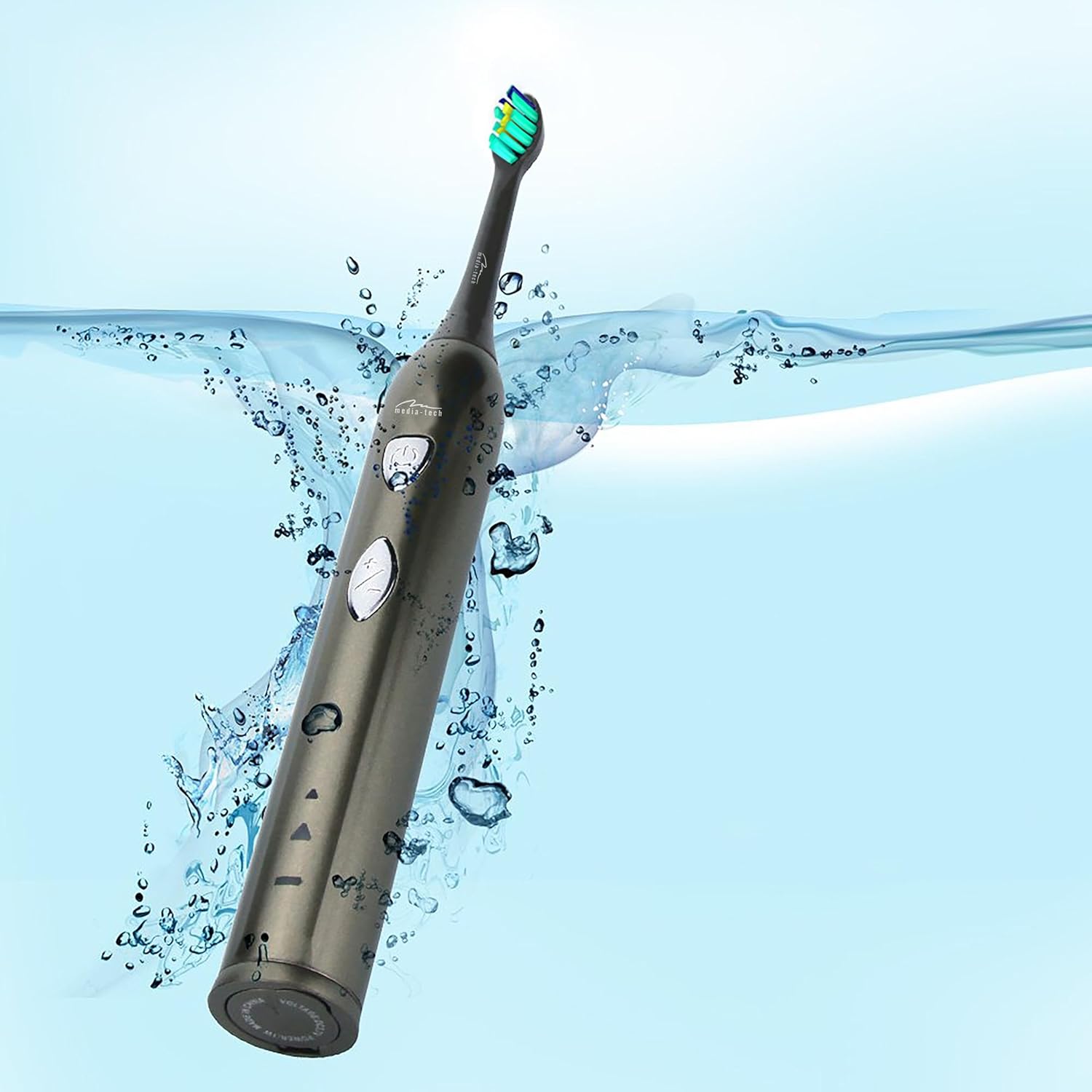
Image 3.1: The toothbrush handle placed on its charging base, indicating the charging process.
3.2 Colocación del cabezal del cepillo
Alinee el cabezal con el eje metálico del mango y presiónelo firmemente hasta que encaje en su lugar. Asegúrese de que esté bien fijado antes de usarlo.
4. Instrucciones de funcionamiento
4.1 Encendido/apagado y selección de modo

Imagen 4.1: Detallada view of the toothbrush handle, showing the power button and mode selection button.
- Encendido: Press the power button (top button) once to turn on the toothbrush. It will start in the last used mode.
- Cambiar modo: While the toothbrush is on, press the mode button (bottom button) to cycle through the available cleaning modes:
- Daily Cleaning Mode: For regular, thorough cleaning.
- Modo de blanqueamiento: For deep cleaning and stain removal.
- Apagado: Presione el botón de encendido nuevamente para apagar el cepillo de dientes.
4.2 Técnica de cepillado
- Moje el cabezal del cepillo y aplique una pequeña cantidad de pasta de dientes.
- Coloque el cabezal del cepillo contra los dientes en un ligero ángulo hacia la línea de las encías.
- Presione el botón de encendido para comenzar a cepillar.
- Gently move the brush head slowly from tooth to tooth, allowing the sonic vibrations to clean. Do not scrub.
- The toothbrush features a 2-minute timer and a 30-second interval reminder. It will briefly pause every 30 seconds to indicate when to move to a different quadrant of your mouth.
- Después de 2 minutos, el cepillo de dientes se apagará automáticamente, indicando la finalización del tiempo de cepillado recomendado.

Image 4.2: The toothbrush positioned in a glass in a bathroom setting, ready for use.
5. Mantenimiento
5.1 Limpieza del cabezal del cepillo
After each use, rinse the brush head thoroughly under running water. Do not use harsh cleaning agents.
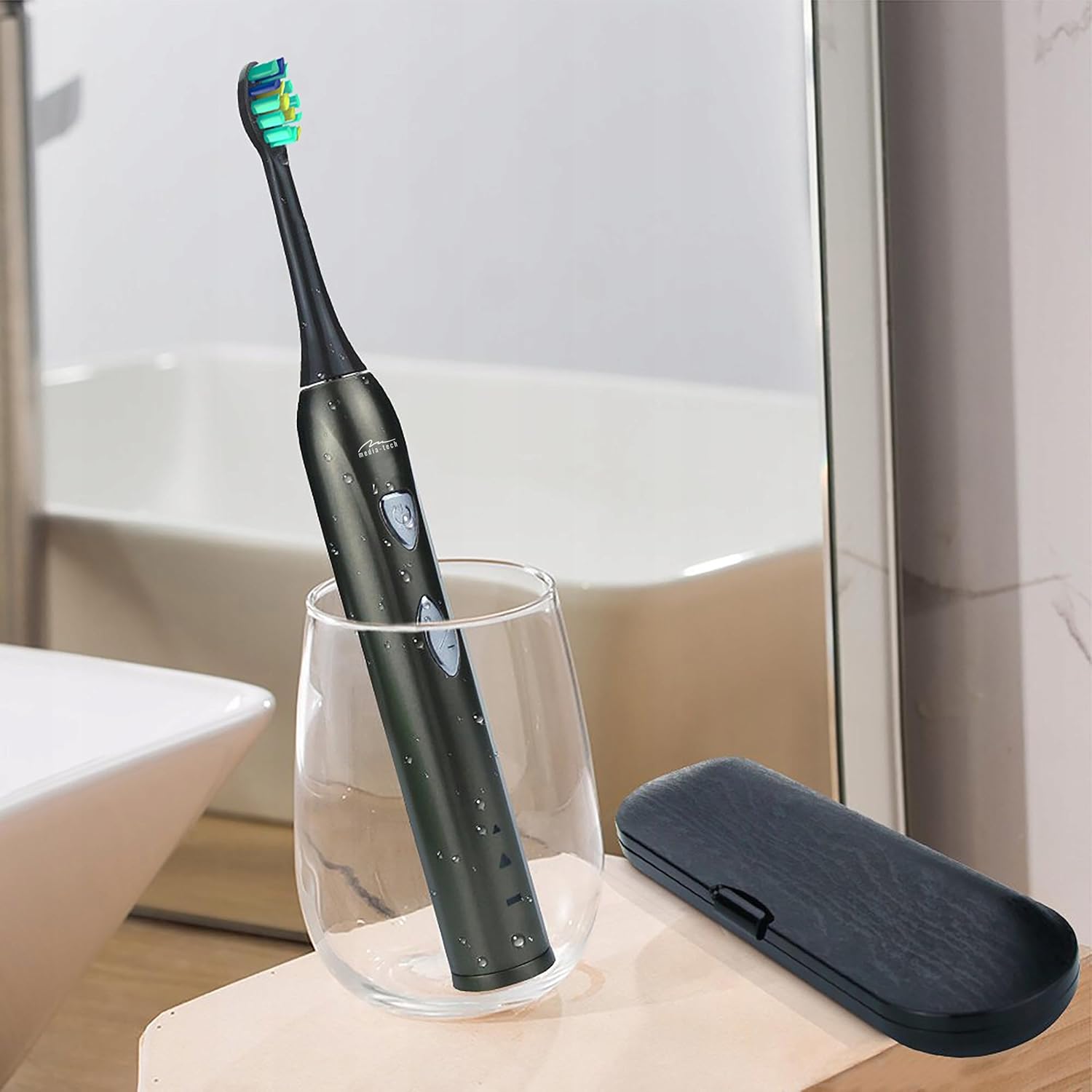
Image 5.1: A close-up of the brush head, showing bristles and water droplets after rinsing.
5.2 Limpieza del mango
Limpie el mango del cepillo de dientes con publicidad.amp cloth. Ensure the charging port cover is closed before rinsing the handle under running water. Do not use abrasive cleaners or immerse the entire handle in water for extended periods.
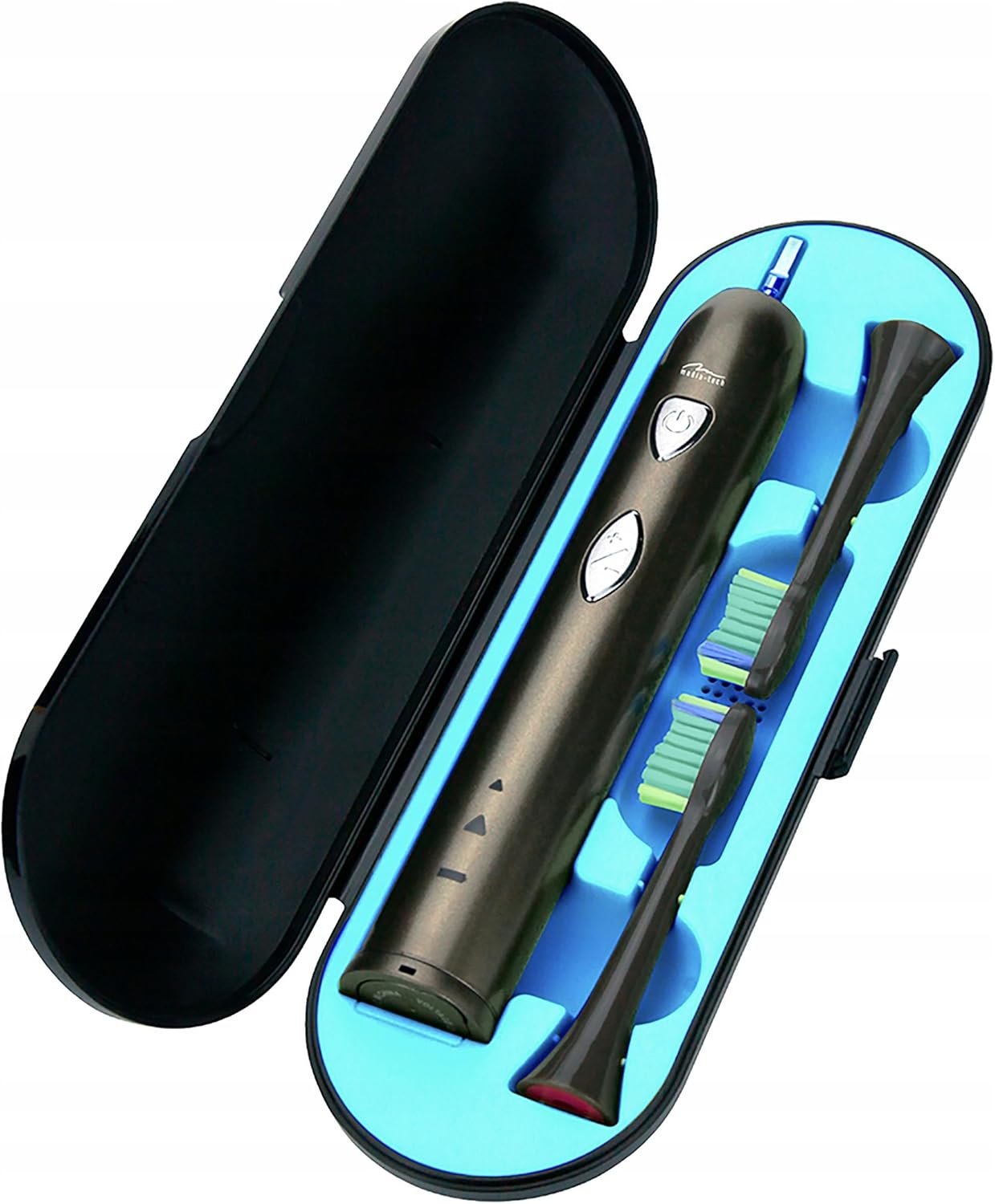
Image 5.2: The toothbrush handle partially submerged in water, demonstrating its IPX7 waterproof rating.
5.3 Reemplazo de los cabezales del cepillo
Dentists recommend replacing brush heads every 3 months, or sooner if the bristles become frayed. To replace, simply pull the old brush head off the handle and push a new one on until it clicks.
5.4 Almacenamiento
When not in use, store the toothbrush and brush heads in a clean, dry place. The included travel case is ideal for hygienic storage and transport.
6. Solución de problemas
| Problema | Posible causa | Solución |
|---|---|---|
| El cepillo de dientes no se enciende. | La batería está agotada. | Cargue el cepillo de dientes durante al menos 12 horas. |
| Weak vibration or performance. | Batería baja. | Recarga el cepillo de dientes. |
| El cabezal del cepillo se siente flojo. | El cabezal del cepillo no está bien colocado. | Retire y vuelva a colocar el cabezal del cepillo, asegurándose de que encaje en su lugar. |
| El indicador de carga no se enciende. | Charging base not connected or toothbrush not seated correctly. | Check power connection and ensure the toothbrush is properly placed on the charging base. |
7. Especificaciones
- Número de modelo: MT6510
- Marca: Tecnología de medios
- Tecnología: Sónico
- Vibraciones: 36,000 por minuto
- Modos de limpieza: 2 (Daily Cleaning, Whitening)
- Minutero: 2-minute auto-off with 30-second interval reminder
- Clasificación de impermeabilidad: IPX7
- Tipo de batería: Iones de litio
- Duración de la batería: Hasta 60 días (según el uso típico)
- Dimensiones del producto: 17.5 x 2.7 x 17.5 cm (approximate, as per packaging)
- Peso: 95 g (aproximado)
8. Garantía y soporte
For warranty information, please refer to the documentation provided at the time of purchase or contact your retailer. For technical support or further assistance, please contact Media-Tech customer service or visit their official websitio.