
Panasonic KX-TGC413UEB
Manual del usuario del teléfono inalámbrico Panasonic
Model: KX-TGC413UEB
Producto terminadoview
The Panasonic KX-TGC413UEB is an affordable cordless phone system designed for ease of use and stylish integration into your home or office. This system includes three handsets, offering flexibility and convenience for multiple users or rooms.
Las características principales incluyen:
- Cordless phone functionality for freedom of movement.
- A shared phonebook with capacity for 50 entries, accessible from all handsets.
- Extended talk time of up to 18 hours and standby time of 200 hours.
- Integrated speakerphone for hands-free conversations.
- Three included handsets for multi-room coverage.

Image: The Panasonic KX-TGC413UEB cordless phone system, showing three handsets and the main base unit.
Guía de configuración
1. Desembalaje y verificación de componentes
Antes de comenzar, asegúrese de que todos los componentes estén presentes:
- Unidad base principal
- Three Handsets
- Three Chargers (for additional handsets)
- Power Adapters for Base Unit and Chargers
- Cable de línea telefónica
- Six AAA Rechargeable Batteries (two per handset)
2. Instalación y carga de la batería
- Abra la tapa del compartimiento de la batería en la parte posterior de cada teléfono.
- Inserte las dos pilas recargables AAA, observando la polaridad correcta (+ y -).
- Cierre la tapa del compartimento de la batería.
- Place each handset on its respective charger (main base unit or auxiliary charger). Ensure the charging indicator lights up.
- Deje que los teléfonos se carguen durante al menos 7 horas antes del primer uso para garantizar la capacidad completa de la batería.
3. Conexión de la unidad base
- Conecte un extremo del cable de línea telefónica al conector LINE de la unidad base principal.
- Conecte el otro extremo del cable de la línea telefónica a la toma telefónica de pared.
- Connect the power adapter to the DC IN jack on the main base unit.
- Conecte el adaptador de corriente a una toma de corriente estándar.
- For additional chargers, connect their power adapters to electrical outlets.

Image: The stylish and compact base unit of the Panasonic cordless phone.
Instrucciones de funcionamiento
Realizar y recibir llamadas
- Hacer una llamada: Pick up a handset, dial the number, and press the HABLAR botón.
- Para recibir una llamada: Cuando suene el teléfono, presione el HABLAR button on any handset.
- Para finalizar una llamada: Presione el APAGADO botón o vuelva a colocar el teléfono en el cargador.
Uso del altavoz
The speakerphone function allows for hands-free communication, useful for multitasking or group conversations.
- Durante una llamada, presione el Altavoz button (often indicated by a speaker icon).
- To switch back to handset mode, press the Altavoz botón de nuevo.
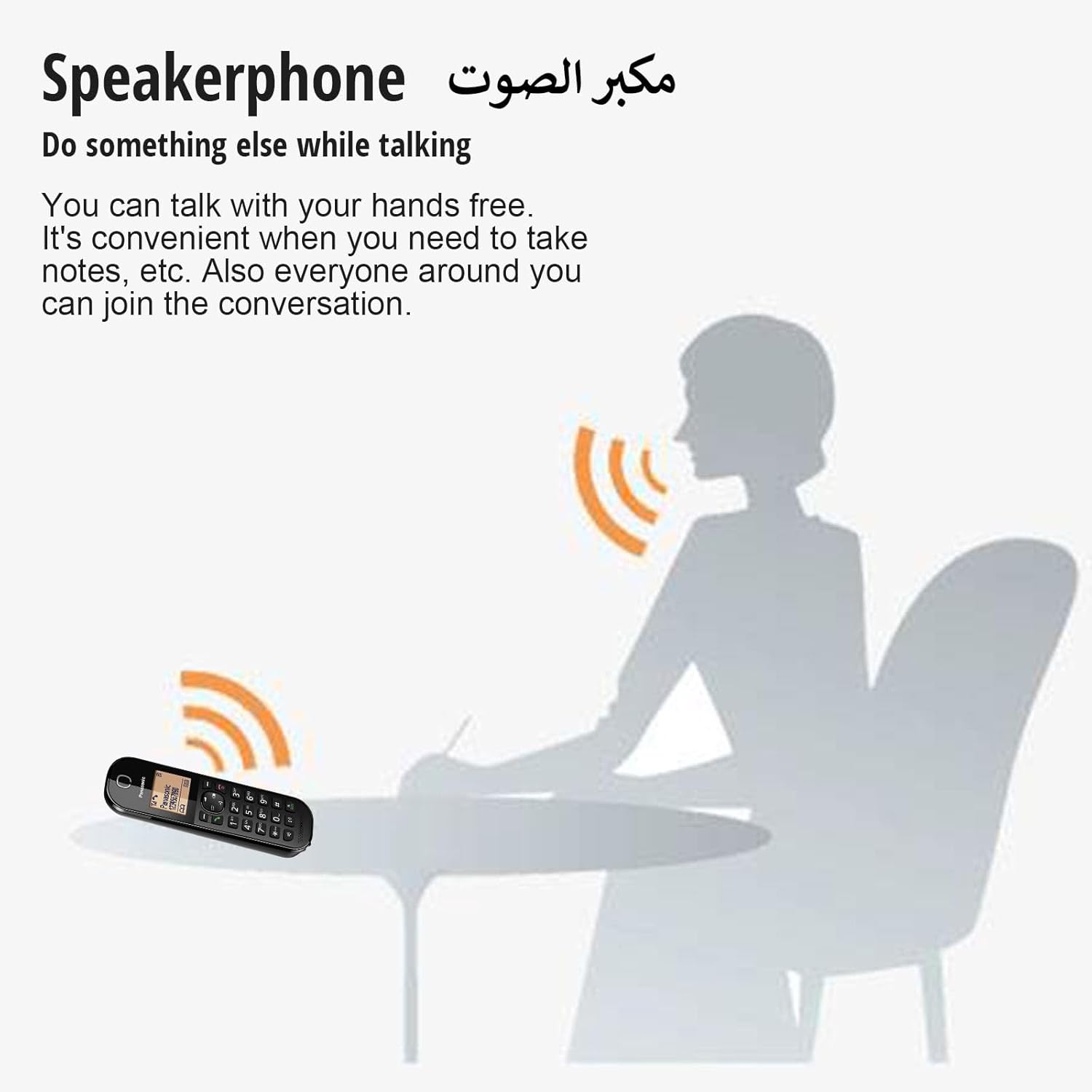
Image: An illustration demonstrating the convenience of the speakerphone feature, allowing users to talk hands-free.
Shared Phonebook
The system features a shared phonebook, allowing all registered handsets to access the same contact list of up to 50 entries.
- Agregar una entrada: Navigate to the phonebook menu on any handset, select "Add New Entry," and follow the on-screen prompts to enter the name and number.
- Marcar desde la agenda telefónica: Presione el DIRECTORIO TELEFÓNICO button, scroll to the desired entry, and press HABLAR.
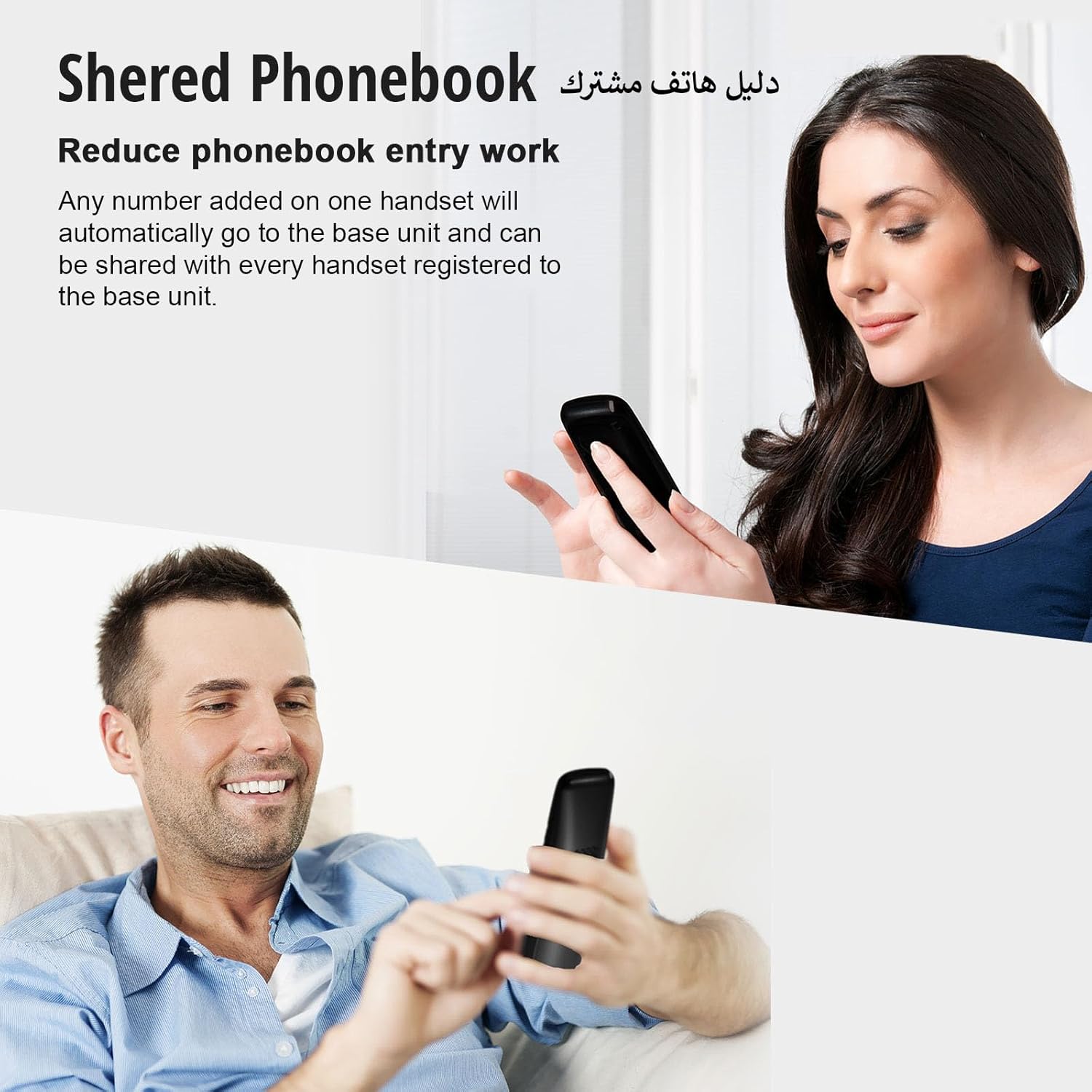
Image: Two individuals using handsets, demonstrating how the shared phonebook simplifies contact management across multiple devices.
Bloqueo de llamadas molestas
This feature helps reduce unwanted calls, such as those from telemarketers. It requires a subscription to Caller ID service from your provider.
- Bloquear un número: During or after a call, access the call block menu, and add the unwanted number to the block list. You can block specific numbers or number ranges (2 to 8 digits).
- Note: Calls with "no number provided" may not be blockable depending on your service provider.

Image: An illustration showing how the nuisance call block feature can prevent unwanted calls from reaching your phone.
One-Touch Eco Mode
Activate Eco Mode to reduce power consumption and signal output when the handset is close to the base unit.
- Presione el ECO button on the handset to activate or deactivate this mode. An "ECO" indicator will appear on the display when active.

Image: A close-up of the Panasonic cordless phone handset, highlighting the "R ECO" button for activating the one-touch Eco Mode.
Power Back-Up Operation
En caso de un corte de energíatage, the handset can temporarily draw power from the base unit's charged batteries to allow for limited phone use.
- Place a charged handset on the base unit during a power failure to enable temporary speakerphone operation.
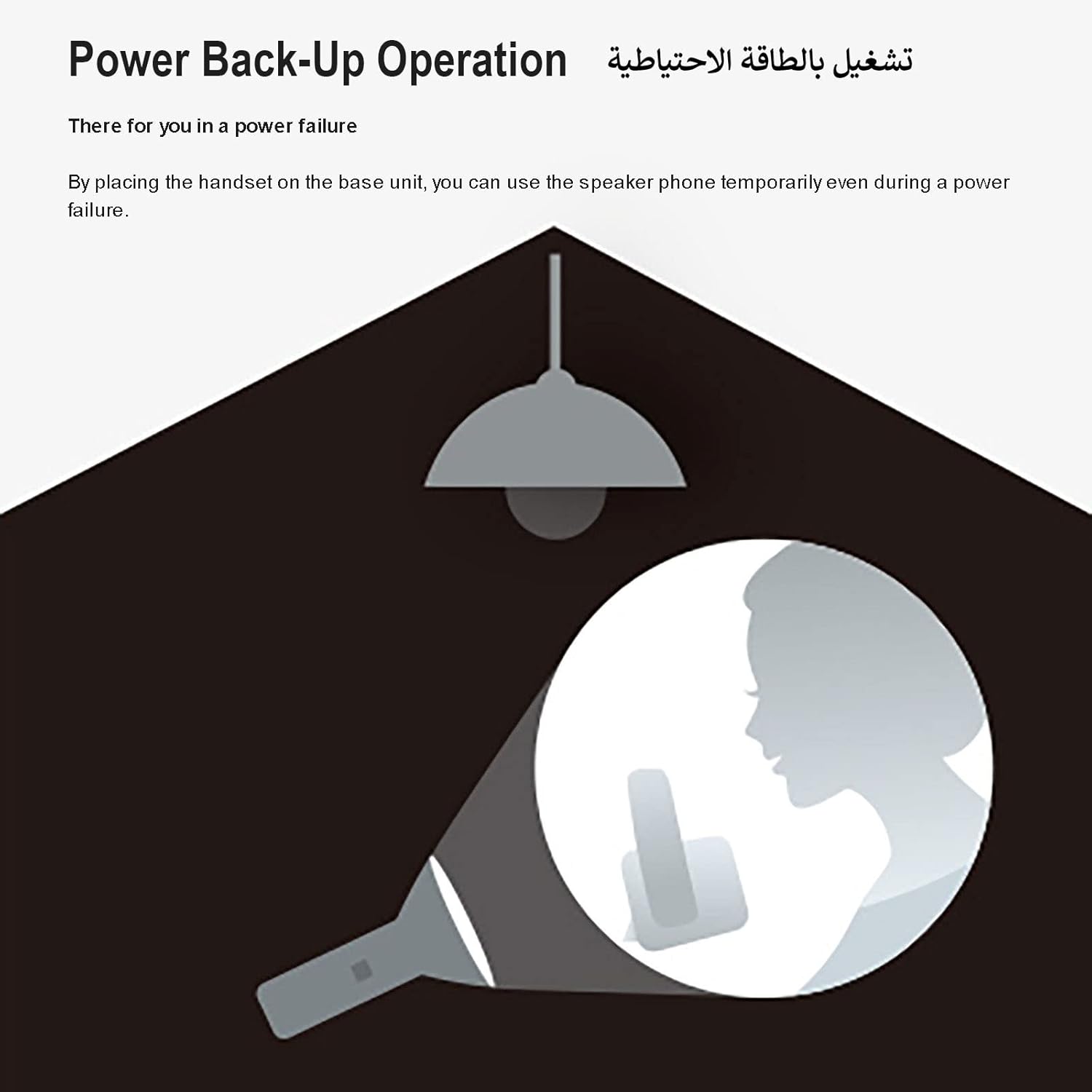
Image: An illustration depicting the power back-up operation, where the phone can still be used during a power outage by placing the handset on the base unit.
Mantenimiento
- Limpieza: Wipe the phone and base unit with a soft, dry cloth. Do not use abrasive cleaners or solvents.
- Cuidado de la batería: Use only the specified rechargeable AAA batteries. If the phone will not be used for an extended period, remove the batteries from the handsets.
- Colocación: Avoid placing the phone in direct sunlight, near heat sources, or in areas with high humidity. Keep it away from other electrical appliances to prevent interference.
Solución de problemas
| Problema | Solución |
|---|---|
| No hay tono de marcado. |
|
| El teléfono no se carga. |
|
| Mala calidad de sonido o estática. |
|
| No se pueden realizar ni recibir llamadas durante un corte de energíatage. |
|
Presupuesto
| Característica | Detalle |
|---|---|
| Marca | Panasonic |
| Número de modelo | KX-TGC413UEB |
| Tipo de teléfono | Sin cable |
| Color | Negro |
| Número de teléfonos | 3 |
| Fuente de poder | Funciona con pilas |
| Pilas necesarias | 6 AAA (incluidas) |
| Tiempo de conversación | Hasta 18 horas |
| Tiempo de espera | Hasta 200 horas |
| Capacidad de la agenda telefónica | 50 entries (Shared) |
| Tipo de sistema de contestación | Digital |
| Dimensiones del artículo (LxWxH) | 11 x 11 x 11 cm |
| Peso del artículo | 1.2 kilogramos |
| Material | Componentes electrónicos |
Garantía y soporte
Para obtener información sobre la garantía y soporte técnico, consulte la tarjeta de garantía incluida con su producto o visite el sitio web oficial de Panasonic. webSitio web de su región. Conserve el recibo de compra como comprobante para reclamaciones de garantía.
También puedes visitar el Tienda de la marca Panasonic en Amazon para obtener información adicional sobre el producto y recursos de soporte.
Ask a question about this manual
Ask about setup, troubleshooting, compatibility, parts, safety, or missing instructions. Manuals+ will review the question and use this page’s manual context to help answer it.