
1. Introducción
This manual provides comprehensive instructions for the Microsoft Surface Laptop 3, Model VGY-00001. Designed for productivity and portability, this device features a 13.5-inch touchscreen, Intel Core i5 processor, 8GB RAM, and a 128GB Solid State Drive. Please read this manual thoroughly to ensure proper setup, operation, and maintenance of your device.
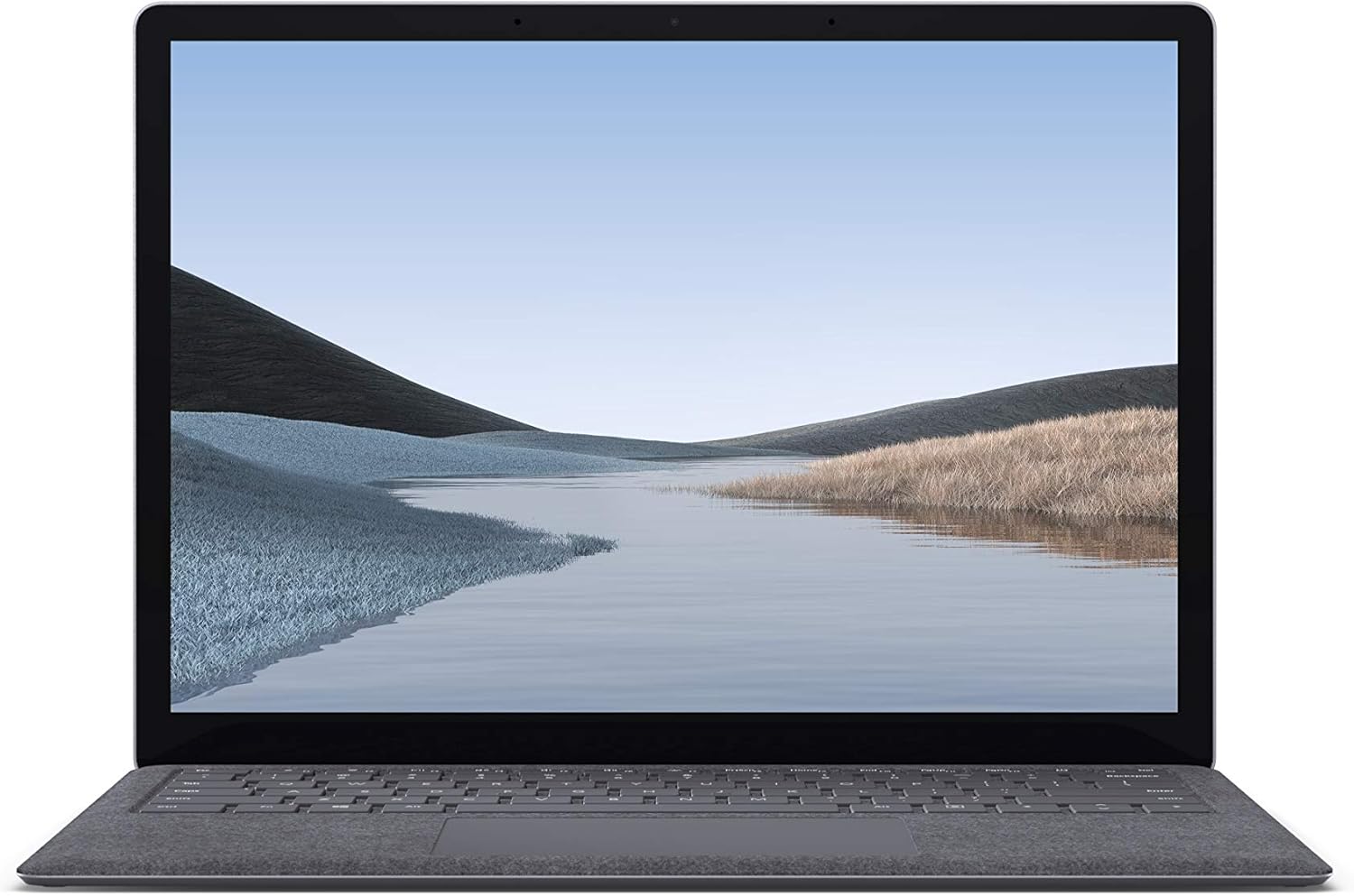
Imagen 1.1: Frente view of the Microsoft Surface Laptop 3 with its display active.
The Surface Laptop 3 offers a clean, elegant design, weighing approximately 2.79 pounds, making it easy to carry. It features improved speed and performance with its 10th Gen Intel Core processors, offering up to two times faster performance than previous models. Connectivity options include USB-C and USB-A ports for connecting to displays, docking stations, and accessories. The device provides up to 11.5 hours of battery life and supports fast charging, reaching up to 80% in about one hour.
2. ¿Qué hay en la caja?
Upon unboxing your Microsoft Surface Laptop 3, verify that all the following items are present:
- Microsoft Surface Laptop 3 (Model VGY-00001)
- Guía de inicio rápido (QSG)
- Fuente de alimentación (adaptador de CA)
3. Configuración
3.1 Encendido inicial
- Conecte la electricidad: Plug the power supply into a wall outlet and connect the magnetic Surface Connect port to your laptop. The LED indicator on the connector will light up when properly connected.
- Encendido: Abra la tapa de la computadora portátil o presione el botón de encendido ubicado en el teclado.
- Configuración de Windows: Sigue las instrucciones en pantalla para completar la configuración de Windows 10 Home. Esto incluye seleccionar tu región, conectarte a una red Wi-Fi y crear una cuenta de usuario.
- Windows Hola: Configure Windows Hello for secure and fast login using facial recognition.
3.2 Conexión de periféricos
Su Surface Laptop 3 incluye varios puertos para conectar dispositivos externos:
- Puerto USB-C: For data transfer, video output, and charging compatible devices.
- Puerto USB-A: For connecting traditional USB devices like mice, keyboards, and external storage.
- Conector para auriculares de 3.5 mm: Para salida de audio a auriculares o altavoces externos.
- Puerto de conexión de superficie: For the power supply and compatible Surface docking stations.

Imagen 3.1: Lateral view illustrating the available ports on the Surface Laptop 3.
4. Funcionamiento de su Surface Laptop 3
4.1 Pantalla y pantalla táctil
The 13.5-inch PixelSense touchscreen display offers a resolution of 2256 x 1504 pixels. It supports multi-touch gestures and is compatible with the Surface Pen (sold separately) for writing and drawing directly on the screen.
4.2 Teclado y panel táctil
The full-size ergonomic keyboard features backlighting for comfortable typing in various lighting conditions. The large precision touchpad supports multi-finger gestures for navigation and control.
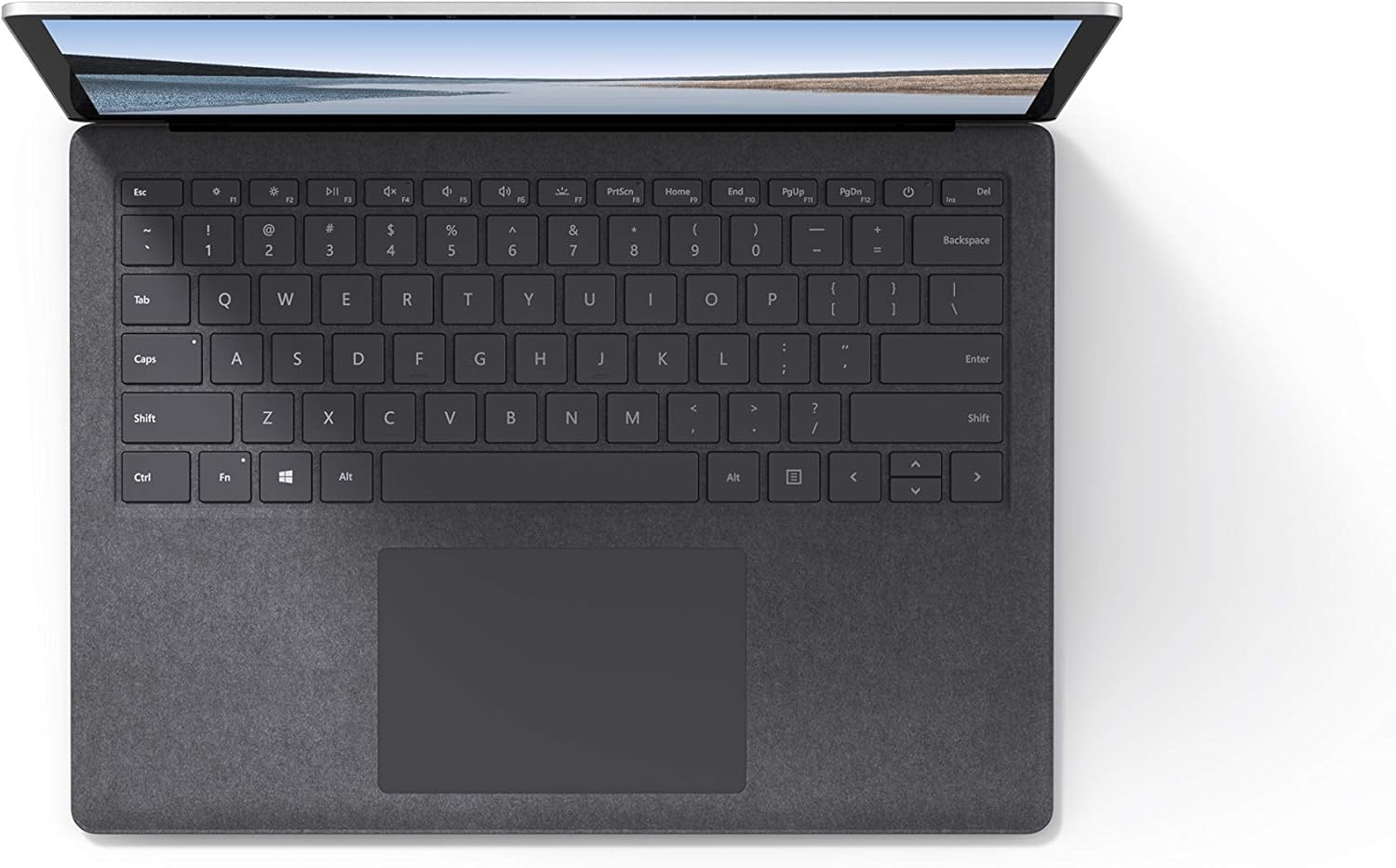
Imagen 4.1: De arriba hacia abajo view del área del teclado y del panel táctil.
4.3 Audio y cámara
The laptop is equipped with Omnisonic Speakers with Dolby Audio Premium for clear sound. Dual far-field Studio Mics enhance voice clarity for calls and recordings. A front-facing 720p HD camera supports video conferencing and Windows Hello facial authentication.
4.4 Conectividad inalámbrica
The Surface Laptop 3 supports Wi-Fi 6 (802.11ax) for fast and reliable internet access, and Bluetooth 5.0 for connecting wireless accessories.
Video 4.1: Official Microsoft video showcasing the Surface Laptop 3's features and design.
5. Mantenimiento
5.1 Limpieza del dispositivo
- Utilice un paño suave y sin pelusaampened with water or an approved screen cleaner to clean the display.
- Para el teclado y el chasis, utilice un paño suave y seco. Evite productos químicos agresivos o materiales abrasivos.
- Mantenga los puertos libres de polvo y residuos.
5.2 Actualizaciones de software
Busque e instale periódicamente las actualizaciones de Windows para garantizar un rendimiento óptimo, seguridad y acceso a las funciones más recientes. Vaya a Configuración > Actualización y seguridad > Actualización de Windows.
5.3 Cuidado de la batería
- Evite temperaturas extremas.
- For optimal battery longevity, avoid consistently discharging the battery to 0% or keeping it at 100% for extended periods.
- Utilice únicamente la fuente de alimentación proporcionada.
6. Solución de problemas
6.1 Problemas de energía
- El dispositivo no enciende: Ensure the power supply is securely connected and the outlet is functional. Try a forced shutdown by holding the power button for 30 seconds, then release and press again briefly to restart.
- La batería no se carga: Verify the Surface Connect cable is properly attached. Check for any damage to the cable or port.
6.2 Problemas de rendimiento
- Rendimiento lento: Close unnecessary applications. Check Task Manager for resource-intensive processes. Ensure Windows is up to date.
- Calentamiento excesivo: Ensure ventilation vents are not blocked. Avoid using the laptop on soft surfaces that can obstruct airflow.
6.3 Problemas de conectividad
- Wi-Fi no se conecta: Restart your router and the laptop. Check Wi-Fi settings and ensure the correct network is selected and password entered.
- El dispositivo Bluetooth no se empareja: Asegúrate de que el dispositivo Bluetooth esté en modo de emparejamiento y dentro del alcance. Revisa la configuración de Bluetooth en tu portátil.
7. Especificaciones
| Característica | Detalle |
|---|---|
| Marca | Microsoft |
| Nombre del modelo | Surface Laptop 3 |
| Número de modelo | VGY-00001 |
| Tamaño de pantalla | 13.5 pulgadas |
| Resolución | 2256 x 1504 píxeles |
| Modelo de CPU | Intel Core i5 (10th Generation) |
| Velocidad del procesador | 1.2 GHz (hasta 3.7 GHz con Turbo Boost) |
| Tamaño de la memoria RAM instalada | 8 GB LPDDR4 |
| Tamaño del disco duro | SSD de 128 GB |
| Sistema operativo | Windows 10 Home (actualización gratuita a Windows 11 cuando esté disponible) |
| Coprocesador gráfico | Intel Iris Plus |
| Tecnología de conectividad | 1 x USB-C, 1 x USB-A, 3.5 mm headphone jack, 1 x Surface Connect port |
| Tecnología inalámbrica | Wi-Fi 6 (802.11ax), Bluetooth 5.0 |
| Duración de la batería | Hasta 11.5 horas |
| Peso del artículo | 2.79 libras |
| Dimensiones (largo x ancho x grosor) | 8.8" de largo x 12.1" de ancho x 0.57" de grosor |
| Cámara | Front-facing 720p HD camera with Windows Hello face authentication |
| Audio | Omnisonic Speakers with Dolby Audio Premium, Dual far-field Studio Mics |
8. Garantía y soporte
8.1 Garantía del producto
The Microsoft Surface Laptop 3 (Model VGY-00001) comes with a Garantía limitada del fabricante de 1 añoEsta garantía cubre defectos de materiales y mano de obra en condiciones normales de uso. Para conocer los términos y condiciones específicos, consulte la documentación de garantía incluida con el producto o visite el soporte técnico oficial de Microsoft. websitio.
8.2 Atención al cliente
For technical assistance, troubleshooting, or warranty claims, please contact Microsoft Support. You can find contact information and additional resources on the official Microsoft Surface support webSitio. Mantenga a mano el comprobante de compra y el número de serie del producto al contactar con el servicio de asistencia.
Soporte en línea: Visita soporte.microsoft.com/surface Para preguntas frecuentes, controladores y descargas de software.