
1. Introducción
The SanDisk Ultra Dual Drive Luxe Type-C is a versatile 128GB flash drive designed for seamless data transfer between various devices. It features an all-metal casing and a 2-in-1 design with both a reversible USB Type-C connector and a traditional USB Type-A connector. This allows for easy content movement between USB Type-C smartphones, tablets, Mac computers, and standard USB Type-A computers. The drive offers high-performance USB 3.2 Gen 1 with read speeds of up to 400MB/s, ensuring quick file transfers. Its stylish swivel design protects the connectors when not in use, and a keyring hole provides convenient portability.
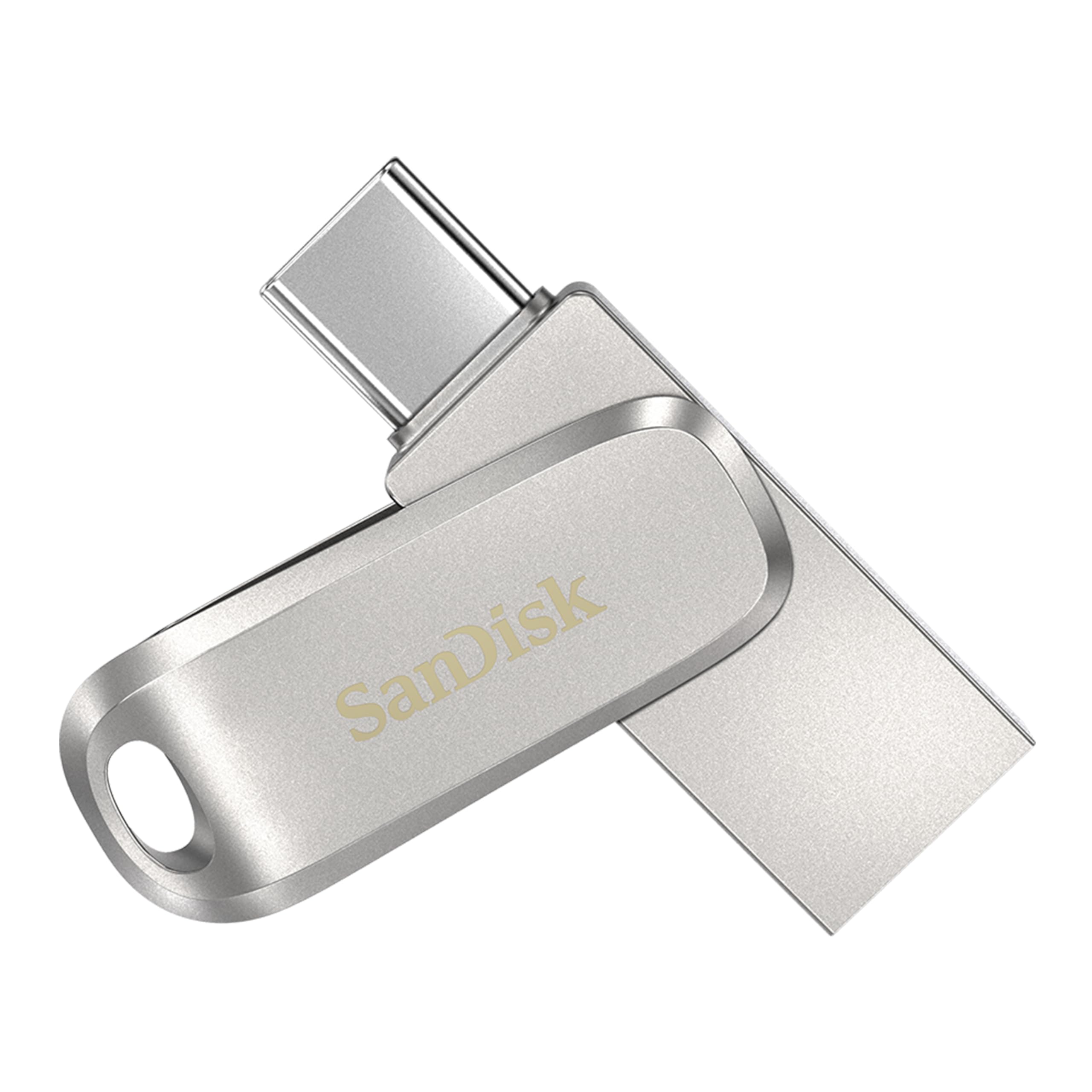
Image 1.1: SanDisk Ultra Dual Drive Luxe Type-C 128GB Flash Drive, showcasing su diseño compacto.
2. ¿Qué hay en la caja?
Su paquete debe contener el siguiente artículo:
- SanDisk Ultra Dual Drive Luxe Type-C (128GB)
3. Configuración
The SanDisk Ultra Dual Drive Luxe is designed for plug-and-play functionality. No special drivers or software installations are typically required for basic operation.
3.1 Connecting to a USB Type-C Device
- Locate the USB Type-C connector on the drive. This is the smaller, reversible connector.
- Insert the USB Type-C connector into the USB Type-C port of your smartphone, tablet, or Mac computer.
- Your device should automatically detect the drive. You may receive a notification to access the drive's contents.
3.2 Connecting to a USB Type-A Computer
- Locate the USB Type-A connector on the drive. This is the larger, rectangular connector.
- Insert the USB Type-A connector into an available USB Type-A port on your computer.
- The computer's operating system will typically recognize the drive as a removable storage device. It will appear in 'My Computer' (Windows) or 'Finder' (Mac).

Image 3.1: The SanDisk Ultra Dual Drive Luxe showing both USB Type-C and Type-A connectors.
4. Instrucciones de funcionamiento
4.1 Transferencia de datos
Para transferir files, simply drag and drop them to or from the drive once it is recognized by your device. The drive supports USB 3.2 Gen 1, offering read speeds of up to 400MB/s for efficient data movement.
4.2 Using with Mobile Devices (OTG)
When connected to a compatible USB Type-C smartphone or tablet, the drive functions as an On-The-Go (OTG) storage device. This allows you to directly access, store, and transfer files without needing a computer. Use your device's file manager application to browse the drive's contents.

Image 4.1: The flash drive connected to a smartphone via its USB Type-C connector.
4.3 Connector Protection and Portability
The drive features a durable swivel design that protects the USB Type-C and Type-A connectors when not in use. Simply rotate the metal casing to expose the desired connector or to cover both for protection. A keyring hole is integrated into the design, allowing you to attach the drive to keys or a bag for easy carrying.

Image 4.2: The flash drive with its swivel design and keyring attachment.
5. Solución de problemas
If you encounter issues with your SanDisk Ultra Dual Drive Luxe, consider the following common troubleshooting steps:
- Unidad no detectada: Ensure the drive is fully inserted into the USB port. Try a different USB port or a different device to rule out port issues. For mobile devices, ensure OTG functionality is enabled if required by your device.
- Velocidades de transferencia lentas: While the drive supports up to 400MB/s read speeds, actual performance can vary based on the host device, file size, and other factors. Ensure you are using a USB 3.0/3.1/3.2 compatible port for optimal performance.
- Heating During Use: It is normal for the drive, especially its metal casing, to become warm during extended use or large file transfers. This is due to the heat dissipation properties of the metal and typically does not indicate a malfunction.
- File Corrupción: Always safely eject the drive from your computer or mobile device before removing it to prevent data corruption.
Para una solución de problemas más detallada, consulte el sitio web oficial Guía de solución de problemas (PDF).
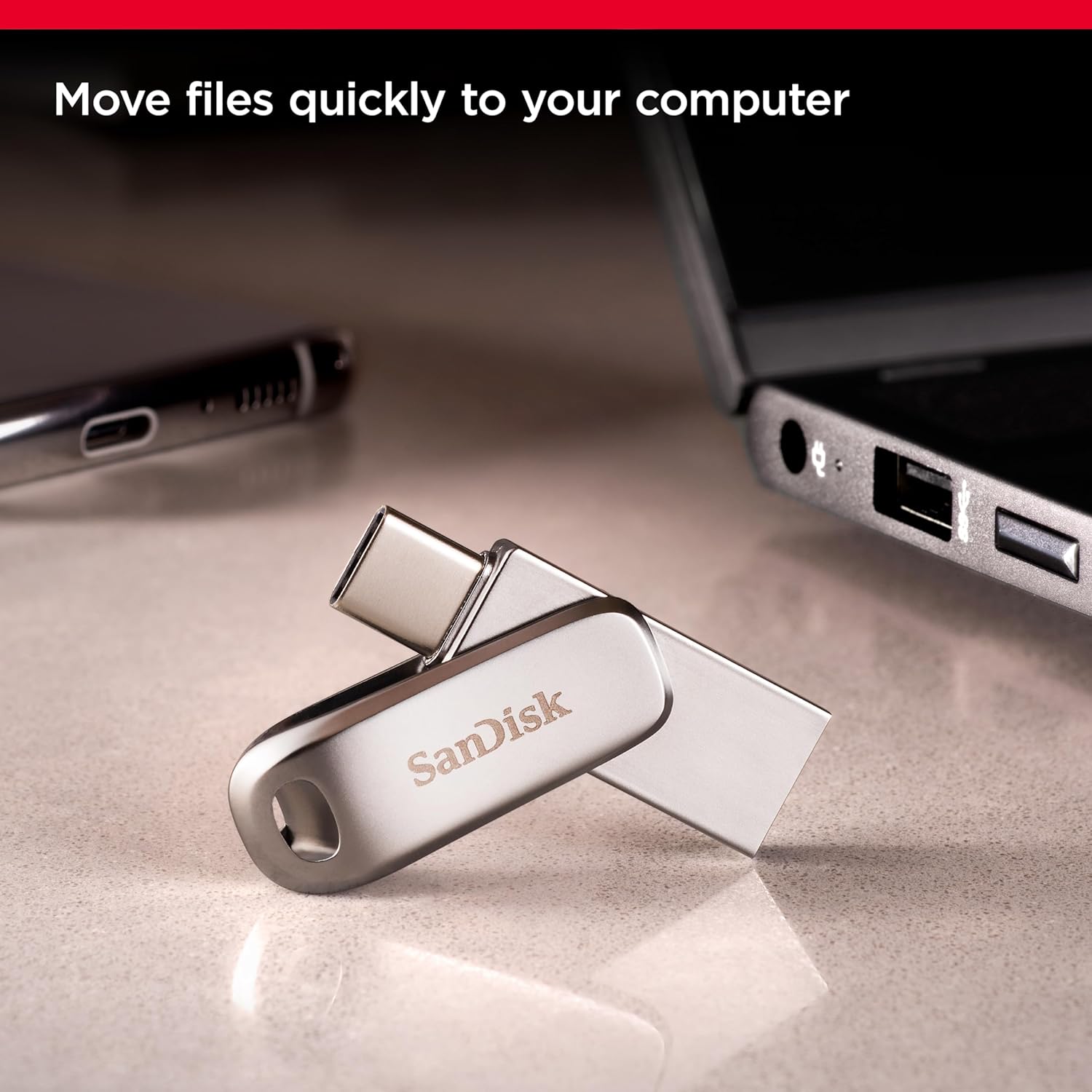
Image 5.1: The SanDisk Ultra Dual Drive Luxe, ready for use.
6. Especificaciones
| Marca | SanDisk |
| Nombre del modelo | unidad ultra dual |
| Número de modelo | SDDDC4-128G-I35 |
| Capacidad de almacenamiento de memoria | 128 GB |
| Interfaz de hardware | USB |
| Tecnología de conectividad de hardware | USB tipo A, USB tipo C |
| Velocidad de lectura | Hasta 400 megabytes por segundo |
| Dispositivos compatibles | USB Type-C smartphones, tablets, Mac, USB Type-A computers |
| Color | Plata |
| Característica especial | Lightweight, Dual Connector, Swivel Design |
| Peso del artículo | 12 gramos |
| País natal | Taiwán |
7. Garantía y soporte
The SanDisk Ultra Dual Drive Luxe Type-C 128GB (Model: SDDDC4-128G-I35) comes with a Garantía limitada de 5 años from SanDisk. This warranty covers defects in materials and workmanship under normal use. Please retain your proof of purchase for warranty claims.
For warranty service or technical support, please visit the official SanDisk support website or contact their customer service. Contact information can typically be found on the SanDisk websitio o embalaje del producto.

Image 7.1: SanDisk Ultra Dual Drive Luxe packaging, indicating warranty information.