
Introducción
Thank you for choosing the GTRACING GT890MF Gaming Chair. This manual provides detailed instructions for the assembly, operation, maintenance, and troubleshooting of your new gaming chair. Please read this manual carefully before use to ensure proper function and longevity of the product. Keep this manual for future reference.
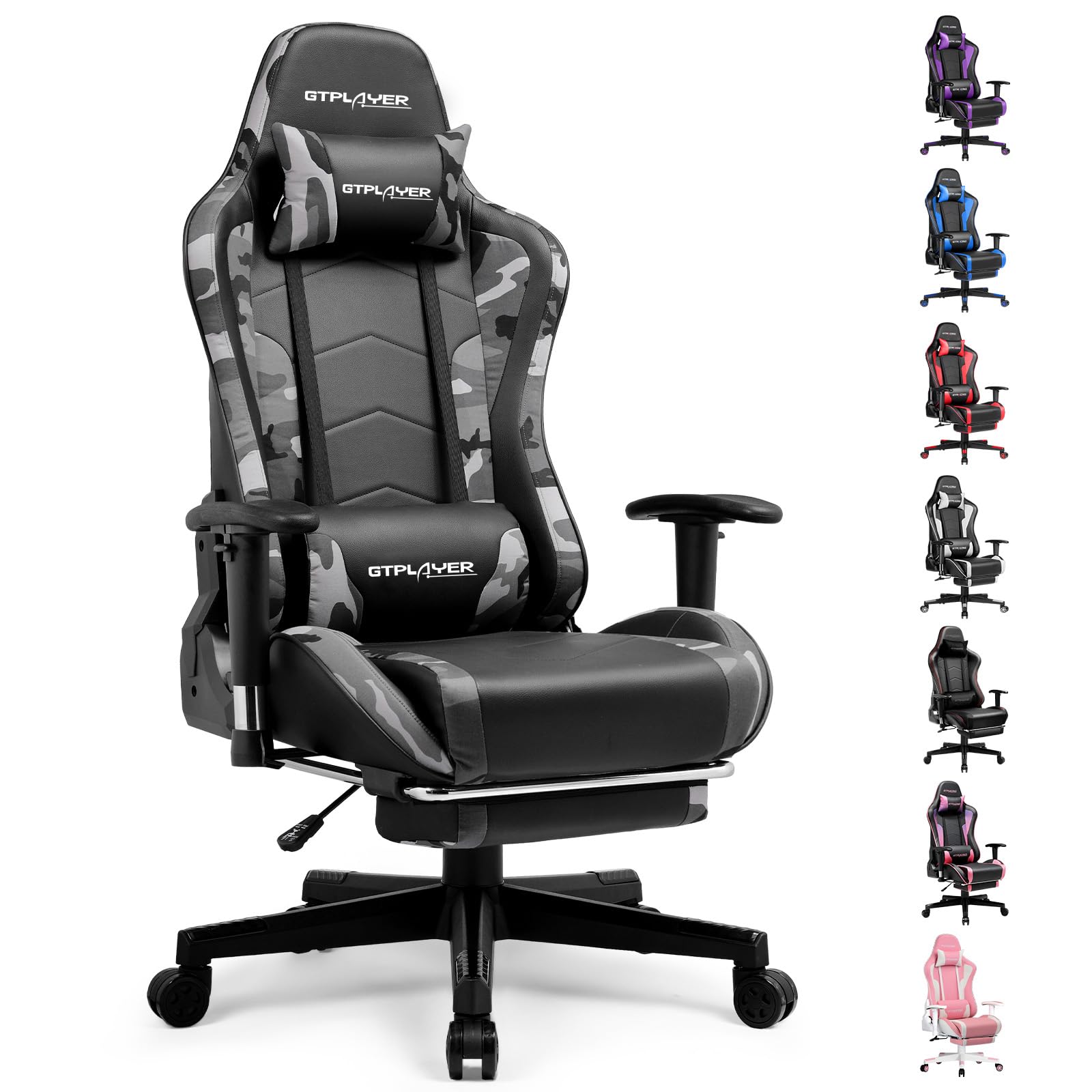
Image: The GTRACING GT890MF Gaming Chair, featuring a camouflage pattern, footrest, and integrated Bluetooth speakers, set up in a gaming environment.
Información de seguridad
- Sólo para uso en interiores.
- Capacidad máxima de peso: 300 lb. No exceda este límite.
- Use caution when adjusting chair height and recline to prevent injury.
- Asegúrese de que todos los tornillos y pernos estén bien apretados antes de usar y verifique periódicamente que no estén flojos.
- Mantenga las manos y los dedos alejados de las piezas móviles durante los ajustes.
- No te subas a la silla.
Configuración y montaje
Assembly is required for this chair. Please follow the steps below carefully. It is recommended to have two people for assembly.
Contenido del paquete

Image: An exploded diagram showing all components of the GTRACING GT890MF Gaming Chair, including the backrest, seat, armrests, base, wheels, gas lift, and footrest.
Pasos de montaje
- Coloque los apoyabrazos: Securely fasten the armrests to the seat base using the provided screws. Ensure they are oriented correctly.
- Conecte el respaldo al asiento: Align the backrest with the seat mechanism and attach it using the designated bolts.
- Instale el reposapiés: Deslice el reposapiés en las ranuras designadas debajo del asiento.
- Montar la base: Insert the casters (wheels) into the star base. Place the gas lift cylinder into the center hole of the star base.
- Fije el asiento a la base: Carefully place the assembled seat and backrest onto the gas lift cylinder, ensuring it is seated firmly.
- Coloque el reposacabezas y las almohadas lumbares: Coloque el reposacabezas y las almohadas de soporte lumbar como desee.
Instrucciones de funcionamiento
Ajustes de la silla
- Ajuste de altura del asiento: Pull the lever located under the right side of the seat upwards to raise or lower the seat. Release the lever at the desired height.
- Reclinación del respaldo: Pull the lever on the right side of the chair upwards to recline the backrest. Lean back to the desired angle (90 to 160 degrees) and release the lever to lock it in place.
- Ajuste del reposabrazos: The armrests are multi-directional. Use the buttons or levers on the armrests to adjust their height, pivot, and slide forward/backward.
- Extensión del reposapiés: Saque el reposapiés de debajo del asiento cuando lo desee. Vuelva a colocarlo cuando no lo use.
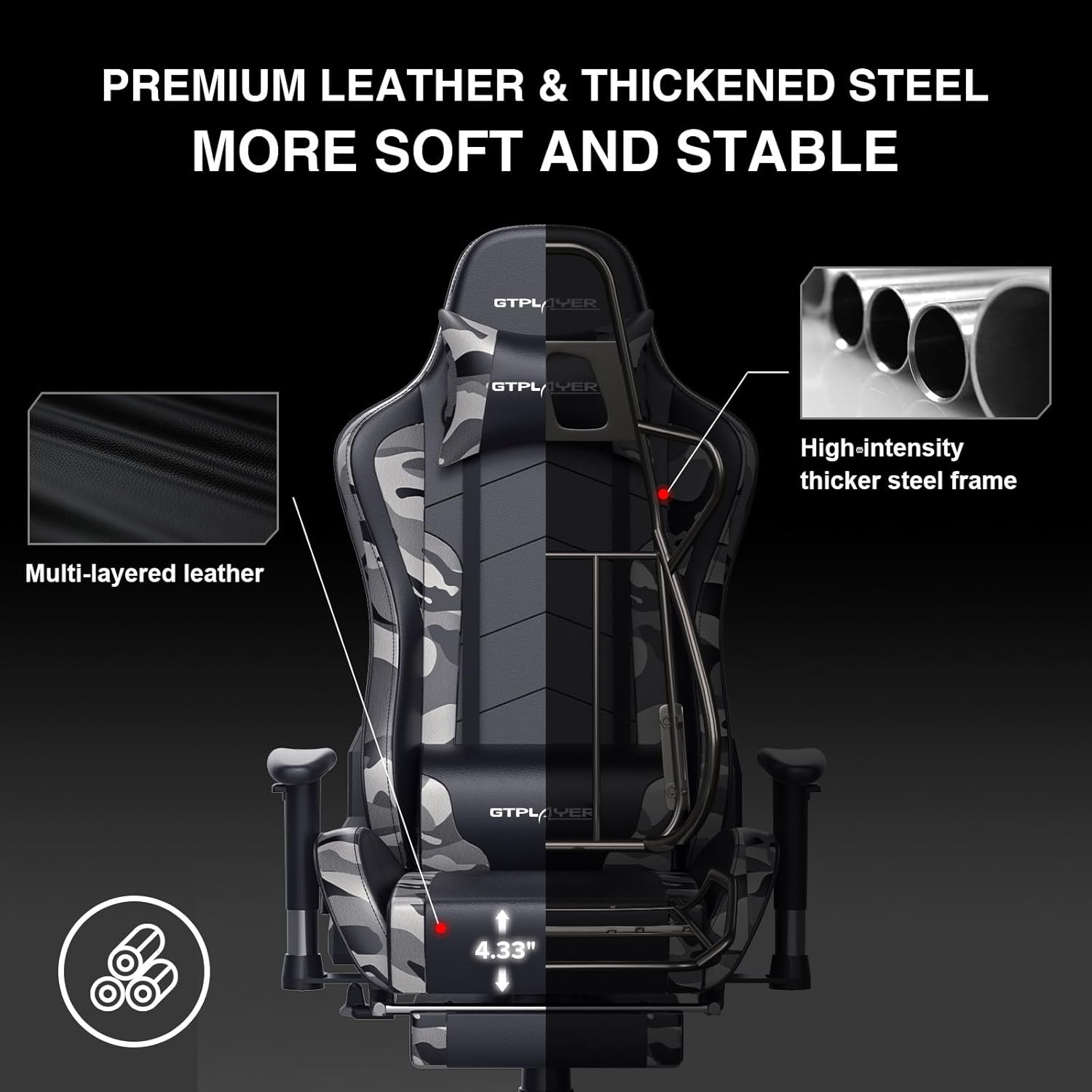
Image: The GTRACING GT890MF Gaming Chair demonstrating its backrest recline function, adjustable from 90 degrees for work to 155 degrees for resting.

Imagen: Un primer plano view of the GTRACING GT890MF Gaming Chair's adjustable multi-directional armrests, highlighting their ability to move up, down, and pivot for optimal positioning.
Funcionamiento del altavoz Bluetooth
Your GTRACING GT890MF chair is equipped with dual Bluetooth 5.1 speakers for an immersive audio experience.
- Encendido: Locate the power button for the Bluetooth speakers, typically on the side or back of the chair. Press and hold to power on. A sound or indicator light will confirm activation.
- Modo de emparejamiento: The speakers will automatically enter pairing mode when powered on for the first time, or if no device is connected. An indicator light will usually flash.
- Conectar dispositivo: On your smartphone, tablet, or other Bluetooth-enabled device, go to Bluetooth settings and search for available devices. Select "GTPLAYER" or a similar name to connect.
- Reproducción de audio: Once connected, audio from your device will play through the chair's speakers. Adjust volume from your connected device.
- Apagado: Press and hold the power button again to turn off the speakers.

Image: The GTRACING GT890MF Gaming Chair with a visual representation of sound waves emanating from the integrated Bluetooth speakers in the headrest area.

Image: A detailed diagram illustrating the dual Bluetooth 5.1 speakers within the GTRACING GT890MF Gaming Chair, highlighting features like clear treble, stereo sound, HiFi audio, and dust prevention.

Image: A user seated in the GTRACING GT890MF Gaming Chair, with an illustration showing how the chair's Bluetooth speakers can connect to various devices like PC/TV, PS4/PS5/XBOX, and other Bluetooth 5.1 enabled devices. A separate USB Bluetooth transmitter is shown as an option for non-Bluetooth devices.
Mantenimiento
- Limpieza: Limpiar con anuncioamp cloth. Avoid harsh chemicals or abrasive cleaners that may damage the faux leather upholstery.
- Inspección: Revise periódicamente todos los pernos y tornillos para asegurarse de que estén bien apretados. Vuelva a apretarlos si es necesario.
- Cuidado de las ruedas: Mantenga las ruedas libres de pelos y residuos para garantizar un rodaje suave.
- Almacenamiento: Store the chair in a dry, cool place away from direct sunlight to prevent material degradation.
Solución de problemas
| Problema | Posible causa | Solución |
|---|---|---|
| La silla no ajusta la altura | La palanca de elevación de gas no está activada o el elevador de gas está defectuoso. | Asegúrese de que la palanca esté completamente accionada. Si el problema persiste, contacte con el soporte técnico para reemplazar el elevador de gas. |
| El respaldo no se reclina ni se bloquea | La palanca de reclinación no está activada o el mecanismo está obstruido. | Ensure the recline lever is fully pulled/released. Check for obstructions in the recline mechanism. |
| Bluetooth speakers not pairing | Speakers not powered on, out of range, or already paired to another device. | Ensure speakers are charged and powered on. Move device closer to chair. Disconnect from other devices. Try restarting both chair speakers and your device. |
| La silla se tambalea | Pernos flojos o montaje desigual. | Revise y apriete todos los pernos de montaje. Asegúrese de que la silla esté sobre una superficie plana y nivelada. |
Presupuesto
- Nombre del modelo: GT890MF
- Marca: Carreras GT
- Color: Camuflaje
- Material: Faux Leather, Foam Fill, Steel Frame
- Dimensiones del producto (Pr x An x Al): 20.87" x 21.65" x 53.15"
- Altura del asiento: Ajustable, hasta 22.04 pulgadas
- Profundidad del asiento: 20.87 pulgadas
- Peso del artículo: 47 libras
- Recomendación de peso máximo: 300 libras
- Estilo de espalda: Solid Back, Reclining (90 to 160 degrees)
- Características especiales: Adjustable Height, Adjustable Lumbar, Ergonomic Design, Foot Rest, Rolling Casters, Dual Bluetooth 5.1 Speakers
- Asamblea: Requerido

Image: A diagram illustrating the key dimensions of the GTRACING GT890MF Gaming Chair, including overall height, width, and depth.

Image: A detailed diagram showing various dimensions of the GTRACING GT890MF Gaming Chair, including seat height, armrest height, and backrest height, along with maximum load capacity (330 lbs) and recommended user height (6.2 ft).
Garantía y soporte
GTRACING offers a worry-free purchase experience for your gaming chair.
- Política de 30 días: Reemplazo gratuito o reembolso dentro de los 30 días posteriores a la compra.
- Garantía de 1 años: Reemplazo o reparación gratuita dentro de 1 año de la compra por defectos de fabricación.
For any questions, suggestions, or support needs, please feel free to contact our customer service team. We are dedicated to ensuring customer satisfaction.

Image: A group of customer service representatives wearing headsets, symbolizing available support.