
Introducción
Gracias por la compraasing the Uni-Com S/Chime Portable Door Chime 66705. This device is designed to provide a convenient and reliable alert when someone is at your door. This manual provides essential information for the proper setup, operation, and maintenance of your new door chime to ensure optimal performance and longevity.
Información de seguridad
- No exponga el dispositivo a temperaturas extremas, luz solar directa o humedad alta.
- Mantenga el dispositivo alejado del agua y otros líquidos.
- No intente abrir ni reparar el dispositivo usted mismo. Encargue cualquier reparación a personal cualificado.
- Dispose of the product and any batteries responsibly according to local regulations.
Contenido del paquete
Verifique el contenido del paquete para asegurarse de que todos los artículos estén presentes:
- 1 x Uni-Com S/Chime Portable Door Chime Receiver
- 1 x Doorbell Push Button Transmitter

Image: The Uni-Com S/Chime Portable Door Chime receiver unit and the separate push button transmitter unit, both in white.
Configuración
The Uni-Com S/Chime Portable Door Chime is designed for easy setup. This model operates on AC power, meaning it plugs directly into a wall outlet, eliminating the need for batteries in the receiver unit.
1. Encendido del receptor
- Locate a suitable indoor AC power outlet where you wish to hear the chime.
- Plug the Uni-Com S/Chime receiver unit directly into the power outlet. Ensure it is securely seated.
2. Installing the Push Button Transmitter
The push button transmitter is typically battery-operated (batteries not included, please check product packaging for specific battery type if required for the push button). It can be mounted near your door.
- Choose a flat, clean surface near your entrance door for mounting the push button.
- Use the provided screws or adhesive tape to securely attach the push button to the chosen surface. Ensure it is within range of the receiver unit.

Image: The Uni-Com S/Chime Portable Door Chime receiver and push button, superimposed on a background of houses, illustrating typical placement.
Operante
Once the receiver is plugged in and the push button is installed, your door chime system is ready for use.
Triggering the Chime
- Press the button on the doorbell transmitter.
- The receiver unit will sound the selected chime melody.
Placement for Optimal Performance
For best results, place the receiver unit in a central location within your home where the chime can be easily heard. Avoid placing it near large metal objects or other electronic devices that may cause interference.
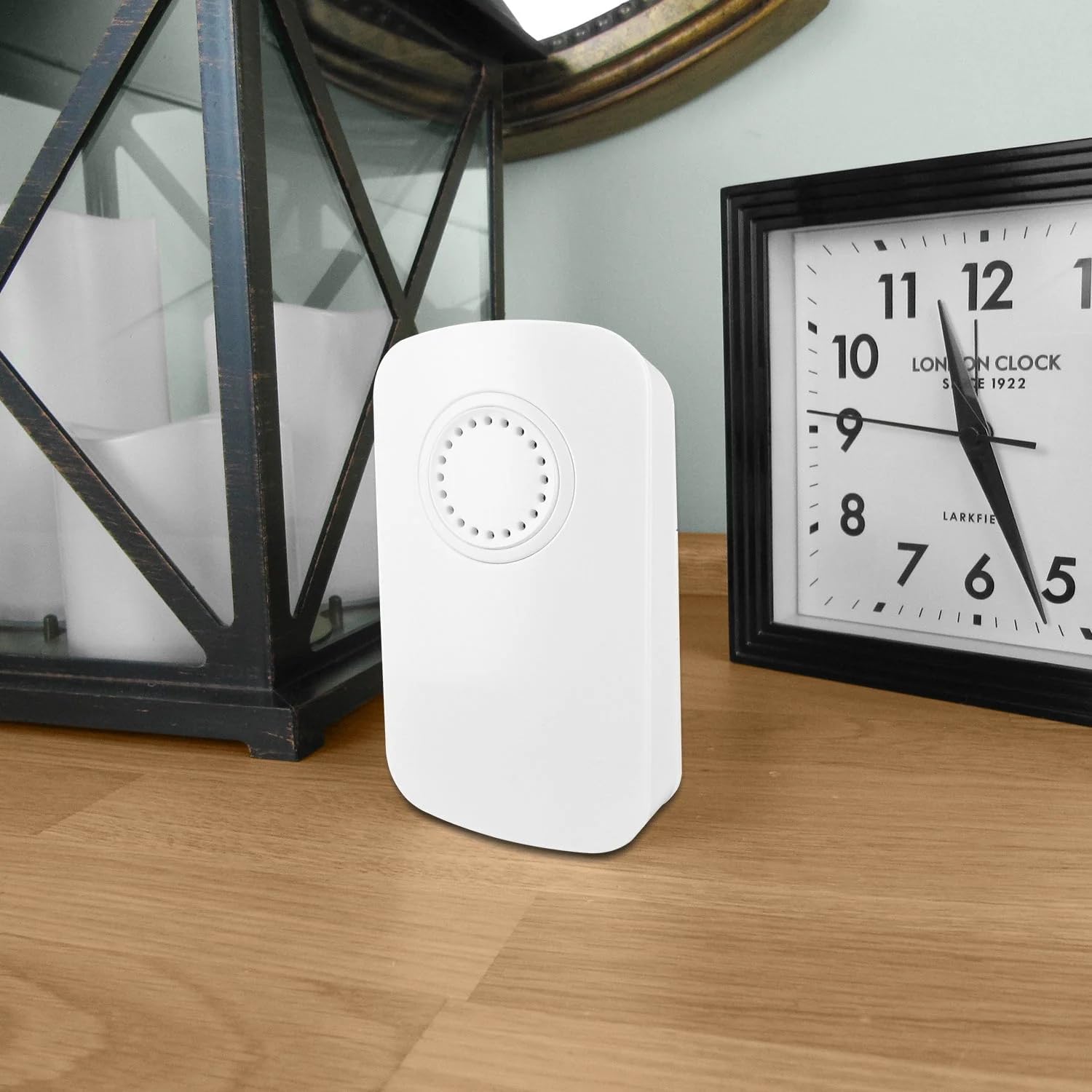
Image: The Uni-Com S/Chime Portable Door Chime receiver unit placed on a wooden surface indoors, next to a clock and a decorative lantern, demonstrating typical indoor placement.

Image: The Uni-Com S/Chime Portable Door Chime receiver unit placed on an outdoor wooden table, with garden foliage and a glass in the background, highlighting its portability and potential for outdoor use (receiver must be indoors and powered).
Mantenimiento
Regular maintenance will help prolong the life of your door chime.
Limpieza
- Wipe the surfaces of both the receiver and push button with a soft, dry cloth.
- No utilice limpiadores abrasivos, disolventes ni productos químicos agresivos.
Battery Replacement (Push Button)
If the push button transmitter stops working or its range decreases, the battery may need replacement. Refer to the specific battery type indicated on the push button unit or its packaging.
- Carefully open the battery compartment on the back of the push button transmitter.
- Retire la batería vieja e inserte una nueva, asegurándose de la polaridad correcta (+/-).
- Cierre bien el compartimento de la batería.
Solución de problemas
If you encounter issues with your Uni-Com S/Chime, try the following solutions:
| Problema | Posible causa | Solución |
|---|---|---|
| El timbre no suena. | Receptor no alimentado. | Ensure the receiver is securely plugged into a working AC outlet. |
| El timbre no suena. | La batería del botón pulsador está muerta. | Replace the battery in the push button transmitter. |
| El timbre no suena. | Fuera de rango o interferencia. | Move the receiver closer to the push button. Avoid placing near large metal objects or other electronics. |
| El timbre suena intermitentemente. | Batería de botón pulsador débil. | Replace the battery in the push button transmitter. |
| El timbre suena intermitentemente. | Interferencia ambiental. | Relocate the receiver or push button to a different position. |
Presupuesto
- Modelo: UNC66705
- Fabricante: Uni-Com
- Número de pieza: 013979
- Dimensiones del producto: 4.7 x 13.4 x 13.7 cm
- Peso del artículo: 160 gramos
- Fuente de energía: AC (for receiver unit)
- Cantidad de artículos del paquete: 1
- Componentes incluidos: S/CHIME PORT DOOR CHIME 66705 (Receiver and Push Button)
- Pilas incluidas: No (for receiver), check push button for specific battery requirements.
- Pilas necesarias: No (for receiver), Yes (for push button, type not specified in provided data).
Garantía
This product is covered by a standard manufacturer's warranty. Please retain your proof of purchase for any warranty claims. For specific warranty terms and conditions, refer to the documentation included with your purchase or contact Uni-Com customer support.
Apoyo
If you require further assistance or have questions not covered in this manual, please contact Uni-Com customer support. You can typically find contact information on the product packaging or the official Uni-Com websitio.