
Introducción y másview
The Jaybird Vista 2 True Wireless Bluetooth Headphones are designed for active lifestyles, offering premium sound, active noise cancellation, and robust durability. This manual provides essential information for setting up, operating, and maintaining your headphones.
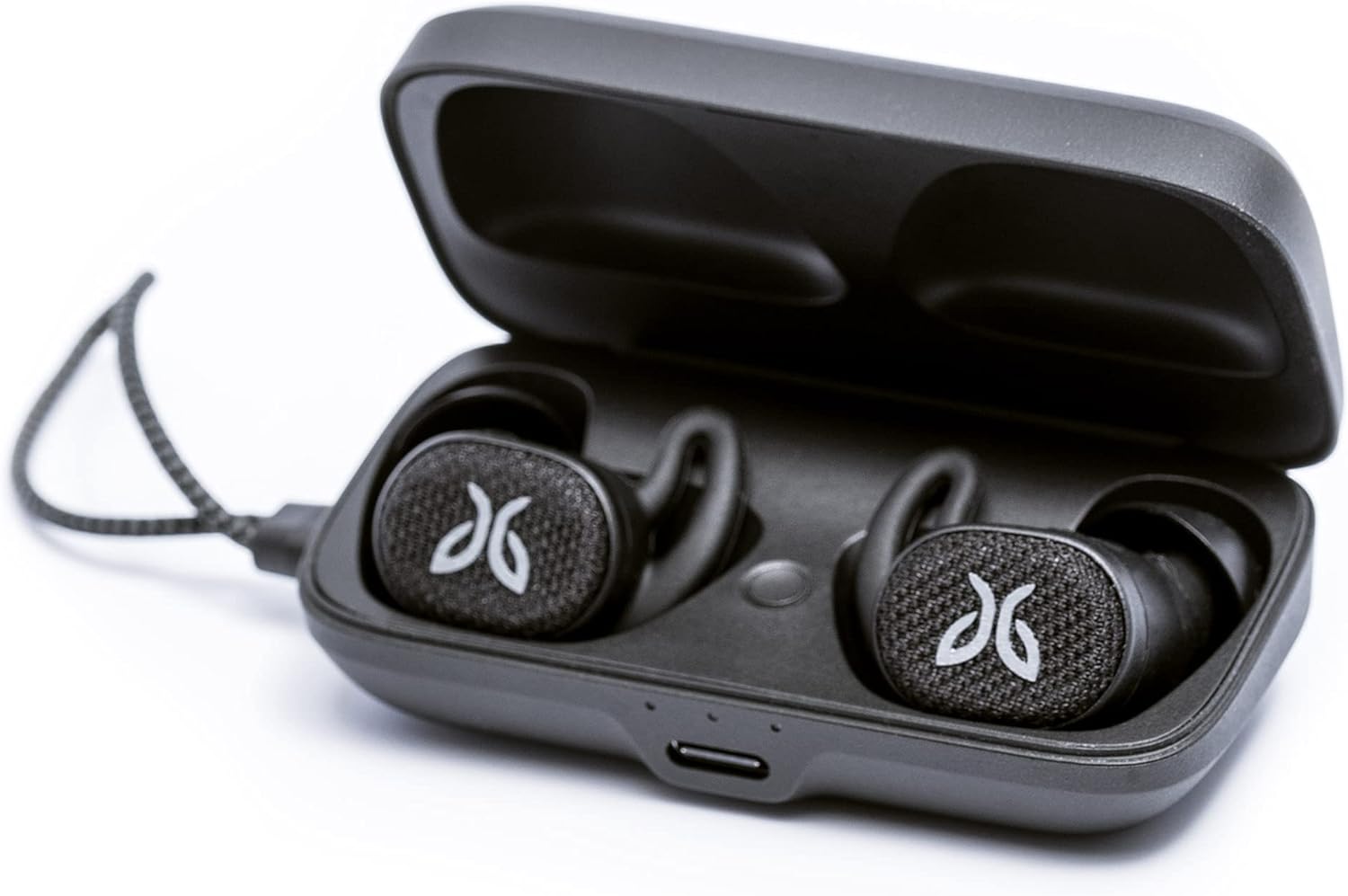
Image: Jaybird Vista 2 headphones resting in their open black charging case, showcasing su diseño compacto.
¿Qué hay en la caja?
- Vista 2 Totally Wireless Sport Headphones
- Secure-Fit Eargels: 1/2/3 (Small, Medium, Large)
- Caso de cargo
- Cable de carga USB C

Image: All included components of the Jaybird Vista 2 package, neatly arranged on a surface.
Configuración
Emparejamiento inicial
- Ensure your headphones are charged (refer to Battery and Charging section).
- Abra el estuche de carga.
- Press and hold the button inside the charging case until the LED indicator starts blinking white, indicating pairing mode.
- On your device (smartphone, tablet, etc.), go to Bluetooth settings and select