
Introducción
The Globe Electric 50200 Smart Wi-Fi Light Switch allows you to automate and control your home lighting using the GLOBE SUITE™ App, voice commands, or directly from the switch. This manual provides essential information for installation, operation, and maintenance to ensure safe and efficient use of your smart switch.

Image: The Globe Electric Smart Switch, highlighting its compatibility with various smart home platforms.
Información de seguridad
Before installing or operating the Globe Electric 50200 Smart Wi-Fi Light Switch, please read and understand all safety instructions. Failure to follow these instructions may result in electric shock, fire, or property damage.
- ADVERTENCIA: Risk of Electric Shock. Installation requires working with high voltage wiring. Always turn off power at the circuit breaker before installation.
- Consulte a un electricista calificado si no está seguro acerca de alguna parte del proceso de instalación.
- Este dispositivo es solo para uso en interiores.
- Asegúrese de que el interruptor esté instalado en una caja de pared estándar.
- No exceda el máximo de agua.tagPotencia nominal de 100 vatios.
Contenido del paquete
Verifique que todos los componentes estén presentes antes de comenzar la instalación:
- Globe Electric 50200 Smart Wi-Fi Light Switch
- Placa frontal sin tornillos
- Wires and Backplate
- Tornillos (2)
- Tuercas de alambre (4)
- Wire Label Stickers
Configuración e instalación
Follow these steps for proper installation of your smart switch. This switch is designed for single-pole indoor use only.
- Apagar la energía: Localice el disyuntor y apague el interruptor que va a reemplazar. Verifique que la energía esté apagada usando un vol.tage probador.
- Quitar el interruptor antiguo: Carefully remove the existing wall plate and unscrew the old switch from the wall box. Disconnect the wires, noting their connections (e.g., Line, Load, Neutral, Ground). Use the provided wire label stickers if needed.
- Conecte el interruptor inteligente: Connect the wires from your wall box to the corresponding wires on the Globe Electric 50200 Smart Switch using the provided wire nuts.
- Conectar el Línea wire (usually black, coming from the breaker) to the Line wire on the smart switch.
- Conectar el Carga wire (usually black, going to the light fixture) to the Load wire on the smart switch.
- Conectar el Neutral wire (usually white) to the Neutral wire on the smart switch. A neutral wire is required for this smart switch.
- Conectar el Suelo wire (usually bare copper or green) to the Ground wire on the smart switch.
- Monte el interruptor: Gently push the wired smart switch into the wall box. Secure it with the provided screws. Attach the screwless faceplate.
- Restaurar energía: Turn the power back on at the circuit breaker. The indicator light on the smart switch should illuminate.
- Conexión de la aplicación:
- Descargue gratis GLOBE SUITE™ App desde la tienda de aplicaciones de tu teléfono inteligente.
- Abra la aplicación y cree una cuenta o inicie sesión.
- Press the restart button located on the right side below the on/off rocker after installation.
- Follow the in-app instructions to add your new smart switch. Ensure your phone is connected to a 2.4 GHz Wi-Fi network during the initial setup. You can switch back to a 5 GHz network afterward if preferred.
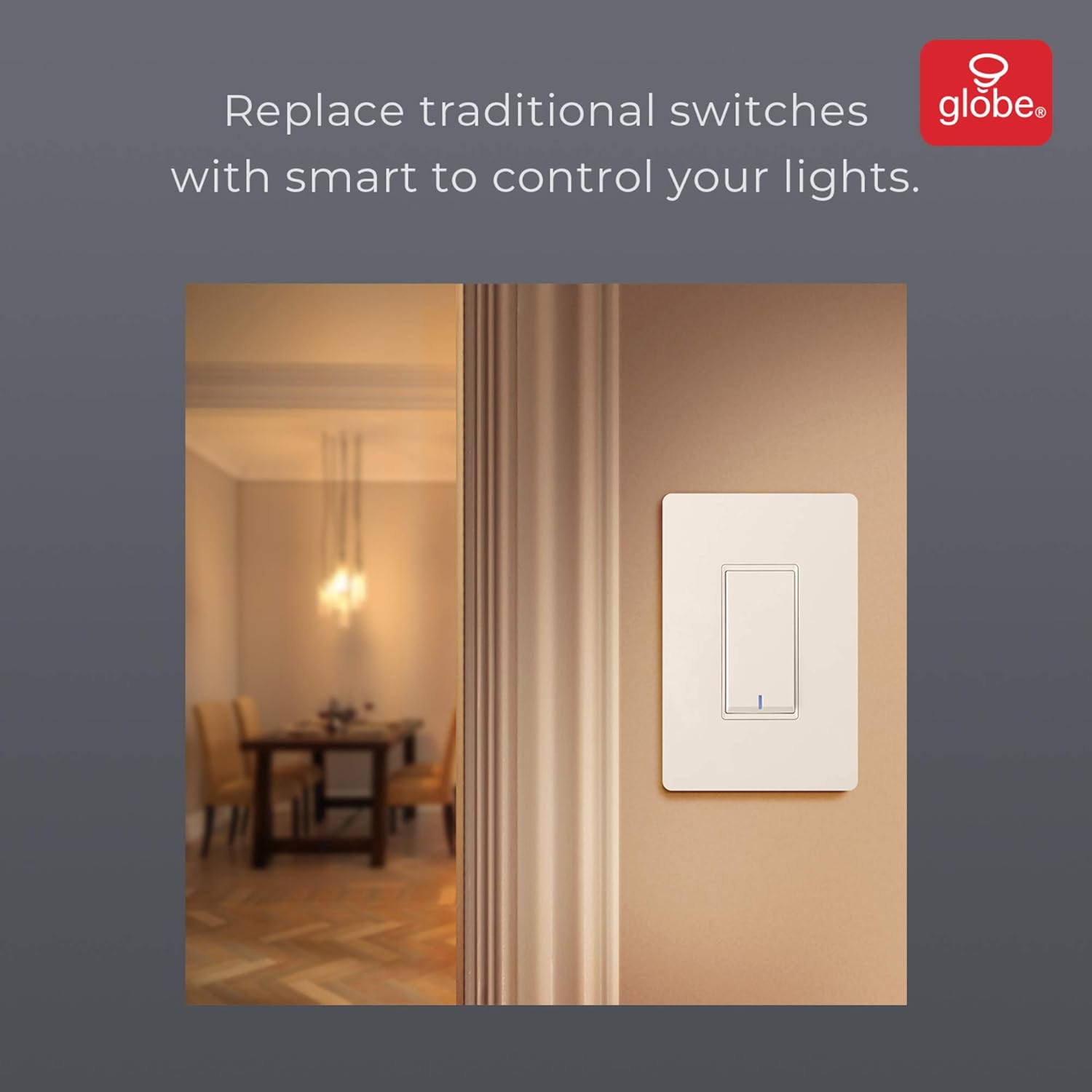
Image: The smart switch installed in a wall, demonstrating its integration into a home environment.
Instrucciones de funcionamiento
Once installed and connected to the GLOBE SUITE™ App, you can operate your smart switch in several ways:
- Control manual: Press the rocker switch directly to turn connected lights on or off.
- Control de la aplicación: Use the GLOBE SUITE™ App on your smartphone to turn lights on/off from anywhere with an internet connection.
- Control de voz: Integrate with Amazon Alexa, Google Assistant, or Siri for hands-free control.
- Examplos comandos: "Alexa, turn on the living room light," "Hey Google, turn off the kitchen switch," "Siri, activate evening scene."
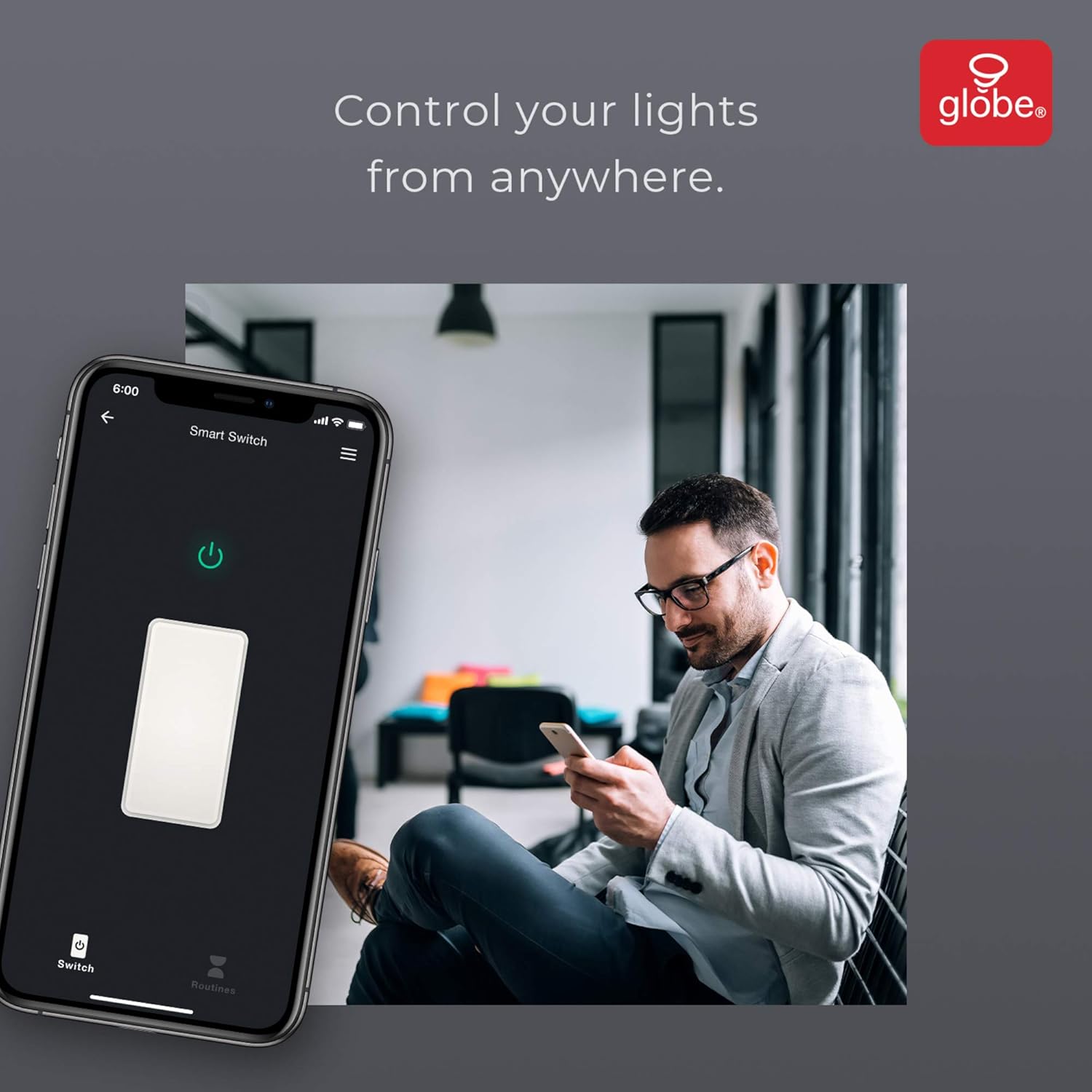
Image: A user controlling the smart switch remotely via the GLOBE SUITE™ mobile application.
Integración de aplicaciones y funciones inteligentes
The GLOBE SUITE™ App unlocks the full potential of your smart switch:
- Programación: Create custom schedules to automatically turn lights on or off at specific times, days of the week, or based on sunrise/sunset.
- Escenas: Combine multiple smart devices into custom scenes. For example, a "Movie Night" scene could dim lights and turn on entertainment devices simultaneously.
- Automatización: Set up automations based on conditions like presence detection, temperature, or other smart device triggers.

Image: The GLOBE SUITE™ app interface demonstrating the scheduling feature for automated lighting control.
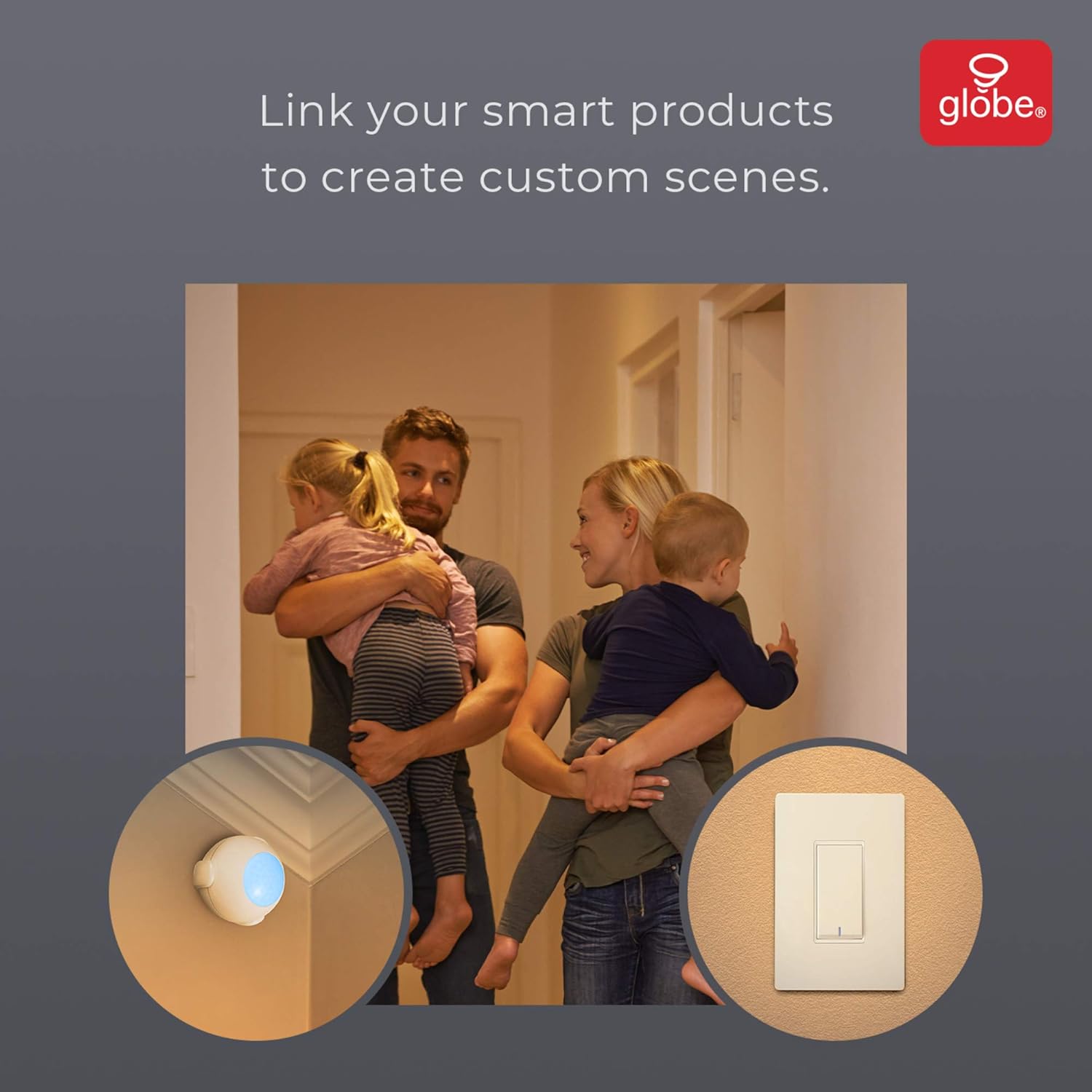
Image: Demonstrates how to link multiple Globe Electric smart products to create custom scenes for various home activities.
Mantenimiento
The Globe Electric 50200 Smart Wi-Fi Light Switch requires minimal maintenance.
- Limpieza: Desconecte la alimentación del disyuntor antes de limpiarlo. Limpie el interruptor y la placa frontal con un paño suave.amp paño. No utilice productos químicos agresivos ni limpiadores abrasivos.
- Actualizaciones de firmware: Periodically check the GLOBE SUITE™ App for available firmware updates to ensure optimal performance and security.
Solución de problemas
If you encounter issues with your Globe Electric 50200 Smart Wi-Fi Light Switch, refer to the following common solutions:
| Problema | Posible causa | Solución |
|---|---|---|
| Switch does not turn on/off lights. | Sin energía, cableado incorrecto o problema con la bombilla. | Check circuit breaker. Verify wiring connections (Line, Load, Neutral, Ground). Test the light bulb. |
| No se puede conectar al wifi. | Banda de Wi-Fi incorrecta, señal débil o contraseña incorrecta. | Ensure your router is broadcasting a 2.4 GHz network. Move closer to the router. Double-check Wi-Fi password. Press the restart button on the switch and try pairing again. |
| El control de voz no funciona. | Incorrect integration with voice assistant or device naming. | Ensure the GLOBE SUITE™ App is correctly linked to your Amazon Alexa, Google Assistant, or Siri account. Verify the device name in the app matches what you are saying. |
| Switch frequently disconnects. | Señal Wi-Fi débil o interferencia de red. | Ensure the switch is within good range of your 2.4 GHz Wi-Fi router. Consider a Wi-Fi extender if necessary. |
Presupuesto
| Característica | Detalle |
|---|---|
| Modelo | 50200 |
| Marca | Globo Eléctrico |
| Protocolo de conectividad | Wi-Fi (2.4 GHz) |
| Método de control | App, Voice, Manual |
| Tipo de controlador | Amazon Alexa, Asistente de Google, Siri |
| Quétage | 100 vatios (máx.) |
| Modo de operación | ON-NONE-ON or ON-ON-OFF |
| Tipo de interruptor | Balancín |
| Tipo de montaje | Montaje en pared |
| Dimensiones del artículo (largo x ancho x alto) | 1.96 x 2.05 x 4.13 pulgadas |
| Material | Metal, Plástico |
| Peso del artículo | 0.28 libras |
| Código Postal | 058219502006 |
Información de garantía
The Globe Electric 50200 Smart Wi-Fi Light Switch comes with a Garantía limitada del fabricante de 1 año. This warranty covers defects in materials and workmanship under normal use. For specific terms and conditions, please refer to the official Globe Electric websitio o póngase en contacto con el servicio de atención al cliente.
Apoyo
For further assistance, technical support, or warranty claims, please contact Globe Electric customer service. You can find contact information on the official Globe Electric websitio: www.globe-electric.com.
You can also visit the Globe Electric Store on Amazon for more products and information: Tienda de Amazon de Globe Electric.