
Beeasy AW02
Manual de usuario del reloj digital resistente al agua Beeasy
Modelo: AW02
Introducción
This manual provides detailed instructions for the Beeasy Digital Waterproof Watch, Model AW02. Please read this manual carefully to understand the watch's functions and ensure proper use and maintenance.

Imagen: Frente view of the Beeasy Digital Waterproof Watch, displaying time, day, and date.
Características principales
The Beeasy Digital Waterproof Watch offers a range of features designed for daily wear and active lifestyles.
- Ultra-thin design (6.6 mm case thickness)
- Luz de fondo para condiciones de poca luz
- Visualización de doble zona horaria
- 12/24 hour format switch
- Automatic calendar
- Alarma diaria y hourly timbre
- Cronómetro de 1/100 segundos
- Countdown timer (max 23 hours, 59 minutes, 59 seconds)
- 50M (5ATM) water resistance

Image: Diagram illustrating various features of the Beeasy Digital Watch, including 12/24H, auto calendar, backlight, dual time, alarm mode, stopwatch, countdown, and split time.
Configuración
Encendido inicial
The watch comes with a pre-installed battery. If the display is blank, press any button to activate it.
Funciones de los botones
El reloj normalmente tiene cuatro botones:
- LUZ: Activa la luz de fondo.
- MODO: Recorre diferentes modos (Hora, Alarma, Cronómetro, Cuenta regresiva, Hora dual).
- PARADA: Starts/stops functions in Stopwatch/Countdown mode, adjusts settings.
- REINICIAR: Resets functions, adjusts settings.
Image: Close-up of the watch face, highlighting the "LIGHT", "MODE", "ST/STOP", and "RESET" button labels around the bezel.
Instrucciones de funcionamiento
Configuración de hora y fecha
- Desde la visualización de la hora normal, presione el botón MODO button repeatedly until the seconds start flashing.
- Prensa REINICIAR para recorrer las configuraciones: Segundos → Hora → Minuto → Año → Mes → Día.
- Usar ST/PARAR para ajustar el valor de parpadeo.
- Una vez que todos los ajustes sean correctos, presione MODO para volver a la visualización de la hora normal.
Formato 12/24 horas
In the normal time display, press ST/PARAR para alternar entre formatos de 12 horas (con indicador AM/PM) y 24 horas.
Configuración de hora dual
Esta función le permite realizar un seguimiento de una segunda zona horaria.
- Prensa MODO until you reach the Dual Time mode (often indicated by "DT" or a second time display).
- Mantenga pulsado REINICIAR hasta que la hora parpadee.
- Usar ST/PARAR Para ajustar la hora, luego REINICIAR para pasar a los minutos.
- Usar ST/PARAR para ajustar los minutos.
- Prensa MODO para guardar y salir.
Image: Diagram illustrating the dual time feature, showing two different time zones (e.g., London and New York) on the watch display.
Función de alarma
- Prensa MODO until you reach the Alarm mode (indicated by "AL" or an alarm icon).
- Prensa REINICIAR para seleccionar la hora o los minutos a configurar.
- Usar ST/PARAR para ajustar el valor de parpadeo.
- Prensa MODO to save the alarm time.
- Para activar o desactivar la alarma, presione ST/PARAR in Alarm mode. An alarm icon will appear when active.
- Para activar/desactivar el hourly timbre, prensa REINICIAR in Alarm mode (while not setting the alarm time).
Image: Diagram illustrating the alarm mode, showing an alarm clock icon and a person sleeping, indicating the watch's alarm function.
Función de cronómetro
- Prensa MODO until you reach the Stopwatch mode (indicated by "ST" or "CH").
- Prensa ST/PARAR para iniciar el cronómetro.
- Prensa ST/PARAR de nuevo para detenerlo.
- Prensa REINICIAR para poner el cronómetro a cero.
- Para registrar tiempos fraccionados, presione REINICIAR while the stopwatch is running. The display will freeze, but the stopwatch continues to run in the background. Press REINICIAR de nuevo para volver al tiempo de ejecución.
Image: Diagram illustrating the stopwatch and countdown functions, showing a stopwatch icon and a person exercising, indicating the watch's timing capabilities.
Función de temporizador de cuenta regresiva
- Prensa MODO until you reach the Countdown Timer mode (indicated by "TR" or "CD").
- Prensa REINICIAR para seleccionar la hora, minuto o segundo a configurar.
- Usar ST/PARAR para ajustar el valor de parpadeo.
- Prensa MODO para guardar el tiempo de cuenta regresiva.
- Prensa ST/PARAR para iniciar la cuenta regresiva.
- Prensa ST/PARAR de nuevo para pausar/reanudar.
- Prensa REINICIAR para restablecer la cuenta regresiva al tiempo inicial establecido.
Iluminar desde el fondo
Presione el LUZ Botón para iluminar la pantalla durante unos segundos.
Mantenimiento
Limpieza
Limpie el reloj regularmente con un paño suave y seco. Para la suciedad persistente, utilice un paño ligeramente seco.amp Se puede usar un paño y secarlo. Evite productos químicos agresivos o limpiadores abrasivos.
Resistencia al agua
The watch is water-resistant up to 50 meters (5ATM). This means it is suitable for swimming and cold showers.
Important: Avoid contact with hot water or steam, as this can compromise the watch's water resistance seals.
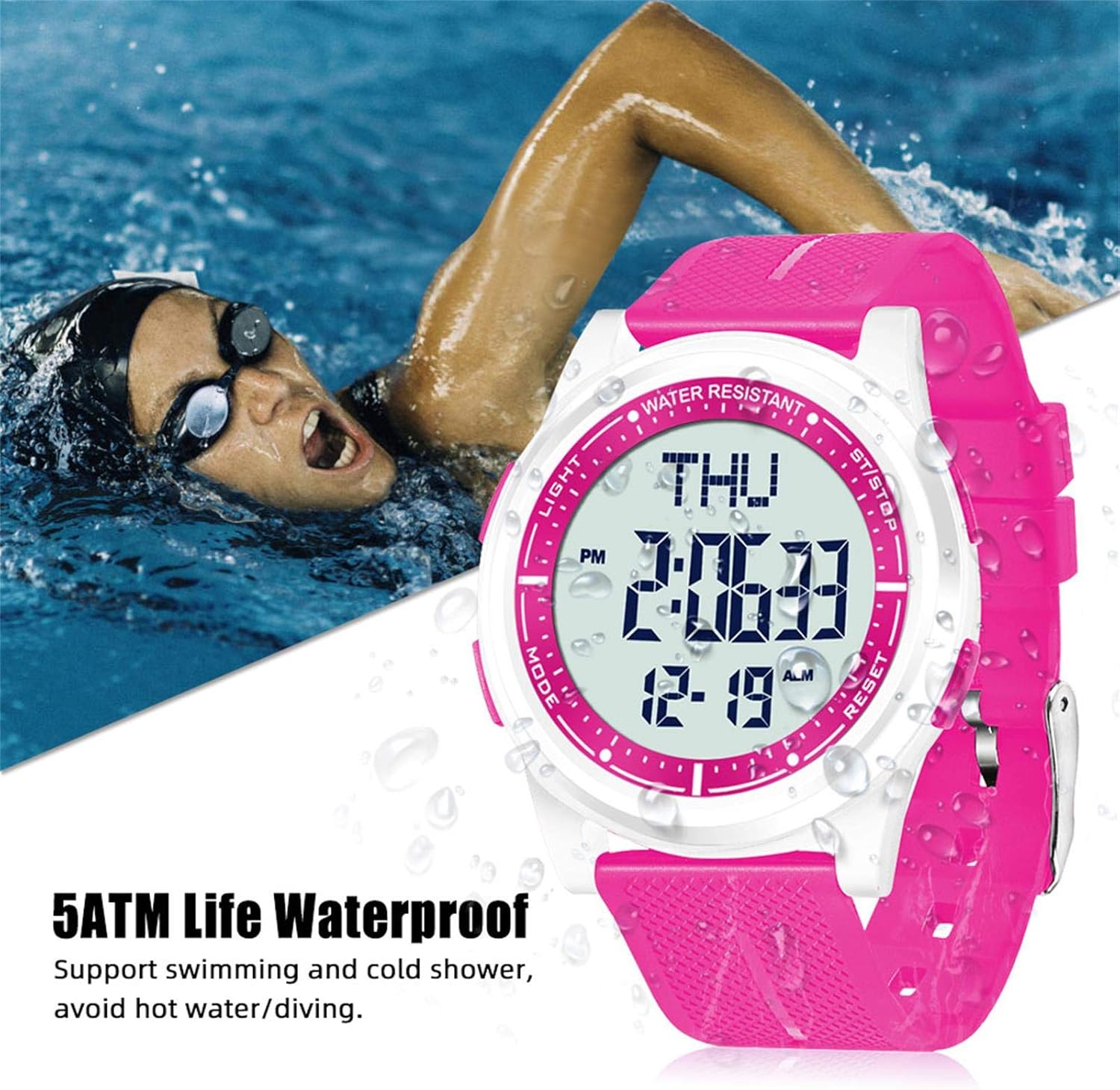
Image: The Beeasy Digital Watch worn by a person swimming, illustrating its 5ATM water resistance. Text on image states "5ATM Life Waterproof, Support swimming and cold shower, avoid hot water/diving."
Reemplazo de batería
The watch uses a Lithium metal battery. When the display dims or functions become erratic, it may be time to replace the battery. It is recommended to have battery replacement performed by a qualified watch technician to ensure proper sealing and maintain water resistance.
Solución de problemas
| Problema | Posible causa | Solución |
|---|---|---|
| La pantalla está en blanco o tenue. | Batería baja. | Reemplace la batería. |
| Los botones no responden. | Es posible que el reloj esté en modo bloqueado o que la batería esté muy baja. | Try pressing all buttons to see if it responds. If not, replace battery. |
| La hora es incorrecta | La hora no está configurada correctamente o la batería está baja. | Refer to "Setting Time and Date" section. Replace battery if issue persists. |
| Agua dentro del reloj. | Exposure to hot water/steam or damaged seal. | Stop using the watch immediately. Seek professional repair. Avoid hot water/steam. |
Presupuesto
- Número de modelo: AW02
- Dimensiones (L x An x Al): 24.5 x 4.4 x 0.66 cm (9.65 x 1.73 x 0.26 pulgadas)
- Peso: 36.8 gramos (1.3 onzas)
- Grosor de la caja: 6.6 milímetros
- Resistencia al agua: 50 metros (5 ATM)
- Tipo de batería: 1 Lithium metal battery (required)
- Tipo de pantalla: Digital
- Funciones: Time (12/24H), Date, Day, Alarm, Hourly Chime, Stopwatch (1/100s), Countdown Timer, Dual Time, Backlight
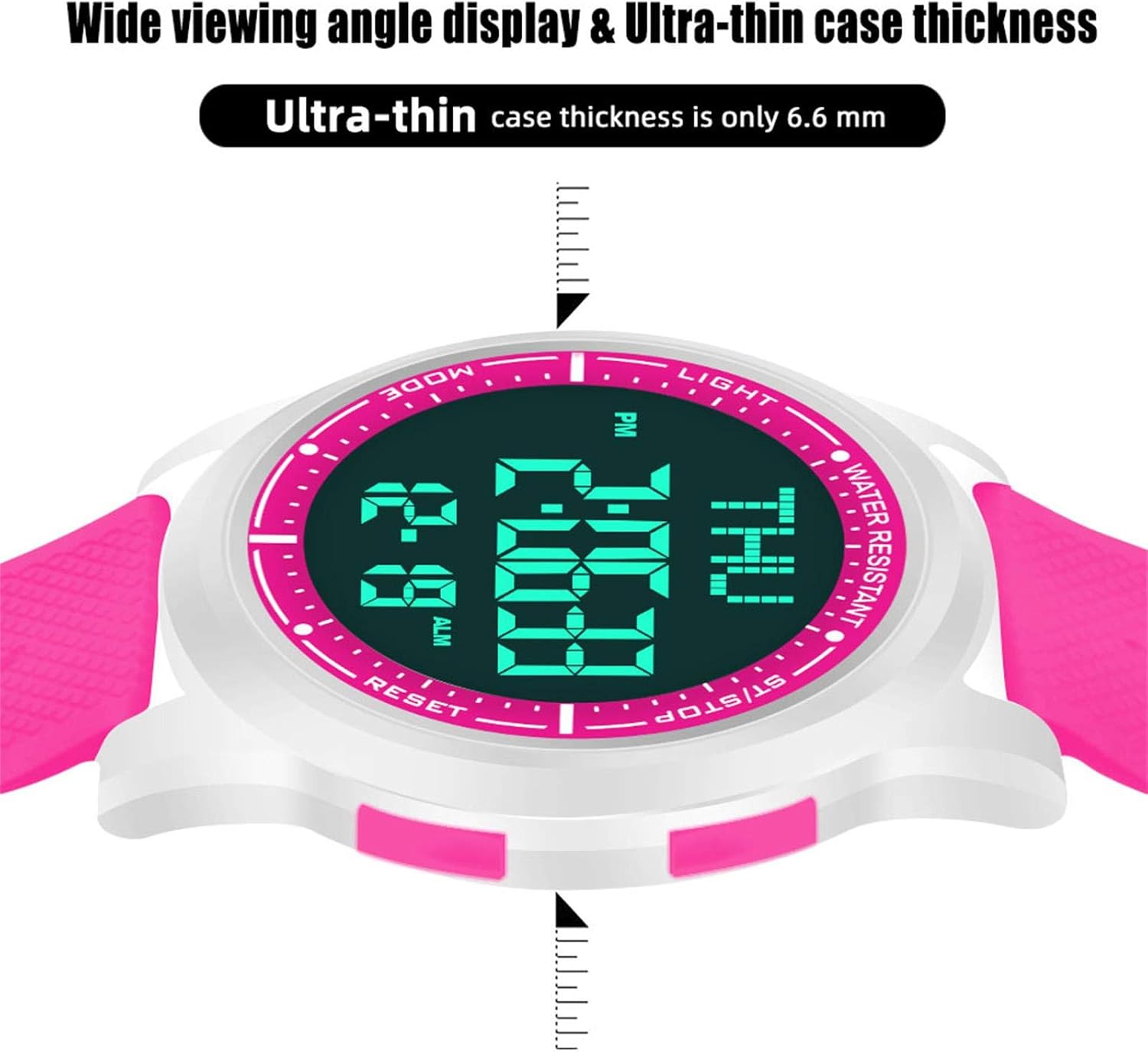
Image: Diagram showing the precise dimensions of the Beeasy Digital Watch, including strap length, case width, and ultra-thin case thickness (6.6mm).
Garantía y soporte
For warranty information or technical support, please contact Beeasy customer service. Refer to your purchase documentation for specific warranty terms.
For more information, you may visit the official Beeasy store on Amazon: Beeasy Store
Ask a question about this manual
Ask about setup, troubleshooting, compatibility, parts, safety, or missing instructions. Manuals+ will review the question and use this page’s manual context to help answer it.