
1. Introducción
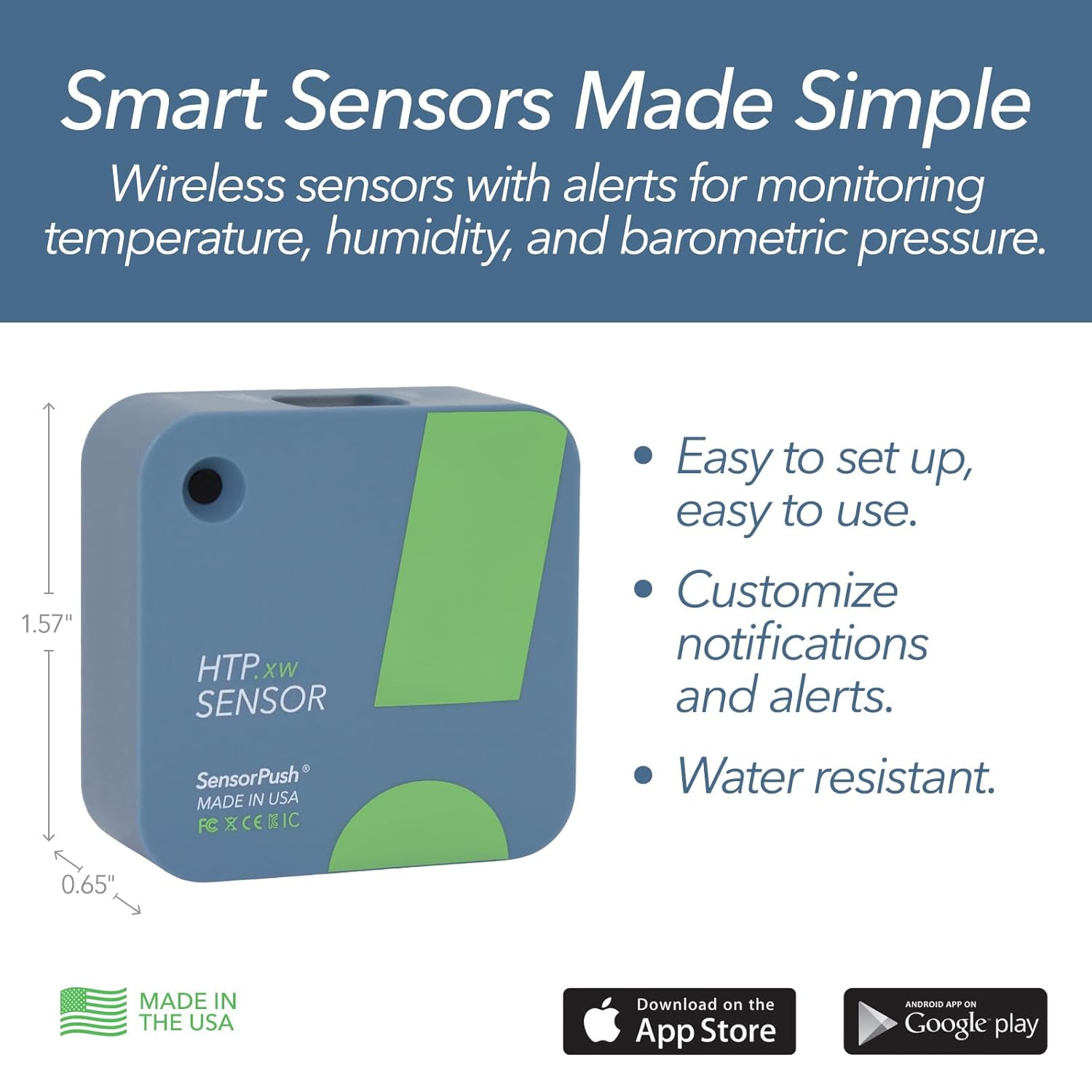
The SensorPush HTP.xw is a smart temperature and humidity sensor designed for comprehensive environmental monitoring. It provides accurate readings of air temperature, relative humidity, heat index, barometric pressure, dewpoint, and Vapor Pressure Deficit (VPD), all accessible via a mobile application. This device offers a simple, reliable solution for monitoring conditions in various environments, both indoors and outdoors.
Las características principales incluyen:
- Easy and quick setup process.
- Reliable hardware with excellent Bluetooth range.
- 24/7 constant monitoring and reporting with data updated when in range.
- 30 days of on-board data logging and unlimited in-app storage.
- Heat Index calculation for a more accurate view of thermal comfort.
- Splash/water-resistant design for versatile application.
- Easily replaceable battery with an extended life of 1-2 years.
2. Configuración
Setting up your SensorPush HTP.xw is designed to be straightforward and quick. Follow these steps to get started:
- Descargar la aplicación: Download the SensorPush app from the App Store (iOS) or Google Play Store (Android).
- Encendido: The sensor comes with a pre-installed Lithium Metal battery. Ensure the battery is properly seated.
- Emparejamiento: Open the SensorPush app on your smartphone or tablet. The app will guide you through the process of discovering and pairing with your HTP.xw sensor via Bluetooth. Ensure your device's Bluetooth is enabled.
- Optional G1 WiFi Gateway: For remote access and unlimited cloud storage, consider adding a SensorPush G1 WiFi Gateway (sold separately). This allows you to view data from anywhere via the internet.

3. Operando
Once your SensorPush HTP.xw is set up, it continuously monitors environmental conditions. The app provides a user-friendly interface to view y gestionar tus datos.
- Datos en tiempo real: View current temperature, humidity, heat index, barometric pressure, dewpoint, and VPD readings directly in the app.
- Registro de datos: The sensor stores up to 30 days of data on-board. When your device is within Bluetooth range (up to 100m line of sight), this data is automatically synced to the app for unlimited storage.
- Historical Graphs: The app displays historical data in clear, intuitive graphs, allowing you to track trends and detect patterns over hours, days, weeks, months, or even years.
- Exportación de datos: Easily export your data for further analysis or record-keeping.
- Alertas personalizadas: Set custom alerts for temperature and humidity thresholds. Receive notifications on your mobile device if conditions exceed your predefined limits.


4. Mantenimiento
The SensorPush HTP.xw is designed for low maintenance. The primary maintenance task is battery replacement.
- Duración de la batería: Under typical conditions, the included Lithium Metal battery provides an extended battery life of 1-2 years. In colder environments, battery life may be closer to 1 year.
- Reemplazo de batería: The battery is easily replaceable. When the battery level is low, the app will notify you. Refer to the device's physical instructions for specific steps on how to open the compartment and replace the battery.
- Limpieza: Keep the sensor clean and free from dust or debris to ensure accurate readings. Use a soft, dry cloth for cleaning. Avoid using harsh chemicals or abrasive materials.
5. Solución de problemas
If you encounter issues with your SensorPush HTP.xw, try the following troubleshooting steps:
- Sin problemas de datos/conexión:
- Asegúrese de que Bluetooth esté habilitado en su dispositivo móvil.
- Bring your mobile device closer to the sensor to ensure it's within Bluetooth range (up to 100m line of sight).
- Comprueba el nivel de batería en la aplicación. Si está baja, reemplázala.
- Restart the SensorPush app.
- If using a G1 WiFi Gateway, ensure it is powered on and connected to your WiFi network.
- Lecturas inexactas:
- Ensure the sensor is placed in an area with good airflow and not directly exposed to heat sources, direct sunlight, or extreme drafts.
- Verify that the sensor is clean and free from any obstructions.
- La aplicación no responde:
- Close and reopen the SensorPush app.
- Reinicia tu dispositivo móvil.
If these steps do not resolve your issue, please contact SensorPush customer support for further assistance.
6. Especificaciones
| Especificación | Detalle |
|---|---|
| Número de modelo | HTP.xw |
| Peso del artículo | 10 gramos |
| Dimensiones del producto | 4 x 4 x 1.65 cm |
| Baterías | 1 batería de litio metálico (incluida) |
| Duración de la batería | Up to 2 years (1-2 years in cold conditions) |
| Precisión de la medición | ±1.5%RH, ±0.1°C, ±0.012inHg |
| Tipo de montaje | Superficie de la mesa |
| Características especiales | Impermeable |
| Humedad de funcionamiento | 10-90% |
| Rango de temperatura | Lower: 0.1°C, Upper: 140°F |
| País natal | EE.UU |
7. Garantía y soporte
SensorPush is a U.S. based company committed to quality and customer satisfaction. Development and support are handled in-house by our dedicated team.
- Política de devoluciones: The product is eligible for a refund/replacement within 30 days of purchase.
- Atención al cliente: For any questions, technical assistance, or warranty claims, please reach out to SensorPush customer support. We are always happy to help, before or after your purchase.