
1. Introducción
The COMPUTHERM T-32 room thermostat is designed for controlling most boilers and air conditioners available in the EU. It can be easily connected to any gas boiler with a two-wire thermostatic connection point, and to all air conditioning systems or electrical appliances, whether they have a 24V or 230V control circuit.
This digital thermostat allows for more precise temperature measurement and adjustment compared to traditional thermostats. It helps reduce energy costs while maintaining comfort by regulating the connected appliance (e.g., a gas boiler or pump) based on the measured and set temperatures.
Características principales:
- Control preciso de temperatura: Easily set desired temperature between 5°C and 30°C in 0.5°C increments.
- Constant Indoor Temperature: Switching sensitivity of ±0.2°C or 0.1°C ensures a uniform and stable room temperature.
- Compatibilidad versátil: Suitable for boilers with a two-wire connection and various HVAC systems (24V or 230V).
- Modos de calefacción y refrigeración: Admite funciones de calefacción y refrigeración.
- Pantalla digital: Provides clear and accurate temperature readings.
2. Configuración e instalación
Importante: El dispositivo debe ser instalado por una persona competente.
2.1 Contenido del paquete
Verifique que todos los componentes estén presentes:
- 1x COMPUTHERM T-32 Digital Room Thermostat
- 2 pilas AAA
- Herrajes de montaje (tornillos y tacos)

Figure 1: Package contents including the thermostat, batteries, and mounting hardware.
2.2 Instalación de la batería
- Carefully remove the back cover of the thermostat.
- Inserte las dos pilas AAA en el compartimento de las pilas, asegurándose de la polaridad correcta (+/-).
- Reemplace la cubierta trasera.
2.3 Montaje y cableado
The thermostat is designed for wall mounting in a room. Choose a location away from direct sunlight, drafts, or heat sources that could affect temperature readings.
- Separe el panel frontal de la placa posterior.
- Marque la posición de montaje deseada en la pared.
- Perfore agujeros e inserte los tacos.
- Fije la placa posterior a la pared utilizando los tornillos proporcionados.
- Connect the two-wire control circuit from your boiler or HVAC system to the terminals on the back plate. Refer to the wiring diagram on the back of the thermostat for correct connections.
- Carefully reattach the front panel to the back plate.

Figura 2: Posterior view of the thermostat with wiring terminals and battery compartment details.
3. Operación
3.1 Visualización sobreview
The digital display shows the current room temperature and the set desired temperature. The thermostat features three control buttons below the display.

Figura 3: Frente view of the COMPUTHERM T-32 thermostat with its digital display and three control buttons.
3.2 Ajuste de la temperatura deseada
Use the temperature control buttons (typically marked with up and down arrows or similar symbols) to adjust the desired temperature. Each press changes the temperature by 0.5°C within a range of 5°C to 30°C.
- Presione el Flecha hacia arriba Botón para aumentar la temperatura deseada.
- Presione el Flecha hacia abajo Botón para disminuir la temperatura deseada.
The thermostat will automatically regulate the connected heating or cooling appliance to maintain the set temperature within its switching sensitivity of ±0.2°C.
3.3 Funcionamiento en modo calefacción
In heating mode, if the measured room temperature falls below the set temperature minus the switching sensitivity (e.g., 22°C - 0.2°C = 21.8°C), the thermostat will activate the heating appliance. It will deactivate the heating when the room temperature rises above the set temperature plus the switching sensitivity (e.g., 22°C + 0.2°C = 22.2°C).
3.4 Funcionamiento en modo de enfriamiento
In cooling mode, the operation is reversed. If the measured room temperature rises above the set temperature plus the switching sensitivity, the thermostat will activate the cooling appliance. It will deactivate cooling when the room temperature falls below the set temperature minus the switching sensitivity.
Note: After a temperature change using the thermostat's adjustment buttons, the switching sensitivity is temporarily not considered, allowing the thermostat to react to a difference of ±0.1°C for immediate response.
4. Mantenimiento
- Limpieza: Limpie el termostato con un paño suave y seco. No utilice limpiadores abrasivos ni disolventes.
- Reemplazo de batería: Reemplace las pilas cuando aparezca el indicador de batería baja en la pantalla. Utilice siempre pilas alcalinas AAA nuevas.
- Evite Obstrucciones: Ensure no objects block the thermostat's ventilation slots or sensor, as this can affect temperature accuracy.
5. Solución de problemas
| Problema | Posible causa | Solución |
|---|---|---|
| La pantalla del termostato está en blanco. | Baterías muertas o instaladas incorrectamente. | Reemplace las baterías, asegurándose de la polaridad correcta. |
| El sistema de calefacción/refrigeración no responde. | Incorrect wiring; system power off; thermostat in wrong mode. | Check wiring connections (consult a professional); ensure system power is on; verify thermostat is set to appropriate mode (heating/cooling). |
| Lectura de temperatura inexacta. | Termostato ubicado cerca de una fuente de calor/corriente de aire; sensor obstruido. | Relocate thermostat if possible; ensure no obstructions around the sensor. |
| Temperature fluctuates too much. | High switching sensitivity setting (not applicable for T-32 as it's fixed). | The T-32 has a fixed sensitivity of ±0.2°C. Ensure proper placement and insulation of the room. |
6. Especificaciones
- Modelo: T32
- Fuente de energía: 2x AAA 1.5V Alkaline Batteries (included)
- Vol de controltage: 24V AC o 230V AC
- Capacidad de carga: 8 Amperes
- Rango de medición de temperatura: De 5 °C a 30 °C
- Rango de ajuste de temperatura: De 5 °C a 30 °C
- Incremento del ajuste de temperatura: 0.5°C
- Sensibilidad de conmutación: ±0.2°C (or ±0.1°C after manual adjustment)
- Dimensiones (L x An x Al): 8.5 x 8.5 x 2.8 cm
- Peso: 160 gramos
- Conectividad: Cableado
- Color: Blanco


Figure 4: Dimensions of the COMPUTHERM T-32 thermostat.
7. Garantía
The COMPUTHERM T-32 Digital Room Thermostat comes with a Garantía del fabricante de 5 añosConserve su comprobante de compra para reclamaciones de garantía. La garantía cubre defectos de materiales y mano de obra en condiciones normales de uso.
8. Soporte
For further assistance or if you encounter issues not covered in this manual, please refer to the official COMPUTHERM website or contact your retailer. Always ensure that any electrical work is performed by a qualified professional.
Para obtener más información, puede visitar el sitio web del fabricante. websitio: www.calorsol.de
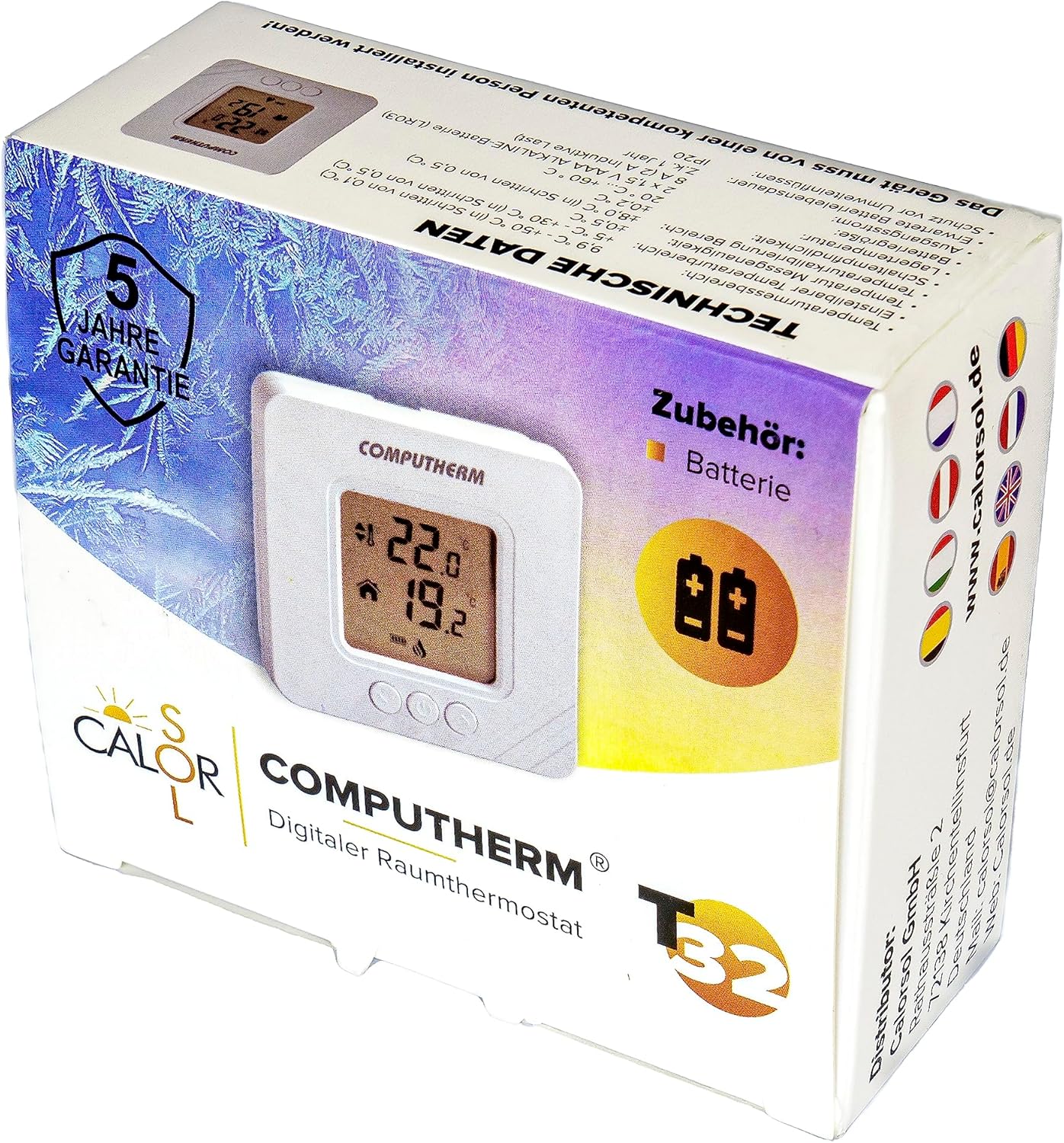
Figure 5: Product packaging displaying warranty information and technical data.