
Introducción
This manual provides essential information for the safe and efficient use of your Apple 11-inch iPad Pro (2021 Model). It covers setup, operation, maintenance, and troubleshooting to help you maximize your device's capabilities. The iPad Pro features the Apple M1 chip, an 11-inch Liquid Retina display, advanced camera systems, and high-speed Wi-Fi connectivity.
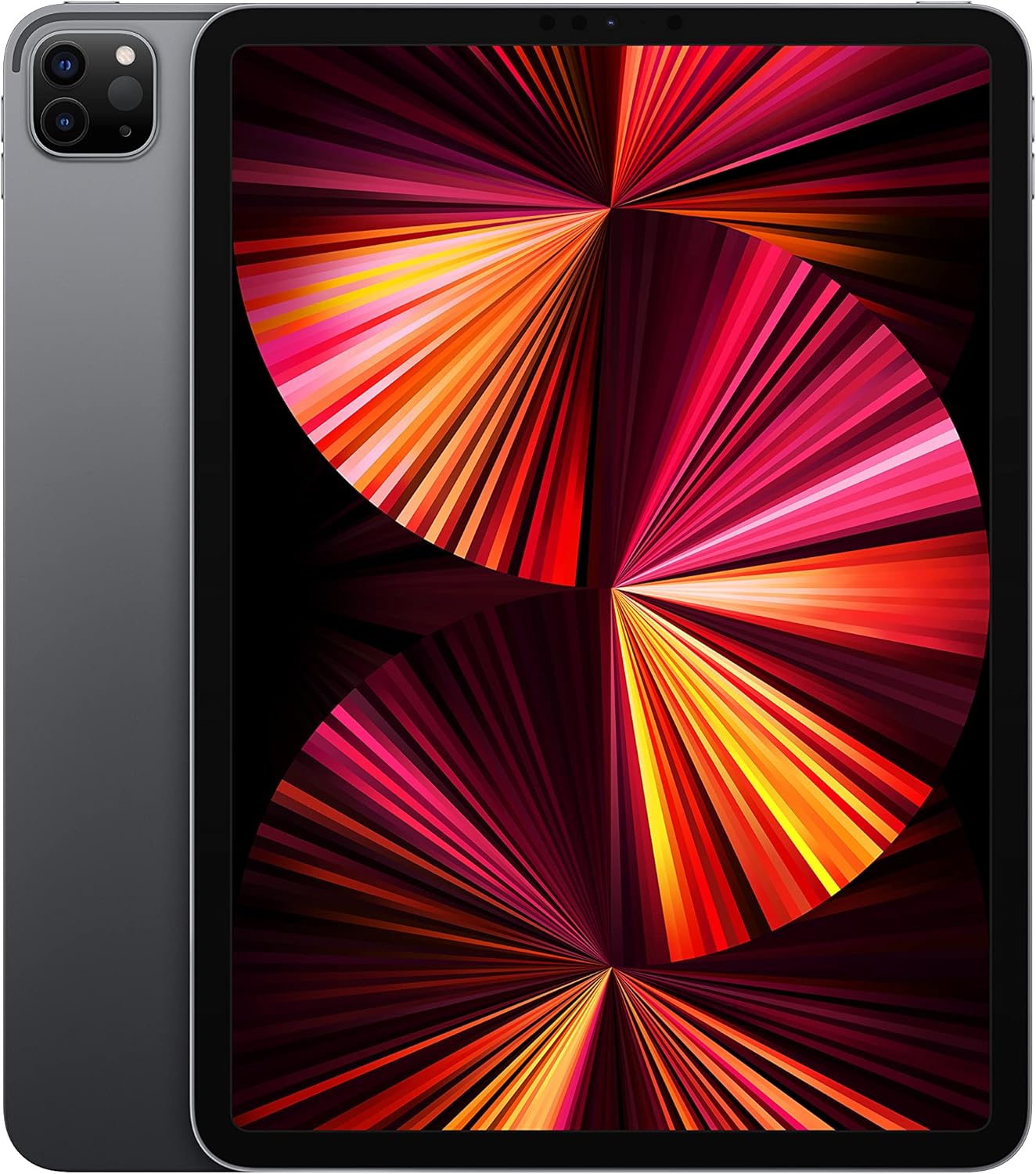
Image: The Apple 11-inch iPad Pro (2021 model) in Space Gray, showcasing its sleek design with the display active and the rear camera module visible.
Configuración
1. Unboxing y Contenidos
Retire con cuidado todos los artículos del embalaje. Compruebe que estén incluidos los siguientes componentes:
- iPad Pro
- Cable de carga USB-C (1 metro)
- Adaptador de corriente 18W USB-C
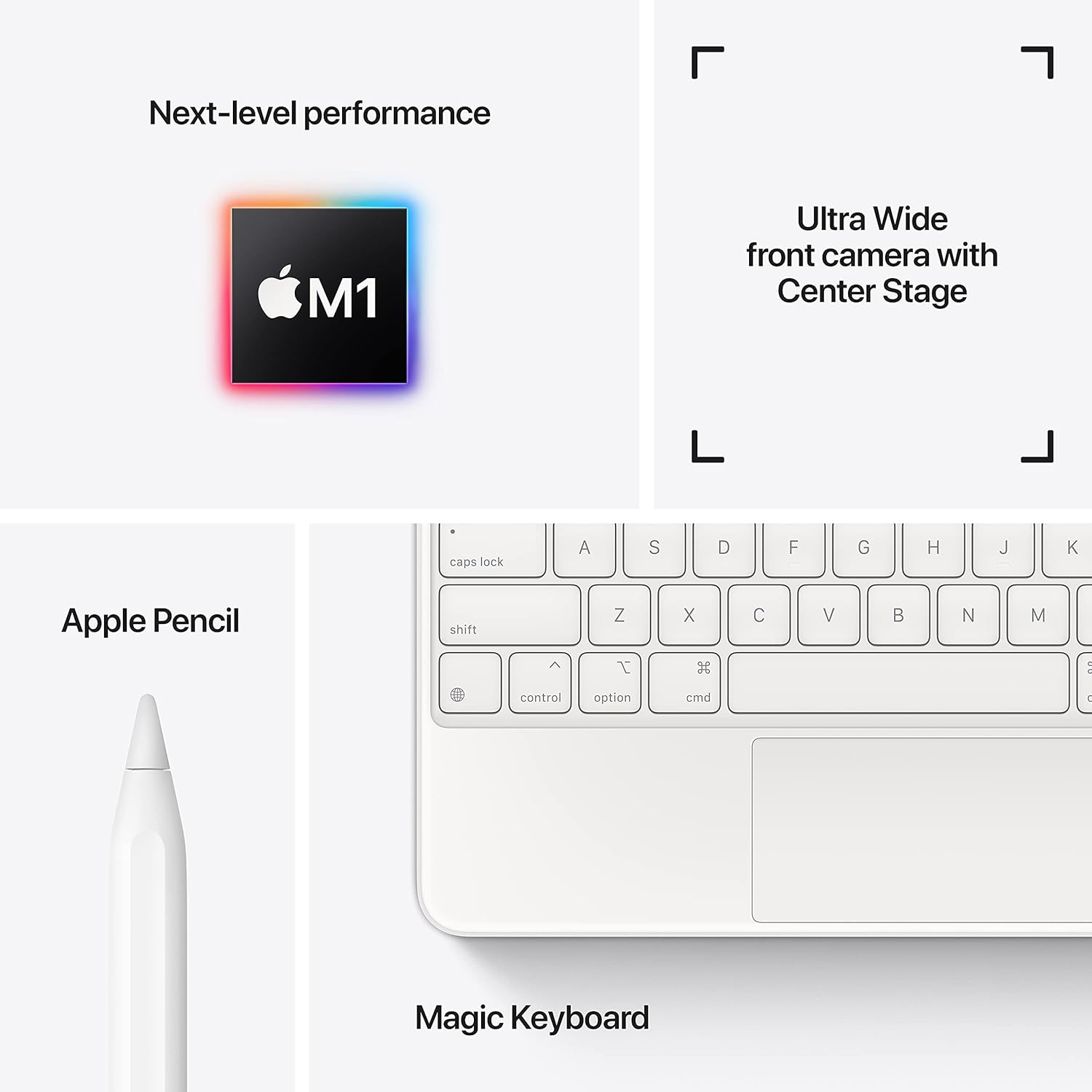
Image: A visual representation of the items included in the iPad Pro packaging: the iPad Pro device, a USB-C charging cable, and a USB-C power adapter.
2. Carga inicial
Before first use, connect your iPad Pro to the power adapter using the provided USB-C cable and charge it until the battery indicator shows a full charge. This ensures optimal battery calibration.
3. Encendido / apagado
- Para encender: Mantenga presionado el botón superior hasta que aparezca el logotipo de Apple.
- Para apagar: Press and hold the top button and either volume button simultaneously until the power off slider appears. Drag the slider to shut down the device.
4. Pasos de configuración inicial
Follow the on-screen instructions to configure your iPad Pro:
- Seleccione su idioma y región.
- Conectarse a una red Wi-Fi.
- Set up Face ID for secure authentication.
- Inicia sesión con tu ID de Apple o crea uno nuevo.
- Configure data and privacy settings.
Operante
1. Navegación básica
The iPad Pro uses intuitive multi-touch gestures for navigation:
- Pantalla de inicio: Desliza el dedo hacia arriba desde el borde inferior de la pantalla.
- Cambiador de aplicaciones: Desliza el dedo hacia arriba desde el borde inferior y haz una pausa en el medio de la pantalla.
- Centro de control: Deslice el dedo hacia abajo desde la esquina superior derecha de la pantalla.
- Notificaciones: Deslice el dedo hacia abajo desde la esquina superior izquierda o el centro de la pantalla.
2. Identificación facial
Face ID allows you to securely unlock your iPad, authorize purchases, and sign in to apps using facial recognition. Ensure your face is clear and visible to the TrueDepth camera.
3. Conexión de accesorios
The iPad Pro supports various accessories to enhance productivity and creativity:
- Apple Pencil (2.ª generación): Attach the Apple Pencil magnetically to the side of your iPad Pro to pair and charge it.
- Magic Keyboard / Smart Keyboard Folio: Attach the keyboard magnetically to the Smart Connector on the back of your iPad Pro. No pairing is required.

Image: A user engaged in creative work on an iPad Pro, utilizing both the Magic Keyboard and Apple Pencil for enhanced interaction.

Image: An infographic illustrating the core features of the iPad Pro, including the M1 chip for performance, the Ultra Wide front camera with Center Stage, and compatibility with Apple Pencil and Magic Keyboard.
4. Uso de las cámaras
The iPad Pro features a 12MP Wide camera, 10MP Ultra Wide camera, and a LiDAR Scanner on the rear, and a 12MP Ultra Wide TrueDepth front camera with Center Stage. Centro Stagy te mantiene automáticamente en el cuadro durante las videollamadas.
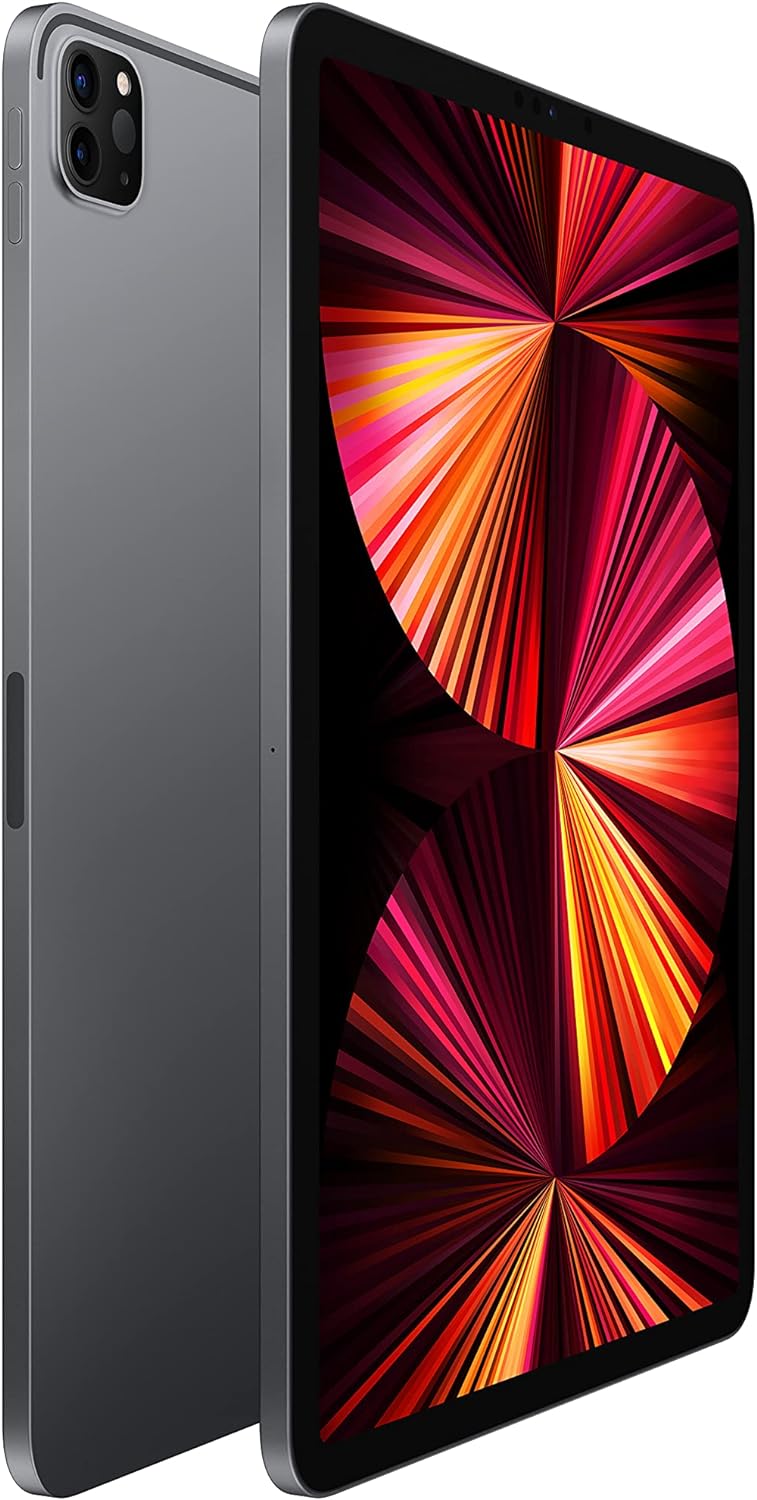
Image: A detailed close-up of the iPad Pro's advanced camera system and its sleek side design, with a glimpse of the Magic Keyboard in the background.
5. Conectividad WiFi
Para conectarse a una red Wi-Fi, vaya a Configuración > Wi-Fi, select your desired network, and enter the password if prompted. The iPad Pro supports ultrafast Wi-Fi for reliable internet access.
Mantenimiento
1. Limpieza de la pantalla
Use a soft, lint-free cloth to clean the display. For stubborn smudges, slightly dampen the cloth with water. Avoid using abrasive materials or chemical cleaners.
2. Cuidado de la batería
Para prolongar la vida útil de la batería:
- Evite temperaturas extremas.
- Mantenga el software actualizado.
- Optimize settings such as screen brightness and background app refresh.
The iPad Pro offers up to 10 hours of web surfing on Wi-Fi or video playback.
3. Actualizaciones de software
Regularly check for and install software updates to ensure your iPad Pro has the latest features, security enhancements, and performance improvements. Go to Configuración > General > Actualización de software.
Solución de problemas
1. El dispositivo no responde
Si su iPad Pro no responde, realice un reinicio forzado:
- Presione y suelte rápidamente el botón para subir el volumen.
- Presione y suelte rápidamente el botón para bajar el volumen.
- Mantenga presionado el botón superior hasta que aparezca el logotipo de Apple.
2. Problemas de conectividad Wi-Fi
- Asegúrese de que el Wi-Fi esté habilitado en Configuración > Wi-Fi.
- Reinicie su enrutador Wi-Fi.
- Olvídate de la red y vuelve a conectarte: Settings > Wi-Fi > (i) icon > Forget This Network.
3. App Not Working Correctly
- Cierre y vuelva a abrir la aplicación.
- Busque actualizaciones de la aplicación en la App Store.
- Eliminar y reinstalar la aplicación.
4. Restablecimiento de fábrica (último recurso)
If issues persist, you may need to erase all content and settings. This will delete all data on your iPad. Go to Ajustes > General > Transferir o restablecer iPad > Borrar todo el contenido y los ajustes. Haga una copia de seguridad de sus datos antes de continuar.
Presupuesto
| Característica | Detalle |
|---|---|
| Número de modelo | MHQR3LL/A |
| Marca | Manzana |
| Nombre del modelo | iPad Pro |
| Dimensiones del producto | 9.74 x 7.02 x 0.23 pulgadas (247.6 x 178.5 x 5.9 mm) |
| Peso del artículo | 1.03 libras (466 gramos) modelo Wi-Fi |
| Tamaño de pantalla | 11 pulgadas |
| Mostrar | Liquid Retina display with ProMotion technology and True Tone |
| Resolución máxima de pantalla | 2388-by-1668-pixel resolution at 264 pixels per inch (ppi) |
| Chip | Chip Apple M1 (CPU de 8 núcleos, GPU de 8 núcleos, Neural Engine de 16 núcleos) |
| Capacidad | 128GB (as per this model variant) |
| Cámara trasera | 12MP Wide and 10MP Ultra Wide cameras with Smart HDR and LiDAR Scanner |
| Grabación de vídeo | 4K video at 24 fps, 30 fps, or 60 fps |
| Cámara frontal | 12MP Ultra Wide TrueDepth front camera with Portrait mode, Portrait Lighting, and Smart HDR 3 |
| Duración de la batería | Hasta 10 horas de web surfing on Wi-Fi, watching video, or listening to music |
| Conector | USB-C |
| Baterías | 1 batería de polímero de litio (incluida) |
| Fecha de primera disponibilidad | 30 de abril de 2021 |
Garantía y soporte
Your Apple iPad Pro is covered by Apple's standard limited warranty. For detailed warranty information, please refer to the documentation included with your purchase or visit the official Apple websitio.
For technical assistance, troubleshooting, and service, please visit the Soporte técnico de Apple websitio o comuníquese directamente con el servicio de atención al cliente de Apple.