
1. Introducción
The CUBOT King Kong 5 Pro is a rugged smartphone designed for durability and performance in challenging environments. It features a robust build, a large battery, and a versatile camera system, running on the Android 11 operating system.
2. ¿Qué hay en la caja?
- CUBOT King Kong 5 Pro Rugged Cell Phone
- Cargador
- Manual
- Type-C Original Headphones
- Cable USB

Image: Contents of the CUBOT King Kong 5 Pro retail box.
3. Características físicas y componentes
Familiarize yourself with the key physical features of your CUBOT King Kong 5 Pro.
- Mostrar: 6.1-inch HD+ Water-drop screen (720x1560 resolution).
- Cámara frontal: 25MP, located at the top of the display.
- Cámaras traseras: Sony 48MP Main Lens, 5MP Macro Lens, 0.3MP Photosensitive Lens, Dual Flash.
- Oradores: Dual loud stereo speakers for enhanced audio output.
- Botones: Volume Up/Down, Power Key, Customizable Button.
- Puertos: USB Type-C charging port (covered by a rubber flap), TF/SIM Card slot.
- Sensores: Side-mounted Fingerprint Sensor, Face ID, Accelerometer, Gyroscope, Magnetic, Proximity.
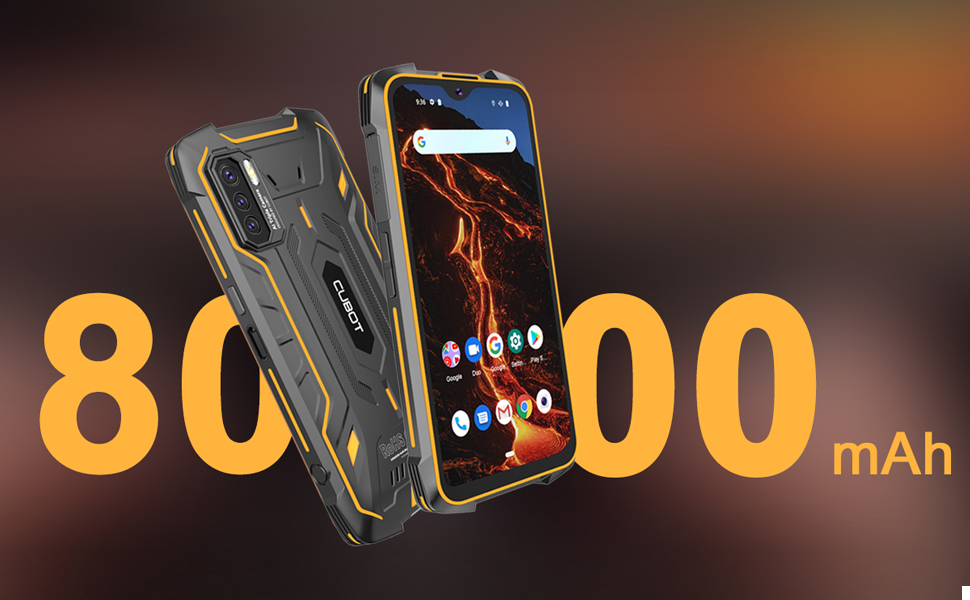
Imagen: Detallada view of the CUBOT King Kong 5 Pro's physical features, including camera setup, ports, and buttons.
4. Configuración
4.1. Inserción de tarjetas SIM y tarjetas SD
- Localice la ranura de la tarjeta SIM en el lado izquierdo del teléfono.
- Carefully open the protective rubber flap covering the SIM tray.
- Insert up to two Nano-SIM cards or one Nano-SIM card and one microSD card (for expandable storage up to 256GB) into the tray. Ensure correct orientation.
- Gently push the tray back into the slot and securely close the rubber flap to maintain water and dust resistance.
4.2. Encendido y configuración inicial
- Press and hold the Power Key (located on the right side) until the CUBOT logo appears.
- Siga las instrucciones en pantalla para seleccionar su idioma, conectarse a una red Wi-Fi y configurar su cuenta de Google.
- Configure security features such as Face ID and the side-mounted Fingerprint Sensor for quick and secure access.
5. Operar su dispositivo
5.1. Sistema operativo Android 11
The King Kong 5 Pro runs on Android 11, offering enhanced privacy controls, improved message management, and intuitive device connectivity. Navigate through the interface using gestures or traditional navigation buttons.
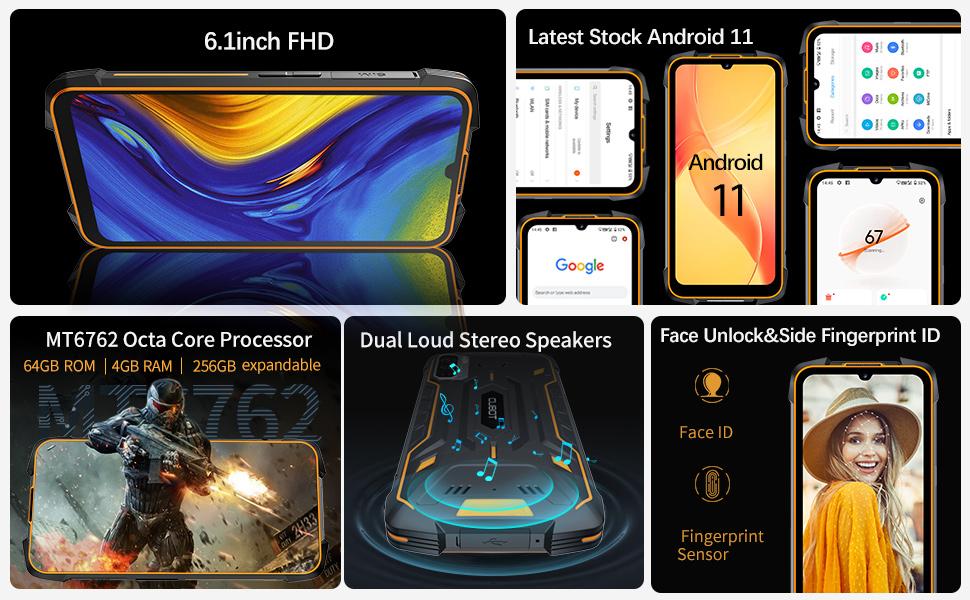
Image: Screenshots of the Android 11 operating system on the CUBOT King Kong 5 Pro.
5.2. Gestión de la batería
The device is equipped with a large 8000mAh battery, providing extended usage time. It supports 5V/3A fast charging. To optimize battery life, utilize the built-in Battery Saver mode and monitor app usage in the Battery Manager settings.

Image: Visual representation of the 8000mAh super battery capacity.
5.3. Botón personalizable
The customizable button on the side of the phone can be configured to launch any application or function. By default, it may be set to open the camera app. To change its function, navigate to Settings > Custom key function and select your desired application for single press, double press, or long press actions.
6. Características de la cámara
The CUBOT King Kong 5 Pro features a triple rear camera setup and a high-resolution front camera.
- Cámara trasera: 48MP Sony main lens for clear photos, a 5MP macro lens for close-up shots, and a 0.3MP photosensitive lens.
- Cámara frontal: 25MP para selfies y videollamadas.
- Grabación de vídeo: Supports 1080p video recording with image stabilization.
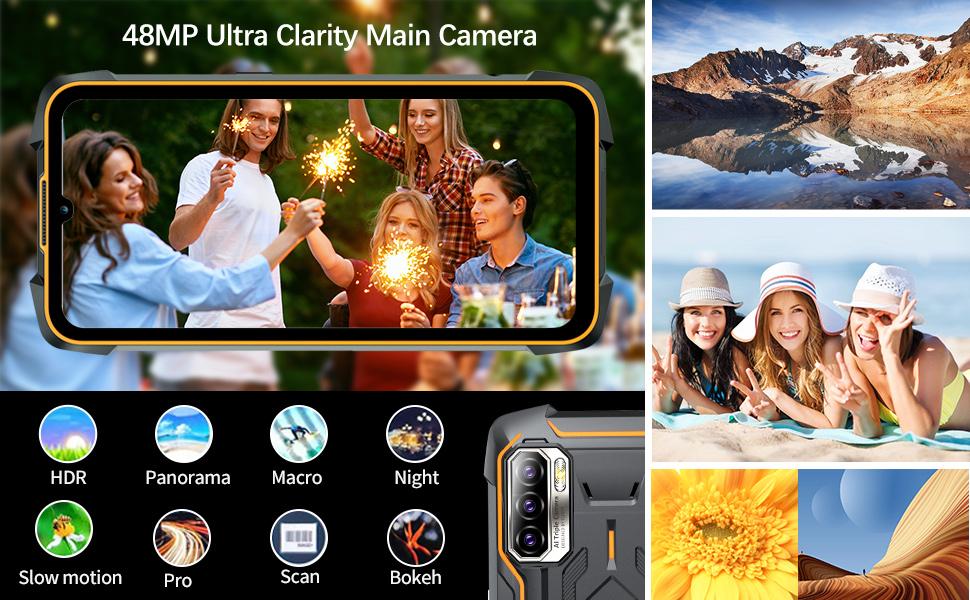
Imagen: Más alláview of the professional outdoor camera set and various camera modes.
7. Rendimiento
Powered by an MT6762D Octa-Core processor with 4GB RAM and 64GB ROM (expandable up to 256GB), the King Kong 5 Pro is designed for everyday tasks and light usage. While not intended for heavy gaming or demanding applications, it provides smooth operation for browsing, messaging, and standard apps.
8. Conectividad y sensores
- Red: Dual SIM dual 4G standby, supporting a wide range of FDD and TDD bands for global compatibility. Compatible with most GSM networks (AT&T, T-Mobile, Metro PCS, Straight Talk, Ting, H2O Wireless). Not compatible with New AT&T, Cricket, and CDMA networks (Verizon, Sprint, Boost Mobile).
- Navegación: Integrated GPS, GLONASS, and BEIDOU for accurate positioning.
- Inalámbrico: Bluetooth 5.0, Wi-Fi, NFC for contactless payments and data exchange.
- Sensores: Accelerometer, Gyroscope, Magnetic (Compass), Proximity, Light sensor.
9. Características de durabilidad
The CUBOT King Kong 5 Pro is built to withstand harsh conditions, making it ideal for outdoor and demanding environments.
- Impermeable: IP68 & IP69K rated, waterproof up to 1.5 meters for 30 minutes.
- A prueba de caídas: Designed to be drop-proof from heights up to 1.5 meters.
- A prueba de polvo: 99% dustproof, protecting against dust ingress even in dusty environments.
- Construcción: Wrapped in rubber for enhanced durability and shock absorption.
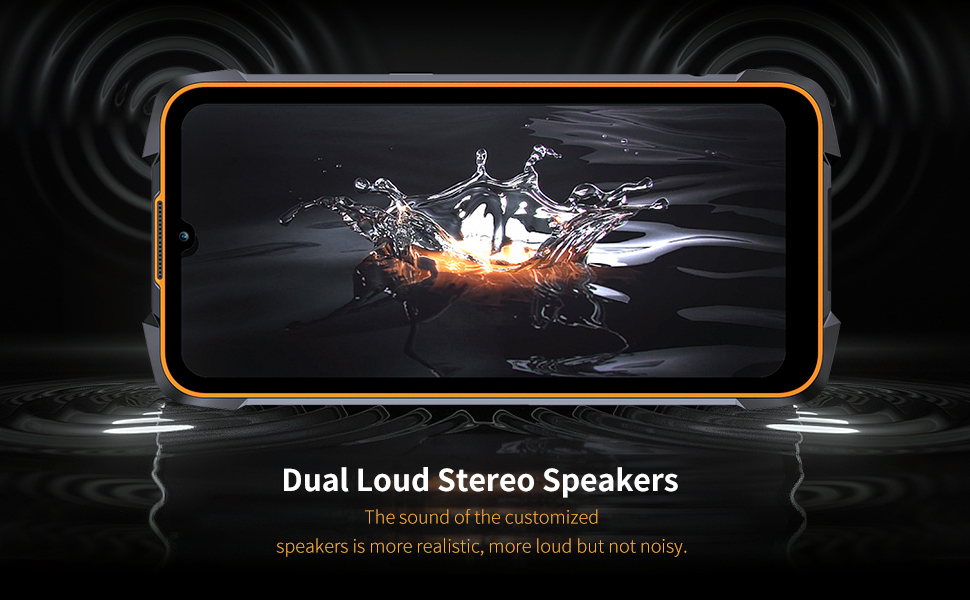
Image: The CUBOT King Kong 5 Pro showcasing its rugged design and resistance to water, dust, and drops.
10. Especificaciones
| Característica | Especificación |
|---|---|
| Nombre del modelo | King Kong 5 Pro |
| Sistema operativo | Androide 11.0 |
| Modelo de CPU | MT6762D Octa-Core |
| RAM | 4 GB |
| Capacidad de almacenamiento de memoria | 64 GB (ampliable hasta 256 GB) |
| Tamaño de pantalla | 6.1 pulgadas HD+ |
| Resolución | 720 x 1560 |
| Capacidad de la batería | 8000 miliamp Horas |
| Tiempo de carga | Approx. 4.5 Hours (0-100%) |
| Cámara trasera | 48MP (Main) + 5MP (Macro) + 0.3MP (Photosensitive) |
| Cámara frontal | 25MP |
| Resistencia al agua/polvo | IP68 y IP69K |
| Resistencia a caídas | Hasta 1.5 metros |
| Conectividad | 4G Dual SIM, Bluetooth 5.0, Wi-Fi, NFC |
| Navegación | GPS, GLONASS, BEIDOU |
| Dimensiones | 6.53 x 3.2 x 0.74 pulgadas |
| Peso del artículo | 10.9 onzas |
11. Solución de problemas
- Tarjeta SIM no detectada: If your SIM card is not detected, ensure it is correctly inserted into the tray. Sometimes, wiping the SIM card's contacts with alcohol can resolve issues caused by dust or oxidation.
- Rendimiento lento: Close unused applications running in the background. Regularly clear cache and temporary files. If performance issues persist, consider a factory reset (back up your data first).
- Problemas de pantalla: If the touchscreen is unresponsive in certain areas, restart the device. If the issue persists, contact customer support.
- Problemas de carga: Ensure the USB Type-C cable and charger are securely connected and undamaged. Check that the rubber flap covering the charging port is fully open during charging.
12. Garantía y soporte
For warranty information and technical support, please refer to the documentation included with your product or visit the official CUBOT webSitio. Conserve su comprobante de compra para cualquier reclamación de garantía.