
Westclox 71051
Westclox 71051 Sunrise Alarm Clock User Manual
Modelo: 71051
1. Introducción
The Westclox 71051 Sunrise Alarm Clock is designed to enhance your sleep and wake-up experience. This clock features a simulated natural sunrise to gently wake you, a restful sunset simulator to help you fall asleep, and a dimmable nightlight. It is easy to set and operate, providing a refreshing start to your day.

Figure 1: Westclox 71051 Sunrise Alarm Clock
2. Características principales
- Simulación del amanecer: Se ilumina gradualmente para simular un amanecer natural, promoviendo un despertar suave.
- Simulación de puesta de sol: Gradually dims to simulate a natural sunset, aiding in relaxation and sleep.
- Dimmable Nightlight: Provides a soft glow for nighttime use, adjustable for comfort.
- Ascending Audible Alarm: Gently increases in volume after the light alarm, ensuring you wake up.
- Large 0.6" Red Digital LED Display: Clear and easy to read time display, day or night.
- Electric Operated with Battery Backup: Garantiza que la configuración de tiempo y alarma se mantenga durante el corte de energía.tages (requiere 2 pilas AAA, no incluidas).
- Controles fáciles de usar: Simple buttons for setting time, alarm, and other functions.
- Función de repetición: Allows for extra minutes of sleep.
3. Configuración
3.1 Conexión de alimentación
Connect the alarm clock to a standard electrical outlet using the provided power cord. The clock is primarily electric operated.
3.2 Instalación de la batería de respaldo
Para un funcionamiento ininterrumpido durante cortes de energíatages, install 2 AAA batteries (not included) into the battery compartment located on the underside of the unit. This will preserve your time and alarm settings.

Figure 2: Battery Backup Feature
4. Instrucciones de funcionamiento

Figure 3: Rear Controls Overview
4.1 Configuración de la hora
- Mantenga pulsado el TIEMPO button located on the back of the clock.
- Mientras sostenía TIEMPO, presione el HORA botón para ajustar la hora.
- Mientras sostenía TIEMPO, presione el MINUTO botón para ajustar los minutos.
- Liberar el TIEMPO button once the desired time is set.
4.2 Configuración de la alarma
- Mantenga pulsado el ALARMA button located on the back of the clock.
- Mientras sostenía ALARMA, presione el HORA para ajustar la hora de la alarma.
- Mientras sostenía ALARMA, presione el MINUTO para ajustar los minutos de la alarma.
- Liberar el ALARMA Botón una vez establecida la hora de alarma deseada.
4.3 Activación/desactivación de la alarma
Presione el ALARMA ENCENDIDA / APAGADA button to toggle the alarm function. An indicator light on the display will show if the alarm is active.
4.4 Simulación del amanecer
The sunrise simulation feature will gradually brighten the light before your set alarm time, mimicking a natural sunrise. This helps to gently prepare your body for waking.

Figure 4: Sunrise Light Feature
4.5 Sunset Simulation / Nightlight
To activate the sunset simulation or use the dimmable nightlight:
- Mantenga pulsado el ATARDECER botón.
- Mientras sostenía ATARDECER, presione el MINUTO or HORA buttons to set the duration of the sunset simulation.
- The light will gradually dim over the set period, helping you relax and fall asleep.
- To use as a static nightlight, simply press the ATARDECER button briefly to turn the light on/off. The brightness can be adjusted by holding the button.
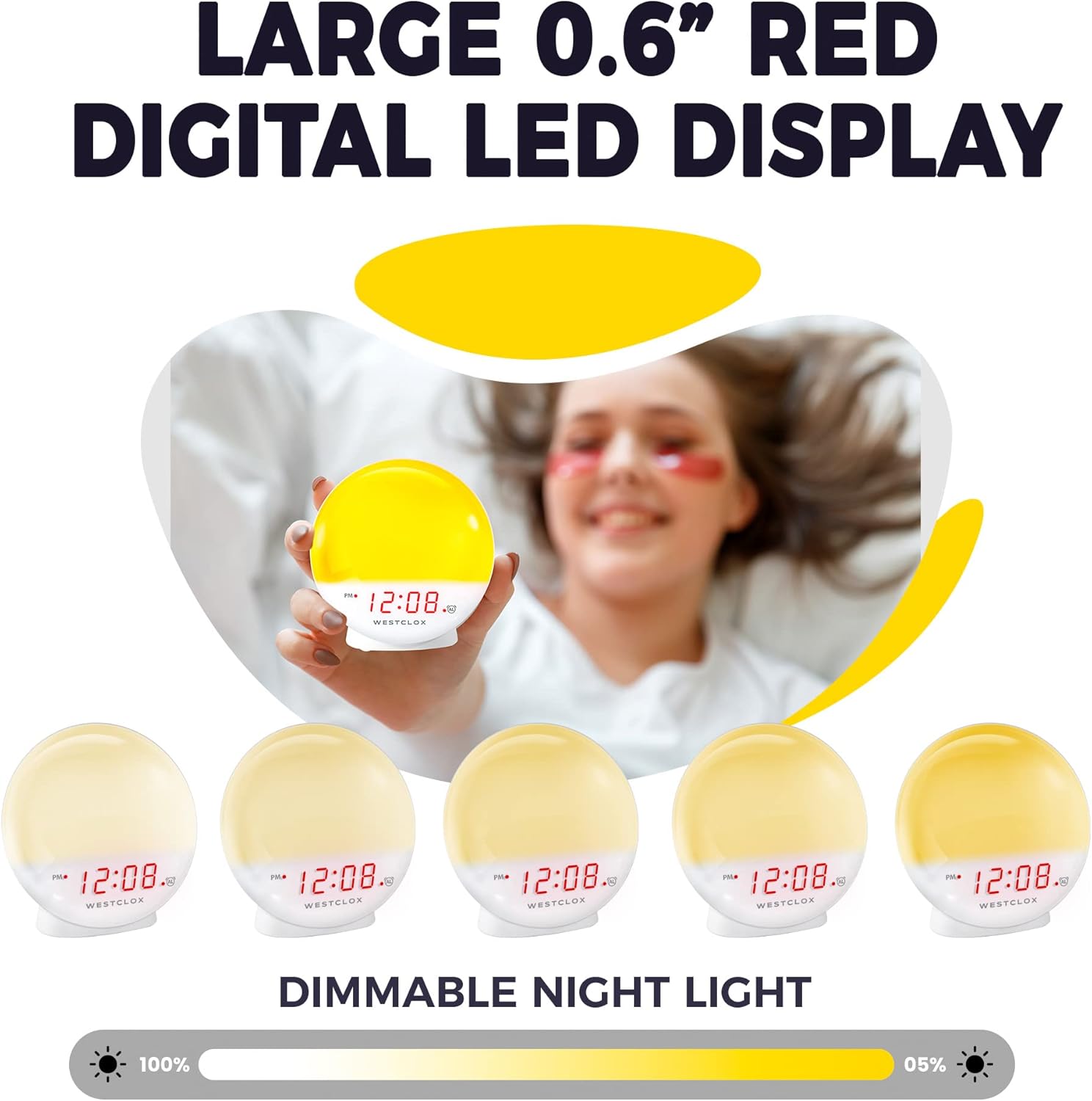
Figure 5: Dimmable Night Light
4.6 Función de repetición
Cuando suene la alarma, presione el botón grande DORMITAR button (typically located on top) to temporarily silence the alarm and get a few extra minutes of sleep. The alarm will sound again after the snooze period.

Figure 6: Snooze Button
4.7 Atenuador de pantalla
The digital LED time display can be adjusted to be dim or bright according to your preference. Refer to the product's specific controls for dimmer adjustment, usually a dedicated button or a combination of buttons.
5. Mantenimiento
- Limpieza: Limpie el reloj con un paño suave y seco. No utilice limpiadores abrasivos ni disolventes.
- Reemplazo de batería: Replace AAA batteries in the backup compartment annually or when the display shows signs of dimming during power outages.
- Almacenamiento: Si va a guardar el reloj durante un período prolongado, retire las pilas de repuesto para evitar fugas.
6. Solución de problemas
- Clock Not Working/Display Blinking: Ensure the power cord is securely plugged into a working electrical outlet. If using battery backup, check if batteries are correctly installed and not depleted.
- La alarma no suena: Verify that the alarm is activated using the ALARM ON/OFF button. Check the alarm time setting.
- Light Not Bright Enough: The sunrise simulation gradually increases brightness. If the nightlight is too dim, adjust the dimmer setting. Note that the light intensity is designed for a gentle wake-up, not as a primary room light source.
- Ruido de zumbido: If you experience an unusual humming sound, try plugging the clock into a different outlet. If the issue persists, contact customer support.
7. Especificaciones
| Característica | Detalle |
|---|---|
| Marca | Clox occidental |
| Número de modelo | 71051 |
| Color | Rojo |
| Tipo de pantalla | Digital |
| Característica especial | Small, Sound Machine |
| Dimensiones del producto | 5" de ancho x 5.1" de alto |
| Fuente de poder | Battery Powered, Electrical |
| Tipo de habitación | Dormitorio |
| Forma | Redondo |
| Uso en interiores y exteriores | Interior |
| Material del marco | Plástico |
| ¿Están incluidas las pilas? | No |
| Tipo de montaje | Superficie de la mesa |
| Despertador | Sí |
| Tipo de garantía | Limitado |
| Modo de operación | Eléctrico |
| Forma de reloj | Amanecer |
| Tecnología de conectividad | USB |
| Peso del artículo | 10.2 onzas |
| Fabricante | Nyl Holdings llc |
| Fecha de primera disponibilidad | 21 de mayo de 2021 |
8. Demostración en video
Vídeo 1: Fin oficialview of the Westclox 71051 Sunrise Alarm Clock, demonstrating its features and functionality.
9. Garantía y soporte
This Westclox 71051 Sunrise Alarm Clock comes with a Limited Warranty. For specific details regarding warranty coverage, terms, and conditions, please refer to the documentation included with your product or contact Westclox customer support directly.
For technical assistance, troubleshooting not covered in this manual, or warranty claims, please reach out to the manufacturer, Nyl Holdings llc, or visit the official Westclox websitio para obtener información de contacto de soporte.
Ask a question about this manual
Ask about setup, troubleshooting, compatibility, parts, safety, or missing instructions. Manuals+ will review the question and use this page’s manual context to help answer it.