
Introducción
Thank you for choosing the Baseus 2 in 1 Bluetooth 5.0 FM Transmitter Car Charger. This device combines a car charger with an FM transmitter, allowing you to stream audio wirelessly from your mobile device to your car's FM radio and charge your devices simultaneously. Please read this manual carefully before use to ensure proper operation and to maximize the product's lifespan.
Producto terminadoview

Image: The Baseus 2 in 1 Bluetooth 5.0 FM Transmitter Car Charger, showing its compact design with dual USB ports and a digital display.
The Baseus Car Wireless MP3 Charger (Model CCNLZ-C0G) features Bluetooth 5.0 for stable audio transmission, dual USB ports for quick charging, and an FM transmitter function. It is designed for ease of use with a single-key operation and includes an intelligent digital display for voltage seguimiento.
Características principales:
- Bluetooth 5.0 for stable and fast audio transmission.
- Dual USB ports for charging, supporting 18W Quick Charge 3.0, AFC, and FCP.
- FM frequency transmission for audio playback through car radio.
- Single-key operation for volume, track, frequency adjustment, and call management.
- Lossless audio decoding for high-quality sound.
- Intelligent digital display for real-time voltage seguimiento.
- Music playback from a USB flash drive.
- Automatic reconnection and power-off memory playback.
Instrucciones de instalación
- Insertar en el enchufe del coche: Insert the Baseus FM Transmitter into your car's cigarette lighter socket. The device will power on automatically, and the digital display will show the current car battery voltage durante unos segundos y luego cambie a la frecuencia FM.

Image: The Baseus device securely plugged into a car's 12V power outlet.
- Establecer frecuencia FM:
- Sintonice la radio FM de su automóvil en una frecuencia vacía (una sin señal de transmisión fuerte).
- On the Baseus device, press and hold the multi-function knob until the frequency display starts flashing.
- Rotate the knob left or right to adjust the FM frequency of the transmitter to match your car's radio frequency.
- Once matched, wait a few seconds for the display to stop flashing, or press the knob briefly to confirm.

Image: Close-up of the digital display on the Baseus device, showing the current FM frequency.
- Emparejar vía Bluetooth:
- Habilite Bluetooth en su dispositivo móvil.
- Buscar available Bluetooth devices and select "Baseus" (or similar name) from the list.
- Una vez emparejado, un mensaje de voz confirmará la conexión.
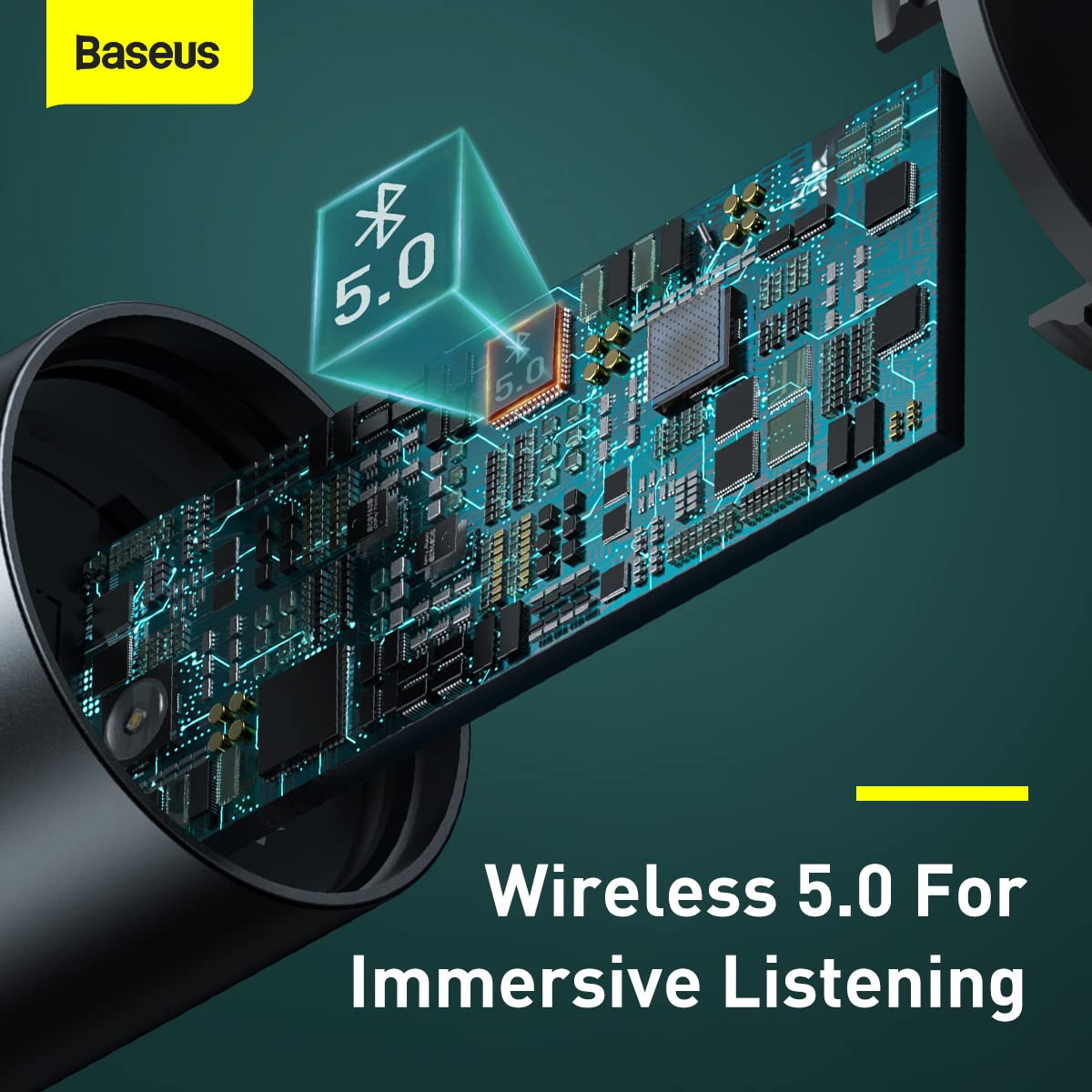
Imagen: Un interno view highlighting the Bluetooth 5.0 chip, representing the wireless connection capability.
Instrucciones de funcionamiento
Reproducción de música:
- Audio Bluetooth Once paired, play music on your mobile device. The audio will be transmitted to your car's FM radio.
- Reproducción de unidad flash USB: Insert a USB flash drive containing MP3/WAV/FLAC/APE/WMA audio files into the designated USB port (marked with a music note icon). The device will automatically detect and play music from the drive.

Image: A USB flash drive plugged into the Baseus device, illustrating its music playback capability.
Manejo de llamadas:
- Responder/Finalizar llamada: Briefly press the multi-function knob to answer an incoming call or end an ongoing call.
- Rechazar llamada: Mantenga presionada la perilla multifunción para rechazar una llamada entrante.
- Rellamada Presione dos veces la perilla multifunción para volver a marcar el último número.
Controles:
- Ajuste de volumen: Rotate the multi-function knob left or right to adjust the volume.
- Cambio de pista: During music playback, briefly press the multi-function knob and then rotate it left (previous track) or right (next track).
- Ajuste de frecuencia: As described in the Setup section, press and hold the knob until the frequency flashes, then rotate to adjust.

Image: A finger interacting with the multi-function knob, demonstrating its single-key operation.
Dispositivos de carga:
- Connect your device's charging cable to either of the two USB ports on the transmitter.
- The device supports 18W Quick Charge 3.0, AFC, and FCP for fast charging compatible devices.

Image: The Baseus device showing its two USB ports, ready for charging mobile devices.
Mantenimiento
- Limpieza: Utilice un paño suave y seco para limpiar el dispositivo. No utilice limpiadores líquidos ni aerosoles.
- Almacenamiento: Cuando no utilice el dispositivo durante períodos prolongados, guárdelo en un lugar fresco y seco, alejado de la luz solar directa y de temperaturas extremas.
- Manejo: Evite dejar caer el dispositivo o someterlo a fuertes impactos.
- Apagado: Always ensure the device is properly seated in the car socket to maintain a stable connection.
Solución de problemas
| Problema | Posible causa | Solución |
|---|---|---|
| No hay energía/El dispositivo no se enciende. | Loose connection in car socket; car socket not providing power. | Ensure the device is firmly inserted into the car's cigarette lighter socket. Check if the car's socket is functional (e.g., by testing with another device). |
| Poor FM signal/Static noise. | FM frequency interference; car radio not tuned correctly. | Find a clearer, unused FM frequency on your car radio and match the transmitter's frequency to it. Avoid frequencies used by strong local radio stations. |
| Bluetooth no se conecta. | Bluetooth not enabled on phone; device not in pairing mode; incorrect device selected. | Ensure Bluetooth is enabled on your phone. Restart both the phone and the FM transmitter. Forget the device in your phone's Bluetooth settings and re-pair. |
| Carga lenta o no hay carga. | Problema con el cable; dispositivo no compatible con carga rápida; varios dispositivos consumen demasiada energía. | Try a different USB cable. Ensure your device supports the fast charging protocols (QC3.0, AFC, FCP). If charging multiple devices, total output may be limited. |
Presupuesto
| Característica | Detalle |
|---|---|
| Marca | Baseus |
| Número de modelo | CCNLZ-C0G |
| Dimensiones del producto | 8 x 6 x 1.5 cm |
| Peso del artículo | 100 gramos |
| Interfaz de hardware | Bluetooth 5, USB |
| Dispositivos compatibles | MP3 Player, Smartphones, Tablets |
| Características especiales | 18W quick charge, FM frequency transmission, Intelligent digital display, Support playback from flash disk |
| Modo de salida de audio | FM transmission, A2DP |
| Quétage | 18 vatios |
| Tipo inalámbrico | Bluetooth |
| Puertos USB totales | 2 |
| Tipo de conector | Bluetooth |
| Tipo de medio compatible | Bluetooth 5.0, FM, USB Flash Drive |
| Material | Metal |
Información de garantía
Este producto Baseus viene con un 1 año de garantía A partir de la fecha de compra. La garantía cubre defectos de fabricación y mal funcionamiento en condiciones normales de uso. No cubre daños causados por mal uso, accidentes, modificaciones no autorizadas ni desgaste normal. Conserve su comprobante de compra para reclamaciones de garantía.
Atención al cliente
For further assistance, technical support, or warranty claims, please contact Baseus customer service through their official website or the retailer where you purchased the product. Please have your model number (CCNLZ-C0G) and proof of purchase ready when contacting support.
You can find more information and support resources on the official Baseus websitio: www.baseus.com