
Introducción
Thank you for choosing the Bytech BYMSWR104BK 3 Button Gaming Mouse. This manual provides essential information for setting up, operating, and maintaining your new gaming mouse. Please read this manual thoroughly before use to ensure optimal performance and longevity of your device.
Características
- Ratón de precisión: Designed for accurate tracking and responsive control.
- DPI ajustable: Customize sensitivity for various gaming and productivity needs.
- Three Responsive Buttons: Includes left-click, right-click, and scroll wheel/middle-click for efficient operation.
- Luz de fondo colorida: Features multi-color LED lighting with 7 distinct color modes for an enhanced aesthetic experience.
- Diseño ergonómico: Shaped to fit comfortably in your palm, reducing fatigue during extended use.
Presupuesto
| Marca | Tecnología de bytes |
| Número de modelo | BYMSWR104BK |
| Número de botones | 3 |
| Resolución de movimiento | 1,000 ppp |
| Modos de color | 7 Colors (Multi-color Backlight) |
| Longitud del cable | 5 pies |
| Clasificación del interruptor | 1 millones de clics |
| Peso del artículo | 4.9 onzas |
| Dimensiones del paquete | 7.17 x 4.06 x 2.68 pulgadas |
| Color | Negro |
| Fuente de poder | Eléctrico con cable (USB) |
| Plataforma de hardware | PC |
Contenido del paquete
- 1 x Bytech BYMSWR104BK Wired Gaming Mouse
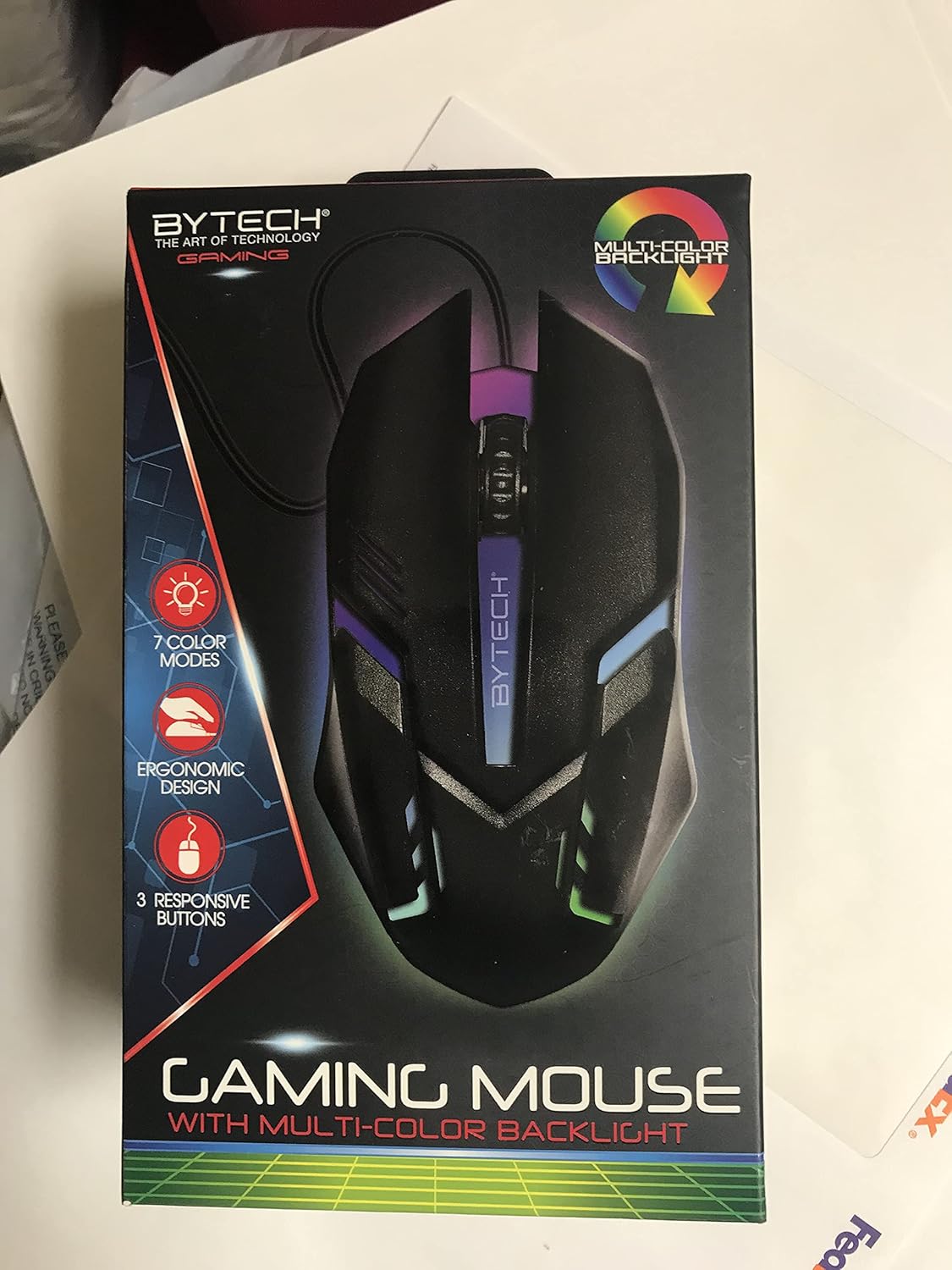
Imagen: Frente view of the Bytech BYMSWR104BK Gaming Mouse in its retail packaging, highlighting its multi-color backlight and ergonomic design.
Configuración
- Deshacer: Retire con cuidado el ratón para juegos de su embalaje.
- Conectar: Locate an available USB port on your computer (PC, laptop, etc.). Insert the USB connector of the Bytech BYMSWR104BK Gaming Mouse firmly into the USB port.
- Instalación del controlador: The mouse is plug-and-play. Your operating system should automatically detect and install the necessary drivers. This process may take a few moments.
- Preparado para usar: Once the drivers are installed, the mouse will be ready for immediate use. The multi-color backlight will illuminate.

Imagen: Trasera view of the Bytech BYMSWR104BK Gaming Mouse retail packaging, detailing features, specifications, and universal compatibility.
Instrucciones de funcionamiento
Operación básica
- Botón izquierdo: Primary click function, typically used for selecting items, opening files, or interacting with software.
- Botón derecho: Secondary click function, usually opens context menus or provides additional options.
- Rueda de desplazamiento (botón central): Desplácese hacia arriba o hacia abajo para navegar por los documentos y web pages. Pressing the scroll wheel acts as a middle-click button, often used for opening links in new tabs or auto-scrolling.
Ajuste de DPI
The Bytech BYMSWR104BK Gaming Mouse features adjustable DPI settings. While specific buttons for DPI adjustment are not explicitly listed on the packaging, many gaming mice allow DPI changes through a dedicated button (often located near the scroll wheel) or through software. Refer to your computer's mouse settings or Bytech's official website for advanced customization options if available.
Luz de fondo LED
The mouse features a dynamic multi-color LED backlight with 7 different color modes. These lights will automatically cycle through the modes once the mouse is connected and powered on. There is no manual control for changing modes on the mouse itself.
Mantenimiento
- Limpieza: Utilice un paño suave y seco para limpiar la superficie del ratón. Para la suciedad difícil, limpie ligeramenteampLave el paño con agua o una solución limpiadora suave. Evite usar productos químicos agresivos o materiales abrasivos.
- Cuidado del sensor: Mantenga el sensor óptico en la parte inferior del mouse limpio y libre de polvo o residuos para garantizar un seguimiento preciso.
- Sistema de organización de cables: Evite dobleces bruscos o tirones excesivos del cable USB para prevenir daños.
- Almacenamiento: Cuando no esté en uso, guarde el mouse en un entorno limpio y seco, alejado de temperaturas extremas.

Imagen: Lateral view of the Bytech BYMSWR104BK Gaming Mouse retail packaging, showcasing the multi-color backlight effect.
Solución de problemas
| Problema | Posible solución |
|---|---|
| El ratón no responde |
|
| Cursor errático o no se mueve con fluidez |
|
| La retroiluminación LED no funciona |
|
Garantía y soporte
Garantía: This Bytech product comes with a 12-month warranty from the date of purchase. Please retain your proof of purchase for warranty claims.
Información del contacto:
- DIRECCIÓN: 2585 West 13th Street, Brooklyn, NY 11223, USA
- Websitio: www.bytechintl.com
⚠ ADVERTENCIA: Este producto puede exponerlo a sustancias químicas, incluido el DEHP, que el estado de California considera que causa cáncer, defectos congénitos u otros daños reproductivos. Para obtener más información, visite www.P65Warnings.ca.gov.

Imagen: Abajo view of the Bytech BYMSWR104BK Gaming Mouse retail packaging, showing contact information, warranty details, and California Proposition 65 warning.