
Introducción
This manual provides detailed instructions for the operation and maintenance of your TOZO G1 Wireless Gaming Earbuds. Please read thoroughly before use to ensure optimal performance and longevity of your device.
¿Qué hay en la caja?
- Auriculares inalámbricos TOZO G1
- Estuche de carga inalámbrica
- Eartips (multiple sizes for comfortable fit)
- Cable de carga USB A a USB C
- Manual de usuario (este documento)
Configuración
1. Carga de los auriculares y el estuche
Antes del primer uso, cargue completamente los auriculares y el estuche de carga para garantizar la máxima duración de la batería.
Image: The TOZO G1 charging case connected via a USB-C cable, indicating charging status with an illuminated logo.
- Connect the USB A to USB C charging cable to the charging port on the case.
- Conecte el otro extremo a una fuente de alimentación USB compatible.
- The LED indicator on the case will show the charging status. A full charge provides up to 6 hours of playback for the earbuds and an additional 30 hours with the charging case.
2. Emparejamiento con su dispositivo
Follow these steps to pair your earbuds with a Bluetooth-enabled device.
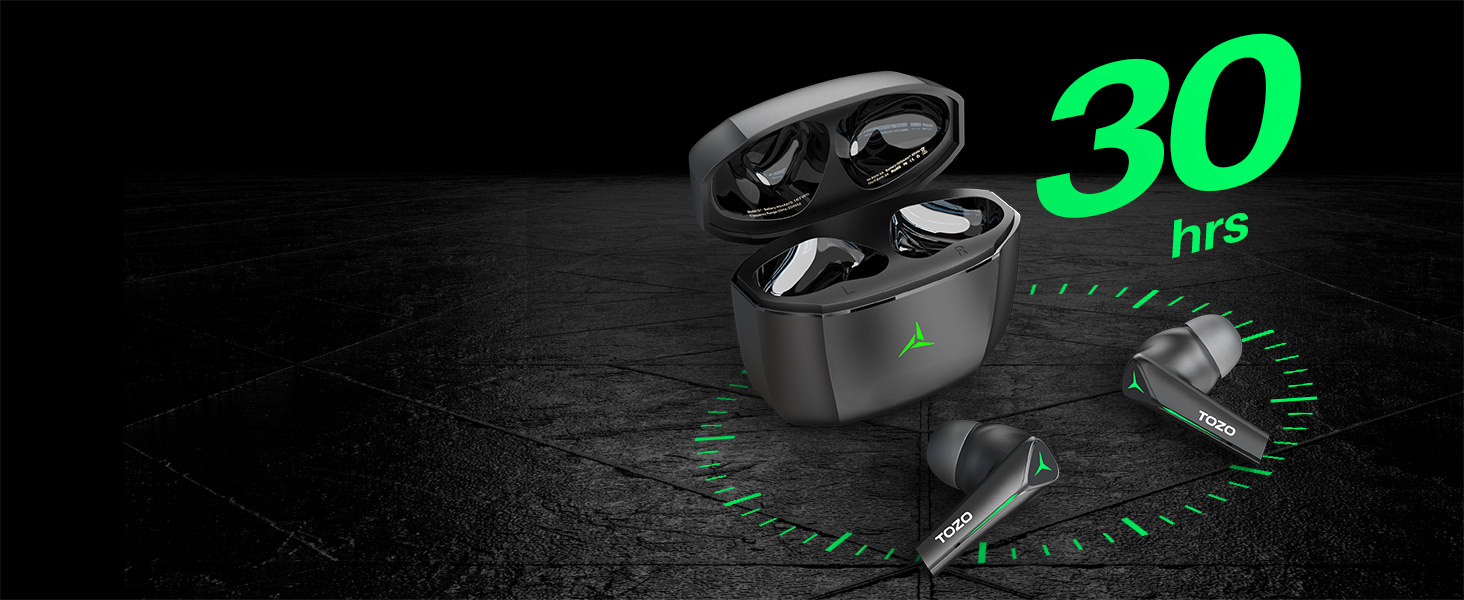
Image: TOZO G1 earbuds shown next to a smartphone displaying Bluetooth pairing options, with the earbuds emitting a green light.
- Open the charging case. The earbuds will automatically enter pairing mode (indicated by flashing LED lights).
- On your device (smartphone, tablet, laptop, gaming console), enable Bluetooth.
- Buscar "TOZO G1" in the list of available devices and select it to connect.
- Once connected, the earbud LED lights will turn off or show a steady light.
Instrucciones de funcionamiento
1. Modo dual de juego y música
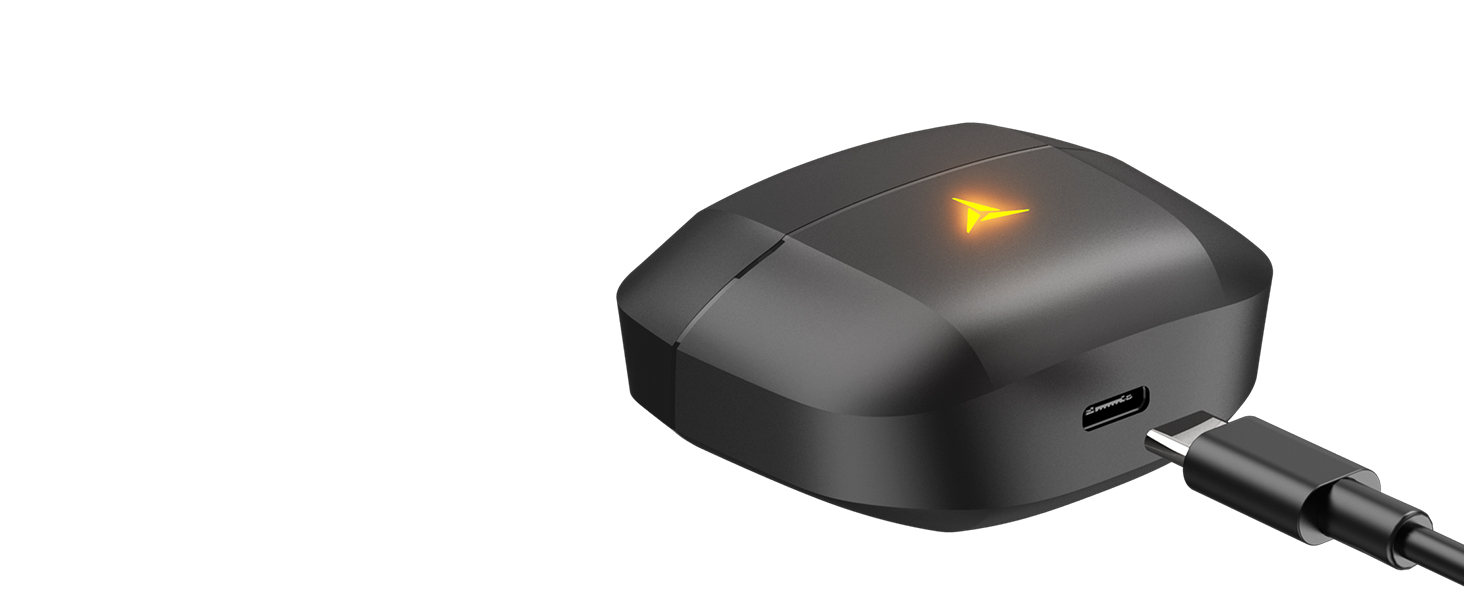
Image: A split image showing the TOZO G1 earbuds in "Game Mode" with a gaming scene and "Music Mode" with a person playing guitar, highlighting the dual functionality.
The TOZO G1 earbuds feature a dual mode for optimized audio performance:
- Modo de juego: Provides 45ms ultra-low latency for synchronized audio and video, enhancing gaming with accurate sound detection (footsteps, gunfire).
- Modo música: Delivers high-fidelity sound with powerful bass (16Hz-20kHz), mellow midrange, and clear treble for an immersive listening experience.
2. Control táctil inteligente

Image: A diagram illustrating the touch control functions for the left and right TOZO G1 earbuds, including play/pause, track skipping, volume control, call management, and voice assistant/game mode activation.
Controla tus auriculares con simples gestos táctiles:
| Acción | Auricular izquierdo | Auricular derecho |
|---|---|---|
| Reproducir/Pausa | Un solo toque (X1) | Un solo toque (X1) |
| Canción anterior / siguiente | Double Tap (X2) - Previous | Double Tap (X2) - Next |
| Responder/colgar llamada | Un solo toque (X1) | Un solo toque (X1) |
| Rechazar llamada | Mantener durante 2 segundos | Mantener durante 2 segundos |
| Bajar / subir volumen | Hold for 2 seconds - Volume Down | Hold for 2 seconds - Volume Up |
| Voice Assistant/Game Mode | Triple Tap (X3) - Voice Assistant | Triple Tap (X3) - Game Mode |
Mantenimiento
- Limpie periódicamente los auriculares y el estuche de carga con un paño suave y seco.
- Avoid exposing the earbuds to extreme temperatures or liquids. While waterproof, prolonged submersion is not recommended.
- Guárdelos en el estuche de carga cuando no los utilice para protegerlos y mantenerlos cargados.
Solución de problemas
- Los auriculares no se emparejan:
- Ensure both earbuds are in the charging case and the case is open. Check your device's Bluetooth settings and try reconnecting. If issues persist, reset the earbuds (refer to the full user manual for specific reset instructions).
- No hay sonido o el volumen es bajo:
- Check the volume levels on both your device and the earbuds. Ensure earbuds are properly seated in your ears. Verify the earbuds are connected to the correct device.
- Problemas de carga:
- Asegúrate de que el cable de carga esté bien conectado tanto al estuche como a la fuente de alimentación. Prueba con otro cable USB-C o adaptador de corriente. Limpia los contactos de carga de los auriculares y del interior del estuche.
Presupuesto
| Característica | Detalle |
|---|---|
| Nombre del modelo | G1 |
| Tecnología de conectividad | Inalámbrico (Bluetooth 5.3) |
| Latencia de audio | 45 milisegundos (modo de juego) |
| Duración de la batería (auriculares) | Hasta 6 horas |
| Tiempo total de reproducción (con estuche de carga) | Hasta 30 horas |
| Nivel de resistencia al agua | Resistente al agua (IPX5) |
| Método de control | Tocar |
| Componentes incluidos | TOZO G1 Wireless Earbuds, Wireless Charging Case, Eartips, USB A to USB C Charging Cable, User Manual |
Vídeo oficial del producto
Vídeo: Un vídeo oficial del producto que muestraasing the TOZO G1 Wireless Gaming Earbuds and their features.
Garantía y soporte
TOZO products come with a standard manufacturer's warranty. For detailed warranty information, product support, or to contact customer service, please visit the official TOZO websitio o consulte la tarjeta de garantía incluida en el embalaje de su producto.
Oficial Websitio: www.tozostore.com