
1. Producto terminadoview
The APM 571075 is a Full HD 1080P wired USB webcam designed for clear and fluid video communication. It features an integrated microphone and a privacy cover, making it suitable for virtual meetings, online calls, and streaming.

Image: APM 571075 Full HD 1080P Webleva, delantera view.
Características principales:
- Full HD 1080P resolution (1920x1080 px) for clear video.
- Micrófono integrado para captura de audio.
- Smooth image transmission at 30 frames per second.
- Cubierta de privacidad integrada para mayor seguridad.
- Automatic adjustments for saturation, contrast, sharpness, white balance, and exposure.
- Lente gran angular.
- Wired USB connection for reliable performance.
2. Contenido del paquete
Verifique que todos los artículos estén presentes en el paquete:
- 1 x APM 571075 Full HD 1080P Webleva
- 1 x Manual de usuario (multilingüe)
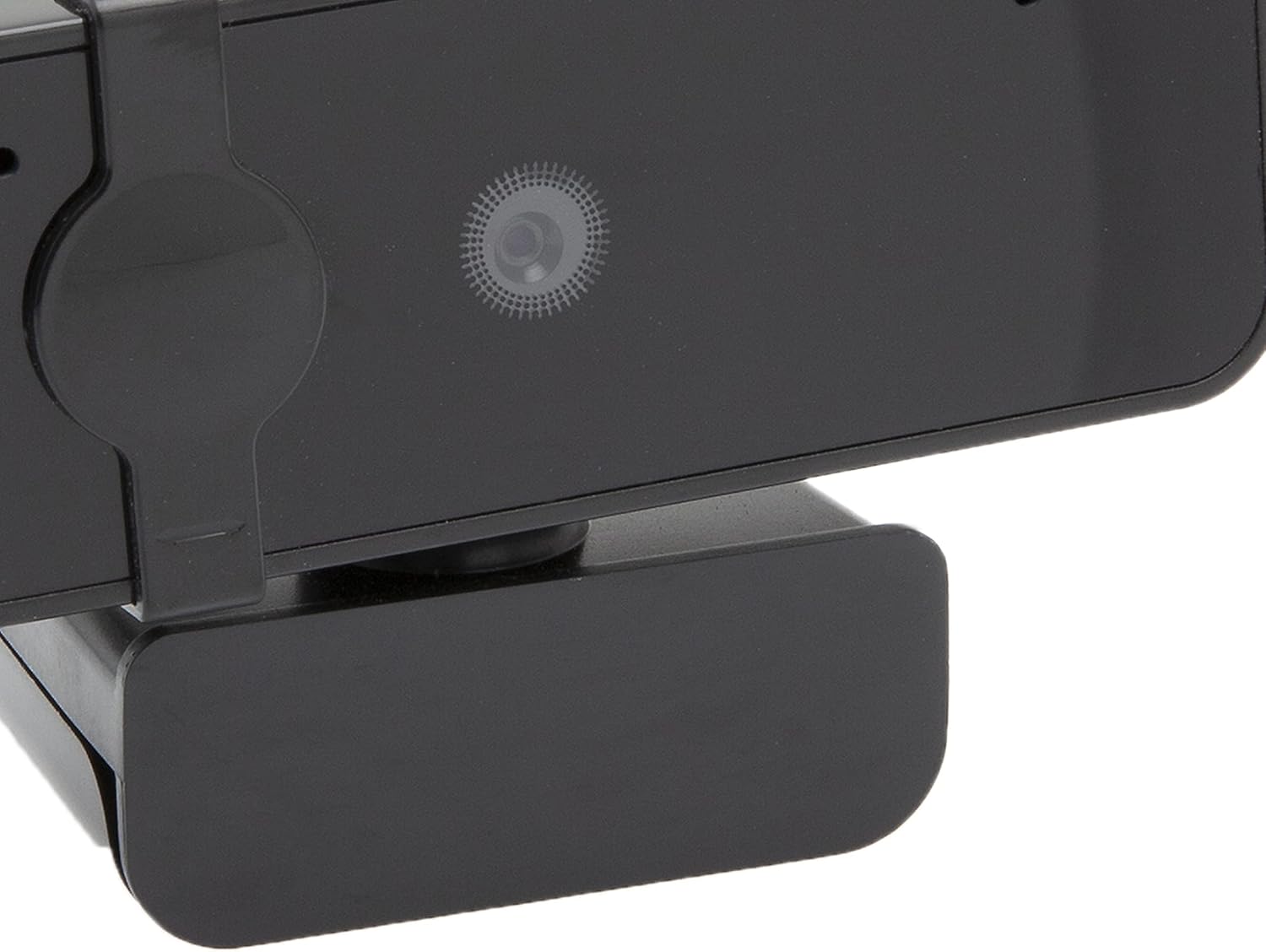
Image: APM 571075 Webcam in its retail packaging.
3. Configuración
Requisitos del sistema:
The APM 571075 webcam is compatible with:
- Computadoras personales (PC)
- Computadoras portátiles
- Tablets (with USB host support)
Conectando el Webleva:
- Desempaquetar el webcam and uncoil the USB cable.
- Plug the USB connector into an available USB port on your computer or compatible device.
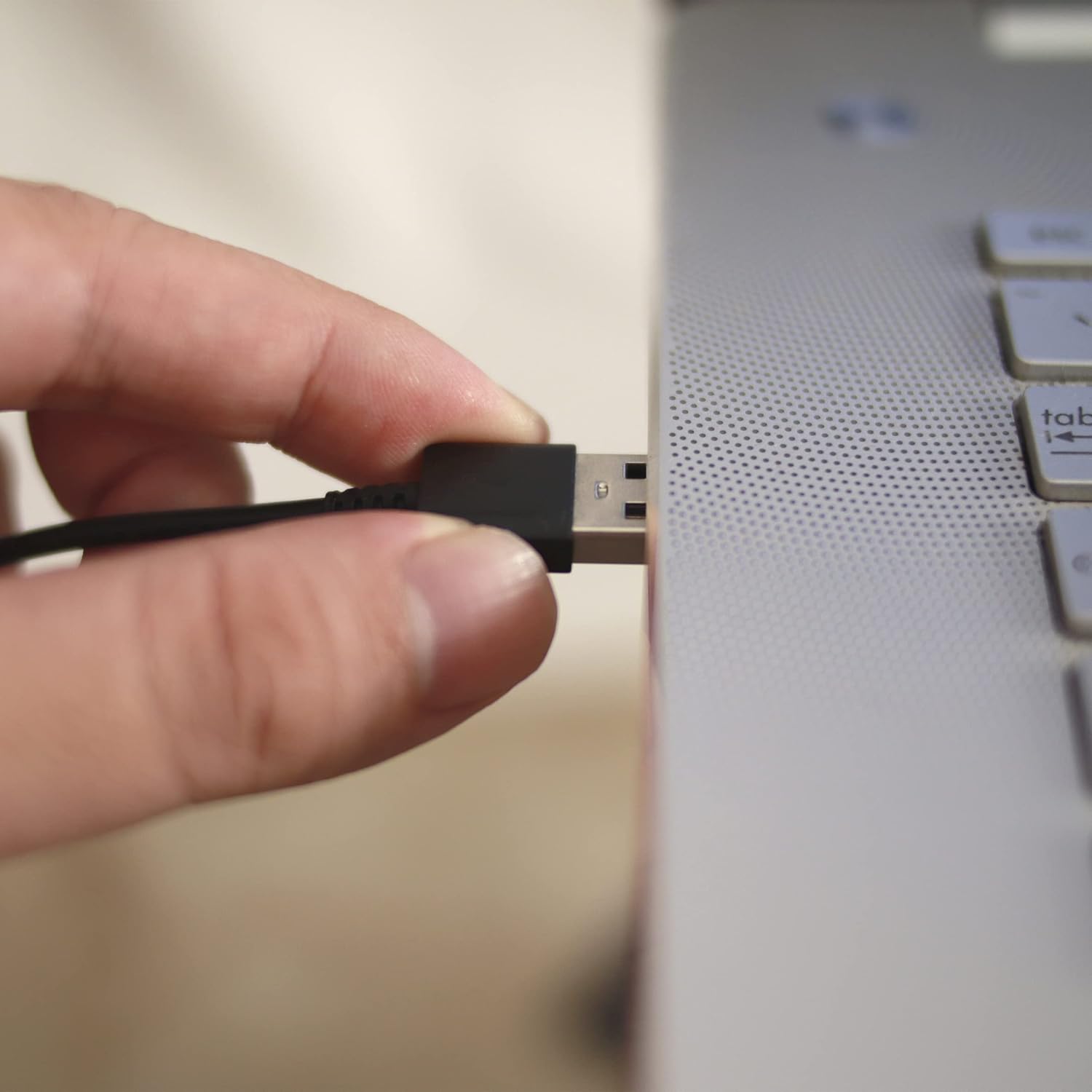
Image: A hand plugging the USB cable of the webcam into a laptop's USB port.
Instalación del controlador:
The APM 571075 webcam is a plug-and-play device. It does not require manual driver installation on most modern operating systems (e.g., Windows 10/11, macOS). Your system should automatically detect and install the necessary drivers upon connection.
4. Operando
Uso de la cubierta de privacidad:
El webcam features an integrated sliding privacy cover. To use it:
- To cover the lens: Gently slide the cover over the weblente de la cámara cuando no esté en uso para garantizar la privacidad.
- To uncover the lens: Slide the cover away from the lens when you need to use the webleva.
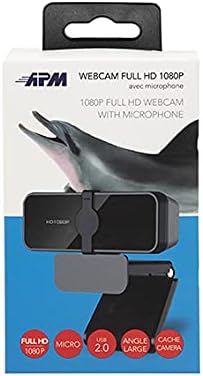
Imagen: Primer plano de la webcam lens with the integrated privacy cover.
Video Conferencing and Streaming:
Once connected and recognized by your system, the webcam can be used with various video conferencing and streaming applications. Select the APM 571075 as your preferred camera and microphone input within the application settings.

Image: A screen displaying multiple participants in a video conference call, demonstrating the webcam's use.
Ajustes automáticos:
El webcam automatically adjusts various image parameters, including saturation, contrast, sharpness, white balance, and exposure, to optimize video quality in different lighting conditions.
5. Mantenimiento
- Limpieza de la lente: Utilice un paño suave y sin pelusa diseñado específicamente para ópticas para limpiar suavemente la webLente de cámara. Evite materiales abrasivos o productos químicos agresivos.
- Limpieza del cuerpo: Limpiar el webel cuerpo de la cámara con un paño suave y seco.
- Almacenamiento: Cuando no esté en uso, guarde el webcam in a clean, dry place, preferably with the privacy cover engaged to protect the lens from dust and scratches.
- Evite la humedad: This device is not waterproof. Keep it away from liquids and high humidity.
6. Solución de problemas
| Problema | Posible solución |
|---|---|
| Webcámara no detectada por la computadora. |
|
| Video image is frozen or choppy. |
|
| No audio from the integrated microphone. |
|
| Image quality is poor or colors are off. |
|
7. Especificaciones
| Característica | Detalle |
|---|---|
| Marca | APM |
| Modelo | 571075 |
| Color | Negro |
| Tipo de producto | Compacto Webleva |
| Características especiales | Integrated privacy cover |
| Longitud focal | 1 milímetros |
| Tecnología de conectividad | USB |
| Resolución de vídeo | 1080p (1920x1080 px) |
| Dispositivos compatibles | Computadora personal, portátil, tableta |
| Dimensiones del paquete (L x W x H) | 14.8 x 7.7 x 6.2 centímetros |
| Estabilización de imagen | No |
| Componentes incluidos | 1 webleva |
| Nivel de resistencia al agua | No es impermeable |
| Tipo de enfoque | Enfoque automático |
| Resolución de imágenes fijas efectiva | 2.07 megapíxeles |
| Formato de captura de video | MP4 |
| Formato de audio compatible | PCM |
8. Información de garantía
The APM 571075 WebLa cámara viene con un 2 año de garantía A partir de la fecha de compra. Esta garantía cubre defectos de fabricación y garantiza que el producto cumple con los estándares de calidad. Conserve su comprobante de compra para reclamaciones de garantía.
9. Atención al cliente
If you encounter any issues or have questions not covered in this manual, please contact APM customer support. Refer to the contact information provided with your product packaging or visit the official APM webSitio para obtener ayuda.