
1. Introducción
Thank you for choosing the TMEZON 718TW Intercom Monitor. This manual provides detailed instructions for the installation, operation, and maintenance of your new video intercom system. Please read this manual thoroughly before installation and use to ensure proper functionality and safety. The TMEZON 718TW is designed to enhance your home security and communication, allowing you to see and speak with visitors, and even unlock doors remotely via a mobile application.
2. Información de seguridad
- Seguridad eléctrica: Ensure all wiring is performed by a qualified electrician and complies with local electrical codes. Disconnect power before performing any installation or maintenance.
- Ambiente: Do not expose the device to rain, moisture, direct sunlight, or extreme temperatures. Operate within the specified temperature and humidity ranges.
- Manejo: Handle the monitor and outdoor unit with care. Avoid dropping or subjecting them to strong impacts.
- Limpieza: Utilice un paño suave y seco para limpiar. No utilice limpiadores líquidos ni en aerosol.
- Modificaciones: No intente abrir ni modificar el dispositivo. Las modificaciones no autorizadas pueden anular la garantía y suponer riesgos de seguridad.
3. Contenido del paquete
Please check the package contents upon receipt. If any items are missing or damaged, contact your retailer immediately.
- Indoor Monitor (718TW)
- Unidad de timbre para exteriores
- Adaptador de corriente
- Soporte de montaje para monitor de interior
- Tornillos de montaje y tacos de pared
- Cables de cableado
- Llaveros RFID (la cantidad puede variar)
- Manual de usuario (este documento)
This image displays the complete TMEZON 718TW intercom system, including the indoor monitor, outdoor doorbell unit, several RFID key fobs, and a smartphone screen showing the mobile application interface.
4. Producto terminadoview
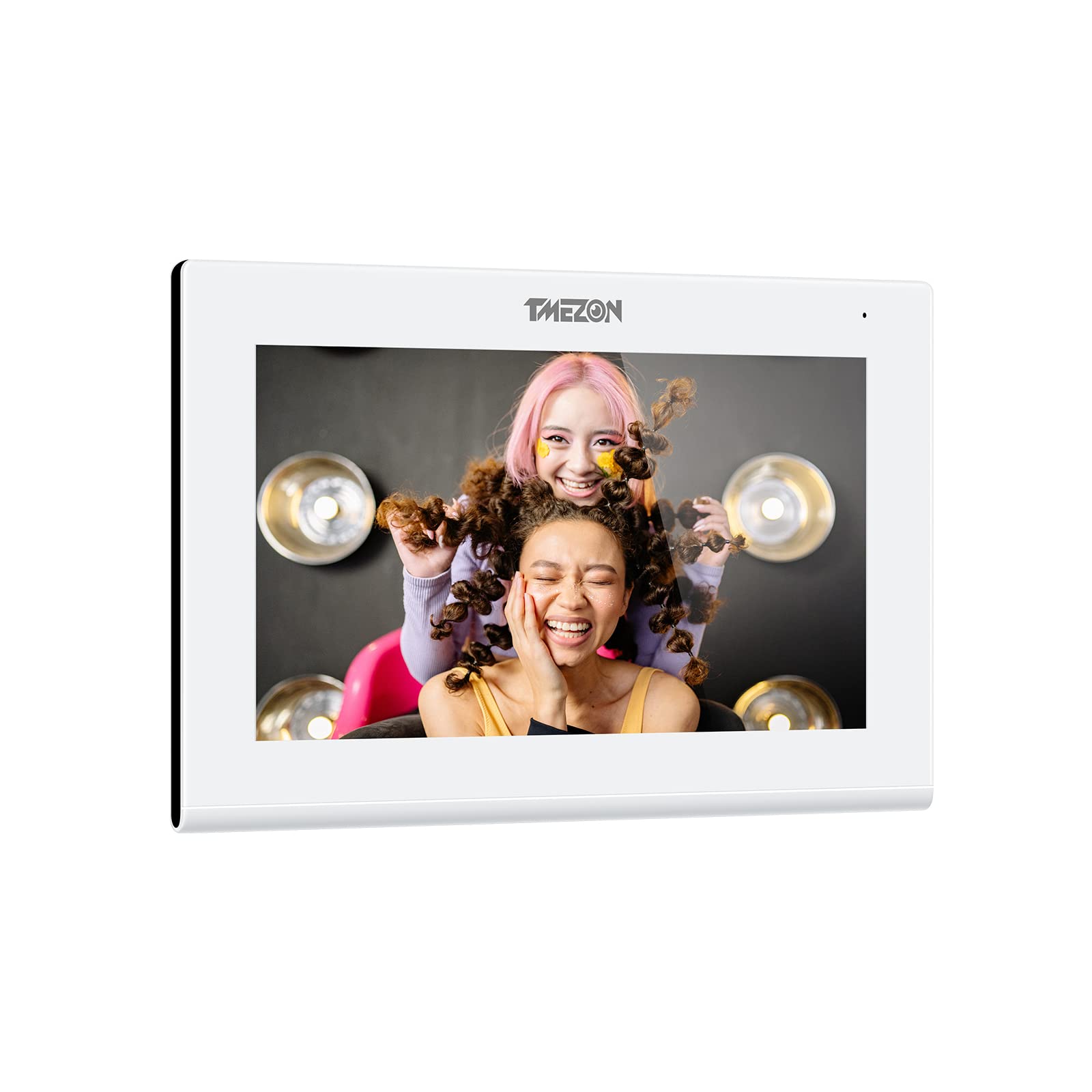
The TMEZON 718TW Intercom Monitor system consists of an indoor monitor and an outdoor doorbell unit. It features Wi-Fi connectivity, allowing remote viewing and control via a dedicated mobile application. The system supports two-way audio communication, video monitoring, and remote door unlocking.
Características principales:
- High-resolution display on the indoor monitor.
- Wide-angle camera on the outdoor unit for clear visitor identification.
- Wi-Fi connectivity for remote access via smartphone app.
- Comunicación de audio bidireccional.
- Remote door unlocking (requires compatible electronic lock, not included).
- Motion detection and recording capabilities.

A smartphone displaying the Tuya application interface, which allows remote control and monitoring of the TMEZON 718TW intercom system. The app shows a live video feed from the outdoor unit.
5. Configuración e instalación
Follow these steps carefully for proper installation of your TMEZON 718TW intercom system.
5.1 Instalación de la unidad de timbre exterior
- Elegir la ubicación: Select a suitable location near your entrance, typically at eye level, ensuring clear visibility of visitors and protection from direct weather exposure.
- Montaje: Use the provided screws and wall plugs to securely mount the outdoor unit to the wall. Ensure all wiring connections are accessible.
- Alambrado: Connect the power, video, and audio cables from the outdoor unit to the indoor monitor according to the wiring diagram in the full manual (not provided here). If connecting to an electronic lock, ensure proper wiring for the unlock function.
5.2 Instalación del monitor interior
- Elegir la ubicación: Select a central and easily accessible location inside your home.
- Montaje: Attach the mounting bracket to the wall using screws and wall plugs.
- Alambrado: Connect the cables from the outdoor unit and the power adapter to the indoor monitor. Ensure all connections are secure.
- Monitor de montaje: Carefully attach the indoor monitor to the mounting bracket.
5.3 Encendido y configuración inicial
- Encendido: Plug in the power adapter to an electrical outlet. The indoor monitor should power on.
- Conexión Wi-Fi: Follow the on-screen prompts on the indoor monitor to connect it to your home Wi-Fi network. This is crucial for mobile app functionality.
- Descarga de la aplicación: Descarga la aplicación 'Tuya Smart' o 'Smart Life' desde la tienda de aplicaciones de tu teléfono inteligente (iOS o Android).
- Emparejamiento de dispositivos: Open the app, create an account, and follow the in-app instructions to add your TMEZON 718TW intercom system. This typically involves scanning a QR code displayed on the indoor monitor.
6. Instrucciones de funcionamiento
Once installed and configured, your TMEZON 718TW intercom system is ready for use.
6.1 Responder una llamada
- When a visitor presses the doorbell button, the indoor monitor will ring and display the visitor's video.
- On the indoor monitor, tap the 'Answer' button to establish two-way audio communication.
- If using the mobile app, you will receive a notification. Tap the notification to open the app and answer the call remotely.
6.2 Monitoreo
- From the indoor monitor, you can manually activate the outdoor camera to view the entrance area at any time.
- Through the mobile app, you can access the live video feed from the outdoor unit remotely, allowing you to monitor your entrance from anywhere.
6.3 Desbloqueo de la puerta
- During a call or while monitoring, tap the 'Unlock' button on the indoor monitor or in the mobile app to open a connected electronic door lock.
- RFID key fobs can also be used to unlock the door by presenting them to the outdoor unit's reader (if equipped).
6.4 Configuración y personalización
Access the settings menu on the indoor monitor to adjust:
- Ring volume and melody.
- Display brightness and contrast.
- Recording settings (motion detection, video duration).
- Configuración de la red.
7. Mantenimiento
El mantenimiento regular garantiza la longevidad y el rendimiento óptimo de su sistema de intercomunicación.
- Limpieza: Utilice un paño suave y ligeramente húmedo.amp cloth to clean the surfaces of the indoor monitor and outdoor unit. Avoid abrasive cleaners or solvents.
- Actualizaciones de firmware: Periodically check for firmware updates through the mobile application or TMEZON's official webSitio. Las actualizaciones pueden mejorar el rendimiento y agregar nuevas funciones.
- Inspección de cables: Inspeccione periódicamente todos los cables para detectar signos de desgaste o daños. Reemplace los cables dañados inmediatamente.
- Outdoor Unit Lens: Keep the camera lens on the outdoor unit clean and free from obstructions (dirt, spiderwebs) for clear video quality.
8. Solución de problemas
If you encounter issues with your TMEZON 718TW intercom system, refer to the following common problems and solutions.
8.1 No Power to Indoor Monitor
- Compruebe el adaptador de corriente: Asegúrese de que el adaptador de corriente esté enchufado de forma segura tanto al monitor como a una toma eléctrica que funcione.
- Verifique el disyuntor: Verify that the circuit breaker for the outlet is not tripped.
8.2 No Video from Outdoor Unit
- Verifique el cableado: Ensure the video cable between the outdoor unit and indoor monitor is correctly and securely connected.
- Ciclo de energía: Disconnect and reconnect power to both units.
8.3 No hay audio durante la llamada
- Comprobar volumen: Ensure the volume on the indoor monitor and your smartphone app is not muted or set too low.
- Verifique el cableado: Verify audio wiring connections between the outdoor unit and indoor monitor.
8.4 Mobile App Cannot Connect / Offline
- Conexión Wi-Fi: Ensure the indoor monitor is connected to a stable 2.4GHz Wi-Fi network.
- Enrutador: Reinicie su enrutador Wi-Fi.
- Permisos de la aplicación: Check that the mobile app has necessary network permissions on your smartphone.
- Re-reparar dispositivo: Si los problemas persisten, intente quitar el dispositivo de la aplicación y volver a emparejarlo.
9. Especificaciones
| Fabricante | TMEZÓN |
| Modelo | 718TW |
| ASIN | B0B21782BN |
| Fecha de primera disponibilidad en Amazon.fr | 29 de mayo de 2022 |
| Disponibilidad de repuestos | Información no disponible sobre repuestos |
10. Garantía y soporte
For warranty information, technical support, or further assistance, please contact TMEZON customer service through your purchase platform or the official TMEZON website. Please have your product model number (718TW) and purchase details ready when contacting support.