
1. Introducción
This manual provides comprehensive instructions for the Digitek DWM-002 Wireless Microphone system. Please read this manual carefully before using the product to ensure proper operation and to maximize its performance. This device is designed for use with iPhone X/11/12/13/14 Series featuring a Lightning (LTC) port.
2. Contenido del paquete
Verifique que todos los artículos estén presentes en su paquete:
- 2 x micrófonos inalámbricos
- 1 x Receiver with Lightning Connector
3. Producto terminadoview
The Digitek DWM-002 system consists of two wireless microphones and one receiver, designed for clear audio capture with iOS devices. The compact design ensures portability and ease of use.
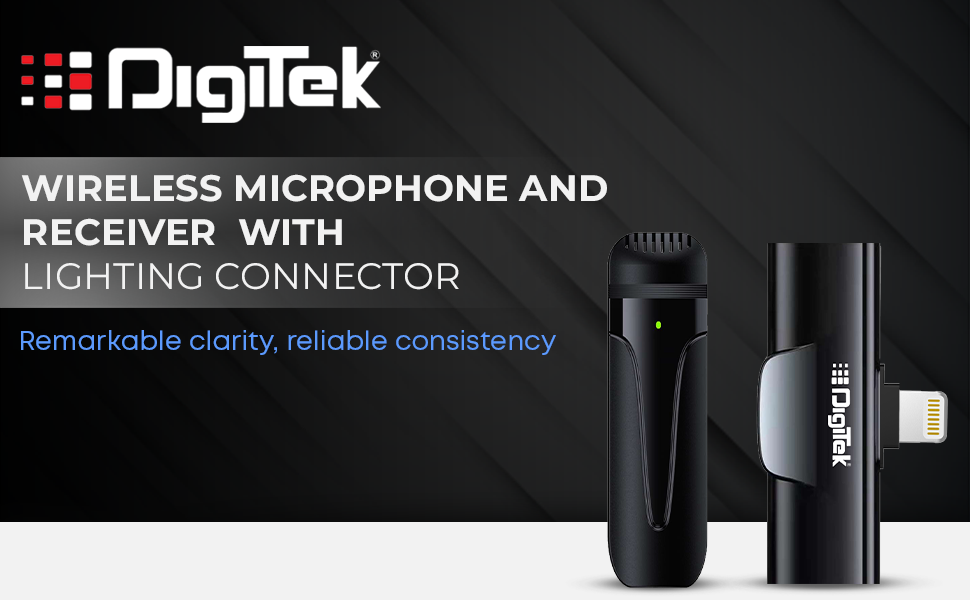
Image: Digitek DWM-002 Wireless Microphone and Receiver with Lightning Connector. The image shows the microphone and receiver units side-by-side, highlighting their compact form factor and the Lightning connector on the receiver.
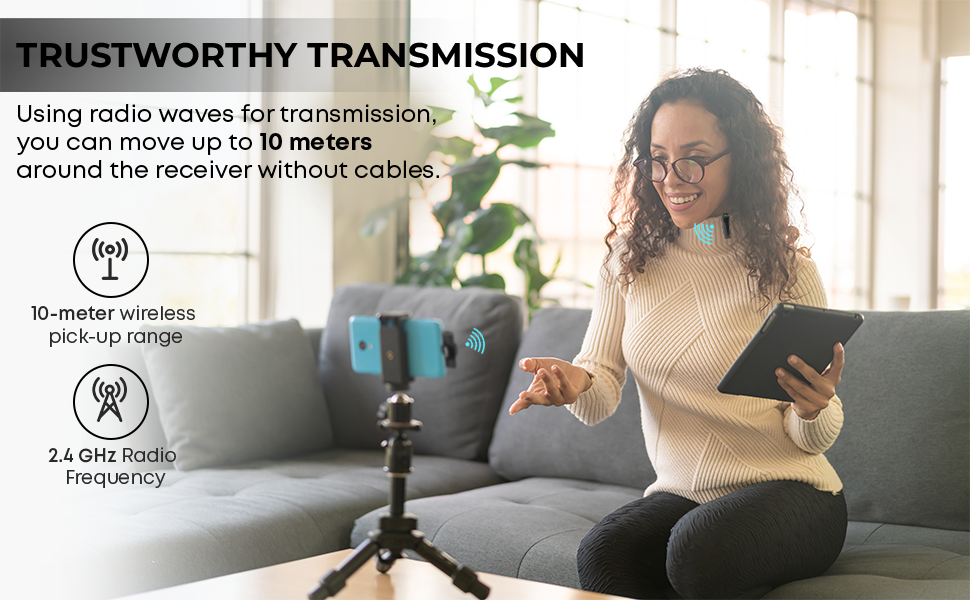
Image: Convenient Configuration. This image illustrates the solid build and compact design of the microphone and receiver, emphasizing the top-notch connector and sturdy construction.
4. Instrucciones de configuración
- Comprobación de compatibilidad: Ensure your iPhone is from the X/11/12/13/14 Series and features a Lightning (LTC) port. This microphone system is not compatible with Type-C models.
- Unlock iPhone: Before connecting the receiver, unlock your iPhone's screen.
- Conectar el receptor: Plug the receiver into your iPhone's Lightning port. The microphone will only function correctly after the screen is unlocked and the receiver is connected.
- Encender el micrófono: The microphone unit typically powers on automatically or via a power button (if present, not explicitly detailed in provided data). A green indicator light on the microphone usually signifies it is on and ready.
- Emparejamiento automático: The microphone and receiver are designed to pair automatically upon connection. No manual pairing steps are usually required.
5. Instrucciones de funcionamiento
5.1 Funcionamiento básico
- Once the receiver is connected to your unlocked iPhone and the microphone is powered on, the system is ready for use.
- Clip the microphone to your collar or clothing for optimal audio capture.
- The system operates on a 2.4 GHz frequency, providing stable and interference-free wireless transmission.
- Maintain a wireless operating range of up to 10 meters for optimal performance.
5.2 Cancelación de ruido
The Digitek DWM-002 features a built-in noise cancellation function to ensure clear and crisp audio by reducing ambient background noise.
5.3 Carga
- The microphone units are equipped with a built-in 50 mAh Li-Poly battery.
- The system supports fast charging, allowing for quick recharging and extended use.
- The power input is DC 5V/1A, compatible with standard power sources for convenient recharging.
- A full charge provides up to 4 hours of non-stop usage.
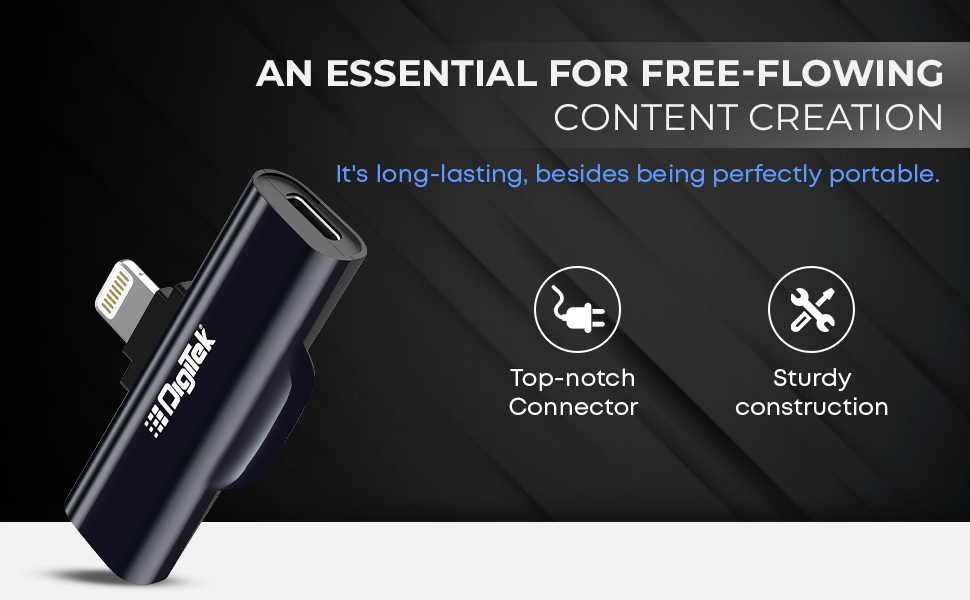
Image: Simplified Communication and Creation. This image highlights the microphone's battery life of up to 4 hours of non-stop usage and its built-in 50 mAh Li-Poly battery.
5.4 Escenarios de uso recomendados
This wireless microphone system is well-suited for various applications requiring clear audio:
- Vlogs
- Videoconferencia
- Podcasting
- Transmisión en vivo
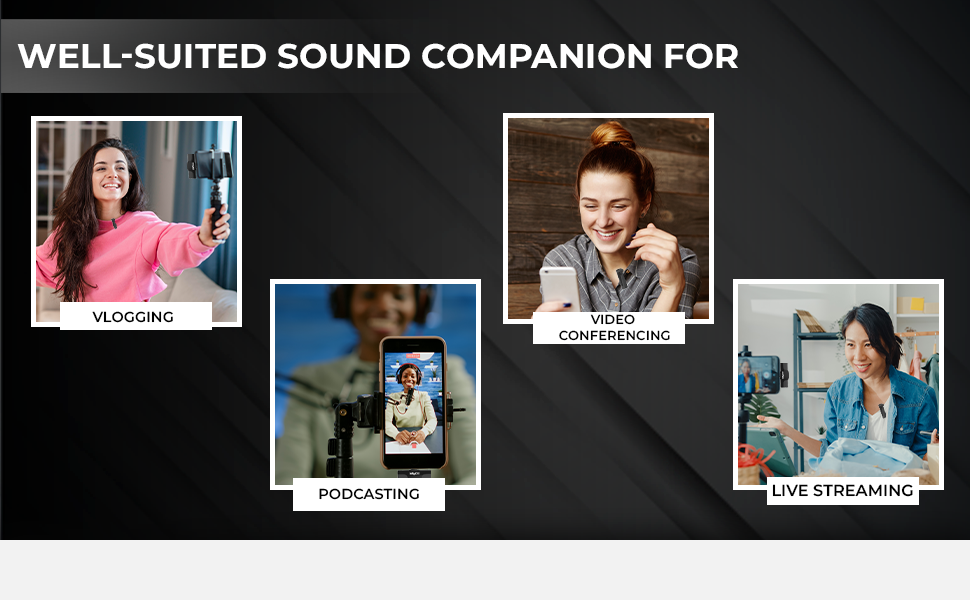
Image: Well-suited Sound Companion. This image displays various usage scenarios for the microphone, including vlogging, video conferencing, podcasting, and live streaming.
6. Mantenimiento
- Mantenga el micrófono y el receptor limpios y secos. Evite la exposición a la humedad o a temperaturas extremas.
- Use a soft, dry cloth to clean the surfaces. Do not use harsh chemicals or abrasive materials.
- Guarde el dispositivo en una funda protectora cuando no esté en uso para evitar daños.
- Evite dejar caer o someter el dispositivo a impactos fuertes.
7. Solución de problemas
| Problema | Posible causa | Solución |
|---|---|---|
| Microphone not working after connecting to iPhone. | iPhone screen was locked during connection. | Ensure your iPhone screen is desbloqueado before plugging in the receiver. Disconnect and reconnect the receiver after unlocking the screen. |
| No hay audio o la calidad del audio es mala. | Microphone not powered on; out of range; interference; low battery. |
|
| Receiver not fitting or charging port issues. | Incorrect cable type; manufacturing defect. |
|
| El micrófono no se empareja con el receptor. | Microphone or receiver not powered; out of range; temporary glitch. |
|
8. Especificaciones
| Característica | Detalle |
|---|---|
| Marca | Digitek |
| Número de modelo | DWM-002 |
| Tecnología de conectividad | Iluminación |
| Tipo de conector | Iluminación |
| Característica especial | Mute Function, Wireless, Noise Cancellation |
| Dispositivos compatibles | iPhone (Lightning port models) |
| Patrón polar | Omnidireccional |
| Impedancia | 2200 ohmios |
| Factor de forma del micrófono | Sistema de micrófono |
| Fuente de poder | Funciona con pilas |
| Número de baterías | 1 Lithium Polymer battery required (included) per microphone |
| Relación señal a ruido | 75 dB |
| Plataforma de hardware | Teléfono inteligente |
| Número de canales | 1 |
| Respuesta de frecuencia | 2.4 GHz |
| Rango de frecuencia | 100 Hz - 10 kHz |
| Color | Negro |
| Material del recinto | Acero aleado, plástico |
| Peso del artículo | 300 gramos (paquete total) |
| Dimensiones del artículo | 11 x 4 x 10 centímetros |
| País natal | Porcelana |
9. Información de garantía
The Digitek DWM-002 Wireless Microphone comes with a 1 Year Carry-in Warranty from the date of purchase. Please retain your purchase receipt for warranty claims. The warranty covers manufacturing defects but does not cover damage caused by misuse, accidents, unauthorized modifications, or normal wear and tear.
10. Atención al cliente
For technical assistance, warranty claims, or product inquiries, please contact Digitek customer support:
- Teléfono: 011 4707 4444
- Fabricante / Importador: IMS Mercantiles Pvt. Limitado.
You can also visit the official Digitek websitio para obtener más información y recursos de soporte.