
Introducción
Thank you for choosing the MAJORITY Tru 1 Wireless Bluetooth Earbuds. This manual provides essential information for setting up, operating, and maintaining your new earbuds. Please read these instructions carefully before use and retain them for future reference.
For optimal performance and safety, always follow the guidelines provided in this manual.
Contenido del paquete

Image: The retail packaging for the MAJORITY Tru 1 earbuds, displaying the earbuds, charging case, USB-C cable, and three pairs of silicone ear tips.
Asegúrese de que todos los artículos estén presentes en el paquete:
- 1x Set of MAJORITY Tru 1 Wireless Earbuds
- 1 estuche de carga inalámbrica
- 1x cable de carga USB-C
- 3x Pairs of Silicone Ear Tips (various sizes)
- 1x Manual de usuario (este documento)
Producto terminadoview

Image: The MAJORITY Tru 1 wireless earbuds standing upright next to their open charging case, all in white.
The MAJORITY Tru 1 earbuds are designed for comfortable wear and high-quality audio. Each earbud features a touch-sensitive control area and an integrated microphone. The compact charging case protects the earbuds and provides additional battery life.

Image: An exploded diagram showing the internal components of a MAJORITY Tru 1 earbud, highlighting the 13mm driver and other acoustic elements.
The earbuds are equipped with 13mm drivers for clear sound reproduction and a built-in microphone for calls.
Configuración
1. Carga de los auriculares y el estuche

Image: The MAJORITY Tru 1 earbuds placed inside their open charging case, illustrating the Type-C fast charge capability and long playtime.
- Carga inicial: Antes del primer uso, cargue completamente los auriculares y el estuche de carga.
- Carga del estuche: Connect the supplied USB-C cable to the charging port on the case and to a compatible USB power source. The LED indicator on the case will show charging status.
- Carga de los auriculares: Place the earbuds into their respective slots in the charging case. Ensure they are correctly seated. The earbuds will begin charging automatically.
A full charge of the earbuds provides approximately 7.5 hours of playtime. The charging case provides an additional 3 full charges, extending total playtime up to 30 hours. A quick 30-minute charge can provide up to 2 hours of playtime.
2. Emparejamiento con un dispositivo Bluetooth
- Activar Bluetooth: Ensure Bluetooth is enabled on your audio device (smartphone, tablet, laptop, etc.).
- Ingrese al modo de emparejamiento: Abre el estuche de carga y retira ambos auriculares. Entrarán automáticamente en modo de emparejamiento.
- Seleccione el dispositivo: On your audio device, search for new Bluetooth devices. Select "MAJORITY Tru 1" from the list of available devices.
- Confirmar conexión: Una vez conectado, escuchará un aviso de audio y las luces indicadoras de los auriculares cambiarán.
The earbuds use Bluetooth 5.3 for a stable and efficient wireless connection. They will automatically reconnect to the last paired device when removed from the case, if Bluetooth is active on the device.
Instrucciones de funcionamiento
Controles táctiles
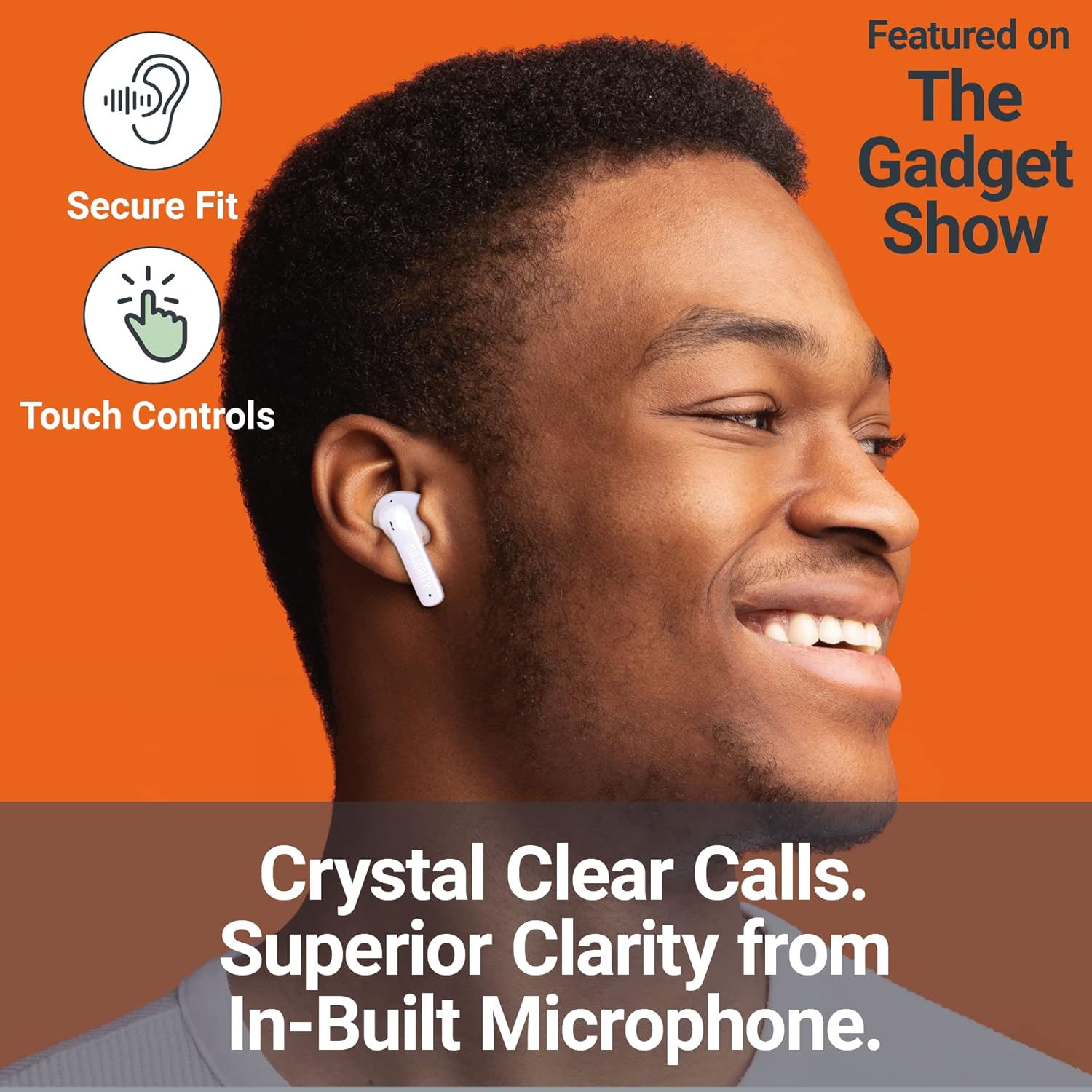
Image: A person smiling while wearing a MAJORITY Tru 1 earbud, emphasizing the secure fit, touch controls, and clear call quality from the built-in microphone.
The MAJORITY Tru 1 earbuds feature intuitive touch controls on each earbud. Specific functions may vary slightly depending on your device and operating system.
- Reproducir/Pausa: Un solo toque en cualquiera de los auriculares.
- Pista siguiente: Toque dos veces el auricular derecho.
- Pista anterior: Toque dos veces el auricular izquierdo.
- Responder/Finalizar llamada: Un solo toque en cualquiera de los auriculares durante una llamada entrante o una llamada activa.
- Rechazar llamada: Mantenga presionado cualquiera de los auriculares durante 2 segundos durante una llamada entrante.
- Activar asistente de voz: Toque tres veces cualquiera de los auriculares (por ejemplo, Siri, Asistente de Google).
- Sube el volumen: Mantenga presionado el auricular derecho.
- Bajar volumen: Mantenga presionado el auricular izquierdo.
Realizar y recibir llamadas
The built-in microphone ensures clear communication during phone calls. Use the touch controls as described above to manage your calls.
Cómo usar los auriculares
Select the ear tips that provide the most comfortable and secure fit for optimal sound quality and noise isolation. Gently insert each earbud into your ear canal and twist slightly to secure it.
Mantenimiento
- Limpieza: Limpie regularmente los auriculares y el estuche de carga con un paño suave, seco y sin pelusa. No utilice productos químicos agresivos ni materiales abrasivos.
- Resistencia al agua: The earbuds are IPX7 waterproof, meaning they can withstand immersion in water up to 1 meter for 30 minutes. However, the charging case is not waterproof. Ensure earbuds are completely dry before placing them back in the charging case to prevent damage.
- Almacenamiento: Cuando no los uses, guarda los auriculares en su estuche de carga para protegerlos y mantenerlos cargados. Guárdalos en un lugar fresco y seco, alejado de temperaturas extremas.
- Cuidado de la batería: Para prolongar la vida útil de la batería, evite descargar completamente los auriculares y el estuche con frecuencia. Cárguelos regularmente, incluso si no los usa constantemente.
Solución de problemas
| Problema | Solución |
|---|---|
| Los auriculares no se emparejan |
|
| Sin sonido de un auricular |
|
| El estuche de carga no carga |
|
| Mala calidad de sonido |
|
Presupuesto
| Característica | Detalle |
|---|---|
| Nombre del modelo | Verdadero 1 |
| Conectividad | Bluetooth 5.3 |
| Resistencia al agua | IPX7 (solo auriculares) |
| Tamaño del controlador | 13 mm |
| Tiempo de reproducción del auricular | Hasta 7.5 horas |
| Tiempo total de reproducción (con estuche) | Hasta 30 horas |
| Carga rápida | 30 minutos de carga para 2 horas de reproducción |
| Tipo de batería | Ion de litio (incluido) |
| Puerto de carga | USB-C |
| Material | Plástico |
| Dimensiones del paquete | 11.3 x 9.9 x 3.2 cm |
| Peso | 100 g (paquete) |
Garantía y soporte
MAJORITY offers an extended 3-year warranty for the Tru 1 Wireless Bluetooth Earbuds upon registration. To register your product and activate the extended warranty, please visit the official MAJORITY websitio:
For any support inquiries, troubleshooting assistance, or to learn more about MAJORITY products, please refer to the contact information provided on the official MAJORITY website. MAJORITY is a Cambridge, UK-based audio brand committed to providing reliable products and customer service.

Image: The side of the MAJORITY product box, showing details about the extended warranty and a QR code for registration.