
Introducción
This manual provides comprehensive instructions for the Baseus Amblight 30000mAh 65W Power Bank, model PPLG000101. It covers essential information regarding product features, setup, operation, maintenance, and troubleshooting to ensure optimal performance and longevity of your device.
Producto terminadoview
The Baseus Amblight Power Bank is a high-capacity portable charger designed to power multiple devices simultaneously. Featuring a 30000mAh battery, 65W fast charging capability, and multiple output ports including USB-A and USB-C, it is suitable for charging smartphones, tablets, and even laptops.

Figure 1: The Baseus Amblight Power Bank, showcasing both black and white versions with included USB-C cables.
The power bank is equipped with a digital display that provides real-time information on battery percentagmi, volumentage, and current, allowing for precise monitoring of charging status.

Figura 2: detallada view of the large LED screen, displaying charging information such as current battery percentage.
It features multiple input and output ports for versatile charging options.

Figure 3: Illustration of the power bank's multiple ports, indicating 5 output and 3 input capabilities for various devices.
Configuración
Carga inicial del banco de energía
- Before first use, fully charge the power bank. Connect a compatible USB-C charging cable to the power bank's input port and to a wall adapter (not included).
- The LED display will show the charging progress. A full charge is indicated when the display shows 100%.
Conectar dispositivos
- Use appropriate charging cables for your devices. The power bank supports USB-A and USB-C outputs.
- Connect one end of your device's charging cable to an available output port on the power bank and the other end to your device.
- The power bank will automatically begin charging your device. The LED display will show the output status.
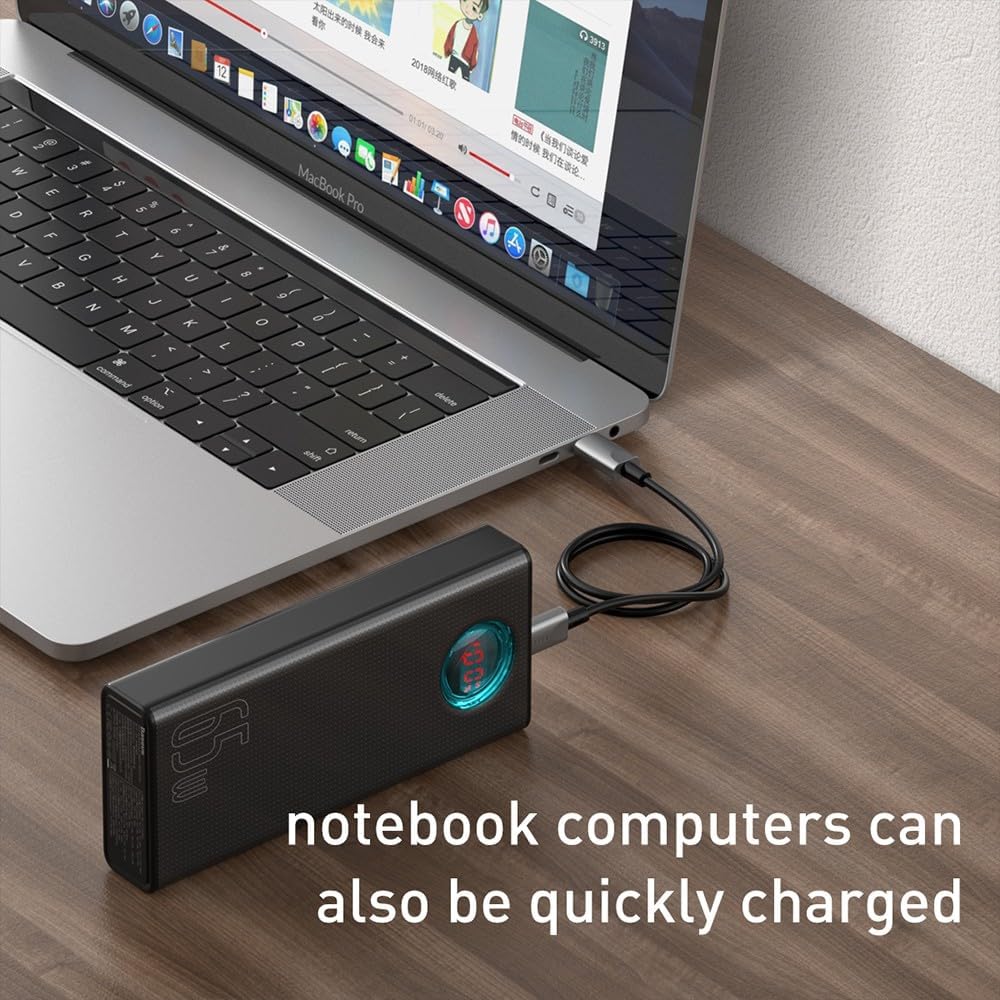
Figure 4: A smartphone being charged by the Baseus Power Bank, demonstrating its ability to quickly charge mobile devices.
Operación
High Capacity and Multi-Device Charging
The power bank's 30000mAh capacity allows for multiple charges of various devices. For example, it can charge a typical smartphone up to 12 times. The Baseus Amblight Power Bank can also charge multiple devices simultaneously using its various output ports.
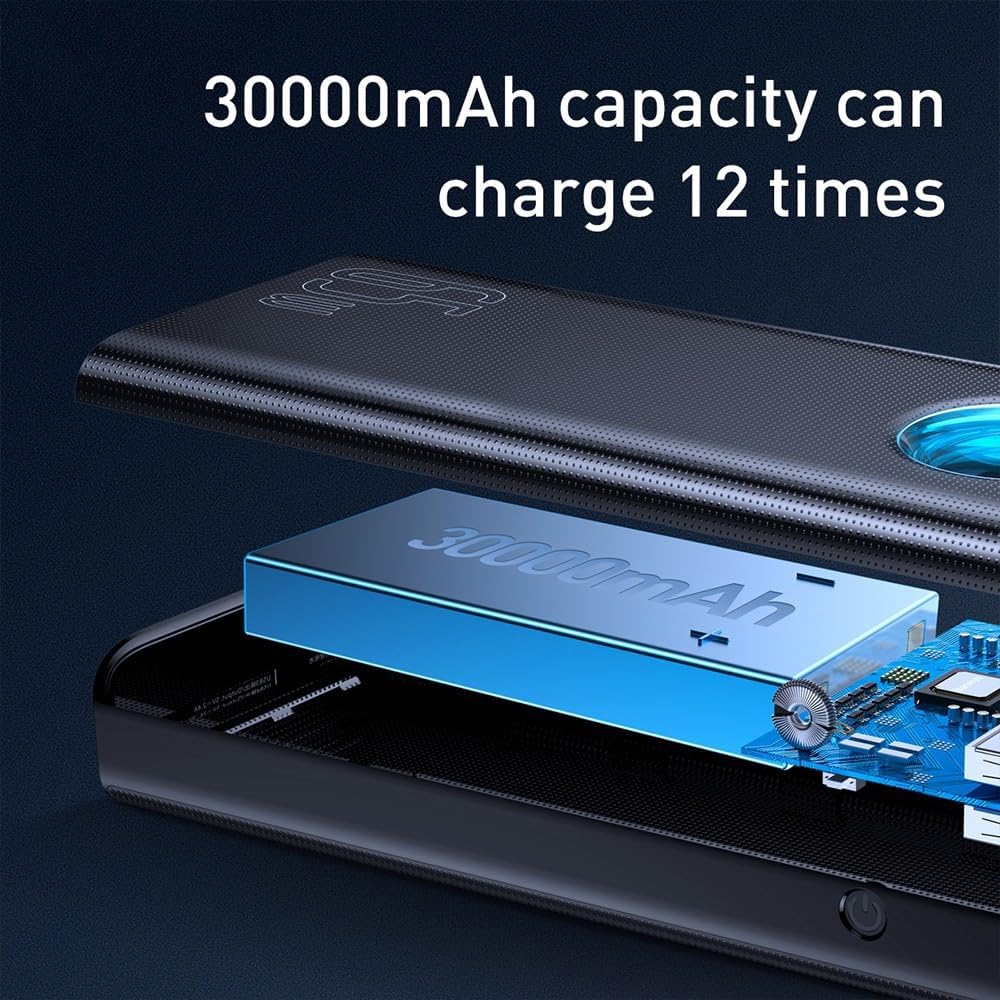
Figure 5: Visual representation of the 30000mAh capacity, illustrating its capability to provide multiple charges for devices.
Alta potencia de salida (65 W)
The 65W output capability allows for fast charging of compatible devices, including laptops that support USB-C Power Delivery (PD). Ensure your device and cable support 65W PD for optimal charging speeds.
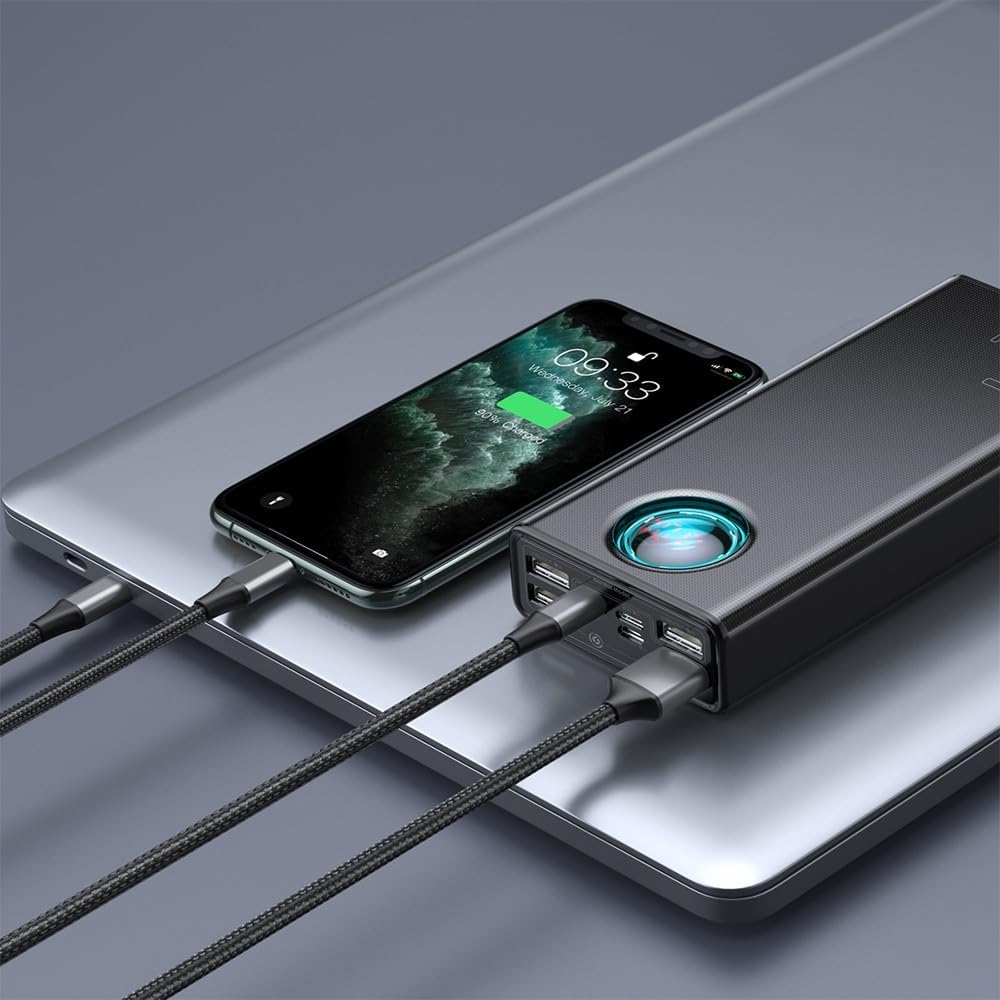
Figure 6: A laptop being charged by the Baseus Power Bank, demonstrating its high-power output suitable for notebooks.

Figure 7: The power bank highlighting its 65W high power output, suitable for demanding devices.
Mantenimiento
Cuidado de la batería
- Para prolongar la vida útil de la batería, evite descargarla por completo con frecuencia. Recárguela cuando el nivel de batería sea bajo.
- Guarde el banco de energía en un lugar fresco y seco, alejado de la luz solar directa y de temperaturas extremas.
- If storing for an extended period, charge the power bank to approximately 50-70% every three months.
Limpieza
- Limpie el exterior del banco de energía con un paño suave y seco.
- No utilice productos químicos agresivos ni limpiadores abrasivos.
- Asegúrese de que no entre humedad en los puertos.
Solución de problemas
- El banco de energía no se carga:
- Ensure the charging cable and wall adapter are functioning correctly.
- Verify the cable is securely connected to both the power bank's input port and the power source.
- Try a different cable or adapter.
- El dispositivo no se carga desde el banco de energía:
- Compruebe si el banco de energía tiene suficiente carga.
- Asegúrese de que el cable de carga que conecta su dispositivo al banco de energía no esté dañado y esté conectado de forma segura.
- Confirme que su dispositivo sea compatible con las especificaciones de salida del banco de energía.
- Pruebe un puerto de salida diferente en el banco de energía.
- Carga lenta:
- Asegúrese de que tanto el banco de energía como su dispositivo admitan protocolos de carga rápida.
- Use a high-quality, compatible charging cable.
- Cargar varios dispositivos simultáneamente puede reducir la velocidad de carga individual.
- La pantalla LED no funciona:
- Presione brevemente el botón de encendido para activar la pantalla.
- Si el problema persiste, es posible que el banco de energía requiera servicio.
Si encuentra problemas que no se tratan aquí, consulte la sección de garantía y soporte para obtener más ayuda.
Presupuesto
| Característica | Detalle |
|---|---|
| Marca | Baseus |
| Número de modelo | PPLG000101 |
| Capacidad | 30000 mAh |
| Puertos de salida | 4x USB-A, 1x USB-C |
| Puertos de entrada | USB-C (PD), Micro USB, Lightning |
| Potencia máxima de salida | 65 W |
| Color | Negro |
Garantía y soporte
For warranty information, please refer to the documentation included with your product packaging or visit the official Baseus webSitio. Los términos y condiciones de la garantía pueden variar según la región.
If you require technical support or have questions regarding your Baseus Amblight Power Bank, please contact Baseus customer service through their official channels. Contact details are typically available on the manufacturer's websitio.