
Introducción
Welcome to the Oclean Kids Electric Toothbrush Air 2 user manual. This guide provides essential information for the safe and effective use of your new electric toothbrush. Designed for children aged 6 and above, the Oclean Air 2 features advanced sonic technology for thorough cleaning and a quiet brushing experience.
Lea atentamente este manual antes del primer uso y guárdelo para consultarlo en el futuro.
¿Qué hay en la caja?
Your Oclean Kids Electric Toothbrush Air 2 package includes the following components:
- Oclean Kids Electric Toothbrush handle (x1)
- Toothbrush Head (x2)
- USB Magnetic Charge Base (x1)
- Manual de usuario (x1)
Configuración
1. Carga del cepillo de dientes
Before first use, fully charge the toothbrush. The Oclean Air 2 features a fast-charging capability.
- Connect the USB Magnetic Charge Base to a compatible USB power adapter (not included).
- Place the toothbrush handle onto the magnetic charge base. Ensure proper contact.
- The indicator light on the toothbrush will show charging status. A full charge takes approximately 2.5 hours and provides up to 40 days of use.

Image: Patented Maglev Motor. This image shows a transparent view of the toothbrush handle, highlighting the internal patented maglev motor, which delivers up to 80,000 movements per minute for effective cleaning.
2. Colocación del cabezal del cepillo
- Alinee el cabezal del cepillo con el eje metálico del mango del cepillo de dientes.
- Presione el cabezal del cepillo hacia abajo firmemente hasta que encaje en su lugar.
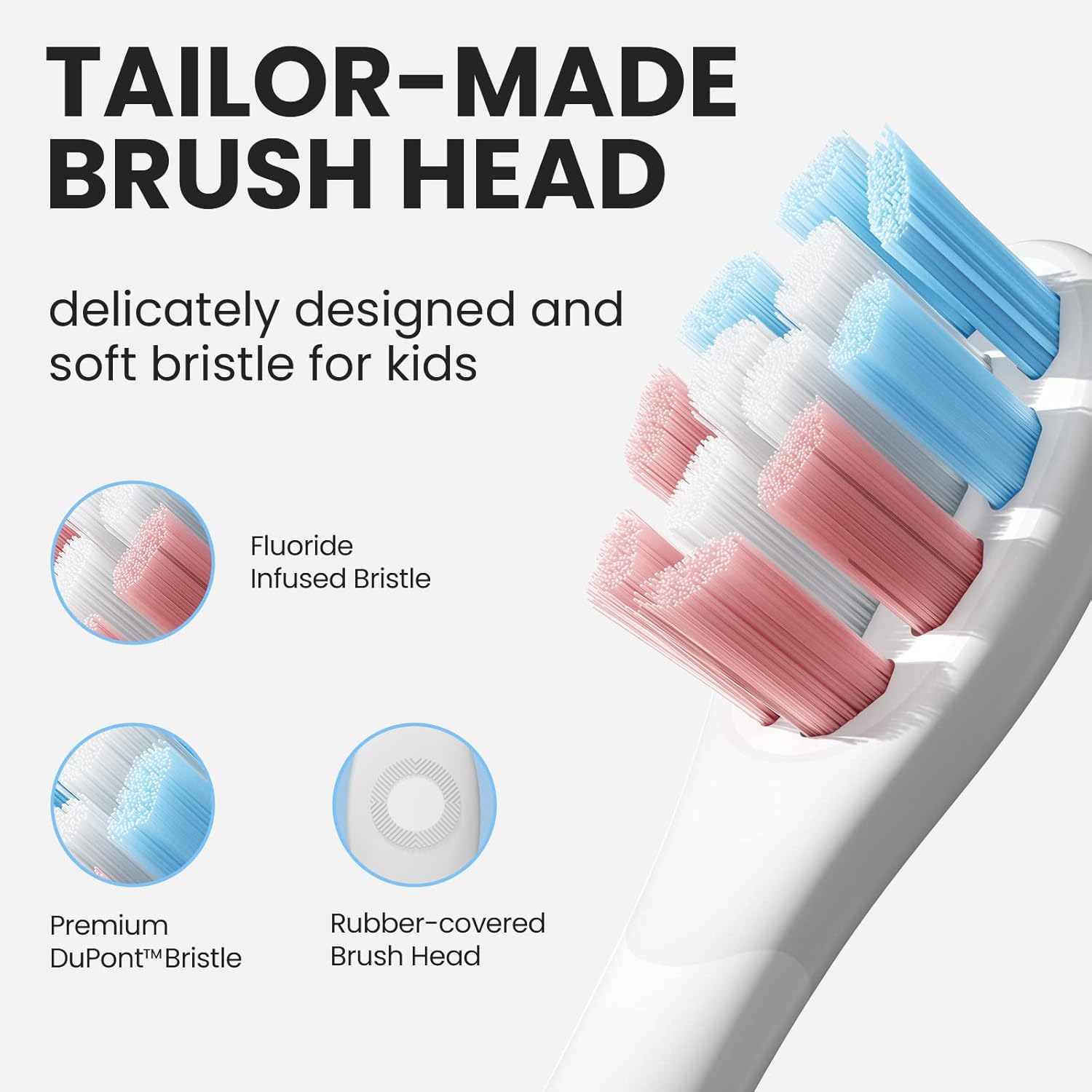
Image: Tailor-Made Brush Head. This image displays the specially designed brush head for kids, featuring soft DuPont & Pedex bristles, some infused with fluoride, and a rubber-covered base for safety and comfort.
Instrucciones de funcionamiento
Encendido/apagado y selección de modo
The Oclean Air 2 features a single-button operation for simplicity.
- Para encender/apagar: Presione brevemente el botón de encendido.
- Para cambiar de modo: Long-press the power button for 2 seconds while the toothbrush is on. The toothbrush offers two cleaning modes:
- Gentle Clean Mode: Ideal for sensitive gums or initial use.
- Standard Brushing Mode: Provides up to 80,000 movements per minute for daily thorough cleaning.
Técnica de cepillado
- Moje el cabezal del cepillo y aplique una pequeña cantidad de pasta de dientes.
- Coloque el cabezal del cepillo contra los dientes en un ligero ángulo hacia la línea de las encías.
- Turn on the toothbrush. Gently move the brush head slowly across each tooth, allowing the sonic vibrations to clean. Do not scrub.
- The toothbrush includes a 2-minute smart timer and a 30-second reminder to guide brushing in all four quadrants of the mouth.
- The built-in AI pressure sensor helps protect gums and teeth by alerting if too much pressure is applied.

Image: AI Pressure Sensor. This graphic illustrates the AI pressure sensor feature, showing how it detects excessive force during brushing to protect teeth and gums.
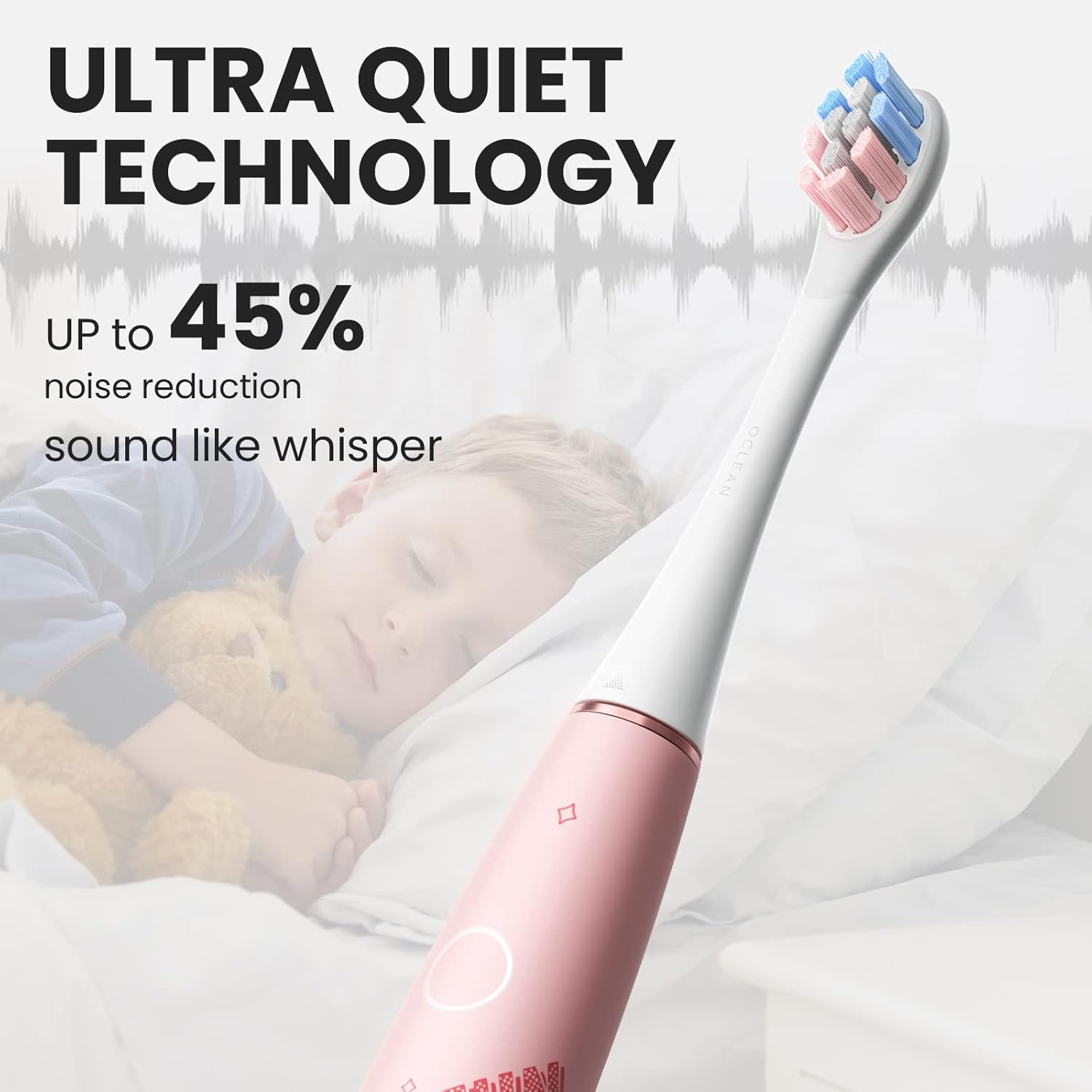
Image: Ultra Quiet Technology. This image shows a child sleeping peacefully while the Oclean toothbrush is in use, emphasizing its ultra-quiet operation (under 37 dB) due to Whisperclean technology.
Mantenimiento
Limpiar el cepillo de dientes
Regular cleaning ensures hygiene and extends the life of your toothbrush.
- Después de cada uso, enjuague bien el cabezal del cepillo con agua corriente.
- Remove the brush head and rinse the metal shaft area.
- Limpie el mango del cepillo de dientes con publicidad.amp cloth. The toothbrush is IPX7 waterproof, allowing it to be safely rinsed under water.
- Deje que todas las piezas se sequen al aire antes de guardarlas.
Reemplazo del cabezal del cepillo
Los dentistas recomiendan reemplazar los cabezales del cepillo cada 3 meses, o antes si las cerdas se desgastan.
Solución de problemas
| Problema | Posible causa | Solución |
|---|---|---|
| El cepillo de dientes no se enciende. | La batería está agotada. | Charge the toothbrush fully using the magnetic charge base. |
| Vibración débil o rendimiento reducido. | Low battery or brush head is worn. | Recargue el cepillo de dientes. Reemplace el cabezal si las cerdas están desgastadas. |
| El cepillo de dientes se detiene durante el uso. | Battery is low or automatic timer has completed. | Recharge the toothbrush. If the 2-minute timer has finished, simply restart for further cleaning if desired. |
| El cabezal del cepillo se siente flojo. | El cabezal del cepillo no está bien colocado. | Retire y vuelva a colocar el cabezal del cepillo, asegurándose de que encaje firmemente en su lugar. |
Presupuesto
| Característica | Detalle |
|---|---|
| Número de modelo | OC-Kids Air2-Pink |
| Marca | Oclean |
| Dimensiones (LxAnxAl) | 25 x 25 x 235 milímetros |
| Peso del artículo | 95g (toothbrush body) / 349 g (package weight) |
| Fuente de poder | Funciona con pilas (recargables) |
| Capacidad de la batería | 800 mAh (integrada) |
| Tiempo de carga | Aproximadamente 2.5 horas |
| Duración de la batería | Hasta 40 días (según el uso típico) |
| Clasificación de impermeabilidad | IPX7 |
| Modos de cepillado | 2 (Gentle Clean, Standard Brushing) |
| Movimientos por minuto | Hasta 80,000 |
| Nivel de ruido | Under 37 dB (Whisperclean Technology) |
| Características especiales | AI Pressure Sensor, 2-minute Smart Timer, 30-second Reminder, Magnetic Charge Base |
| Material de cerdas | Ultra Soft DuPont & Pedex |
| Rango de edad | 6+ años |
Garantía y soporte
For warranty information, product support, or to purchase replacement parts and accessories, please visit the official Oclean website or contact Oclean customer service directly. Keep your purchase receipt as proof of purchase.
Fabricante: Oclean
Número de pieza del artículo: OC-Kids Air2-Pink