
Introducción
The Datalogic QuickScan QD2590 is a high-performance, handheld 2D barcode imager designed for various point-of-sale (POS) and general-purpose applications. This device offers fast and reliable scanning of 1D and 2D barcodes, ensuring efficient data capture. Its durable design and flexible connectivity options (USB, RS-232) make it suitable for diverse environments. This manual provides essential information for setting up, operating, maintaining, and troubleshooting your QD2590 scanner.
Configuración
1. Desembalaje del escáner
Retire con cuidado todos los componentes del embalaje. Compruebe que estén presentes todos los artículos indicados en la sección "Contenido de la caja".
- QuickScan QD2590 Portable 1D/2D Barcode Reader (Black)
2. Conexión del escáner
The QD2590 scanner supports USB and RS-232 connectivity. Connect the appropriate cable to the scanner's interface port and then to your host device (computer, POS system).
Para conexión USB: Plug the USB cable into an available USB port on your computer. The scanner will typically be recognized automatically, and necessary drivers will be installed by the operating system.
For RS-232 Connection: Connect the RS-232 cable to a serial port on your host device. Ensure proper configuration of the serial port settings on your host system to match the scanner's default settings (e.g., baud rate, data bits, parity, stop bits).
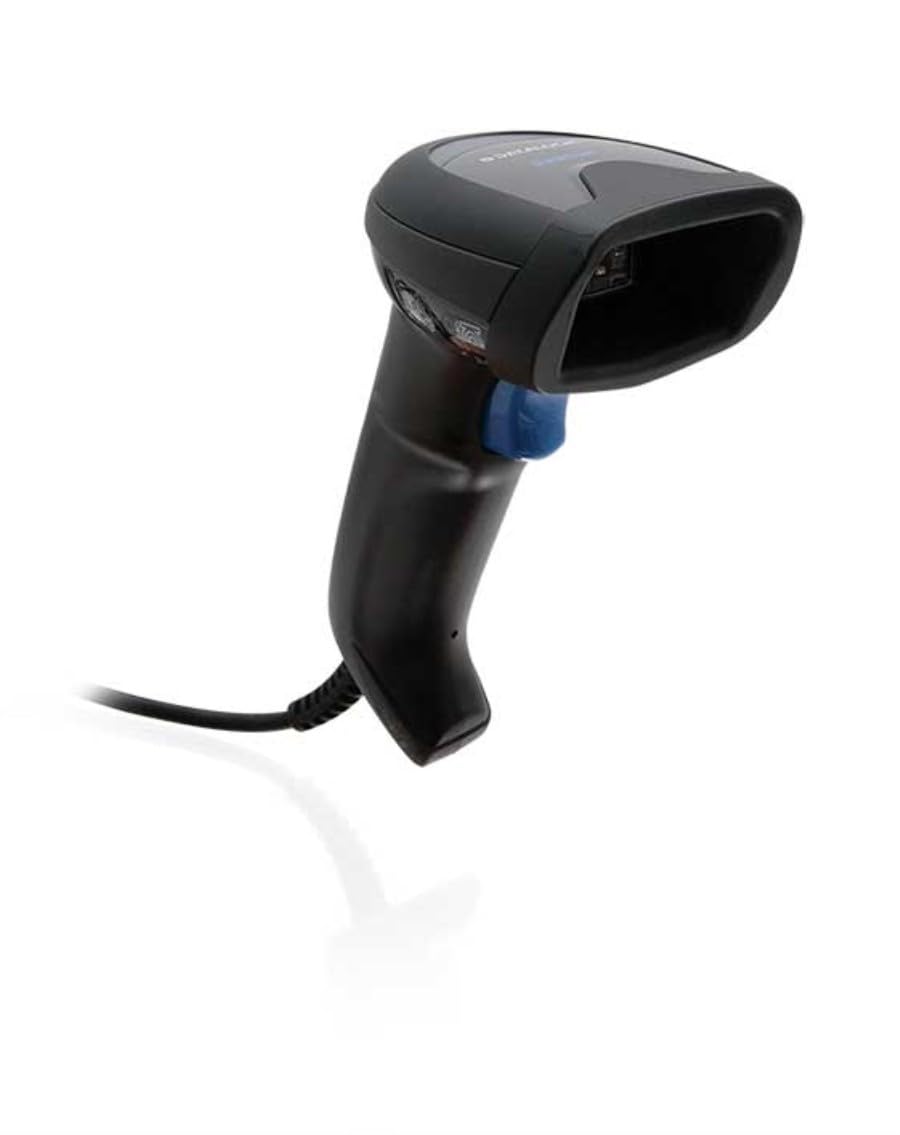
Image: The Datalogic QuickScan QD2590 scanner showing its wired connection.
Operación del escáner
1. Procedimiento básico de escaneo
- Asegúrese de que el escáner esté correctamente conectado y encendido.
- Apunte la ventana del escáner hacia el código de barras que desea escanear.
- Mantén pulsado el gatillo. Aparecerá un haz de luz rojo.
- Center the aiming beam over the entire barcode.
- Once the barcode is successfully read, the scanner will emit an audible beep and/or the LED indicator will change color (typically green).
- Release the trigger button. The scanned data will be transmitted to your host device.
2. Comentarios de escaneo
- Indicador de buena lectura: A successful scan is typically indicated by a green LED and a configurable beep sound.
- Haz de puntería: The red aiming beam helps position the scanner correctly over the barcode.

Imagen: Frente view of the Datalogic QuickScan QD2590, highlighting the scanning area.
Mantenimiento
1. Limpieza del escáner
To ensure optimal performance, keep the scanner's window clean. Use a soft, lint-free cloth dampened with water or a mild, non-abrasive cleaner. Do not use harsh chemicals, solvents, or abrasive materials, as these can damage the scanning window or casing.
2. Almacenamiento
When not in use, store the scanner in a clean, dry environment, away from extreme temperatures, direct sunlight, and corrosive materials. Avoid dropping or subjecting the scanner to excessive impact.
Solución de problemas
| Problema | Posible causa | Solución |
|---|---|---|
| El escáner no se enciende. | Cable not connected properly; host device not powered on. | Check cable connections. Ensure host device is powered on. |
| El escáner no lee códigos de barras. | Barcode damaged or poorly printed; incorrect symbology enabled; scanning window dirty; scanner not configured correctly. | Try scanning a different barcode. Clean the scanning window. Refer to the full product manual for symbology enablement and advanced configuration. |
| Los datos escaneados son incorrectos o incompletos. | Incorrect data formatting; partial scan. | Ensure the aiming beam covers the entire barcode. Check host application settings for data formatting. |
| No audible beep on good read. | Beeper disabled in configuration. | Refer to the full product manual to enable the beeper. |
For more detailed troubleshooting and advanced configuration, please refer to the complete Datalogic QuickScan QD2590 product manual available on the Datalogic websitio.
Especificaciones técnicas
| Característica | Detalle |
|---|---|
| Número de modelo | W126053080 |
| Tipo de escáner | Handheld 2D Imager |
| Tipo de elemento de escaneo | 2D Imager - Red LED Sensor |
| Resolución del sensor | 1280 x 800 píxeles |
| Velocidad de escaneo | 60 cuadros por segundo (fps) |
| Minimum Bar Symbol Width | 3 millones |
| Tecnología de conectividad | Wired (USB, RS-232) |
| Fuente de poder | DC 5V (via cable) |
| Dimensiones (An x Pr x Al) | 6.8 cm x 12.6 cm x 14.8 cm |
| Peso | 145 gramos |
| Color | Negro |
| Dispositivos compatibles | Smartphone, laptop, desktop, tablet |
| Real View Ángulo | 40 grados |
Garantía y soporte
Información de garantía
The Datalogic QuickScan QD2590 barcode scanner comes with a Garantía del fabricante de 2 añosEsta garantía cubre defectos de materiales y mano de obra en condiciones normales de uso. Conserve su comprobante de compra para reclamaciones de garantía.
Atención al cliente
For technical assistance, product inquiries, or warranty service, please contact Datalogic customer support. Visit the official Datalogic webSitio para obtener detalles de contacto, preguntas frecuentes y recursos adicionales.
Datalogic Official Websitio: www.datalogic.com