
1. Introducción
Thank you for choosing the MOVESPEED 70000mAh Power Bank. This high-capacity portable charger is designed to provide reliable power for your electronic devices on the go. With its robust battery, multiple output ports, and fast-charging capabilities, it is an ideal companion for travel, outdoor activities, and daily use.
This manual provides essential information on how to safely and effectively use, maintain, and troubleshoot your power bank. Please read it thoroughly before first use and keep it for future reference.

Image: The MOVESPEED 70000mAh Power Bank, showcasing its compact design and the included USB charging cable.
2. Producto terminadoview Y componentes
The MOVESPEED 70000mAh Power Bank features a durable design with multiple input and output ports to accommodate various devices. It includes an LED display for real-time battery status.
Características principales:
- 70000 mAh de alta capacidad: Proporciona energía extendida para múltiples cargas.
- 22.5W Two-Way Super Fast Charging: Supports PD3.0 & QC3.0 protocols for rapid charging and recharging.
- 4 salidas y 2 entradas: Includes two 5V/2.1A USB ports, one Type-C port, and one USB 22.5W fast charge output. Inputs are Micro USB and Type-C.
- Car-Grade Batteries: Utilizes high-quality polymer energy batteries for enhanced safety and longevity.
- Pantalla digital LED: Muestra el porcentaje de energía restantetage.
Identificación de componentes:

Image: Detailed diagram illustrating the location and function of the Micro USB input, Type-C input/output, and multiple USB-A output ports (A1/A2, A3) on the power bank.
- Entrada micro USB: For recharging the power bank (up to 18W).
- Puerto Tipo-C: Functions as both an input (up to 18W) and an output (PD 20W).
- USB-A1 / USB-A2 Outputs: Standard 5V/2.1A outputs for general device charging.
- Salida USB-A3: 22.5W fast charge output.
- Pantalla LED: Pantalla digital que muestra el porcentaje de bateríatage.
- Botón de encendido: Activa la pantalla LED e inicia la carga.
3. Configuración y uso inicial
Carga del banco de energía:
Before first use, it is recommended to fully charge your MOVESPEED Power Bank. This ensures optimal performance and battery calibration.
- Connect a compatible USB charging cable (Micro USB or Type-C) to one of the power bank's input ports.
- Connect the other end of the cable to a USB wall charger (not included) or a computer's USB port. For fastest charging, use a PD or QC compatible wall charger.
- La pantalla LED mostrará el progreso de carga, indicando el porcentaje de batería.tage increasing.
- Una vez que la pantalla muestra "100%", el banco de energía está completamente cargado y listo para usar.
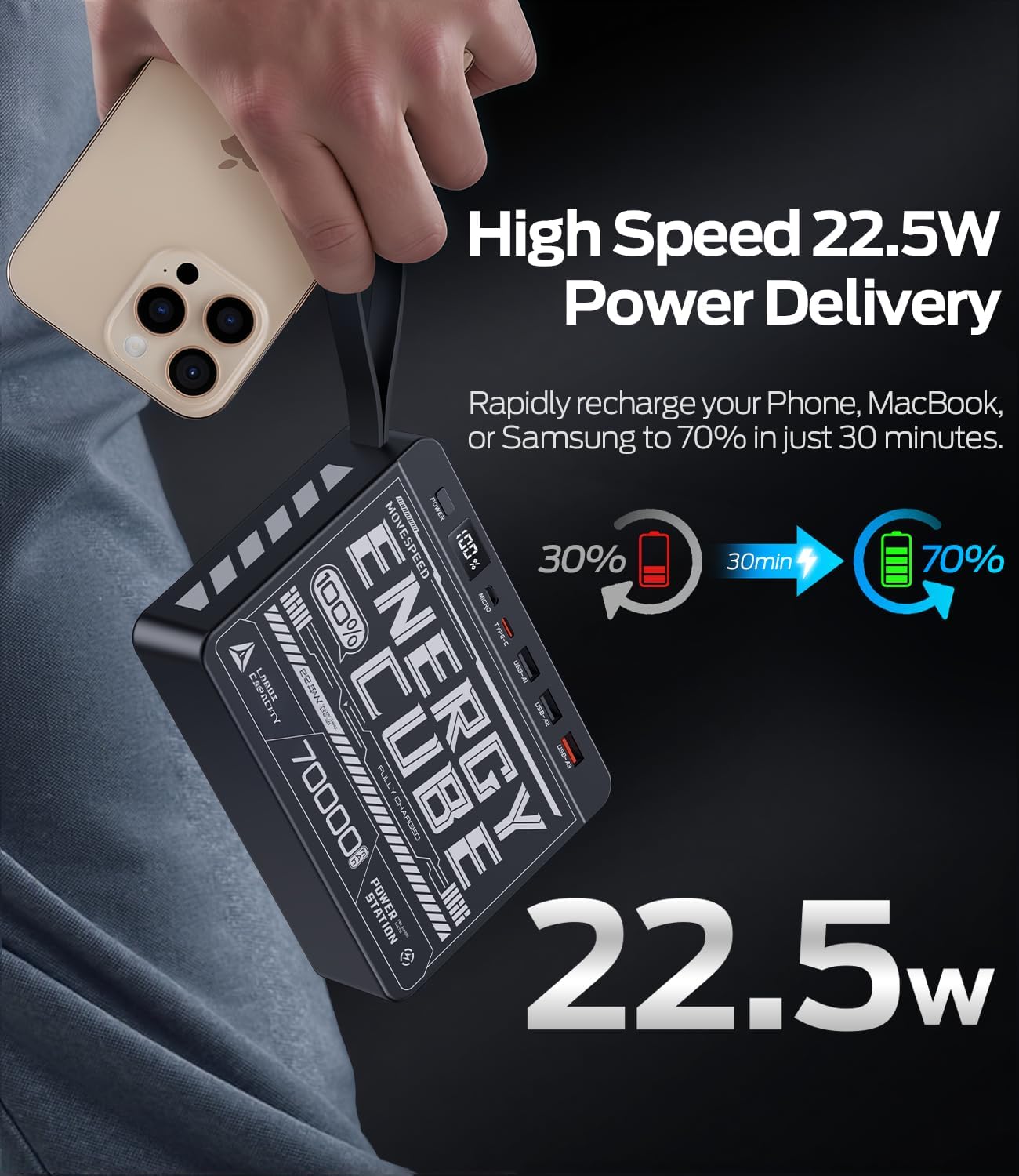
Image: The power bank's LED display clearly showing "100%", indicating a full charge.
4. Instrucciones de funcionamiento
Carga de dispositivos externos:
El banco de energía puede cargar hasta cuatro dispositivos simultáneamente.
- Identify the correct charging cable for your device (e.g., USB-A to Lightning, USB-C to USB-C).
- Conecte un extremo del cable de carga a su dispositivo.
- Connect the other end of the cable to an available output port on the power bank (USB-A1, USB-A2, USB-A3, or Type-C).
- Press the power button on the power bank to initiate charging. The LED display will illuminate, showing the remaining battery percentage.
- Su dispositivo debería comenzar a cargarse.
For fast charging compatible devices, use the USB-A3 (22.5W) or Type-C (PD 20W) output ports with a compatible cable.
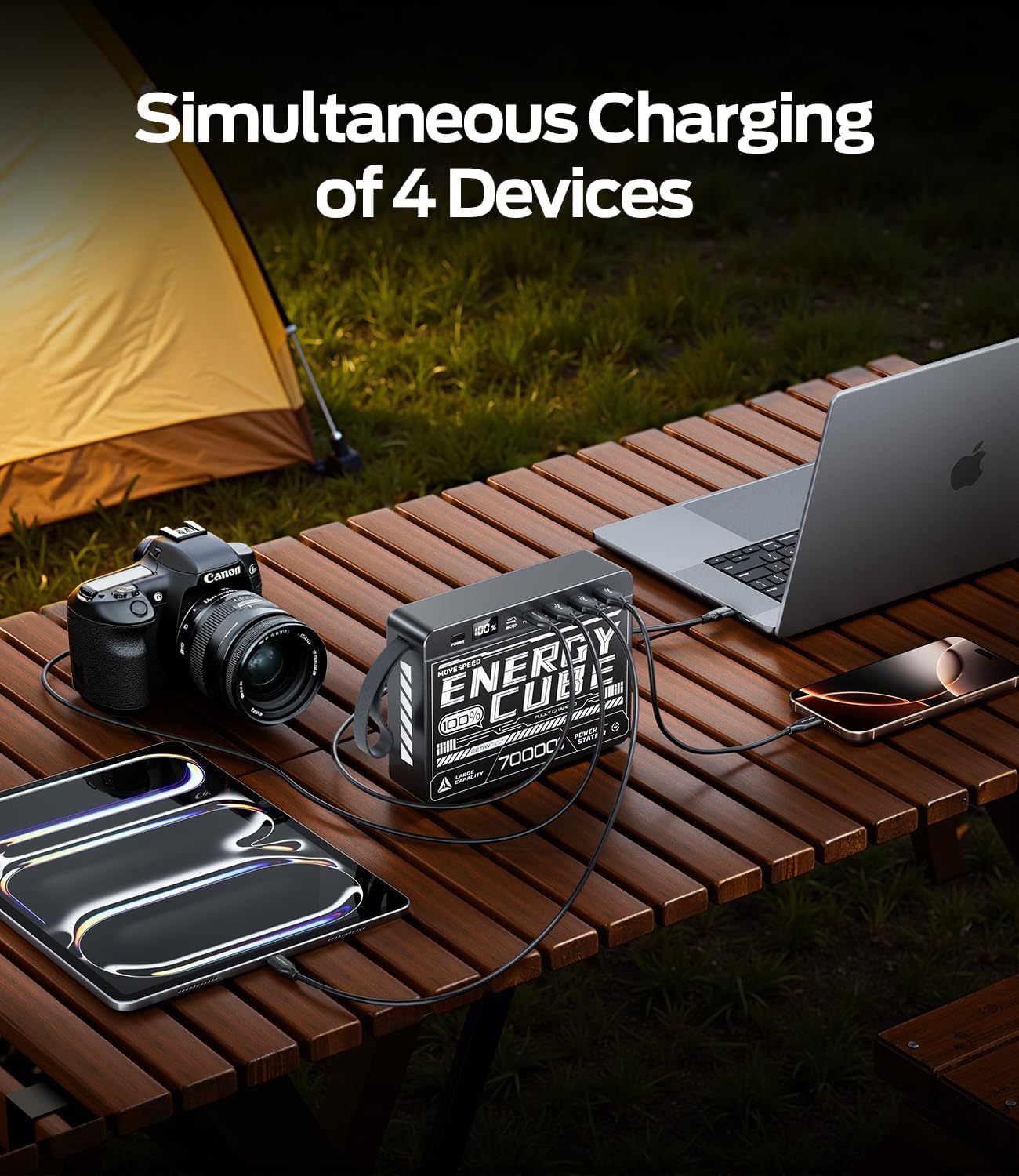
Image: The power bank connected to and charging multiple devices, including a laptop, smartphone, and tablet, demonstrating its simultaneous charging capability.
Comprobación del nivel de la batería:
Briefly press the power button to activate the LED display. The screen will show the current battery percentage del banco de energía.
5. Información de seguridad
Para garantizar un funcionamiento seguro y prolongar la vida útil de su banco de energía, tenga en cuenta las siguientes pautas de seguridad:
- No exponga el banco de energía a temperaturas extremas (superiores a 60 °C/140 °F o inferiores a 0 °C/32 °F), luz solar directa o humedad alta.
- Evite dejar caer, golpear o desmontar el dispositivo.
- Mantener alejado del agua, fuego y materiales corrosivos.
- No lo use si el banco de energía está dañado, hinchado o tiene fugas.
- Utilice únicamente cables de carga y adaptadores certificados.
- Mantener fuera del alcance de los niños.
- Deseche la batería externa de forma responsable, según la normativa local. No la tire con la basura doméstica.
6. Cuidado y mantenimiento
Proper care will help maintain the performance and longevity of your power bank:
- Limpieza: Limpie la superficie con un paño suave y seco. No utilice productos químicos agresivos ni limpiadores abrasivos.
- Almacenamiento: Guarde la batería externa en un lugar fresco y seco cuando no la use. Para un almacenamiento prolongado, se recomienda mantener la batería con una carga de entre el 50 % y el 70 %.
- Estado de la batería: To maximize battery lifespan, avoid fully discharging the power bank frequently. Recharge it before it completely runs out of power.
7. Solución de problemas
| Problema | Posible causa | Solución |
|---|---|---|
| El banco de energía no carga | Problema con el cable o adaptador; banco de energía completamente cargado; puerto defectuoso. | Try a different charging cable and wall adapter. Ensure the power bank is not already at 100%. Try a different input port (Micro USB or Type-C). |
| El dispositivo no se carga desde el banco de energía | Power bank low on charge; cable issue; device not compatible; power button not pressed. | Recharge the power bank. Try a different charging cable. Ensure your device is compatible. Press the power button to activate output. |
| Carga lenta | Using a standard port instead of fast charge; cable not supporting fast charge; device not supporting fast charge. | Ensure you are using the USB-A3 (22.5W) or Type-C (PD 20W) output. Use a cable rated for fast charging. Verify your device supports fast charging protocols (PD/QC). |
| La pantalla LED no funciona | Banco de energía completamente descargado; falla interna. | Try charging the power bank for a few hours. If the issue persists, contact customer support. |
8. Especificaciones
| Característica | Detalle |
|---|---|
| Número de modelo | 70000mah-us |
| Capacidad de la batería | 70000 mAh/259 Wh |
| Entrada micro USB | 18W Max |
| Entrada tipo C | 18W Max |
| Salida tipo C | PD 20W máx. |
| USB-A1 / USB-A2 Output | 5 V/2.1 A |
| Salida USB-A3 | 22.5W Max |
| Dimensiones del producto | 15.37 x 11.4 x 3.96 cm |
| Peso del artículo | 1.4 kilogramos |
| Características especiales | Fast Charging, LED Display |
9. Garantía y soporte
MOVE SPEED products are manufactured to high quality standards. For information regarding warranty coverage, please refer to the terms and conditions provided at the time of purchase or contact your retailer.
If you encounter any issues or have questions about your MOVESPEED 70000mAh Power Bank that are not addressed in this manual, please contact MOVE SPEED customer support through the retailer's platform or the official brand webSitio para obtener ayuda.

Image: The product packaging and included items, typically the power bank and a charging cable.