
1. Introducción
This manual provides detailed instructions for the proper use and maintenance of the AUTOOL SVB305 Two-Way Articulating Endoscope Camera. Please read this manual thoroughly before operating the device to ensure safe and efficient use. The AUTOOL SVB305 is designed for inspecting hard-to-reach areas, featuring a 210° articulating probe, a 4.3-inch IPS display, and a 1080P camera for clear visual inspection.
2. Producto terminadoview
2.1 Contenido del paquete
The AUTOOL SVB305 package typically includes the following items:
- AUTOOL SVB305 Endoscope Camera Unit
- Flexible Articulating Probe (3FT)
- Tarjeta Micro SD de 32 GB (preinstalada o incluida por separado)
- Cable de carga USB-C
- Manual de usuario
- Estuche de almacenamiento

Image: Contents of the AUTOOL SVB305 Endoscope Camera package, including the main unit, flexible probe, USB-C cable, user manual, and storage case.
2.2 Características principales
- Two-Way 210° Articulating Probe: Allows flexible bending of the probe tip for comprehensive viewing in confined spaces.
- 0.21-inch (6.35mm) Diameter Probe: Designed for accessing narrow openings.
- Cámara 1080P HD: Captures clear images and videos with 1.0MP CMOS sensor.
- Pantalla IPS de 4.3 pulgadas: Provides a sharp and vibrant display for real-time viewEn.
- Sonda impermeable IP67: Suitable for use in wet and oily environments.
- Luces LED ajustables: Six high-intensity LEDs with three brightness levels for optimal illumination.
- Batería recargable de 2000 mAh: Ofrece hasta 3 horas de funcionamiento continuo.
- Tarjeta Micro SD de 32GB: For convenient storage of captured media.
- Automatic Temperature Alarm: Alerts and shuts down the device if the probe temperature exceeds 176°F (80°C).

Image: The AUTOOL SVB305 Endoscope Camera, showing the main display unit, control buttons, and the flexible articulating probe.

Image: Detailed diagram illustrating the 2-way 210° articulation capability of the probe, 70° viewing angle, 1.3-inch bending radius, 0.2-inch lens diameter, and 0.9-4.0 inch depth of field.

Imagen: Explotada view of the 4.3-inch IPS screen, highlighting its tempered glass, IPS LCD, and backlight components, with an image resolution of 1280x720.
3. Configuración
3.1 Carga del dispositivo
Before first use, fully charge the endoscope camera. Connect the provided USB-C charging cable to the device's charging port and a suitable USB power adapter (not included). The charging indicator will show the charging status. A full charge provides approximately 3 hours of working time.

Image: Illustration of the 2000mAh rechargeable battery providing 3 hours of working time, with the device connected to a charger via USB-C cable.

Image: The endoscope camera being charged using the USB-C charging cable, highlighting the charging port.
3.2 Inserción de la tarjeta Micro SD
Locate the Micro SD card slot on the device. Insert the provided 32GB Micro SD card into the slot until it clicks into place. This card is essential for saving photos and videos.

Image: Illustration showing the insertion of the 32GB Micro SD card into the designated slot on the endoscope camera.
4. Instrucciones de funcionamiento
4.1 Encendido / Apagado
Press and hold the power button to turn the device on or off. The 4.3-inch IPS screen will illuminate upon startup.
4.2 Controles básicos
The device features several buttons and a rotation wheel for control:
- Power On/Light Control: Turns the device on/off and adjusts LED brightness.
- Botón Foto/Video: Captures still images or starts/stops video recording.
- Configuración Clave: Accede al menú de configuración del dispositivo.
- Up/Down/Toggle Keys: Navega por los menús y ajusta la configuración.
- Tecla Aceptar: Confirma selecciones.
- Rotation Wheel: Controls the articulation of the probe tip.

Image: A detailed diagram labeling the 5-inch display, SD interface, M key, Up key, Rotation Wheel, HD Camera, Flexible Cable, OK Key, Charging Port, Down/Toggle Key, Settings Key, Power on Light-control, and Photo/Video button.
4.3 Steering the Probe
Use the rotation wheel on the handle to articulate the probe tip up to 210° in two directions. This allows for flexible navigation and viewing around corners or obstacles within confined spaces.

Image: The flexible articulating probe navigating inside a curved pipe, demonstrating its two-way 210° steering capability.

Image: A hand operating the scroll roller (rotation wheel) to switch the viewing angle of the flexible gooseneck probe, illustrating its ability to reach narrow spaces.
4.4 Ajuste de las luces LED
The probe tip is equipped with 6 high-intensity LED lights. Press the dedicated light control button to cycle through three adjustable brightness levels, ensuring clear visibility in dark environments.

Image: The endoscope probe tip showing its 6 LED lights and illustrating the three levels of brightness adjustment.

Image: Visual representation of the 6 LEDs and their 3 adjustable brightness levels, designed for optimal visibility in dark areas.
4.5 Captura de fotos y vídeos
Press the Photo/Video button to take a still image. Press and hold the same button to start video recording; press again to stop. All captured media is saved to the installed 32GB Micro SD card.

Image: A user wearing gloves holding the AUTOOL SVB305 endoscope camera, with the probe inserted into an engine compartment, demonstrating its use in an inspection scenario.
4.6 Soporte multilingüe
The device supports multiple languages. Access the settings menu to select your preferred language, including English, French, Spanish, Russian, German, Italian, Chinese, and Japanese.

Image: A display showing various language options available on the AUTOOL SVB305, including English, French, Spanish, Russian, German, Italian, Chinese, and Japanese.
5. Mantenimiento
5.1 Limpieza de la sonda
The probe is IP67 waterproof and oilproof. After use, especially in dirty or oily environments, gently wipe the probe with a soft, damp cloth. For stubborn grime, a mild, non-abrasive cleaner can be used. Ensure the probe is dry before storage.
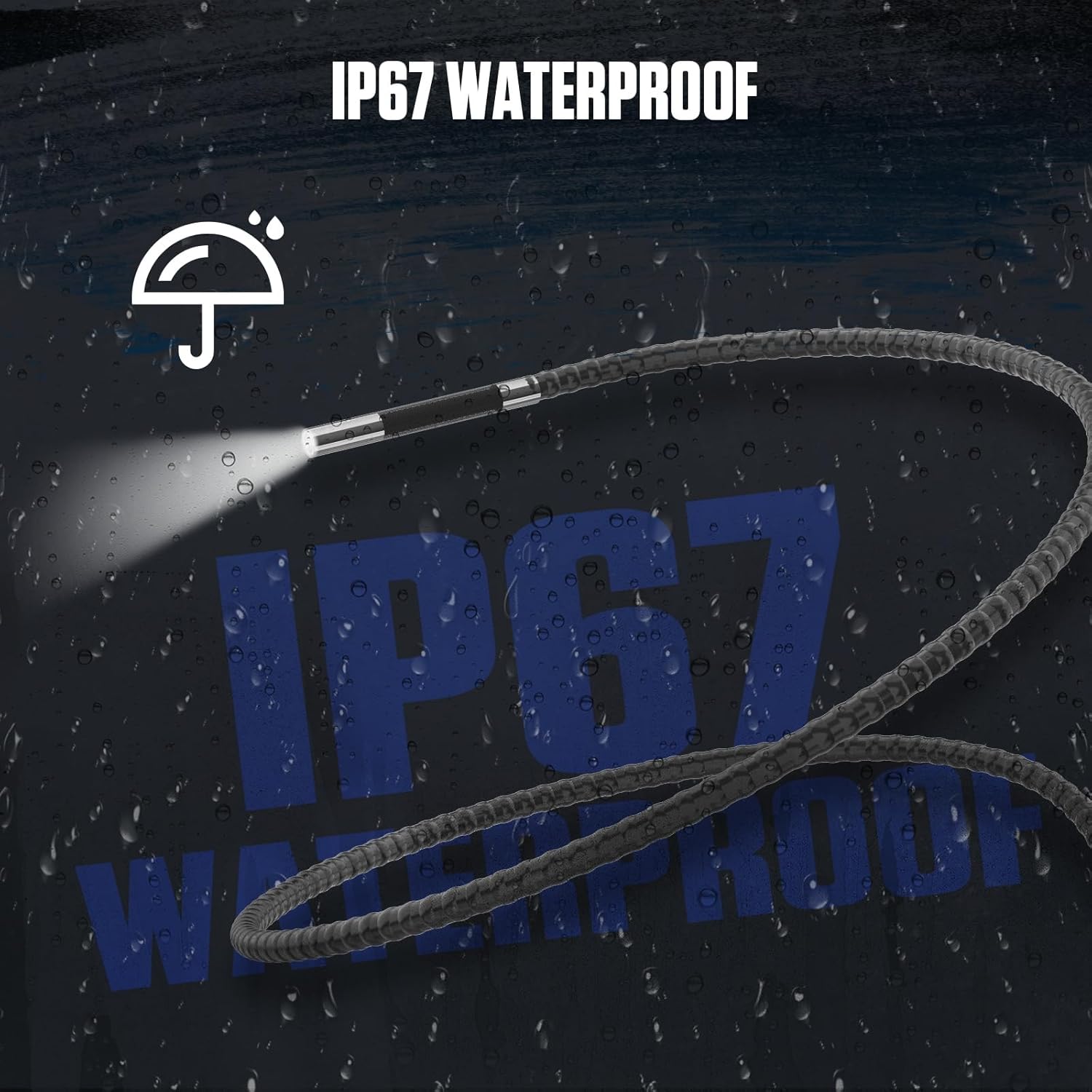
Image: The endoscope probe tip submerged in water, visually representing its IP67 waterproof capability.

Image: Illustration emphasizing the IP67 waterproof and corrosion-resistant materials used in the probe's construction, suitable for various environments.
5.2 Cuidado de la batería
Para prolongar la vida útil de la batería, evite descargarla por completo con frecuencia. Cargue el dispositivo regularmente, incluso si no lo usa durante períodos prolongados. Guarde el dispositivo en un lugar fresco y seco.
5.3 Almacenamiento
When not in use, store the endoscope camera and its accessories in the provided storage case to protect them from dust, moisture, and physical damage.
6. Solución de problemas
6.1 No hay imagen en la pantalla
- Asegúrese de que el dispositivo esté encendido y completamente cargado.
- Check if the probe cable is securely connected to the main unit.
- Verifique que la lente de la cámara esté limpia y libre de obstrucciones.
6.2 Device Shuts Down Unexpectedly
The AUTOOL SVB305 features an automatic alarm and shutdown mechanism if the probe temperature exceeds 176°F (80°C) to prevent damage. Allow the device to cool down before resuming operation. If the issue persists and is not related to temperature, ensure the battery is adequately charged.

Image: Visual representation of the automatic alarm and shutdown feature that activates when the probe temperature exceeds 176°F (80°C), indicating high temperature protection.
6.3 Unable to Save Photos/Videos
- Ensure a 32GB Micro SD card is correctly inserted.
- Check if the Micro SD card has sufficient free space.
- Verify that the Micro SD card is not locked (read-only).
7. Especificaciones
| Característica | Especificación |
|---|---|
| Número de modelo | SVB305 |
| Diámetro de la sonda | 0.21 pulgadas (6.35mm) |
| Ángulo de articulación | Bidireccional 210° |
| Pantalla de visualización | IPS de 4.3 pulgadas |
| Resolución de captura de video | 1080p (1280x720) |
| Sensor de cámara | 1.0MP HD CMOS |
| Luces LED | 6 niveles de brillo ajustables |
| Clasificación de impermeabilidad | IP67 (sonda) |
| Batería | Polímero de litio de 2000 mAh |
| Tiempo de trabajo | Aproximadamente 3 horas |
| Medios de almacenamiento | Tarjeta Micro SD (32 GB incluida) |
| Temperatura de funcionamiento | Up to 176°F (80°C) for probe |
| Dimensiones del paquete | 16.57 x 8.5 x 3.46 pulgadas |
| Peso del artículo | 2.67 libras |
8. Garantía y soporte
The AUTOOL SVB305 Endoscope Camera comes with a Tres años de garantía against manufacturing defects. For any quality issues or technical assistance, please contact AUTOOL customer support. They are committed to providing solutions and technical support until satisfaction. Please refer to the official AUTOOL websitio o su documentación de compra para obtener detalles de contacto específicos.
La información de contacto para obtener soporte técnico generalmente se puede encontrar en el sitio web del fabricante. websitio o dentro del embalaje del producto.