
iJoy DHP2431
iJoy Disney Nightmare Before Christmas Sally Dress Bluetooth Headphones User Manual
Model: DHP2431 | Brand: iJoy
Introducción

Imagen: The iJoy Disney Nightmare Before Christmas Sally Dress Bluetooth Headphones, showcasing su diseño único.
Thank you for choosing the iJoy Disney Nightmare Before Christmas Sally Dress Bluetooth Headphones. These wireless over-ear headphones are designed to provide a rich audio experience with a unique Sally Dress design. They feature a built-in microphone for hands-free calling, a foldable design for portability, and versatile connectivity options. This manual will guide you through the setup, operation, and maintenance of your new headphones.
Configuración
1. Carga de los auriculares
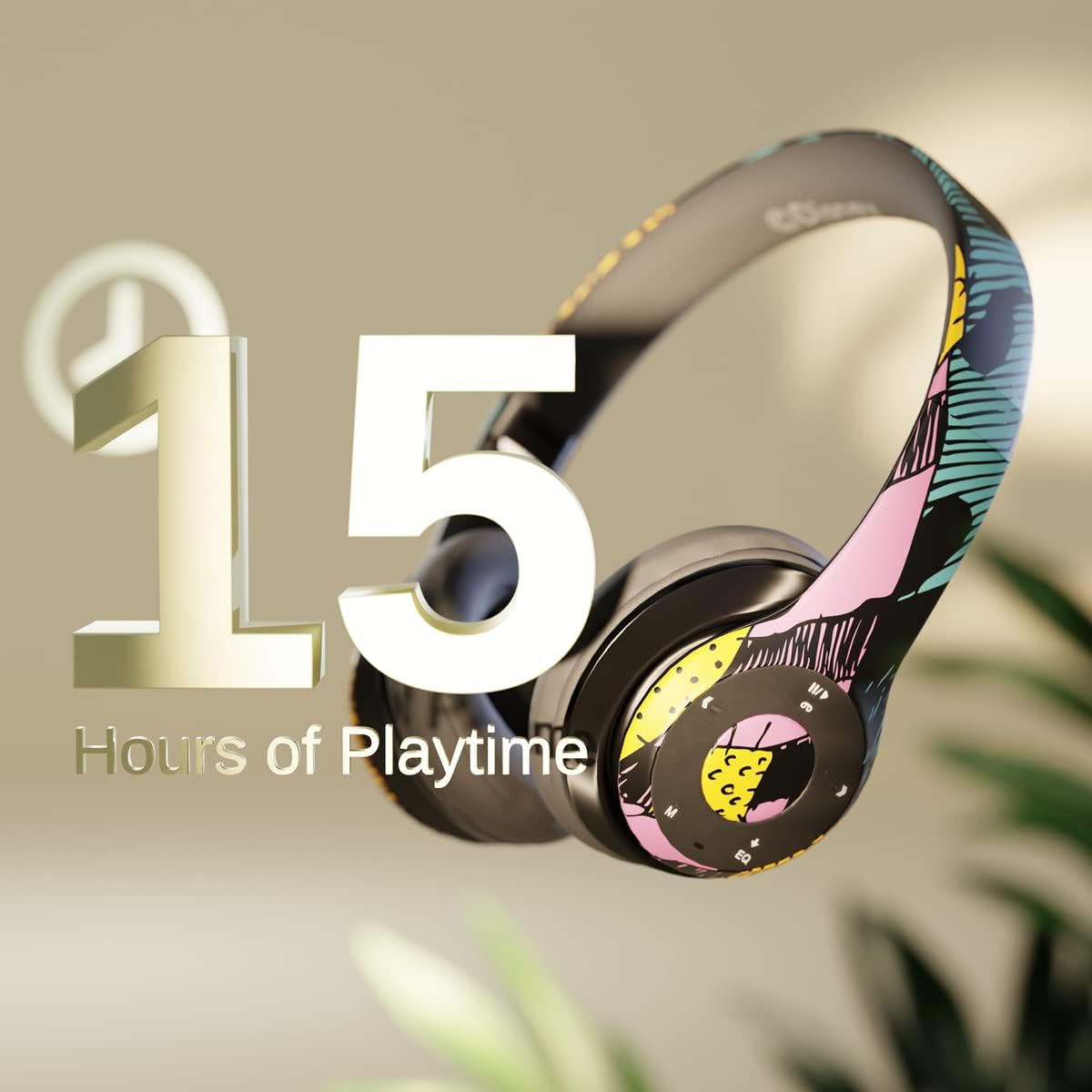
Imagen: Graphic indicating 15 hours of playtime for the headphones, highlighting battery endurance.
Before first use, fully charge your headphones. Connect the provided charging cable to the charging port on the headphones and a USB power source. The LED indicator will show charging status and turn off when fully charged. A full charge provides approximately 15 hours of battery life.
2. Emparejamiento Bluetooth

Imagen: The headphones with a graphic illustrating universal compatibility with both Apple and Android devices.
- Asegúrese de que los auriculares estén apagados.
- Mantenga presionado el botón de encendido hasta que el indicador LED parpadee en azul y rojo, lo que indica el modo de emparejamiento.
- En su dispositivo con Bluetooth habilitado (teléfono inteligente, tableta, computadora), vaya a la configuración de Bluetooth y busque los dispositivos disponibles.
- Select "iJoy DHP2431" (or similar name) from the list.
- Una vez conectado, el indicador LED parpadeará en azul lentamente.
3. Using the Auxiliary Cable
For a wired connection, plug one end of the 3.5mm auxiliary cable into the headphone's audio jack and the other end into your audio device. This allows for continued listening even if the battery is depleted.
4. Reproducción de tarjetas Micro SD
Insert a Micro SD card with your favorite music into the designated slot on the headphones. The headphones will automatically switch to Micro SD card playback mode. Use the control buttons to manage your music.
Instrucciones de funcionamiento
Encendido/apagado
- Para encender: Mantenga presionado el botón de encendido hasta que se encienda el indicador LED.
- Para apagar: Mantenga presionado el botón de encendido hasta que el indicador LED se apague.
5-Button Control System
The headphones feature a convenient 5-button control system located on the ear cup for easy management of audio and calls.

Imagen: Detallado view of the 5-button control panel on the headphone ear cup, indicating functions for volume, track navigation, equalizer, and call management.
- Play/Pause/Answer/Hang-up: Press the center button to play or pause music, or to answer/end a phone call.
- Subir volumen / Siguiente pista: Press the '+' button to increase volume. Hold the '+' button to skip to the next track.
- Bajar volumen / Pista anterior: Press the '-' button to decrease volume. Hold the '-' button to go to the previous track.
- Ecualizador: Press the 'EQ' button to cycle through different equalizer presets.
- Selector de modo: Press the 'M' button to switch between Bluetooth, Micro SD card, and FM Radio modes.
Llamadas manos libres
With the built-in microphone, you can make and receive calls directly through your headphones when connected via Bluetooth to your smartphone. Use the center button to answer or end calls.
Receptor de radio incorporado
Switch to FM Radio mode using the 'M' button. The headphones will automatically scan and tune into available radio stations. Use the track navigation buttons to change stations.
Diseño plegable

Imagen: The headphones are shown in their folded configuration, highlighting their compact and portable design for easy storage and transport.
The headphones feature a foldable design, allowing for easy storage and portability. Simply fold the ear cups inwards towards the headband to reduce their size for travel or storage in a backpack.
Noise Canceling Design

Imagen: un estallido view of the headphone's ear cup, illustrating the internal speaker components and the connection point for the auxiliary cable, emphasizing the noise-canceling technology.
The over-ear cup design helps to isolate audio, providing a more immersive listening experience by reducing external noise interference.
Mantenimiento
- Limpieza: Utilice un paño suave y seco para limpiar los auriculares. No utilice limpiadores abrasivos ni disolventes.
- Almacenamiento: Cuando no los use, guarde los auriculares en un lugar fresco y seco. Gracias a su diseño plegable, son compactos y fáciles de guardar.
- Cuidado de la batería: Para prolongar la vida útil de la batería, evite descargar completamente los auriculares con frecuencia. Cárguelos regularmente, incluso si no los usa constantemente.
- Resistencia al agua: Estos auriculares no son resistentes al agua. Evite la exposición a líquidos.
Solución de problemas
- Sin energía: Asegúrese de que los auriculares estén completamente cargados. Conéctelos a una fuente de alimentación y compruebe el indicador de carga.
- No se puede emparejar a través de Bluetooth:
- Asegúrese de que los auriculares estén en modo de emparejamiento (LED parpadeando en azul y rojo).
- Asegúrese de que Bluetooth esté habilitado en su dispositivo y que se encuentre dentro del alcance (normalmente 10 metros).
- Olvide el dispositivo de la lista de Bluetooth de su teléfono e intente emparejarlo nuevamente.
- Reinicie tanto los auriculares como el dispositivo.
- Sin sonido:
- Verifique el nivel de volumen tanto en los auriculares como en el dispositivo conectado.
- Ensure the headphones are properly connected via Bluetooth or auxiliary cable.
- If using an SD card, ensure the audio files están en un formato compatible.
- Mala calidad de sonido:
- Acérquese a su dispositivo Bluetooth para evitar interferencias.
- Verifique la fuente de audio para detectar problemas de calidad.
- Ensure the ear cups are properly positioned over your ears for optimal sound isolation.
Presupuesto
| Nombre del modelo | DHP2431 |
| Tecnología de conectividad | Inalámbrico (Bluetooth) |
| Tecnología de comunicación inalámbrica | Bluetooth |
| Componentes incluidos | Headphones, Charging Cable, Auxiliary Cable |
| Rango de edad (descripción) | Adult (suitable for kids) |
| Material | Plastic, Metal, Fabric, Memory Foam |
| Usos recomendados del producto | Música, llamando |
| Dispositivos compatibles | Dispositivos habilitados para Bluetooth |
| Tipo de control | Volume Control, Track Navigation, Equalizer, Mode Selector |
| Función del cable | Retractable, Without Cable (for wireless use) |
| Peso del artículo | 0.26 kilogramos (9.1 onzas) |
| Nivel de resistencia al agua | No resistente al agua |
| Estilo | Sally Dress |
| Método de control | Botón |
| Número de artículos | 1 |
| Duración de la batería | 15 horas |
| Tipo de controlador de audio | Controlador dinámico |
| Forma del auricular | Sobre la oreja |
| Interfaz de hardware | Audio de 3.5 mm |
| Código Postal | 842700197150 |
| Característica especial | Built-in Radio Receiver, Foldable and Adjustable headband, Micro SD Card Plug-in, Microphone Included |
| Fabricante | Estoy feliz |
| Dimensiones del paquete | 6.57 x 6.1 x 3.19 pulgadas |
| Baterías | Se requiere 1 batería de polímero de litio (incluida) |
Garantía
iJoy ofrece una Garantía de cambio de 6 meses for these headphones. If your headset breaks or is damaged for any reason within this period, iJoy will provide you with a free replacement.
Apoyo
For further assistance, troubleshooting, or warranty claims, please contact iJoy customer support. You can often find contact information on the product packaging or by visiting the official iJoy websitio.
Vídeos de productos
iJoy Disney Nightmare Before Christmas Headphones Overview
Video: Un video oficial del producto muestraasing the iJoy Disney Nightmare Before Christmas Headphones, highlighting their design and features.
Ask a question about this manual
Ask about setup, troubleshooting, compatibility, parts, safety, or missing instructions. Manuals+ will review the question and use this page’s manual context to help answer it.