
Introducción
Welcome to the user manual for your SUNOL F08 Smart Glasses. These open-ear Bluetooth sunglasses combine audio technology with UV protection, designed for comfort and convenience during various activities. This manual provides essential information for setup, operation, maintenance, and troubleshooting to ensure optimal use of your device.
Características del producto
- Open Ear Listening Design: Allows you to hear audio while remaining aware of your surroundings for safety.
- TWS 5.3 Bluetooth: Provides a fast, reliable connection and high-fidelity sound for calls, navigation, and music.
- Controles táctiles: Intuitive touch-sensitive controls for managing audio and calls without needing to access your paired device.
- Lentes con protección UV: Effectively filter light and protect your eyes from fatigue, especially during outdoor activities.
- Cómodo y ligero: Designed for stable wear, suitable for various face shapes and strenuous exercise.
- Diseño a prueba de agua: Withstands rain, making it suitable for use in diverse environments.
Producto terminadoview

Imagen: Frontal view of the SUNOL F08 Smart Glasses, showcasing the sleek design and dark lenses.

Image: The SUNOL F08 Smart Glasses highlighted with key features: Bluetooth connectivity, UV resistance, and lightweight construction.
Empezando
Carga del dispositivo
Before first use, fully charge your smart glasses. Connect the provided USB-C charging cable to the charging port on the glasses and to a compatible USB power source. The charging indicator light will show the charging status.
Encendido/apagado
- Para encender: Press and hold the touch button area on the temple for 3 seconds. You will hear an audible confirmation.
- Para apagar: Press and hold the touch button area on the temple for 5 seconds. An audible confirmation will indicate the device is powering down.
Emparejamiento Bluetooth
- Ensure the smart glasses are powered off.
- Press and hold the touch button area for 3 seconds to power on the glasses. They will automatically enter pairing mode.
- En su teléfono inteligente o dispositivo con Bluetooth, vaya a la configuración de Bluetooth.
- Buscar available devices and select 'TWS-F' from the list.
- Una vez conectado, escuchará una confirmación audible.

Image: Illustration of the Bluetooth 5.3 chip, highlighting the advanced connectivity technology.
Operación
Controles táctiles
The smart glasses feature touch-sensitive controls on the temples for easy management of audio and calls.

Image: The touch control area on the temple of the smart glasses, indicated by a fingerprint icon.
- Reproducir/Pausar música: Toque una vez el área táctil.
- Pista siguiente: Double tap the right touch area.
- Pista anterior: Double tap the left touch area.
- Responder/Finalizar llamada: Single tap the touch area during an incoming call.
- Rechazar llamada: Mantenga presionada la zona táctil durante 2 segundos durante una llamada entrante.
Asistente de voz
Activate your device's voice assistant (e.g., Siri, Google Assistant) directly from your smart glasses.
- Activar asistente de voz: Toque tres veces el área táctil.
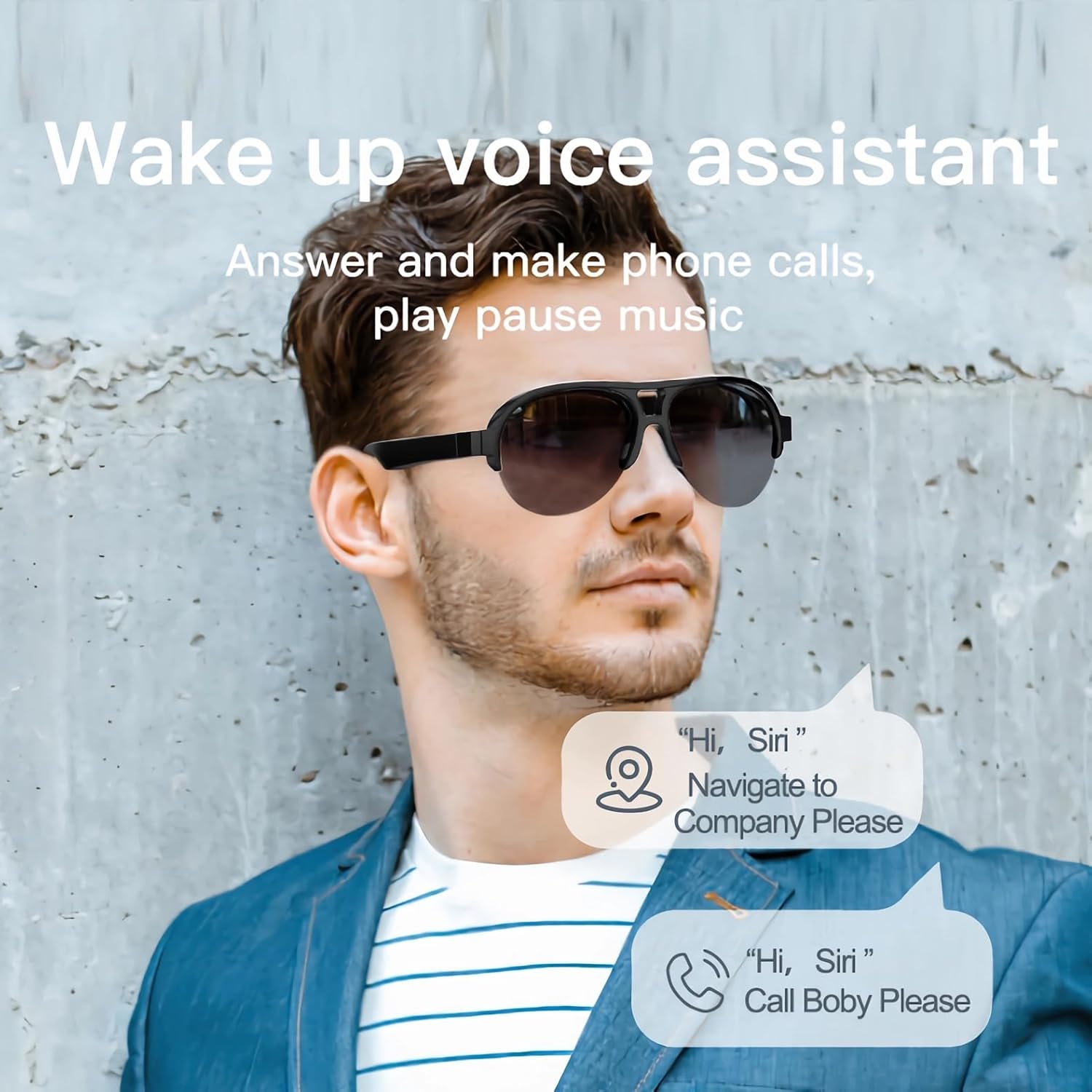
Image: A man wearing the smart glasses, with speech bubbles indicating interaction with a voice assistant for navigation and calls.
Open Ear Audio
The open-ear design allows for audio playback while maintaining situational awareness. Sound is directed towards your ears, minimizing leakage to others.

Image: A diagram illustrating the directional sound output from the smart glasses' speakers towards the ear, ensuring privacy and clear audio.
Mantenimiento
Limpieza
To clean your smart glasses, use the provided lens cloth or a soft, lint-free cloth. For lenses, a specialized lens cleaning solution can be used. Avoid harsh chemicals or abrasive materials that may damage the lenses or frame.
Diseño a prueba de agua
The SUNOL F08 Smart Glasses feature an IPX4 waterproof rating, meaning they are resistant to splashing water from any direction. This makes them suitable for use in light rain or during sweaty activities. Do not submerge the glasses in water or expose them to pressurized water streams.
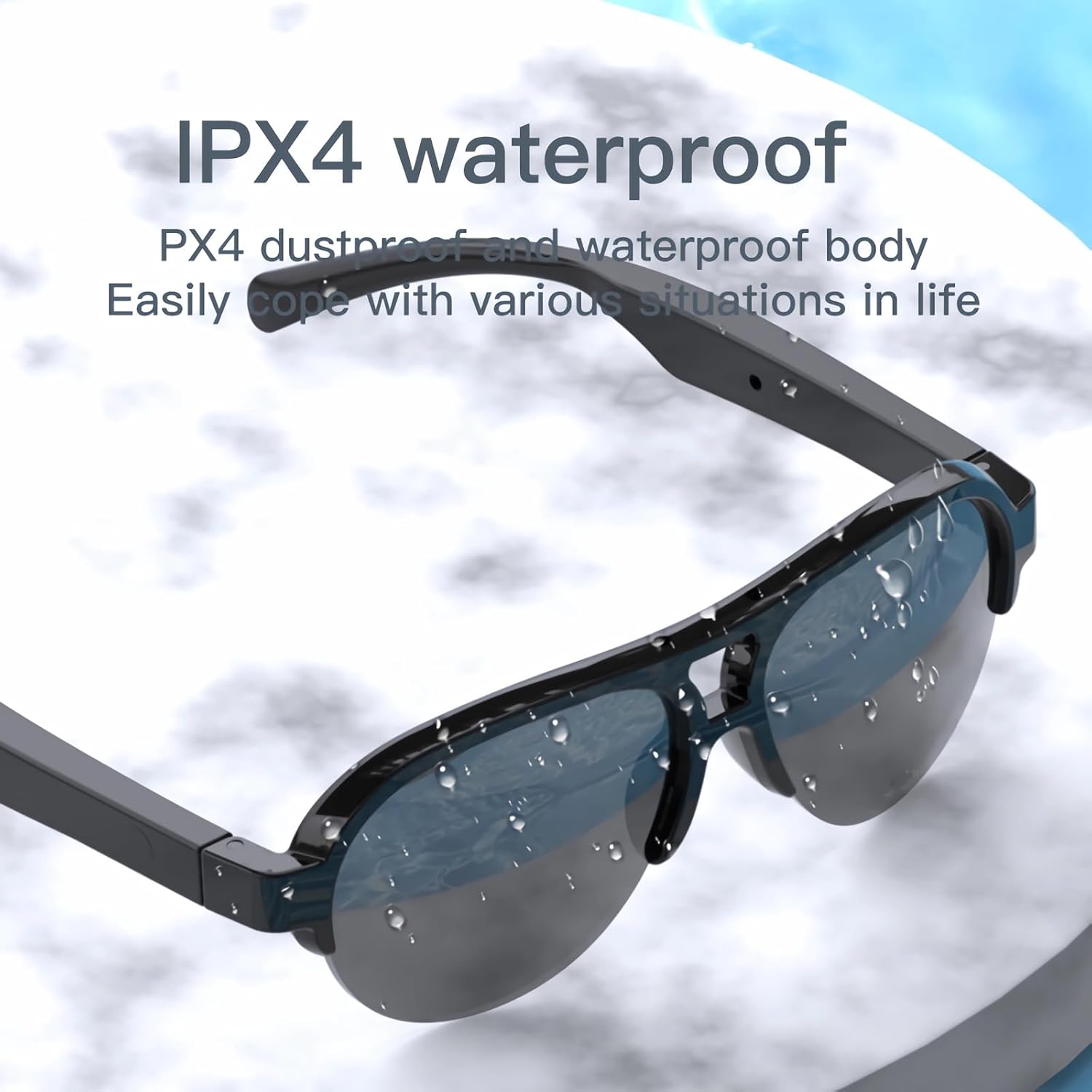
Image: The smart glasses with water droplets on the lenses and frame, demonstrating their IPX4 waterproof capability.
UV Protection Lenses
The lenses provide UV protection, blocking harmful ultraviolet rays. Keep lenses clean to maintain optimal clarity and protection.
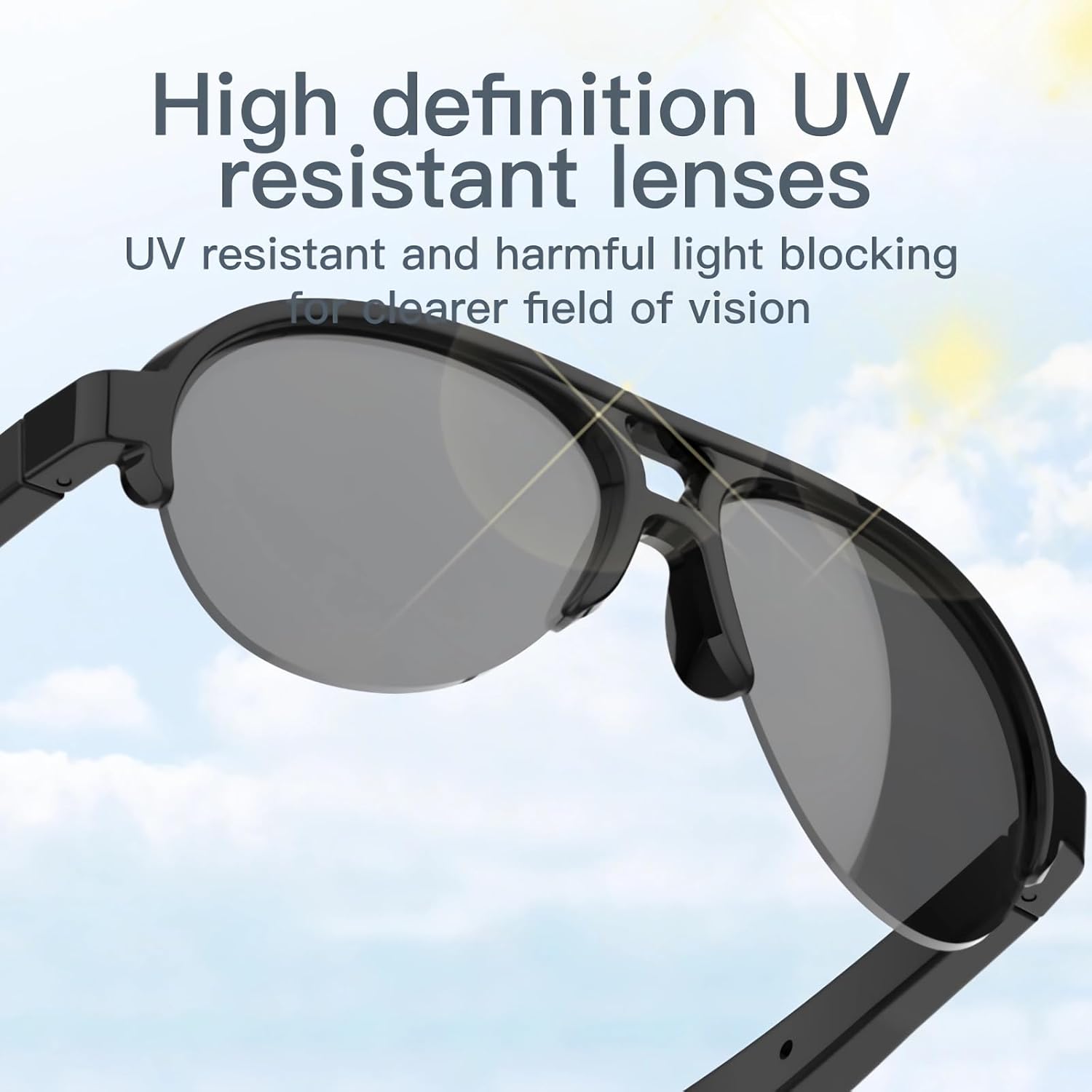
Image: The smart glasses with sun rays reflecting off the lenses, symbolizing their high-definition UV resistant properties.
Especificaciones técnicas
| Característica | Especificación |
|---|---|
| Modelo | F08 |
| Versión de Bluetooth | Auriculares TWS 5.3 |
| Tipo de batería | Polímero de litio |
| Dimensiones del producto | 5.12 x 2.76 x 2.05 pulgadas |
| Peso del producto | 3.21 onzas |
| Resistencia al agua | IPX4 (a prueba de salpicaduras) |
| ASIN | B0C2Z1DG4M |

Image: The smart glasses with an overlay indicating approximately 2.5 hours of battery life.
Guía para resolver problemas
- El dispositivo no se enciende: Ensure the glasses are fully charged. Connect to a power source and try again.
- No se puede emparejar con Bluetooth:
- Ensure the glasses are in pairing mode (power on, then check for 'TWS-F' in your device's Bluetooth list).
- Asegúrese de que Bluetooth esté habilitado en su dispositivo.
- Acerque las gafas a su dispositivo.
- Reinicia tanto las gafas como tu dispositivo.
- No hay sonido o el volumen es bajo:
- Check the volume level on both the glasses and your paired device.
- Asegúrese de que las gafas estén conectadas correctamente mediante Bluetooth.
- Verify that the audio is playing from the correct output source on your device.
- Los controles táctiles no responden: Ensure your fingers are clean and dry. Try restarting the glasses.
Información de seguridad
- No intente desarmar o modificar el dispositivo.
- Mantenga el dispositivo alejado de temperaturas extremas, luz solar directa y llamas abiertas.
- Evite exponer el dispositivo a líquidos corrosivos.
- Utilice únicamente el cable de carga proporcionado o un equivalente certificado.
- Deseche las baterías y los componentes electrónicos de forma responsable de acuerdo con las regulaciones locales.
Garantía y soporte
For warranty information or technical support, please refer to the documentation included with your purchase or contact the retailer. Specific warranty terms and conditions may vary.