
Luoran M4 Pro
Manual de usuario del reproductor MP3 Luoran M4 Pro
Modelo: M4 Pro
Marca: Luoran
Introducción
This manual provides comprehensive instructions for the operation and maintenance of your Luoran M4 Pro MP3 Player. Designed for a rich audio-visual experience, this device combines advanced features with a user-friendly interface. Please read this manual thoroughly to ensure proper usage and to maximize the performance of your device.
¿Qué hay en la caja?
Al desembalar, verifique que estén incluidos todos los siguientes elementos:
- Reproductor de MP3 Luoran M4 Pro
- Cable de carga USB-C
- Adaptador OTG
- Screensaver Film (2 pieces)
- Auriculares con cable
- Instrucciones (este manual)
Producto terminadoview
Familiarize yourself with the physical components and design of your Luoran M4 Pro MP3 Player.

Figura 1: Frente view of the Luoran M4 Pro MP3 Player, showcasing its 4.0-inch IPS full touchscreen display with various application icons.

Figure 2: Illustrates the sleek design of the player, highlighting its arc metal frame and tempered glass front and rear covers for durability and aesthetic appeal.

Figure 3: Close-up of the 4.0-inch IPS full touchscreen, emphasizing high color accuracy, large viewing angle, and fast response times for an enhanced visual experience.
The device features a durable arc metal frame with tempered glass on both the front and rear. It includes a USB-C charging port and two 3.5mm headphone jacks, allowing two users to listen simultaneously. A built-in speaker is also integrated for direct audio playback.
Guía de configuración
1. Carga del dispositivo
Before first use, fully charge your MP3 player. Connect the provided USB-C cable to the device's USB-C port and the other end to a compatible USB power adapter (not included) or a computer's USB port. A full charge takes approximately 2.5 hours.

Figure 4: Depicts the 2000mAh battery capacity, indicating long battery life for extended music playback and standby time.
2. Encendido y apagado
- To Power On: Press and hold the Power button located on the side of the device until the screen illuminates.
- To Power Off: Press and hold the Power button until a power-off menu appears. Select "Power Off" to shut down the device.
3. Conexión a Wi-Fi
Para acceder a servicios de streaming en línea y transferir files wirelessly, connect your device to a Wi-Fi network:
- Desde la pantalla de inicio, toque el ícono "Configuración".
- Select "Network & Internet" and then "Wi-Fi".
- Cambie la opción Wi-Fi a "Activado".
- Seleccione la red Wi-Fi deseada de la lista.
- Ingrese la contraseña de la red si se le solicita y toque "Conectar".

Figure 5: Highlights the device's Bluetooth V4.2 and Wi-Fi capabilities, enabling wireless file transfer and connectivity with Bluetooth headphones, speakers, and car stereos.
4. Transferencia Files
You can transfer music and other files to your device via USB or Wi-Fi:
- Transferencia USB: Connect the device to your computer using the USB-C cable. The device will appear as a removable storage drive. Drag and drop your files into the appropriate folders (e.g., "Music", "Videos").
- Transferencia Wi-Fi: Utilize the pre-installed "MiniShare" or similar file transfer application on the device to share or receive files wirelessly from other Wi-Fi enabled devices.
5. Installing and Updating Applications
The Luoran M4 Pro comes with pre-installed applications such as Spotify, Audible, Pandora, Amazon Music, and Apple Music. Due to the Android 8.1 system version, some newer applications may not be compatible or require specific APK files for installation. For app updates or new installations, you may need to download APK files from trusted sources and install them manually.

Figure 6: Displays various pre-installed online streaming applications, including Spotify, Kindle, Audible, Deezer, Kobo books, iHeartRadio, Apple Music, Tidal, Podcasts Tracker, Pandora, and Amazon Music.

Figure 7: Shows the interface for managing installed applications, including options to uninstall them.
6. Inserción de una tarjeta Micro SD
The device supports Micro SD cards up to 1TB for expanded storage. Locate the Micro SD card slot on the side of the device. Gently insert the card until it clicks into place. To remove, push the card inward until it springs out.

Figure 8: Illustrates the Micro SD card slot, indicating support for up to 1TB of expandable storage.
Instrucciones de funcionamiento
1. Navegación por la interfaz
The Luoran M4 Pro features a full touchscreen for intuitive navigation. Swipe left or right to browse through app pages, tap icons to open applications, and use the navigation buttons at the bottom of the screen (Back, Home, Recent Apps) to control your experience.
2. Reproducción de música y vídeos
The device supports a wide range of audio and video formats. Use the pre-installed music and video players to enjoy your media:
- Formatos de audio: MP3, OGG, APE, FLAC, WAV, AAC, M4A, M4R, MP2, AMR, ACELP.
- Formatos de vídeo: AVI, MKV, MPG, MPEG, RM, RMVB, VOB, MOV, FLV, ASF, DAT, MP4, 3GP.

Figure 9: Shows the music playback interface, indicating support for various audio formats and controls.

Figure 10: Displays the video playback interface, demonstrating the device's capability to play 720P and 1080P videos.
3. Conectividad Bluetooth
The device features Bluetooth V4.2 for connecting to wireless headphones, speakers, or car stereos. To pair a Bluetooth device:
- Vaya a “Configuración” > “Dispositivos conectados” > “Bluetooth”.
- Cambie Bluetooth a "Activado".
- Select "Pair new device" and choose your Bluetooth accessory from the list of available devices.
- Confirme el emparejamiento en ambos dispositivos si se le solicita.
4. Using Dual Headphone Jacks
The Luoran M4 Pro is equipped with two 3.5mm headphone jacks, allowing two individuals to listen to audio simultaneously from the same device. Simply plug in two sets of wired headphones into the available ports.
5. Built-in Speaker and Equalizer
For convenient audio playback without headphones, use the built-in speaker. The device also includes an equalizer function to customize your audio experience, allowing adjustments for sweet treble, accurate mid-range, and deep bass.
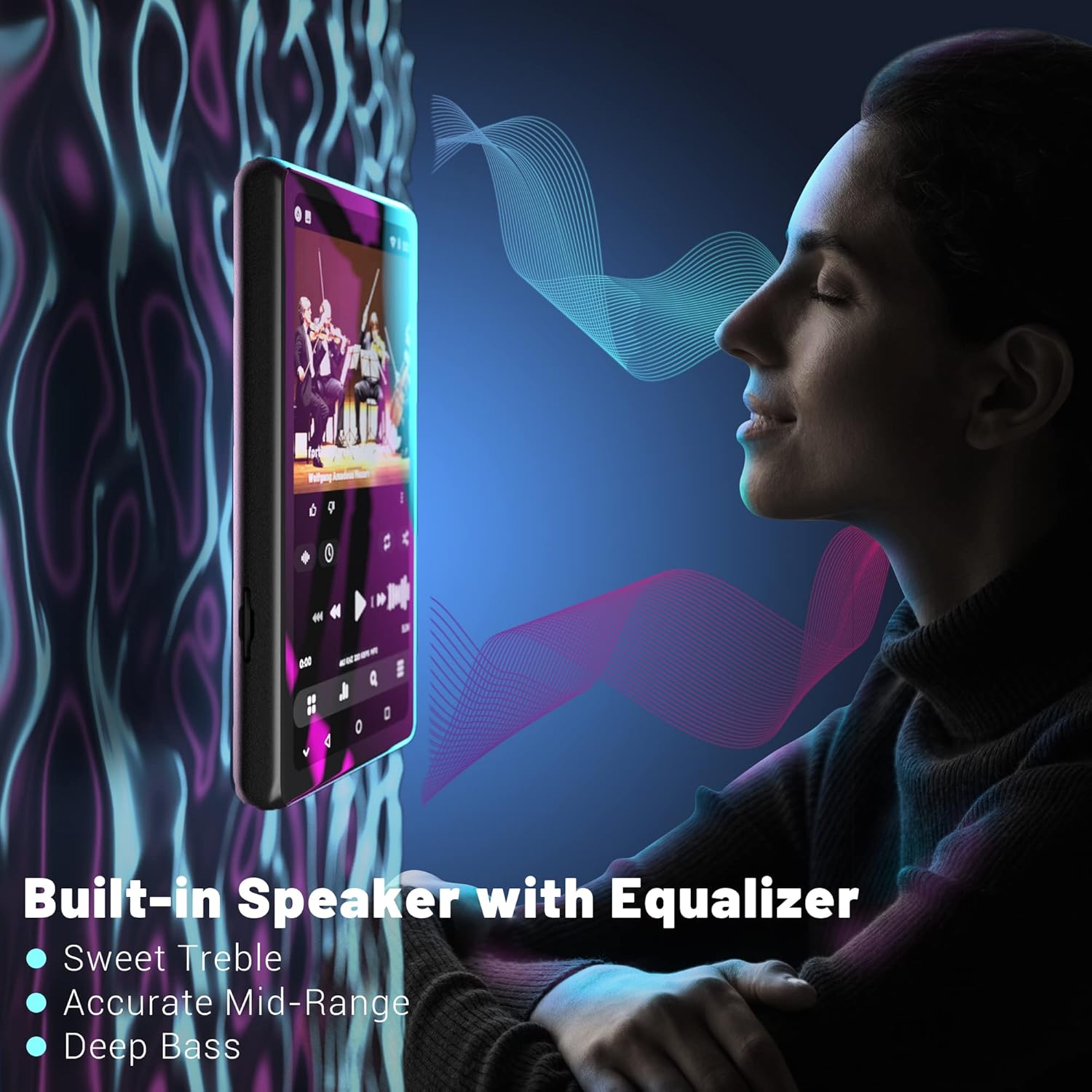
Figure 11: Illustrates the built-in speaker and its equalizer capabilities, offering enhanced audio quality with adjustable treble, mid-range, and bass.
Mantenimiento
1. Cuidado de la batería
Para prolongar la vida útil de la batería, evite descargar completamente el dispositivo con frecuencia. Cárguelo regularmente, especialmente si lo guardará durante un período prolongado. La batería de 2000 mAh proporciona... ample power para el uso diario.
2. Gestión del almacenamiento
Regularly manage your device's storage. Delete unnecessary files and applications to free up the 16GB internal memory. Utilize a Micro SD card (up to 1TB) for large media libraries to ensure optimal performance.
3. Limpieza del dispositivo
Use a soft, lint-free cloth to clean the screen and body of the device. Avoid using abrasive cleaners or solvents, as these can damage the screen and finish. Keep the ports free of dust and debris.
Solución de problemas
| Problema | Posible causa | Solución |
|---|---|---|
| El dispositivo no se enciende. | Batería baja o agotada. | Cargue el dispositivo durante al menos 30 minutos antes de intentar encenderlo nuevamente. |
| No se puede conectar al wifi. | Contraseña incorrecta, fuera de rango o problema de red. | Verify password, move closer to the router, or restart the router. |
| Apps not installing/updating. | Android 8.1 compatibility issues, insufficient storage. | Ensure the APK is compatible with Android 8.1. Clear storage or use an SD card. Contact Luoran support for specific app issues. |
| La conexión Bluetooth es inestable. | Interference, distance from paired device. | Reduce distance between devices, avoid obstacles, or try re-pairing. |
| Screen appears pixelated. | Display resolution characteristics. | This is a characteristic of the display and not a defect. It does not affect core functionality. |
Presupuesto
| Característica | Detalle |
|---|---|
| Dimensiones del producto | 3.15 x 1.57 x 0.39 pulgadas |
| Peso del artículo | 10.2 onzas |
| Sistema operativo | Androide 8.1 |
| Procesador | Chip MTK de 8 núcleos |
| Tamaño de pantalla | 4.0 Inches IPS Full Touchscreen |
| Memoria interna | 16 GB |
| Almacenamiento expandible | Hasta 1 TB mediante tarjeta Micro SD |
| Capacidad de la batería | 2000 mAh |
| Puerto de carga | USB-C |
| Versión de Bluetooth | V4.2 |
| Conectividad | Bluetooth, USB, Wi-Fi |
| Formatos de audio | MP3, OGG, MONO, FLAC, WAV, AAC, M4A, M4R, MP2, AMR, ACELP |
| Formatos de vídeo | AVI, MKV, MPG, MPEG, RM, RMVB, VOB, MOV, FLV, ASF, DAT, MP4, 3GP |
| Características especiales | FM Radio, Touch Screen, Built-in Speaker, Dual Headphone Jacks |
Garantía y soporte
Luoran is committed to providing high-quality audio devices and stands behind its products. For any questions, technical assistance, or support inquiries regarding your Luoran M4 Pro MP3 Player, please refer to the contact information provided on the product packaging or the official Luoran webSitio. Nuestro equipo de atención al cliente está disponible para ayudarle.
Please retain your proof of purchase for warranty claims. Specific warranty terms and conditions may vary by region and are detailed on the official Luoran support channels.
Ask a question about this manual
Ask about setup, troubleshooting, compatibility, parts, safety, or missing instructions. Manuals+ will review the question and use this page’s manual context to help answer it.