
Jectse Jectsehtin20gcvm-11
Jectse MP3 Player with Bluetooth User Manual
Model: Jectsehtin20gcvm-11
1. Introducción
This manual provides detailed instructions for the operation and maintenance of your Jectse MP3 Player. This portable device features a 2.4-inch full-touch screen, 4GB internal storage, Bluetooth 5.0 connectivity, FM radio, E-book reader, and voice recording capabilities. Please read this manual thoroughly before using the device to ensure proper functionality and longevity.
2. Información de seguridad
- No exponga el dispositivo a temperaturas extremas, luz solar directa o humedad alta.
- Evite dejar caer o someter el dispositivo a impactos fuertes.
- No desmonte ni intente reparar el dispositivo usted mismo. Esto anulará la garantía.
- Use only the provided charging cable and certified power adapters.
- Escuche a niveles de volumen moderados para evitar daños auditivos.
- Mantenga el dispositivo alejado del agua y otros líquidos.
3. Contenido del paquete
Verifique que todos los artículos estén presentes en el paquete:
- Jectse MP3 Player
- Auriculares con cable
- Cable de carga USB

Image: The Jectse MP3 Player, along with its included wired headphones and USB charging cable, laid out on a surface.
4. Producto terminadoview
The Jectse MP3 Player features a compact design with a 2.4-inch touch screen for intuitive navigation. The device includes physical buttons on the side for power, volume control, and other functions. A built-in speaker is located on the back.

Imagen: Frente view of the Jectse MP3 Player displaying its colorful touch screen interface with icons for Music, Video, Dictionary, Recorder, Settings, Applications, Folder, Listening, FM Radio, and Ebook.
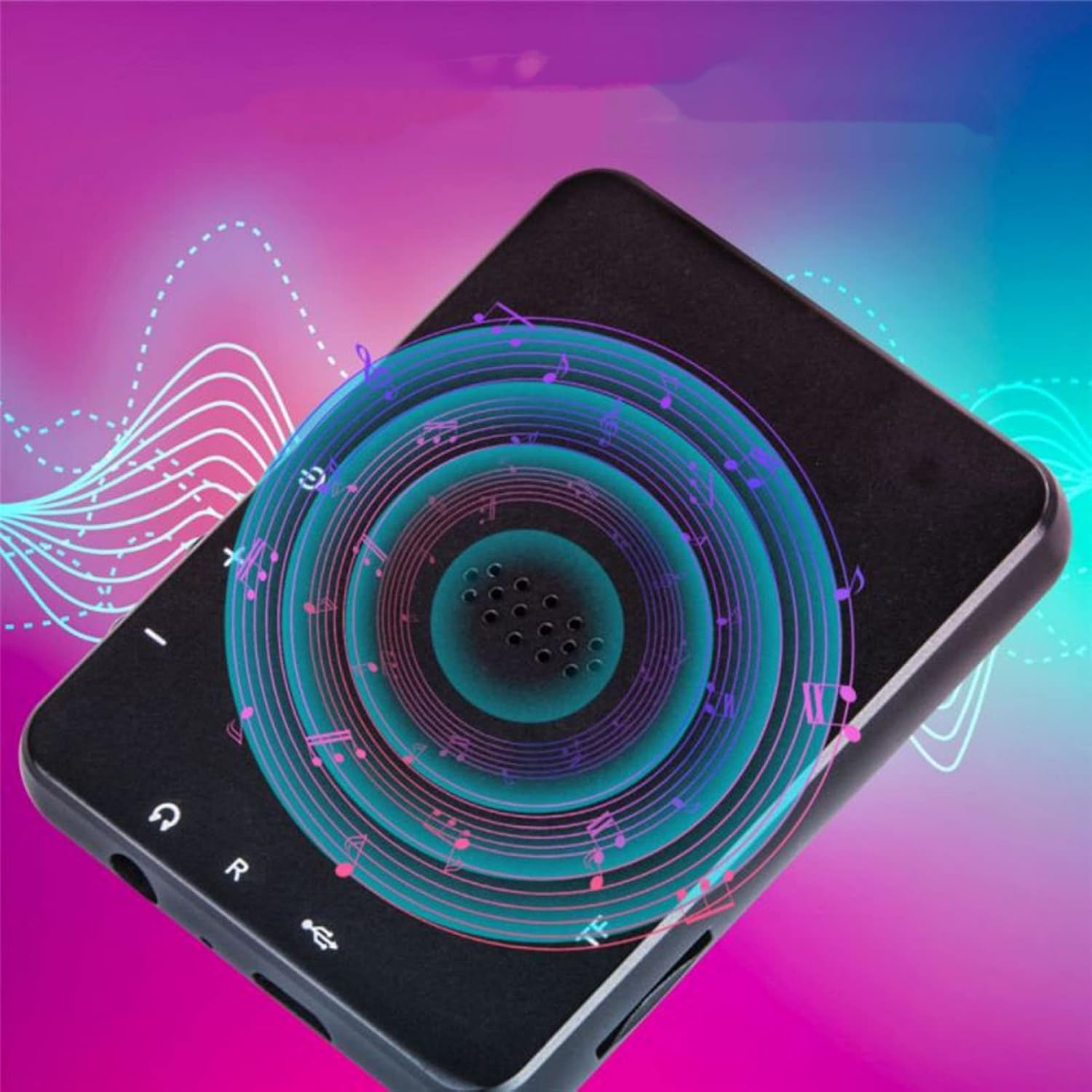
Imagen: Parte posterior view of the Jectse MP3 Player, showing the speaker grille and side buttons for power and volume, with a visual representation of sound waves emanating from the speaker.
5. Configuración
5.1. Carga del dispositivo
Before first use, fully charge the MP3 player. Connect the provided USB charging cable to the device's charging port and plug the other end into a USB power adapter (not included) or a computer's USB port. The battery indicator on the screen will show charging status.
5.2. Inserción de una tarjeta de memoria (opcional)
The device has 4GB of internal storage. To expand storage, insert a microSD card (up to 256GB, not included) into the memory card slot. Ensure the card is inserted correctly until it clicks into place.
5.3. Conexión de auriculares
Plug the wired headphones into the 3.5mm audio jack on the device. Alternatively, you can connect Bluetooth headphones (see section 6.2).
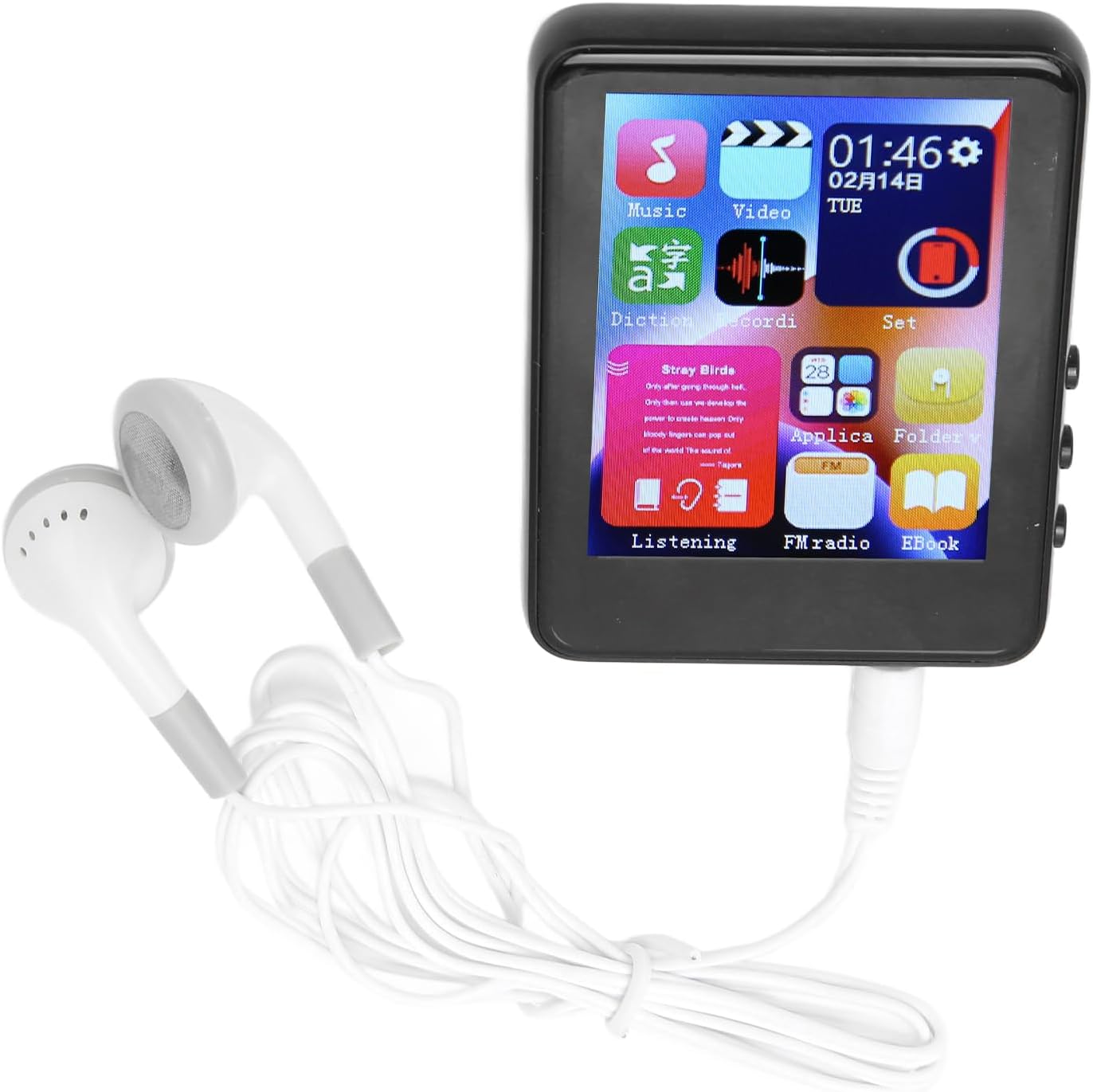
Image: The Jectse MP3 Player with white wired headphones plugged into its audio jack, ready for use.
5.4. Encendido / apagado
- Para encender: Mantenga presionado el botón de encendido en el costado del dispositivo hasta que la pantalla se ilumine.
- Para apagar: Mantenga presionado el botón de encendido hasta que aparezca una opción de apagado en la pantalla, luego confirme.
6. Instrucciones de funcionamiento
6.1 Navegación
The device features a full-touch screen. Swipe left/right or up/down to navigate through menus and applications. Tap an icon to open an application or select an option. Use the back arrow or swipe gestures (if available) to return to the previous screen.
6.2. Reproducción de música
The player supports MP3, APE, FLAC, WMA, WAV, and AAC audio formats. Transfer music files from your computer to the device's internal storage or an inserted memory card.
- Toque el ícono "Música" en la pantalla de inicio.
- Explora tu biblioteca de música por artista, álbum, género o carpeta.
- Toque una canción para comenzar la reproducción.
- Utilice los controles en pantalla para reproducir/pausar, omitir pistas y ajustar el volumen.

Image: The Jectse MP3 Player showing a music playback screen with album art and controls, while a person enjoys music with wireless earbuds.
6.3. Conexión Bluetooth
Conecte su reproductor MP3 a auriculares o altavoces Bluetooth para obtener audio inalámbrico.
- Vaya a ‘Configuración’ y seleccione ‘Bluetooth’.
- Activar Bluetooth.
- Asegúrese de que su dispositivo de audio Bluetooth esté en modo de emparejamiento.
- Seleccione su dispositivo de la lista de dispositivos disponibles para emparejar.
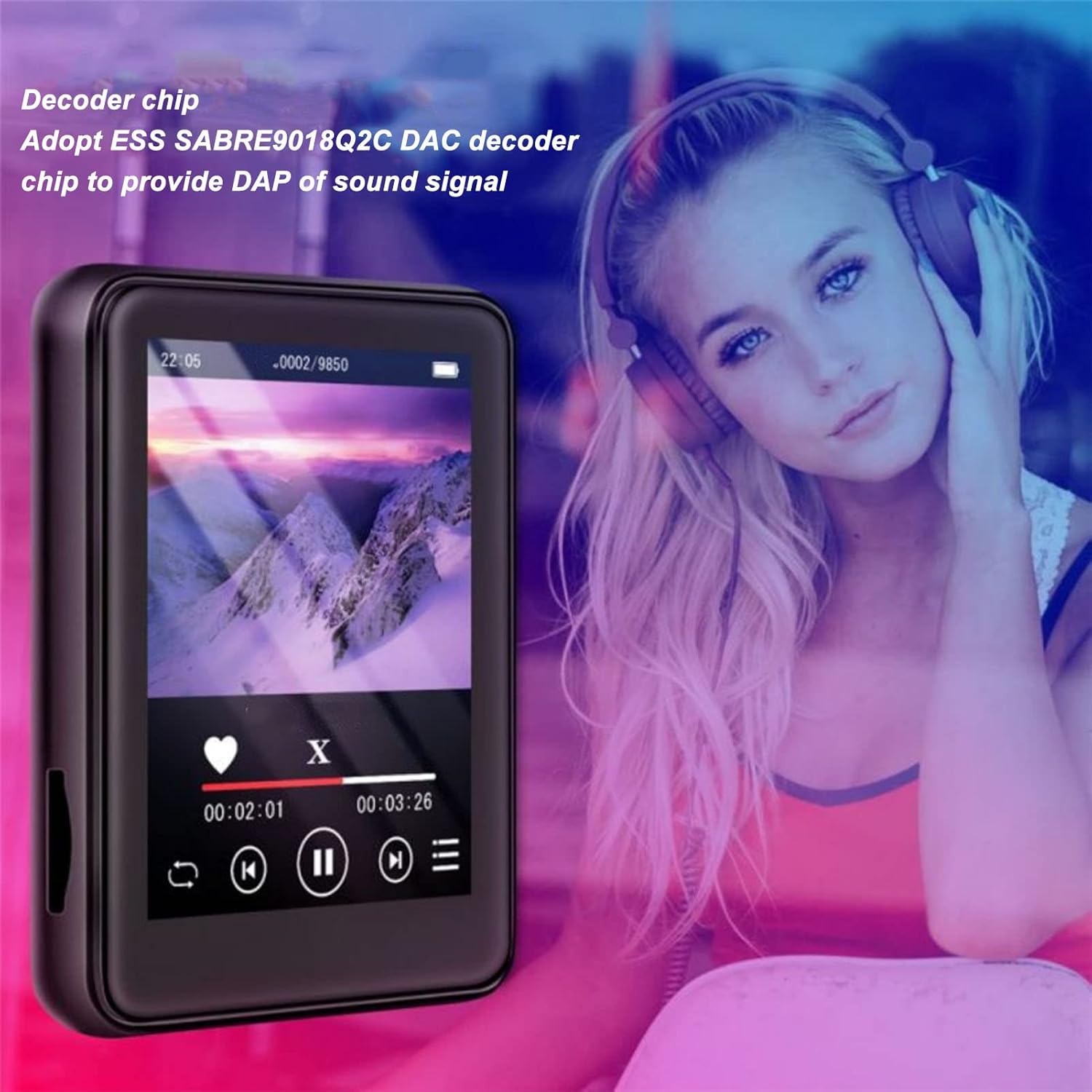
Image: The Jectse MP3 Player displaying a video or music interface, with text highlighting its ESS SABRE9018Q2C DAC decoder chip for high-quality sound. A person wearing over-ear headphones is visible in the background.
6.4. Radio FM
Listen to FM radio stations using the built-in tuner. Wired headphones must be connected as they act as the antenna.
- Tap the 'FM Radio' icon.
- Realice un escaneo automático para encontrar estaciones disponibles.
- Sintonice su estación deseada utilizando los controles en pantalla.
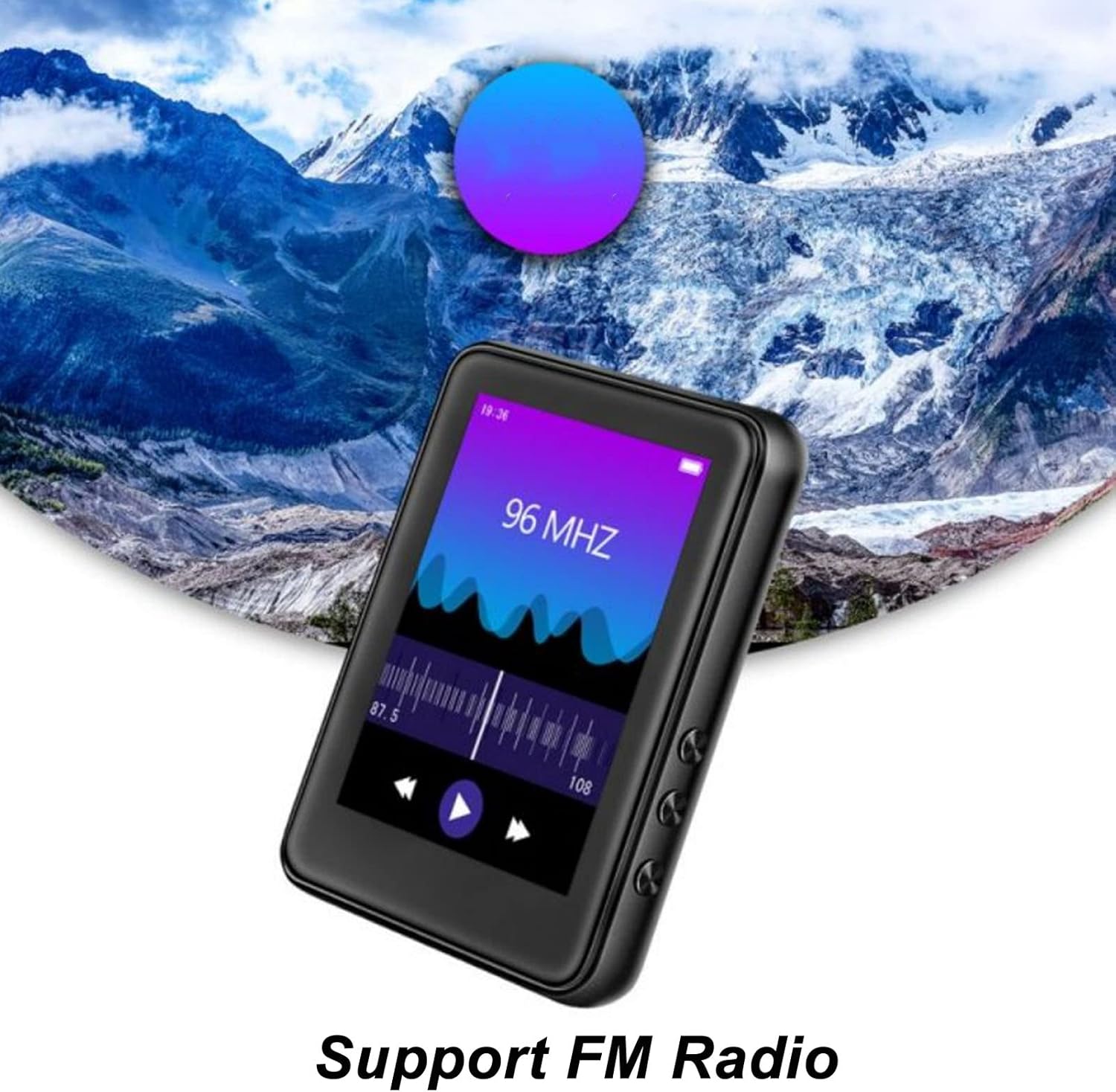
Image: The Jectse MP3 Player showing its FM Radio interface, tuned to 96 MHz, with a visual representation of radio waves and controls.
6.5. Libros electrónicos
Read TXT and LRC format e-books on your device.
- Tap the 'Ebook' icon.
- Seleccione el libro electrónico que desea leer.
- Swipe the screen to turn pages.
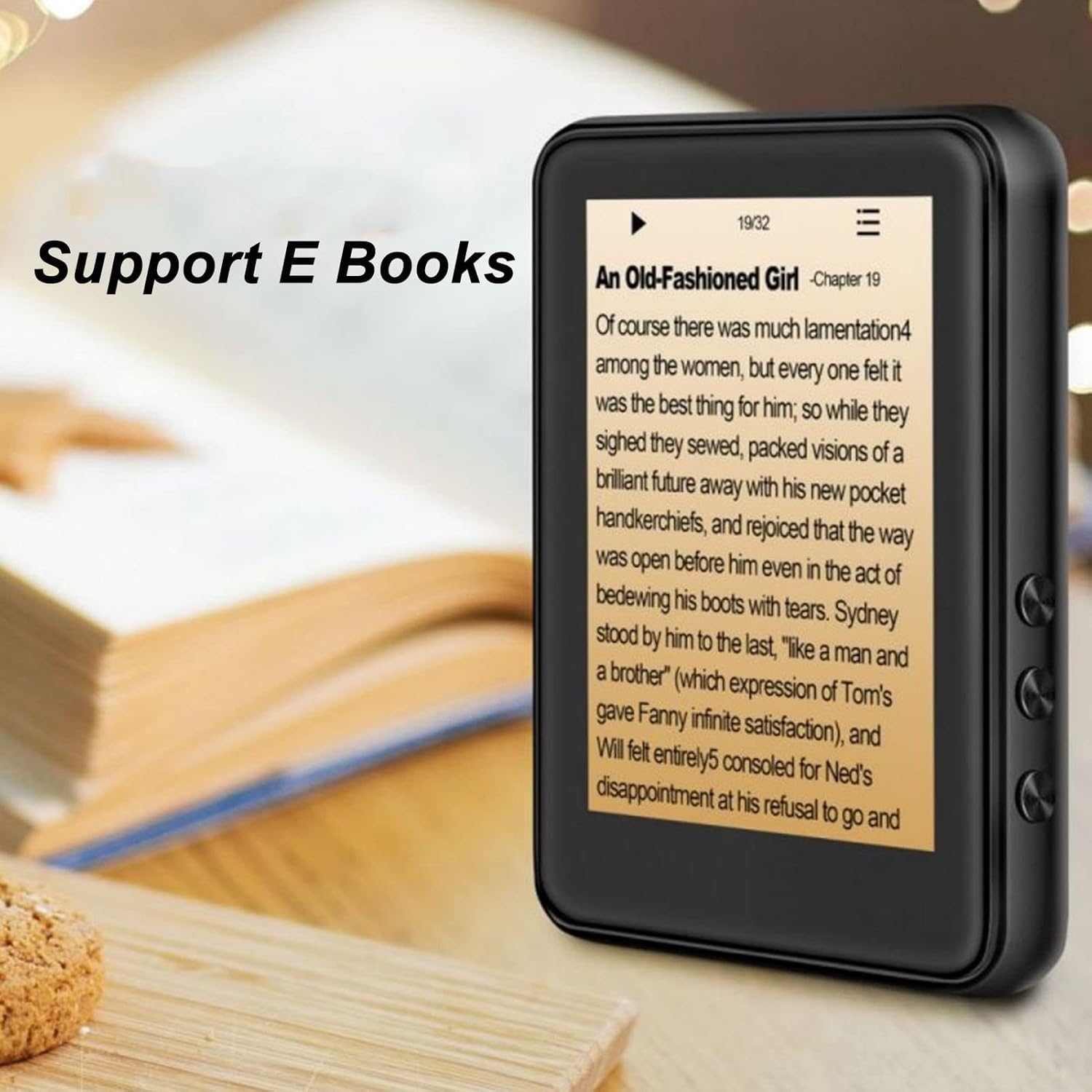
Image: The Jectse MP3 Player displaying an e-book titled 'An Old-Fashioned Girl - Chapter 19' on its screen, with text content visible.
6.6. Grabadora de voz
Grabe audio utilizando el micrófono incorporado.
- Tap the 'Recorder' icon.
- Toque el botón de grabación para comenzar a grabar.
- Toque el botón de parada para finalizar y guardar la grabación.

Image: The Jectse MP3 Player showing its voice recorder interface with a red record button and a timer, positioned in a meeting room setting.
6.7. Reproducción de video
The device supports MP4 video playback. Transfer compatible video files al almacenamiento del dispositivo.
- Tap the 'Video' icon.
- Seleccione el video file deseas jugar.
- Utilice los controles en pantalla para la reproducción.
7. Mantenimiento
- Limpieza: Utilice un paño suave y seco para limpiar el dispositivo. No utilice limpiadores líquidos ni materiales abrasivos.
- Almacenamiento: Guarde el dispositivo en un lugar fresco y seco cuando no esté en uso.
- Cuidado de la batería: Para prolongar la vida útil de la batería, evite descargarla por completo con frecuencia. Cargue el dispositivo regularmente, incluso si no lo usa durante períodos prolongados.
- Actualizaciones de software: Verifique el fabricante websitio para obtener actualizaciones de firmware disponibles para garantizar un rendimiento óptimo.
8. Solución de problemas
-
El dispositivo no se enciende:
Asegúrese de que la batería esté cargada. Conecte el dispositivo a un cargador durante al menos 30 minutos antes de intentar encenderlo de nuevo.
-
Sin sonido:
Check the volume level. Ensure headphones are properly connected or Bluetooth headphones are paired and connected. Test with different headphones if possible.
-
No se puede conectar a Bluetooth:
Ensure Bluetooth is enabled on both the MP3 player and the target device. Make sure the target device is in pairing mode and within range. Try restarting both devices.
-
El dispositivo se congela o no responde:
Mantenga presionado el botón de encendido durante aproximadamente 10 a 15 segundos para forzar el reinicio.
-
Files no aparece en el dispositivo:
Asegurar files are in supported formats. Verify that files were transferred correctly to the internal storage or memory card. Check if the memory card is properly inserted.
9. Especificaciones
| Característica | Especificación |
|---|---|
| Modelo | Jectsehtin20gcvm-11 |
| Pantalla | 2.4 Inches TFT Screen |
| Almacenamiento a bordo | 4 GB |
| Soporte para tarjetas de memoria | Up to 256GB (microSD, not included) |
| Versión de Bluetooth | Bluetooth 5.0 |
| Formatos de audio compatibles | MP3, APE, FLAC, WMA, WAV, AAC |
| Formatos de fotos compatibles | JPEG y BMP |
| Formatos de libros electrónicos compatibles | TXT, LRC |
| FM Radio Frecuencia | 87 Hz-108 Hz |
| Relación señal a ruido | ≥ 90db |
| Tipo de batería | Batería de polímero de litio incorporada de 500 mAh |
| Compatibilidad del sistema operativo | Windows 98/ME/2K/XP/Vista/Win7, OS X 10 |
| Peso del artículo | 4.5 onzas |
| Dimensiones del paquete | 5.12 x 3.15 x 1.18 pulgadas |
10. Garantía y soporte
For warranty information and technical support, please refer to the documentation provided with your purchase or visit the official Jectse webSitio. Conserve su comprobante de compra para reclamaciones de garantía.
Ask a question about this manual
Ask about setup, troubleshooting, compatibility, parts, safety, or missing instructions. Manuals+ will review the question and use this page’s manual context to help answer it.