
Introducción
This manual provides detailed instructions for the safe and efficient use of your LENRUE F13 Portable Bluetooth Speaker. Please read this manual thoroughly before operating the device and retain it for future reference.
Producto terminadoview
Contenido del paquete
- LENRUE F13 Portable Bluetooth Speaker
- Cable de carga USB
- Cordón desmontable
- Manual de usuario
Componentes y controles de los altavoces
Familiarize yourself with the various parts and controls of your LENRUE F13 speaker:

Figura 1: Frente view of the LENRUE F13 speaker, showcasing its compact design and metal grille.

Figura 2: Arriba view of the speaker, highlighting the sound output grille.

Figura 3: Lado view showing the control buttons for volume, track navigation, and power.
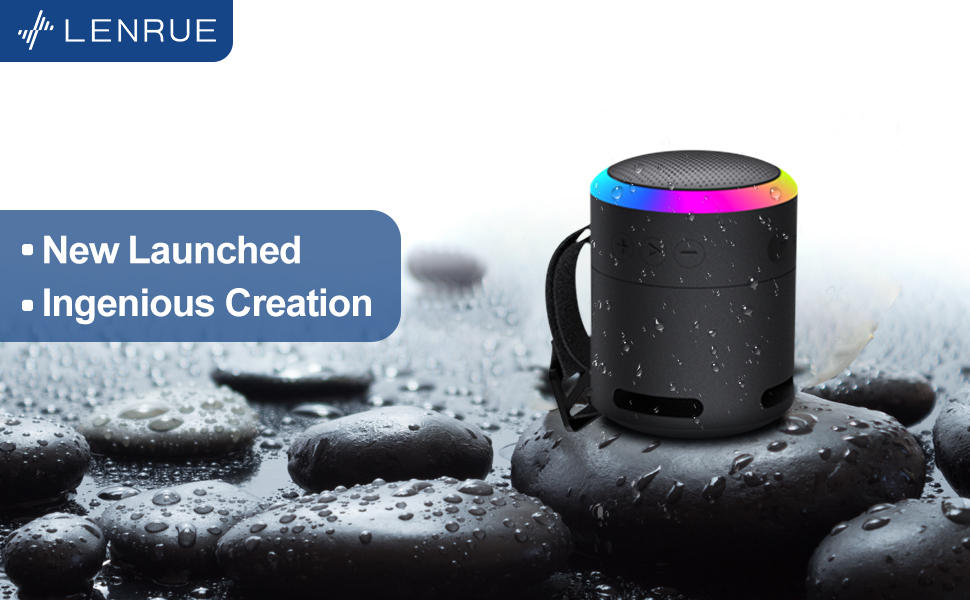
Figura 4: Explotó view illustrating the internal 5W high-performance driver and passive subwoofer for clear sound.
The speaker features a sleek metal design with a stainless steel line around its body. The top surface is metal, where the sound is emitted. On the bottom, you will find the main control buttons:
- Botón de encendido: Located in the center, used to power the device on/off.
- Botón de reproducción/pausa: Controla la reproducción de audio.
- Botón para subir volumen/siguiente pista: Aumenta el volumen o salta a la siguiente canción.
- Botón para bajar el volumen/pista anterior: Disminuye el volumen o va a la canción anterior.
- Botón de modo de luz: Changes the colorful LED light modes.
On the rear side of the speaker, you will find the charging input (USB-C) and an auxiliary input port. A small slot is also present for attaching the included lanyard, allowing for easy portability.
Configuración
Carga del altavoz
- Conecte el cable de carga USB provisto al puerto USB-C del altavoz.
- Conecte el otro extremo del cable USB a un adaptador de corriente USB compatible (no incluido) o al puerto USB de una computadora.
- The LED indicator will show charging status. Allow sufficient time for a full charge before first use.
Encendido/apagado
- Para encender: Press and hold the Power button (center button on the bottom) for a few seconds until the LED lights illuminate and an audible prompt is heard.
- Para apagar: Press and hold the Power button again for a few seconds until the LED lights turn off and an audible prompt is heard.
Instrucciones de funcionamiento
Emparejamiento Bluetooth
The LENRUE F13 speaker uses Bluetooth 5.0 for stable wireless connection up to 33 feet (10 meters).
- Ensure the speaker is powered on and in pairing mode (LED lights will typically flash).
- En su teléfono inteligente o tableta, habilite Bluetooth y busque dispositivos disponibles.
- Select "LENRUE F13" (or similar name) from the list of devices.
- Once paired, the speaker will indicate a successful connection, and the LED lights may change to a steady pattern.
Reproducción de audio
- Reproducir/Pausa: Presione el botón Reproducir/Pausa una vez.
- Sube el volumen: Presione el botón "+".
- Bajar volumen: Presione el botón "-".
- Pista siguiente: Mantenga presionado el botón "+".
- Pista anterior: Mantenga presionado el botón "-".
Modos de luz coloridos
The speaker features colorful LED lights to enhance your listening experience.
- Cambiar modo: Press the Light Mode button (located on the bottom, opposite the Power button) to cycle through different light patterns and colors.
- Apagar las luces: Press and hold the Light Mode button to turn off the LED lights.
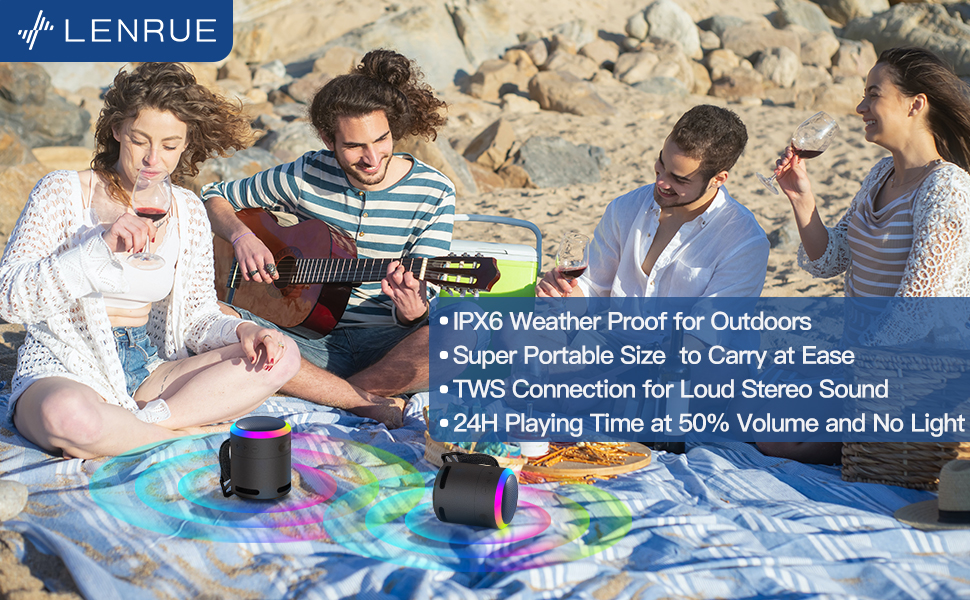
Figura 5: The speaker's colorful lights create an ambient atmosphere, ideal for relaxation or social gatherings.
Verdadero emparejamiento estéreo inalámbrico (TWS)
If you have two LENRUE F13 speakers, you can pair them together for a true wireless stereo experience.
- Asegúrese de que ambos altavoces estén encendidos y no conectados a ningún otro dispositivo Bluetooth.
- On one speaker (the master speaker), press and hold the Light Mode button for 3 seconds to enter TWS pairing mode.
- Los altavoces se conectarán automáticamente. Una vez conectados, funcionarán como un par estéreo.
- Conecte su dispositivo al altavoz principal a través de Bluetooth como se describe arriba.

Figura 6: Two speakers connected via TWS for an enhanced stereo audio experience.
Mantenimiento
Limpieza
- Limpie el altavoz con un paño suave y seco.
- No utilice limpiadores abrasivos ni disolventes.
Resistencia al agua (IPX6)
The LENRUE F13 speaker is IPX6 waterproof, making it resistant to strong jets of water. It is suitable for use in environments like showers, by the pool, or during light rain.
- Asegúrese de que todas las tapas de los puertos estén bien cerradas para mantener la resistencia al agua.
- No sumerja el altavoz en agua.
- Después de la exposición al agua, seque el altavoz antes de cargarlo.
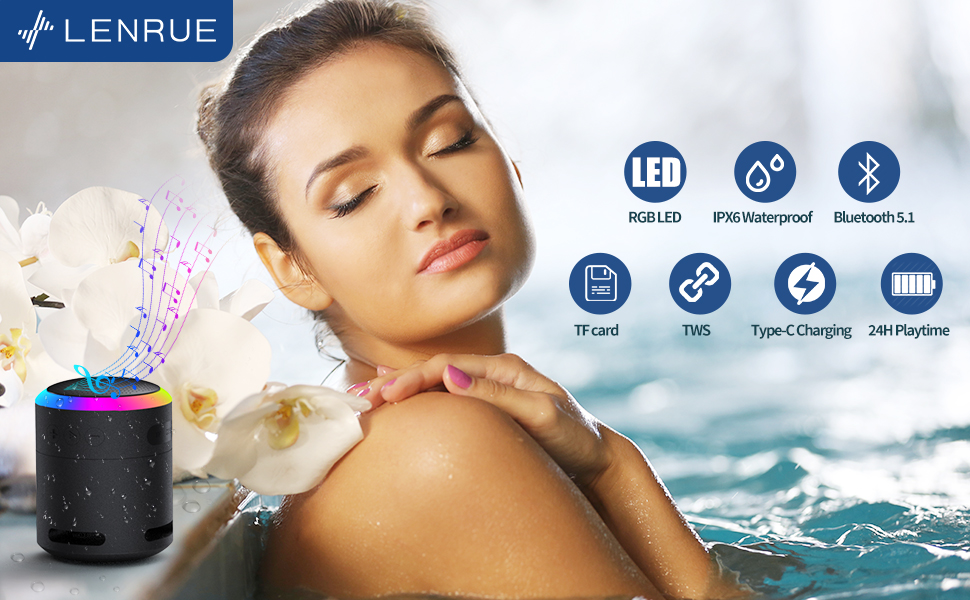
Figura 7: The IPX6 water resistance allows for worry-free use in various wet environments.
Solución de problemas
| Problema | Posible causa | Solución |
|---|---|---|
| El altavoz no se enciende | Batería baja | Cargue el altavoz completamente. |
| No se puede emparejar a través de Bluetooth | Speaker not in pairing mode / Device Bluetooth off / Too far from device | Ensure speaker is in pairing mode, Bluetooth is enabled on your device, and device is within 33 feet (10 meters). |
| No hay sonido durante la reproducción | Volume too low / Paused / Not connected | Increase volume on both speaker and device, check if playback is paused, ensure successful Bluetooth connection. |
| El emparejamiento de TWS falla | Speakers already paired to other devices / Too far apart | Ensure both speakers are disconnected from other devices. Place them close together and retry TWS pairing. |
Presupuesto
- Nombre del modelo: F13
- Tipo de altavoz: Altavoz Bluetooth portátil
- Potencia máxima de salida del altavoz: 5 vatios
- Tecnología de conectividad: Bluetooth 5.0
- Alcance de Bluetooth: 10 metros (33 pies)
- Clasificación de impermeabilidad: IPX6
- Recreo: Up to 24 hours (at 50% volume, no LED light); 5 hours (typical use)
- Puerto de carga: USB-C
- Características especiales: Colorful LED Lights, Metal Construction, Detachable Lanyard, TWS Pairing
- Dimensiones del producto: 2.8" de profundidad x 2.8" de ancho x 3.6" de alto
- Peso del artículo: 10.5 onzas
Garantía y soporte
For any questions, concerns, or support needs regarding your LENRUE F13 Portable Bluetooth Speaker, please contact LENRUE customer service through the retailer where the product was purchased. Keep your purchase receipt for warranty claims.