
XREAL 6976143800071
Manual del usuario del cable XREAL HC
Modelo: 6976143800071
Introducción
This manual provides essential information for the proper use, setup, and maintenance of your XREAL H-C Cable. This high-speed HDMI to USB-C cable is designed to connect various devices, including gaming consoles and PCs, to compatible AR glasses like the XREAL Beam and Air AR glasses, supporting 4K/60Hz video transmission.
Información de seguridad
Please read and follow these safety guidelines to ensure safe operation and prolong the life of your cable:
- No exponga el cable a temperaturas extremas, luz solar directa o humedad alta.
- Avoid bending or twisting the cable excessively, especially near the connectors, as this can damage internal wires.
- Keep the cable away from water and other liquids. If it gets wet, disconnect it immediately and allow it to dry completely before reuse.
- No intente desmontar ni modificar el cable. Esto anulará la garantía y podría causar daños.
- Mantener fuera del alcance de los niños y las mascotas.
- Úselo únicamente con dispositivos compatibles como se especifica en este manual.
Contenido del paquete
El paquete contiene el siguiente artículo:
- 1 x XREAL H-C Cable (HDMI to USB-C)
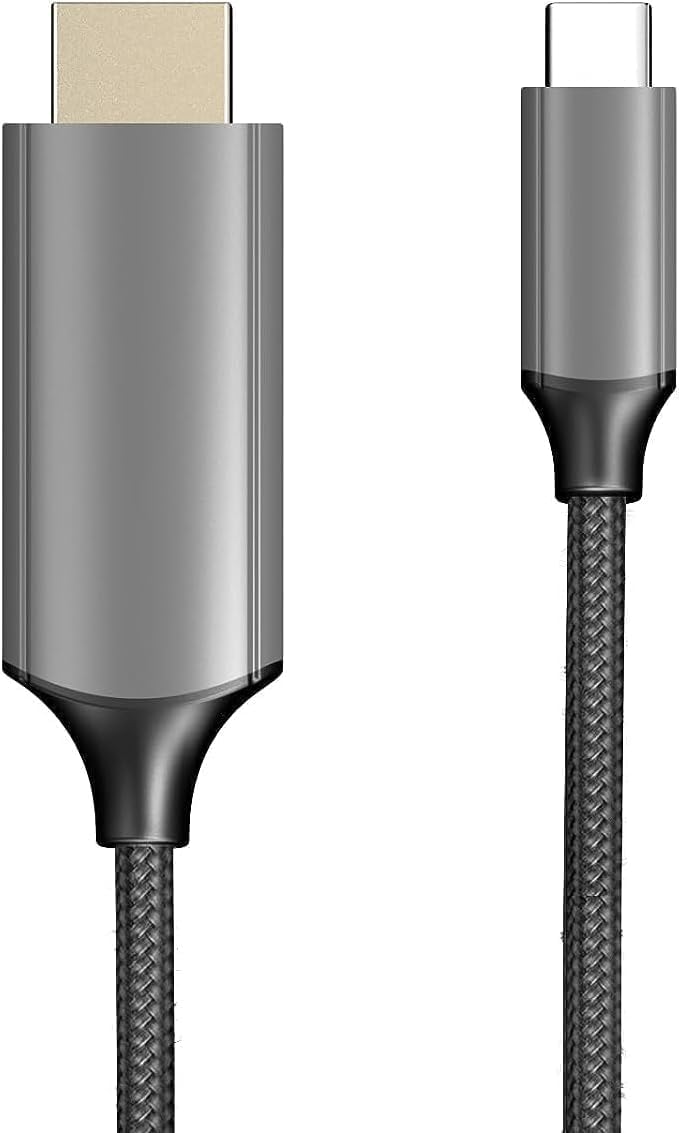
Image: The XREAL H-C Cable showing both the HDMI and USB-C connectors. The cable features a durable, woven design.
Producto terminadoview
The XREAL H-C Cable is engineered for high-fidelity video and audio transmission. It features a robust, woven design for enhanced durability and tangle-free use. The cable facilitates connection from an HDMI source to a USB-C display, supporting resolutions up to 4K at 60Hz.
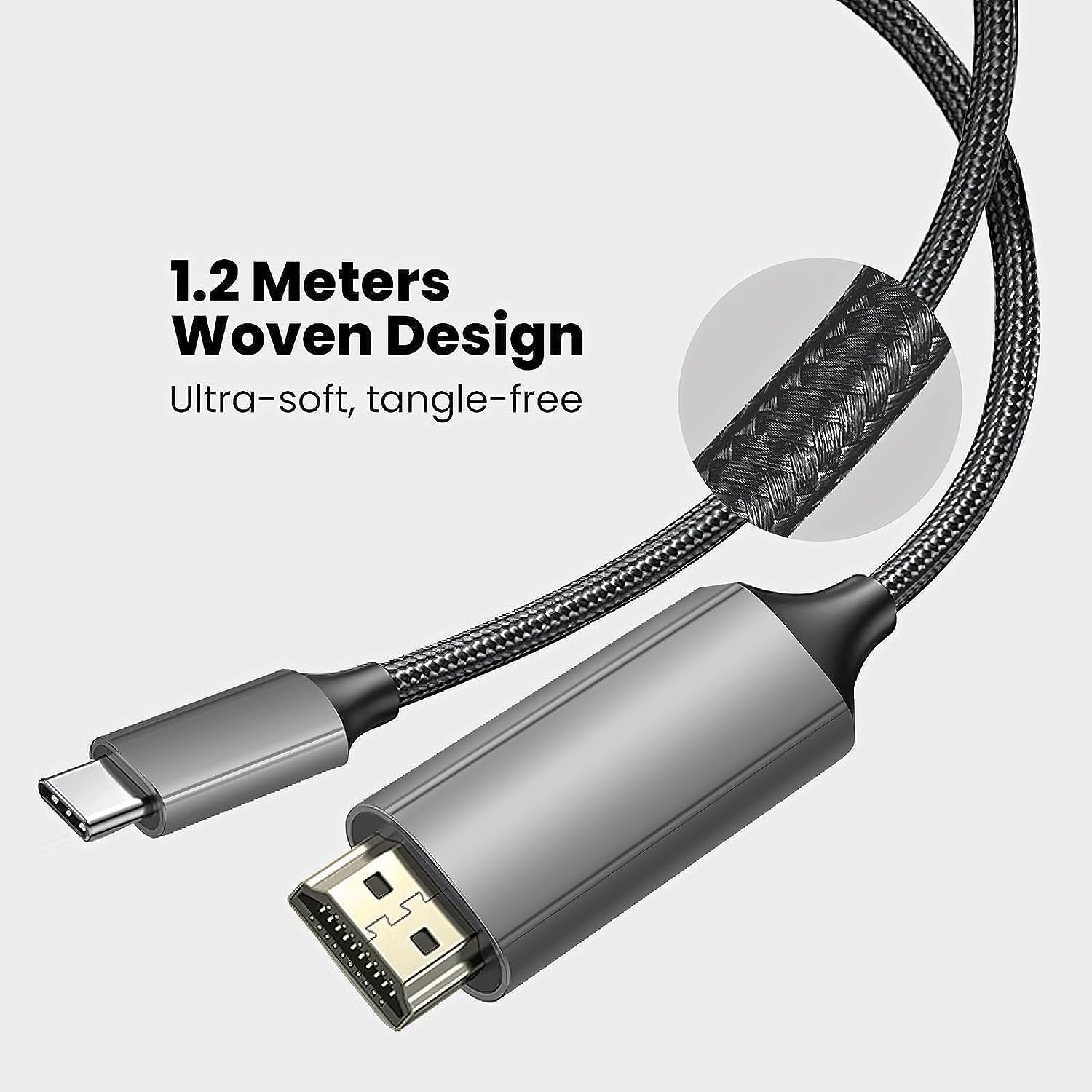
Image: Close-up of the XREAL H-C Cable highlighting its 1.2-meter length and ultra-soft, tangle-free woven design.
Configuración
Follow these steps to connect your XREAL H-C Cable:
- Identificar conectores: Locate the HDMI "In" connector and the USB-C "Out" connector on the cable.
- Conectarse a la fuente: Conectar el HDMI "In" end of the cable into the HDMI output port of your source device (e.g., PlayStation, Xbox, Nintendo Switch, PC graphics card).
- Conectar a la pantalla: Conectar el USB-C "Out" end of the cable into the USB-C input port of your compatible display device (e.g., XREAL Beam, XREAL Air AR glasses).
- Dispositivos de encendido: Asegúrese de que tanto el dispositivo de origen como el dispositivo de visualización estén encendidos.
- Verificar conexión: The display should automatically detect the input signal. If not, you may need to manually select the input source on your display device.

Image: The XREAL H-C Cable clearly labeled with "HDMI In" and "USB-C Out" to indicate connection direction.
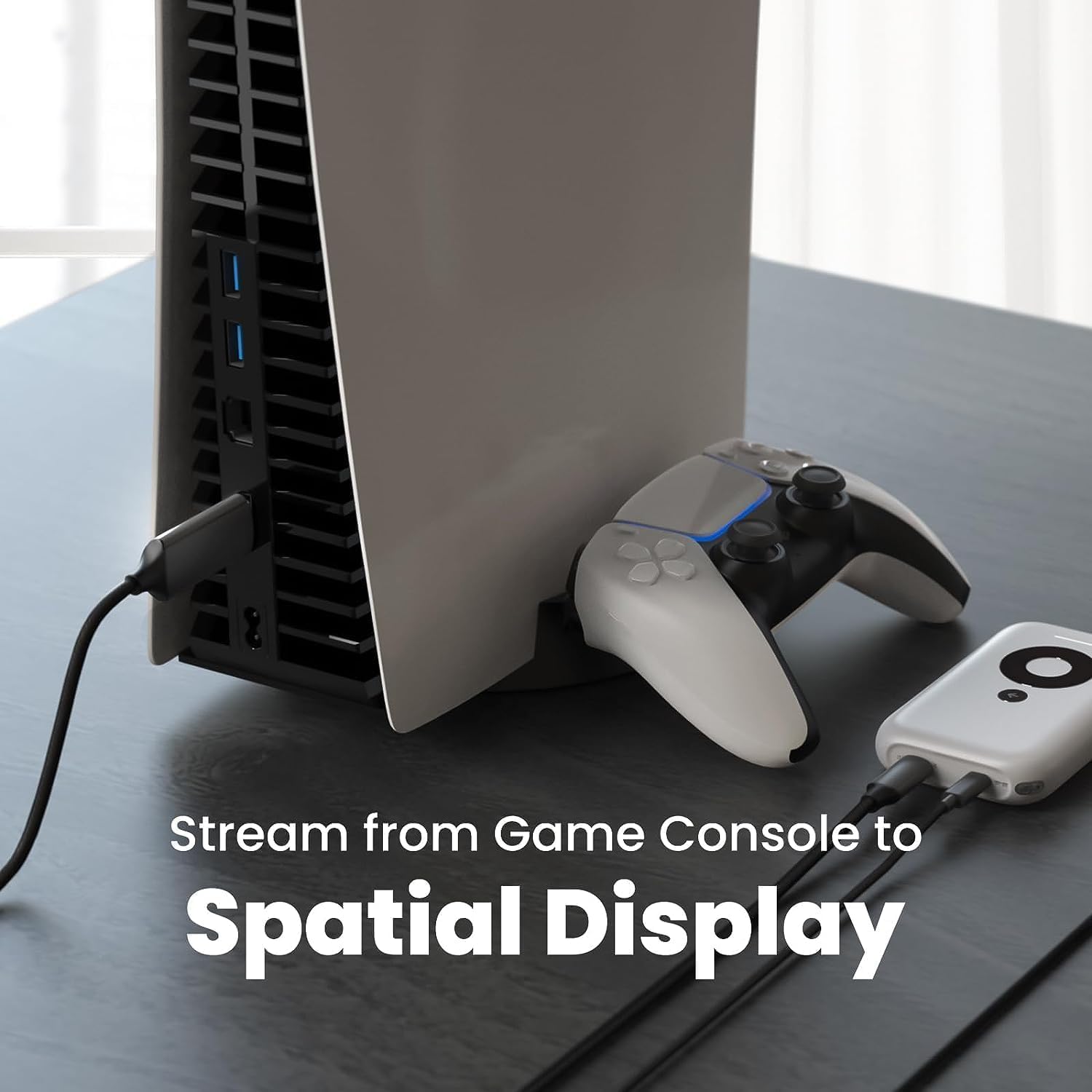
Imagen: Un example setup showing the XREAL H-C Cable connecting a PlayStation 5 console to an XREAL Beam device, enabling streaming to a spatial display.
Operante
Once connected, the XREAL H-C Cable operates as a plug-and-play device. No additional drivers or software are typically required.
- Resolución y frecuencia de actualización: The cable supports up to 4K resolution at 60Hz. Ensure your source device and display device are configured to output and receive these resolutions and refresh rates for optimal performance.
- Transmisión de audio: The cable transmits both video and audio signals. Verify audio settings on your source device if no sound is heard.
- Compatibilidad: This cable is designed for specific applications, primarily connecting HDMI output devices to USB-C input displays, such as XREAL AR glasses. It is not a bidirectional cable and will not function if connected in reverse.
Mantenimiento
Proper care will extend the life of your XREAL H-C Cable:
- Limpieza: Use a soft, dry, lint-free cloth to gently wipe the cable and connectors. Do not use liquid cleaners or abrasive materials.
- Almacenamiento: When not in use, coil the cable loosely. Avoid tight coiling or sharp bends. Store in a cool, dry place away from direct sunlight.
- Manejo: Sujete siempre la carcasa del conector al conectar o desconectar el cable. No tire del cable.
Solución de problemas
If you encounter issues with your XREAL H-C Cable, try the following solutions:
| Problema | Posible causa | Solución |
|---|---|---|
| No hay señal en pantalla |
|
|
| Imagen parpadeante o distorsionada |
|
|
| Sin audio |
|
|
Presupuesto
| Marca | X REAL |
| Número de modelo | 6976143800071 |
| Tipo de conector | HDMI (Input), USB Type-C (Output) |
| Velocidad de transferencia de datos | 5 Gigabits per second (for compatible data streams) |
| Dispositivos compatibles | Gaming Consoles (PlayStation, Xbox, Switch), Windows Desktop, XREAL Beam, XREAL Air AR Glasses |
| Compatibilidad con resolución máxima | 4K a 60 Hz |
| Longitud del cable | 1.2 metros (aprox. 3.9 pies) |
Garantía y soporte
XREAL products are manufactured to high quality standards. For information regarding warranty coverage and customer support, please refer to the official XREAL webSitio web o contacte directamente con el servicio de atención al cliente. Conserve su recibo de compra como comprobante para cualquier reclamación de garantía.
Para obtener más ayuda, visite: www.xreal.com/support