
1. Producto terminadoview
The Wokyo Portable Mini Projector (Model CA164965161) is a compact and lightweight device designed for displaying media from various sources. Its small form factor allows for easy portability, making it suitable for home cinema, outdoor viewing, or business presentations.
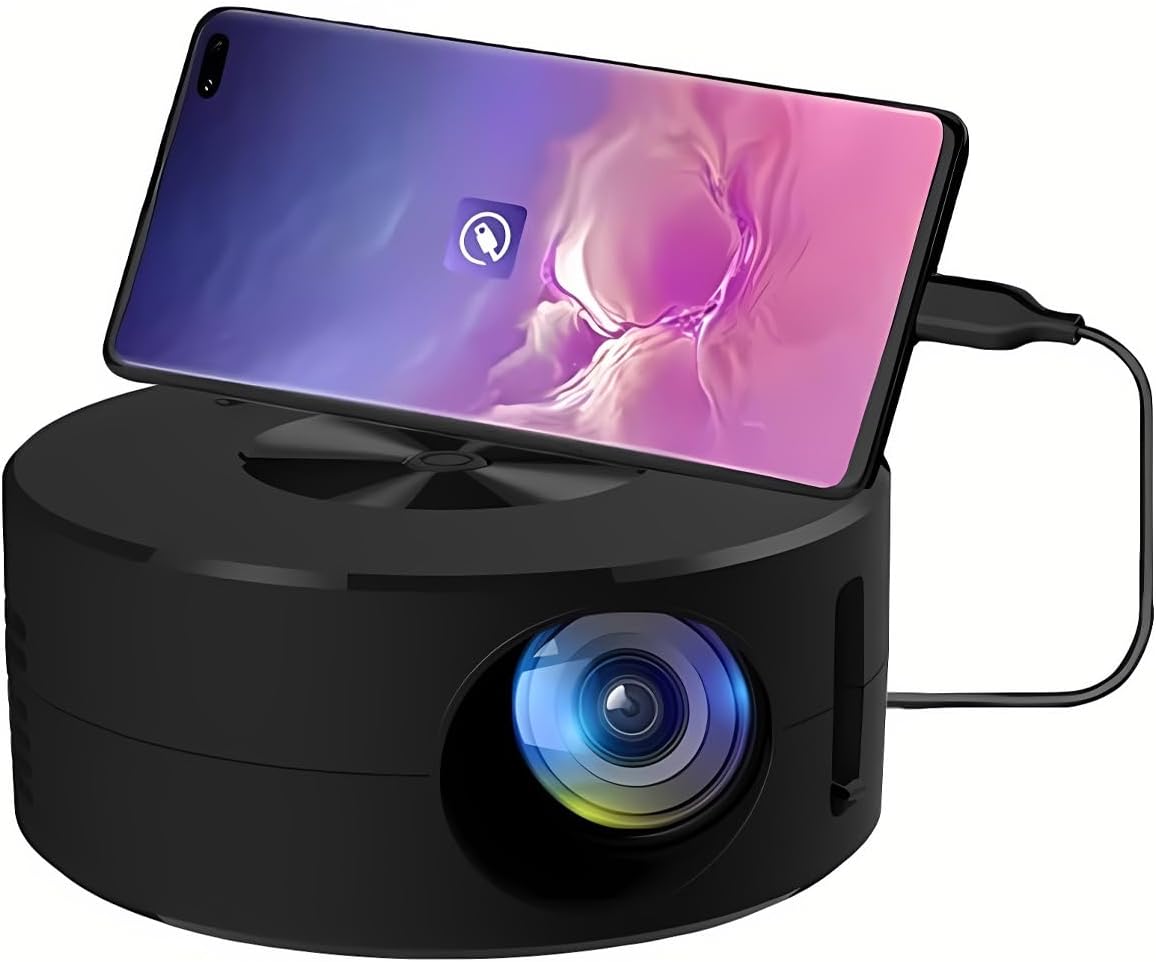
Imagen 1.1: Frente view of the Wokyo Portable Mini Projector.
Key features of this projector include:
- Diseño compacto: Smaller than a typical smartphone, facilitating easy transport.
- Duplicación de pantalla con cable: Supports direct connection to mobile phones and tablets using their charging cables for screen display, eliminating the need for additional adapters.
- High Clarity Support: Capable of supporting resolutions up to 1920x1080p, providing clear image quality.
- Construcción duradera: Manufactured from environmentally friendly ABS material.
- Efficient Light Source: Utilizes an LCD light source for lower energy consumption and extended lifespan.
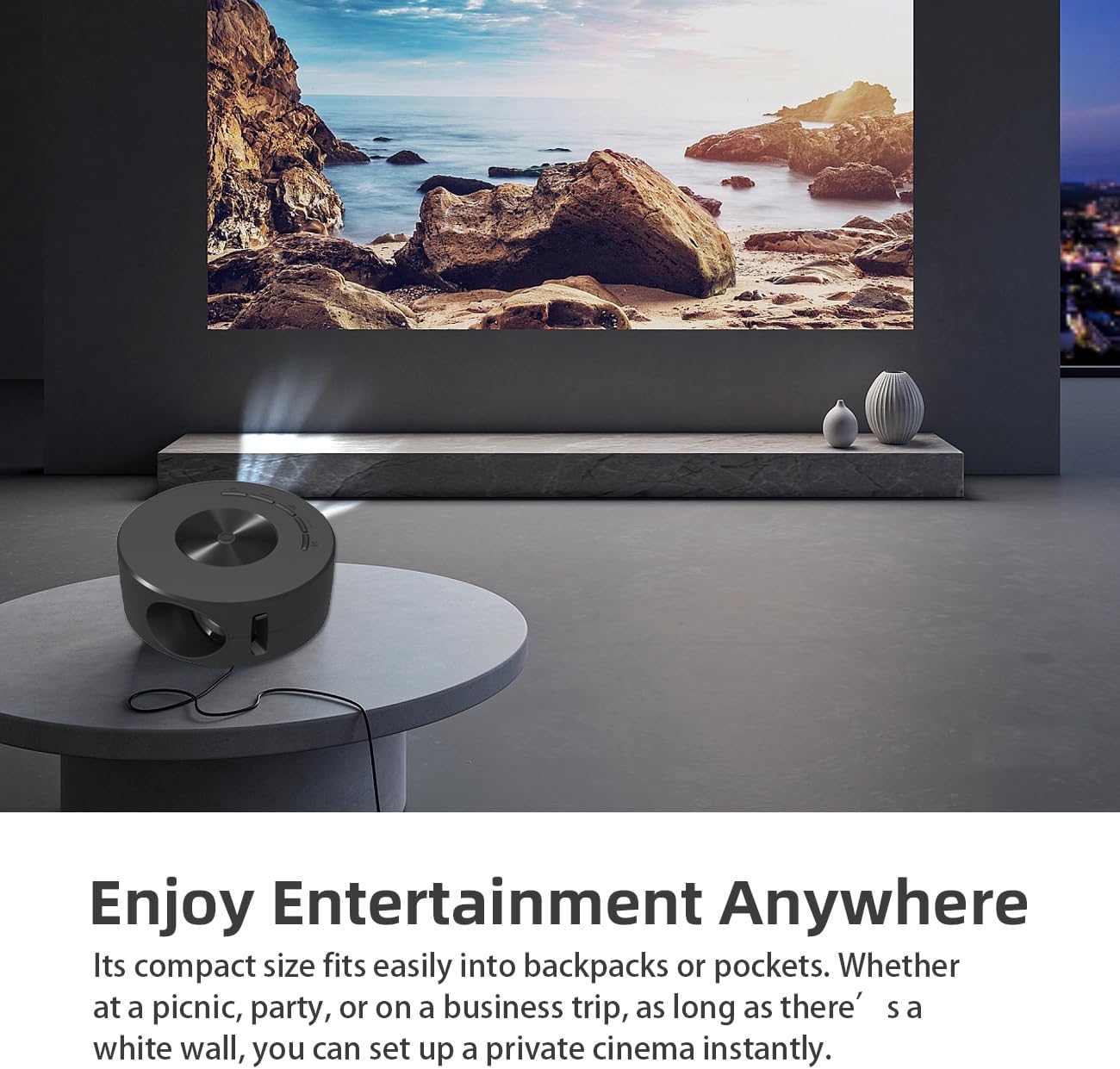
Image 1.2: Projector in use, demonstrating its compact size and projection capability.
2. Contenido del paquete
Verifique que todos los elementos enumerados a continuación estén incluidos en el paquete de su producto:

Image 2.1: All items included in the Wokyo Portable Mini Projector package.
- Wokyo Portable Mini Projector
- Mando a distancia
- Cable USB
- Manual de usuario
- Caja de color
- Caja de espuma
- Parcel Bag
3. Dimensiones del producto
The projector features a compact design for portability.

Image 3.1: Product dimensions of the Wokyo Portable Mini Projector.
- Diámetro: Aproximadamente 4.33 pulgadas (110 mm)
- Altura: Aproximadamente 1.85 pulgadas (47 mm)
- Peso: Aproximadamente 10.6 onzas
4. Configuración inicial
4.1 Conexión de alimentación
To power the projector, connect it to a suitable power source. The projector requires a 5V 2A power input.

Image 4.1: Power connection options for the projector.
- Ensure your power source (e.g., phone charger, power bank) provides at least 5V 2A output.
- Connect the provided USB cable to the projector's power input port.
- Connect the other end of the USB cable to your chosen power source.
- The projector will power on automatically or can be turned on using the power button.
4.2 Device Connection (Wired Screen Mirroring)
The projector supports wired screen mirroring from mobile phones and tablets using their standard charging cables.
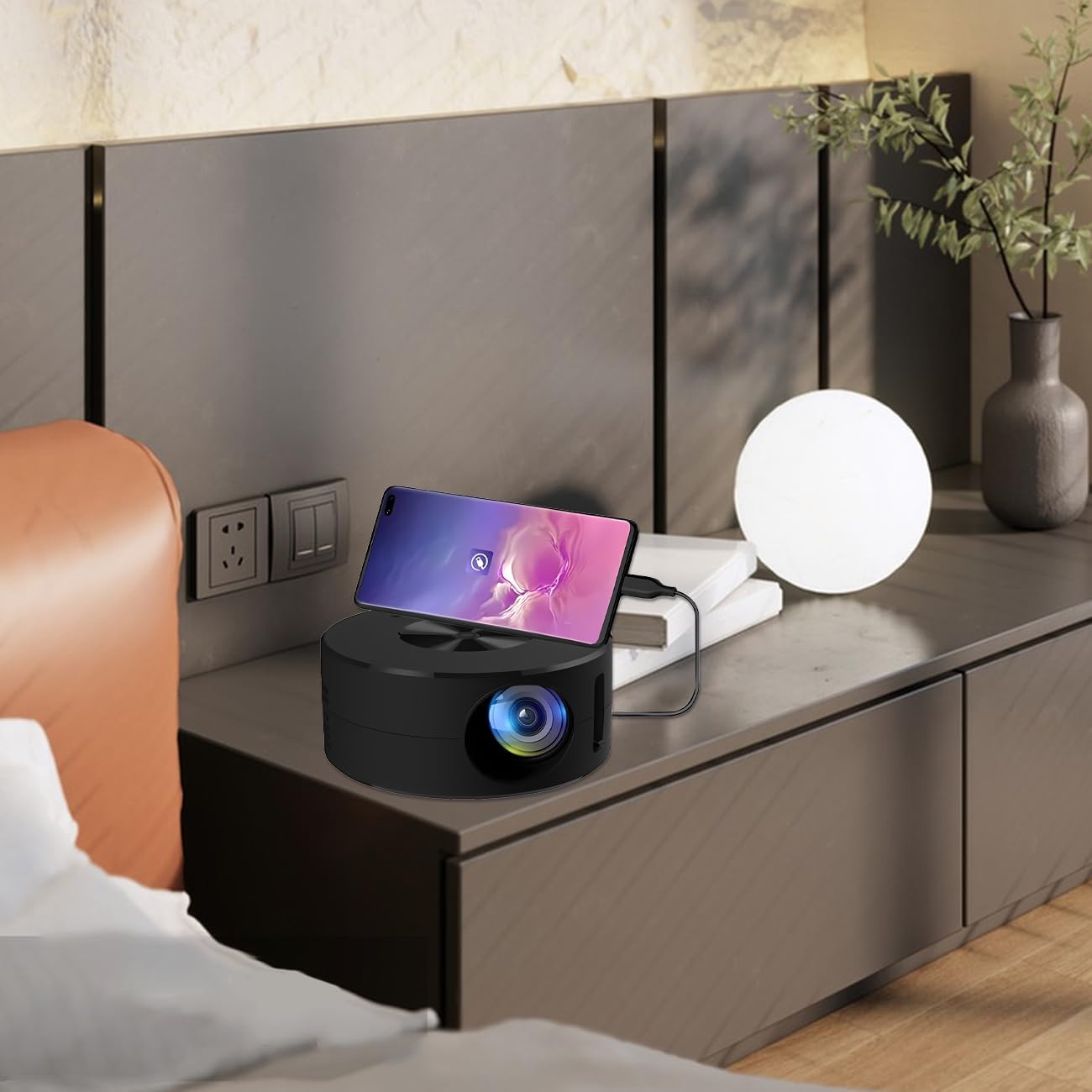
Image 4.2: Smartphone connected to the projector for wired screen mirroring.
- Connect your mobile phone or tablet to the projector using its original charging cable.
- The projector should automatically detect the connection and initiate screen mirroring.
- Follow any on-screen prompts on your device or the projector to confirm the connection.
5. Instrucciones de funcionamiento
5.1 Basic Controls and Ports
Familiarize yourself with the projector's control buttons and input/output ports.

Imagen 5.1: Másview of projector ports and controls.
- Botón de encendido: Enciende/apaga el proyector.
- Botones de navegación (Arriba/Abajo/Izquierda/Derecha/OK): Se utiliza para navegar por los menús y confirmar selecciones.
- Puerto USB: Para conectar dispositivos de almacenamiento USB.
- Puerto de auriculares: Para conectar dispositivos de audio externos.
- Entrada de infrarrojos: Para recibir señales del control remoto.
- Entrada de alimentación de 5 V 2 A: Para conectar la fuente de alimentación.
- Altavoz estéreo incorporado: Proporciona salida de audio.
5.2 Ajuste del enfoque
To achieve a clear image, adjust the focus ring located around the projector lens. Rotate the ring until the projected image appears sharp.
5.3 Uso del control remoto
The included remote control allows for convenient operation of the projector from a distance. Ensure the remote has batteries installed and is pointed towards the projector's IR sensor.
6. Mantenimiento
Un mantenimiento adecuado garantiza la longevidad y el rendimiento óptimo de su proyector.
- Limpieza de la lente: Utilice un paño suave y sin pelusa, especialmente diseñado para lentes ópticas. Evite materiales abrasivos o productos químicos agresivos. Limpie la lente con cuidado para eliminar el polvo y las manchas.
- Limpieza del exterior: Limpie el exterior del proyector con un paño suave y seco. No utilice limpiadores líquidos directamente sobre el dispositivo.
- Ventilación: Asegúrese de que las aberturas de ventilación del proyector no estén bloqueadas durante el funcionamiento para evitar el sobrecalentamiento.
- Almacenamiento: Cuando no esté en uso, guarde el proyector en un lugar fresco y seco, alejado de la luz solar directa y del polvo excesivo.
7. Solución de problemas
Consulte la siguiente tabla para conocer los problemas comunes y sus soluciones.
| Problema | Posible causa | Solución |
|---|---|---|
| No se proyecta ninguna imagen | Power not connected; Input source not selected; Device not connected properly. | Ensure power is connected (5V 2A). Check device connection. Verify screen mirroring is active on your device. |
| La imagen es borrosa | Enfoque no ajustado. | Rotate the focus ring around the lens until the image is clear. |
| Sin sonido | Volume too low; External audio device connected; Device audio output settings. | Increase projector volume. Disconnect external audio devices if using internal speaker. Check audio settings on the connected source device. |
| El control remoto no funciona | Batteries low/dead; Obstruction between remote and projector; Remote not pointed at IR sensor. | Replace remote batteries. Ensure clear line of sight to the projector's IR sensor. |
8. Especificaciones técnicas
Detailed specifications for the Wokyo Portable Mini Projector.
| Característica | Especificación |
|---|---|
| Marca | wokyo |
| Número de modelo | CA164965161 |
| Peso del artículo | 10.6 onzas |
| Dimensiones del producto | 4.33 x 4.33 x 1.97 pulgadas |
| Color | Negro |
| Característica especial | Portabilidad |
| Tecnología de conectividad | Bluetooth |
| Resolución de pantalla (nativa) | 320 x 180 |
| Display Resolution (Maximum Supported) | 1920 x 1080 |
9. Garantía y soporte
For warranty information or technical support, please refer to the contact details provided with your purchase documentation or visit the official Wokyo webSitio. Conserve su recibo de compra como comprobante para reclamaciones de garantía.