
1. Introducción
This manual provides essential instructions for setting up and operating your Luoran M4B MP3 Player. Please read this guide thoroughly to ensure proper use and to maximize your device's capabilities. The Luoran M4B is a portable media player designed for music, video, and app playback, featuring a 4.0-inch IPS display, Bluetooth, and Wi-Fi connectivity.
2. Contenido del paquete
Verifique que todos los artículos estén presentes en su paquete:
- Luoran M4B MP3 Player
- Cable USB-C
- Manual del usuario (este documento)
3. Dispositivo terminadoview

Figura 3.1: Anverso y reverso view of the Luoran M4B MP3 Player, highlighting its 4.0-inch IPS display and metal frame with tempered glass back.
3.1. Botones y puertos físicos
- Botón de encendido: Ubicado en el lateral, se utiliza para encender/apagar el dispositivo y activar/desactivar la pantalla.
- Botones de volumen (+/-): Ubicado en el lateral, se utiliza para ajustar el volumen del audio.
- Puerto USB-C: Ubicado en la parte inferior, se utiliza para cargar y transferir datos.
- Toma de auriculares de 3.5 mm: Ubicado en la parte inferior, para conectar auriculares con cable.
- Ranura para tarjeta micro SD: Ubicado en el lateral, para ampliar el almacenamiento.
4. Primeros pasos
4.1. Carga del dispositivo
Before first use, fully charge the MP3 player. Connect the provided USB-C cable to the device's USB-C port and the other end to a compatible USB power adapter (not included) or a computer's USB port. The charging indicator will show the charging status.
4.2. Encendido / apagado
- Para encender: Mantén presionado el botón de encendido hasta que se encienda la pantalla.
- Para apagar: Mantenga presionado el botón de Encendido, luego seleccione “Apagar” en las opciones en la pantalla.
- Para dormir/despertar: Briefly press the Power button to turn the screen off or on.
5. Funcionamiento básico
5.1. Navegación con pantalla táctil
The Luoran M4B features a full touchscreen for navigation. Swipe left, right, up, or down to browse menus and content. Tap icons to open applications or select options.
5.2. Conexión a Wi-Fi
To access online features and apps, connect your device to a Wi-Fi network:
- Ir a Ajustes.
- Seleccionar Red e Internet.
- Encender Wifi.
- Seleccione la red Wi-Fi deseada de la lista.
- Ingrese la contraseña si se le solicita y toque Conectar.
5.3. Conexión vía Bluetooth
Pair your MP3 player with Bluetooth headphones, speakers, or car stereos:
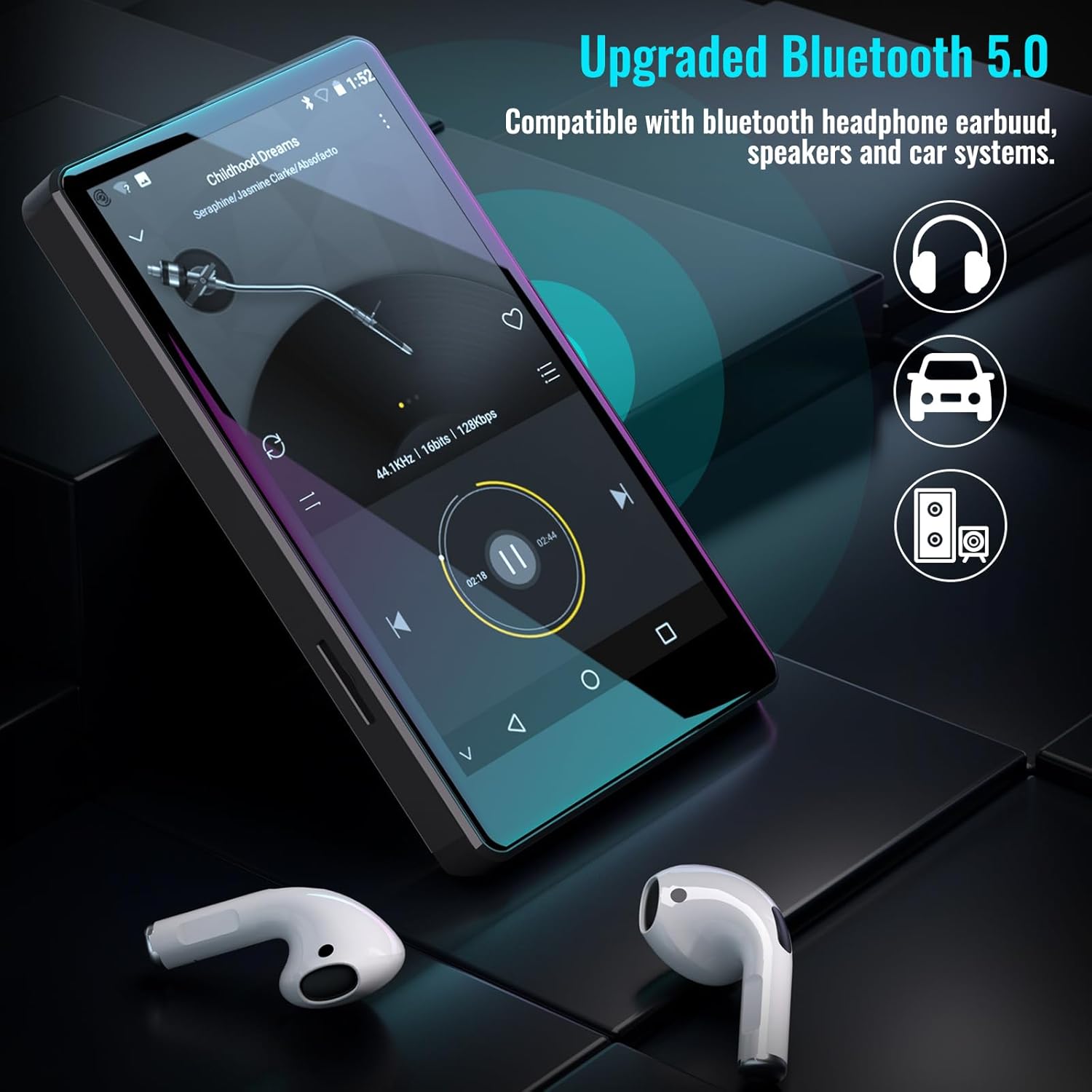
Figure 5.1: The Luoran M4B MP3 Player supports Bluetooth 5.0 for connecting to various audio devices.
- Ir a Ajustes.
- Seleccionar Dispositivos conectados.
- Encender Bluetooth.
- Asegúrese de que su accesorio Bluetooth esté en modo de emparejamiento.
- Seleccione el accesorio de la lista de dispositivos disponibles para emparejar.
6. Music and Media Playback
6.1. Supported Music Formats
The device supports a wide range of audio formats, including MP3, WAV, FLAC, APE, OGG, M4A, AAC, WMA, and MP2.
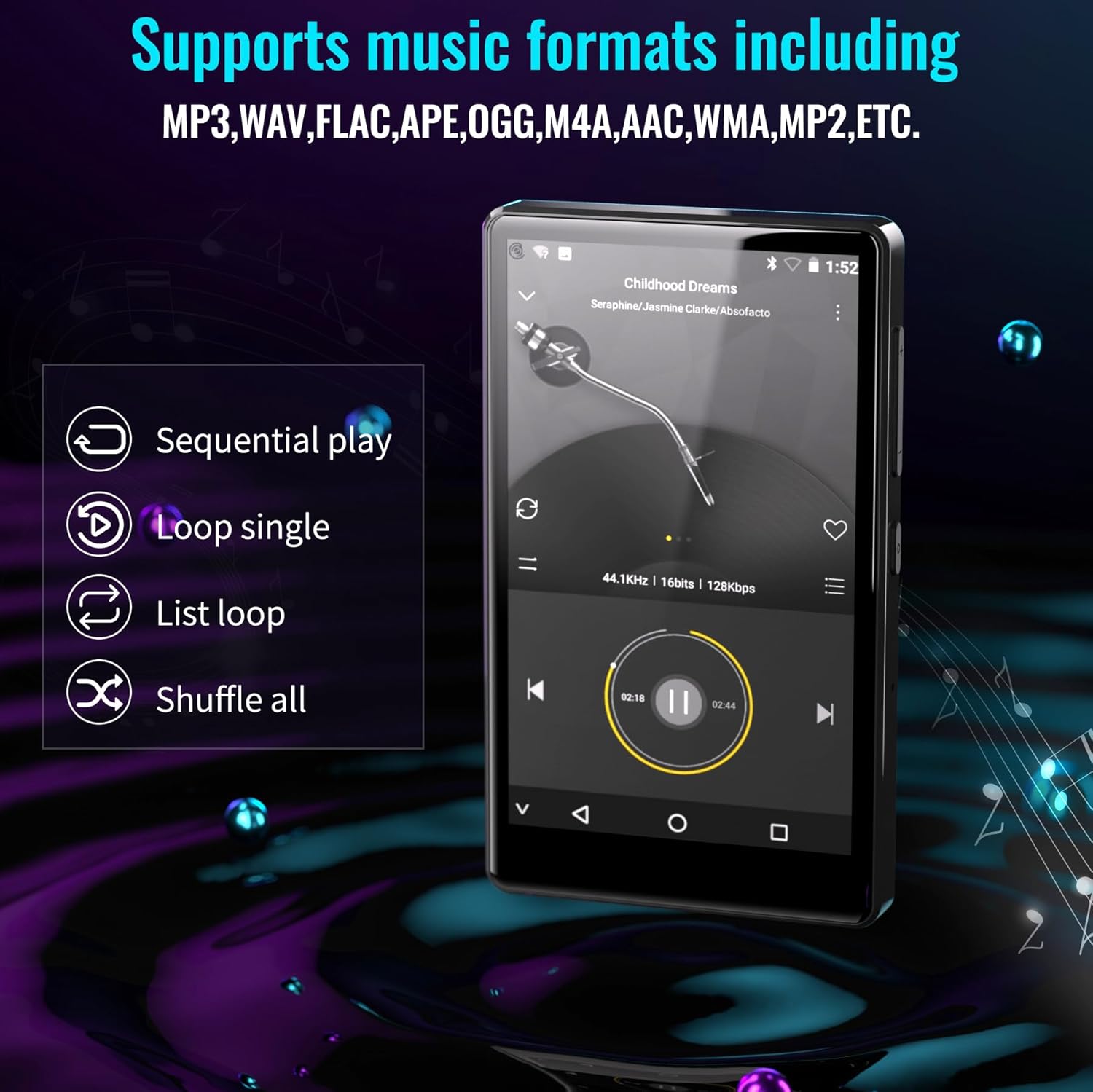
Figure 6.1: The MP3 player's interface showing various playback options and supported music formats.
6.2. Uso de aplicaciones preinstaladas
The Luoran M4B comes with several popular music and media applications pre-installed, such as Spotify, Spotify Kids, Amazon Music, Audible, and HiBy Music. Access these apps from the home screen to stream or play your content.
6.3. Expandable Storage
The device has an internal storage capacity of 8GB. You can expand the storage up to 256GB using a Micro SD card (SDXC, SDHC compatible). Insert the Micro SD card into the dedicated slot on the side of the device.

Figure 6.2: Inserting a Micro SD card to expand the device's memory up to 256GB.
7. Características adicionales
7.1. Web Navegador
A web browser is included for internet access. This browser can be removed if desired, offering a level of content control.

Figure 7.1: The option to uninstall the web browser for content management.
7.2. Radio FM
The device includes an FM radio function, allowing you to listen to local radio stations. It may also support recording FM broadcasts.

Figure 7.2: The FM Radio interface on the device.
7.3. Ebook Reader
An Ebook application is available for reading digital books directly on the device's screen.

Figure 7.3: The device's interface for audiobooks or ebooks.
8. Mantenimiento
8.1. Limpieza
Utilice un paño suave, seco y sin pelusa para limpiar el dispositivo. Evite usar limpiadores abrasivos o disolventes.
8.2. Cuidado de la batería
Para prolongar la vida útil de la batería, evite exponer el dispositivo a temperaturas extremas. Cargue el dispositivo regularmente, pero evite dejarlo completamente cargado o completamente descargado durante períodos prolongados.
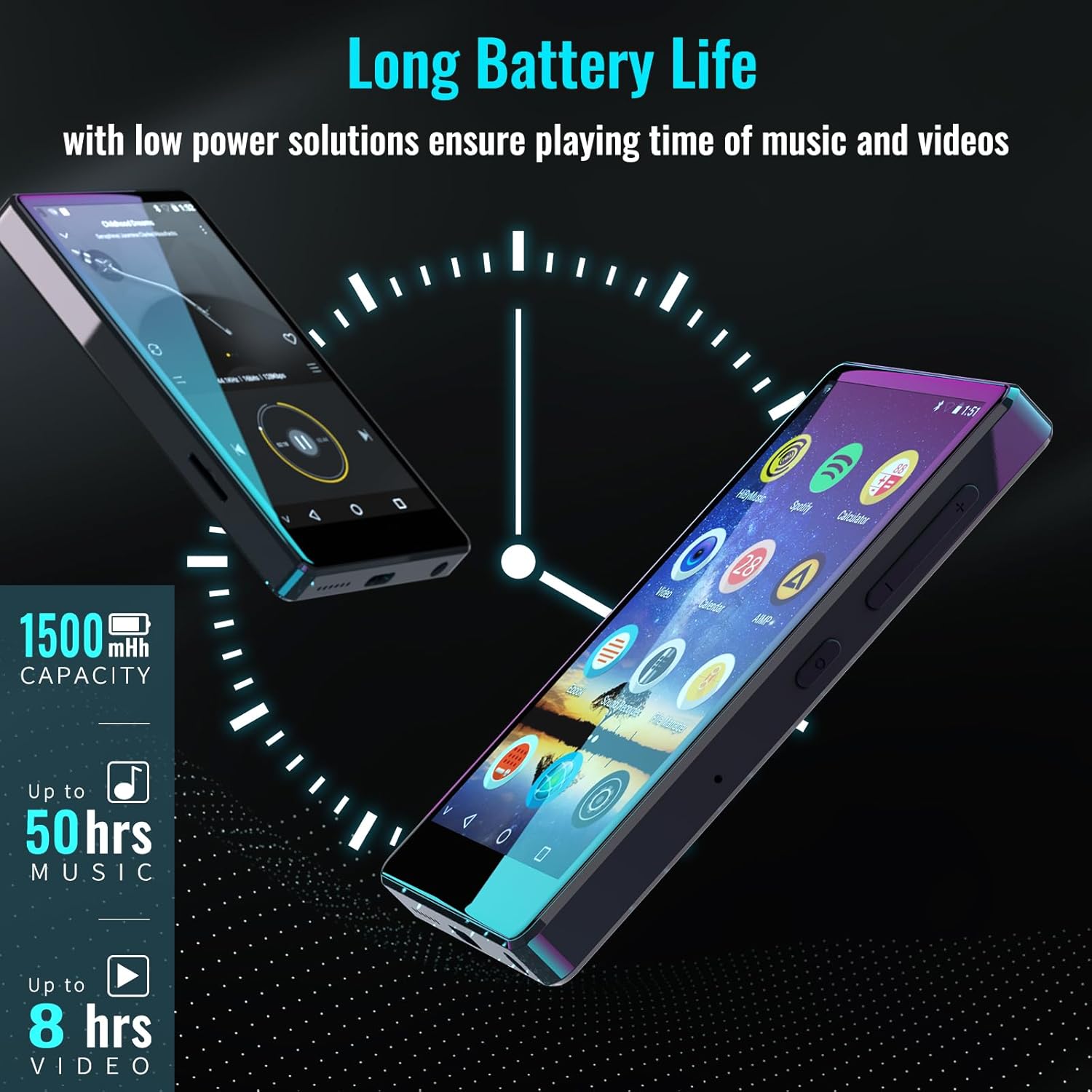
Figure 8.1: The device features a 1500mAh battery, providing up to 50 hours of music playback or 8 hours of video playback.
9. Solución de problemas
9.1. El dispositivo no se enciende
- Asegúrese de que el dispositivo tenga suficiente carga. Conéctelo a una fuente de alimentación durante al menos 30 minutos.
- Mantenga presionado el botón de encendido durante 10 a 15 segundos para realizar un reinicio forzado.
9.2. Cannot Connect to Wi-Fi/Bluetooth
- Verify that Wi-Fi/Bluetooth is enabled in Settings.
- Ensure you are within range of the network/device.
- Check that the Wi-Fi password is correct.
- For Bluetooth, ensure the accessory is in pairing mode.
9.3. App Issues or Missing Apps
If you encounter issues with pre-installed applications or need to install/upgrade specific apps, please contact the Luoran Team for assistance. They can provide APK files y pasos de instalación.
10. Especificaciones
| Marca | Luoran |
| Nombre del modelo | M4B-C-BLK |
| Tecnología de conectividad | Bluetooth, wifi |
| Capacidad de almacenamiento de memoria | 8 GB (Ampliable hasta 256 GB mediante Micro SD) |
| Tamaño de pantalla | 4 pulgadas |
| Dispositivos compatibles | Auriculares, Altavoz |
| Tipo de medio admitido | Tarjeta de memoria |
| Tecnología de visualización | CONDUJO |
| Estándares de audio compatibles | MP3, WAV, FLAC, APE, M4A, AAC, WMA, MP2, etc. |
| Duración media de la batería | 50 horas (reproducción de música) |
| Dimensiones del artículo (Pr. x An. x Al.) | 0.4" de profundidad x 2.4" de ancho x 4.2" de alto |
| Código Postal | 747783656344 |
11. Garantía y soporte
The Luoran M4B MP3 Player comes with a Garantía de 12 meses. For technical support, warranty claims, or assistance with app installation/upgrades, please contact the Luoran Team directly. Contact information can typically be found on the manufacturer's websitio o a través de su plataforma de compra.