
Wedinard KFI-GT-5.2lk-36824
Wedinard Dpofirs 1080P WiFi Security Camera User Manual
Marca: Wedinard
Modelo: KFI-GT-5.2lk-36824 (A3)
1. Introducción
This manual provides comprehensive instructions for the setup, operation, and maintenance of your Wedinard Dpofirs 1080P WiFi Security Camera. Please read this manual carefully before using the product to ensure proper functionality and safety.
Contenido del paquete
Al desembalar, verifique que todos los elementos enumerados a continuación estén presentes y en buenas condiciones:
- 1 x Wedinard Dpofirs 1080P WiFi Security Camera
- 1 x Cable de carga (Tipo C)
- 1 x Base de cámara
- 1 x Manual de usuario
- 1 x Double-Sided Adhesive

Image: The Wedinard Dpofirs 1080P WiFi Security Camera, showing its compact design and the included base.
2. Guía de configuración
Follow these steps to set up your security camera for the first time:
- Download and Install the Application: Buscar the official camera application on your mobile device's app store (e.g., Google Play Store for Android). Download and install the application.
- Encienda la cámara: Connect the camera to a power source using the provided Type-C charging cable. The camera will power on automatically.
- Check the Network Environment: Ensure your Wi-Fi network is stable and within range of the camera. The camera supports Wi-Fi connectivity.
- Network Access Settings:
- Abra la aplicación instalada en su dispositivo móvil.
- Follow the on-screen instructions to add a new device. This typically involves scanning a QR code on the camera or manually entering its device ID.
- Seleccione su red Wi-Fi e ingrese la contraseña cuando se le solicite.
- Wait for the camera to connect to the network. A confirmation message or indicator light will signal a successful connection.
- Montaje de la cámara: Use the included camera base and double-sided adhesive to mount the camera on a flat surface or wall. The swivel base allows for flexible positioning.

Image: The Wedinard Dpofirs camera positioned on a surface, illustrating its readiness for setup and use.
3. Operación de la cámara
Your Wedinard Dpofirs security camera offers several advanced features for enhanced monitoring:
3.1. 1080P Full HD Image Quality
The camera is equipped with premium lenses, providing 1080P Full HD resolution. This ensures clear, vivid, and realistic image effects for detailed monitoring.

Image: A visual comparison demonstrating the superior clarity and detail of 1080P Full HD image quality provided by the camera.
3.2. Mobile Detection and Push Notifications
When the camera detects abnormal movement within its shooting area, it immediately triggers an alarm message. This message is sent as a push notification to your mobile phone application, allowing for real-time viewing and immediate response.

Image: An illustration of the camera's mobile detection feature, showing an alert being sent to a smartphone when motion is detected.
3.3. Infrared Night Vision with Automatic Switching
The camera features an infrared night vision mode that automatically activates in low-light conditions. This mode provides clear visibility up to 5-10 meters, ensuring monitoring even in complete darkness.

Image: A split image demonstrating the automatic switching of the camera's infrared night vision, showing a scene in both illuminated and dark conditions.
3.4. Intercomunicador bidireccional
With a built-in microphone, the camera supports two-way voice real-time calls. This allows you to communicate with individuals or pets near the camera as if you were face-to-face, providing interactive monitoring.

Image: An illustration of the two-way intercom feature, showing a user interacting with a pet through the camera's audio capabilities.
3.5. Self-Contained AP Hotspot
The camera features its own AP (Access Point) hotspot. This allows the camera to continue recording even when your main Wi-Fi network is disconnected, ensuring continuous security and convenient data transmission.
3.6. Características adicionales
- Conexión inalámbrica: Seamless integration with your home Wi-Fi network.
- Reproducción de vídeo: Review comida grabadatage directly from the application.
- Base giratoria: Flexible positioning for optimal viewángulos de ing.
- Interfaz tipo C: Modern and convenient charging/power interface.
- Almacenamiento: Supports up to 128GB Micro Memory Card (not included) for local storage.
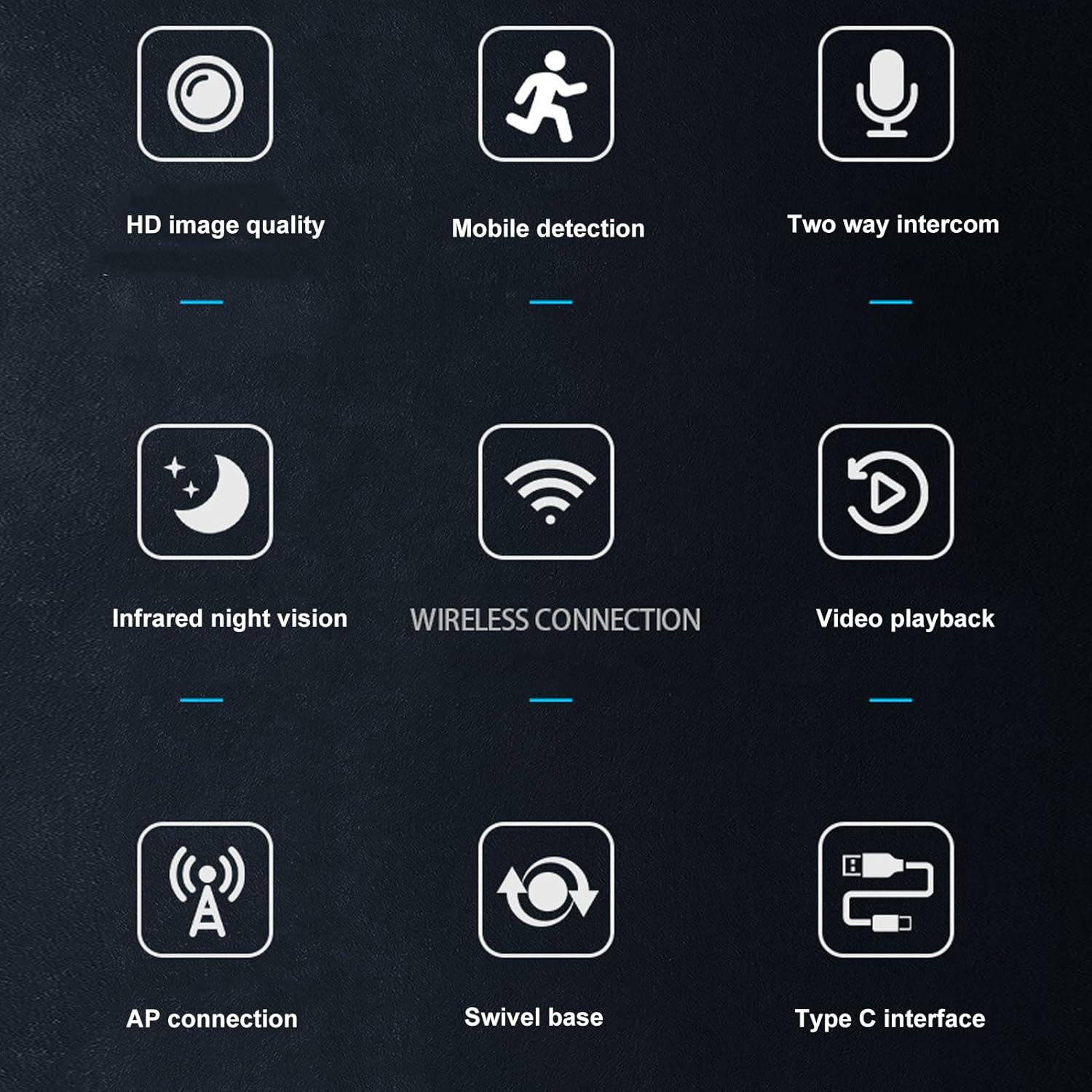
Image: A visual summary of the camera's key features, depicted through illustrative icons.
4. Mantenimiento
Un mantenimiento adecuado garantiza la longevidad y el rendimiento óptimo de su cámara:
- Limpieza: Utilice un paño suave y seco para limpiar la lente y el cuerpo de la cámara. Evite usar limpiadores líquidos o materiales abrasivos que puedan dañar la superficie o la lente.
- Colocación: While suitable for indoor and outdoor use, avoid placing the camera in direct sunlight for extended periods or in areas with extreme temperatures or humidity.
- Actualizaciones de firmware: Regularly check the mobile application for available firmware updates to ensure your camera has the latest features and security enhancements.
- Storage Card Management: If using a memory card, periodically review y gestionar foo almacenadotage to prevent the card from becoming full, which could stop recording.
5. Solución de problemas
Si tiene problemas con su cámara, consulte las siguientes soluciones comunes:
- La cámara no se conecta a Wi-Fi:
- Asegúrese de que la contraseña de Wi-Fi se haya ingresado correctamente.
- Compruebe si la cámara está dentro del alcance de su enrutador Wi-Fi.
- Reinicie su enrutador Wi-Fi y la cámara.
- Verify that your Wi-Fi network is 2.4GHz, as most security cameras do not support 5GHz networks.
- Mala calidad de imagen:
- Limpie la lente de la cámara con un paño suave y seco.
- Ensure there is adequate lighting in the monitored area, especially for non-night vision footage.
- Verifique la velocidad de su conexión a Internet, ya que una conexión lenta puede afectar la calidad de la transmisión.
- Alertas de no detección de movimiento:
- Verify that motion detection is enabled in the camera's app settings.
- Check the sensitivity settings for motion detection; adjust if necessary.
- Ensure the app has permission to send notifications on your mobile device.
- El audio bidireccional no funciona:
- Check the volume settings on your mobile device and within the camera app.
- Asegúrese de que el micrófono y el altavoz de la cámara no estén obstruidos.
- Verify that the app has microphone permissions on your mobile device.
- La cámara no graba:
- If using a memory card, ensure it is inserted correctly and not full.
- Check the recording settings in the app (e.g., continuous recording, motion-activated recording).
- If using cloud storage, verify your subscription status and internet connection.
6. Especificaciones
Detailed technical specifications for the Wedinard Dpofirs 1080P WiFi Security Camera:
| Característica | Detalle |
|---|---|
| Modelo del producto | KFI-GT-5.2lk-36824 (A3) |
| Tipo de artículo | Smart Camera |
| Material del producto | abdominales |
| Resolución de vídeo | 1080P Full HD |
| Tecnología de conectividad | Inalámbrico (Wi-Fi) |
| Visión nocturna por infrarrojos | Automatic Switching (5-10 meters range) |
| Voz bidireccional | Supported (Built-in microphone) |
| Interfaz de carga | Interfaz tipo C |
| Modo de almacenamiento | Supports up to 128GB Micro Memory Card (Not Included) |
| Peso | Aprox. 92 g/3.2 oz |
| Tamaño del producto | Aprox. 45 x 85 mm / 1.8 x 3.3 pulgadas |
| Uso en interiores y exteriores | Al aire libre, en interiores |
| Fuente de poder | Eléctrico con cable |
| Tipo de controlador | Android (via APP) |
| Tipo de montaje | Montaje en superficie |

Image: Diagram showing the approximate dimensions of the camera: 45mm (1.8 inches) in width and 85mm (3.3 inches) in height.
7. Garantía y soporte
For information regarding warranty coverage and technical support, please refer to the warranty card included in your product packaging or visit the official Wedinard website. You may also contact customer service through the contact information provided on the product packaging or within the mobile application.
Conserve su recibo de compra como comprobante de compra para cualquier reclamo de garantía.