
DMOAO D11
DMOAO D11 Android 13 Tablet User Manual
Modelo: D11
Brand: DMOAO
1. Introducción
Welcome to the user manual for your new DMOAO D11 Android 13 Tablet. This 11-inch tablet features a 2K FHD display, powerful Octa-Core processor, and ample storage with 16GB RAM and 256GB ROM, expandable up to 1TB. Designed for both productivity and entertainment, it offers a seamless user experience with its Android 13 operating system, 5G Wi-Fi connectivity, and quad speakers. This manual provides essential information on setting up, operating, maintaining, and troubleshooting your device to ensure optimal performance.
2. ¿Qué hay en la caja?
Upon opening your DMOAO D11 Tablet package, please verify that all the following items are included:
- A 11 inch Tablet
- A D11 Case
- A Protective Film (pre-applied or extra)
- A US Power Adapter and Type-C Data Cable
- A User's Manual (this document)
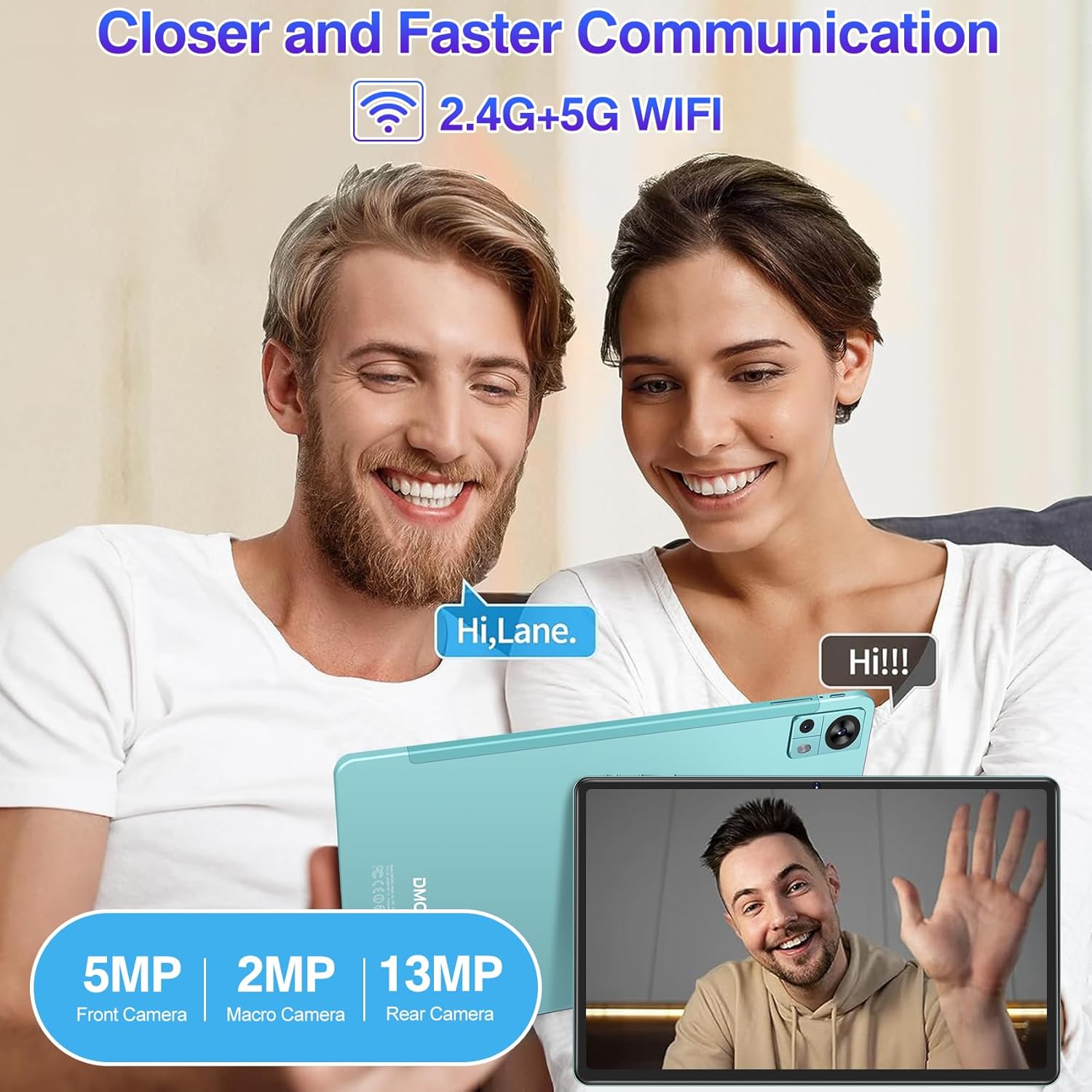
Figure 2.1: Included Accessories and Tablet
3. Producto terminadoview
The DMOAO D11 tablet is engineered for high performance and user convenience. Below are its primary features and components:
3.1 Características principales
- Pantalla FHD 2K de 11 pulgadas: Experience stunning visuals with a resolution of 2000x1200 pixels and a 16:10 screen ratio for an immersive viewExperiencia de aprendizaje.
- Rendimiento potente: Equipped with 16GB (8GB + 8GB expansion) RAM and 256GB ROM, powered by a 2.0GHz Octa-Core MediaTek MT8183 processor for smooth multitasking and gaming.
- Almacenamiento expandible: Storage can be expanded up to 1TB using a MicroSD card (not included).
- Latest Android 13: Enjoy a personalized, secure, and easy-to-operate system experience.
- Wi-Fi de doble banda: Supports 2.4G and 5G Wi-Fi networks (802.11ac) for fast and stable connectivity.
- Batería de larga duración: Features an 8600mAh battery for extended use, with convenient Type-C charging.
- Cámaras de alta calidad: Includes a 5MP front camera, a 13MP main camera, and a 2MP macro camera for versatile photography.
- Audio inmersivo: Four BOX speakers deliver rich and clear sound.
- Diseño elegante: Thin 6.8mm metal body, weighing only 460g, making it highly portable.
3.2 Visual Overview

Figure 3.1: DMOAO D11 Tablet Front and Back View

Figure 3.2: 2K FHD Display Features
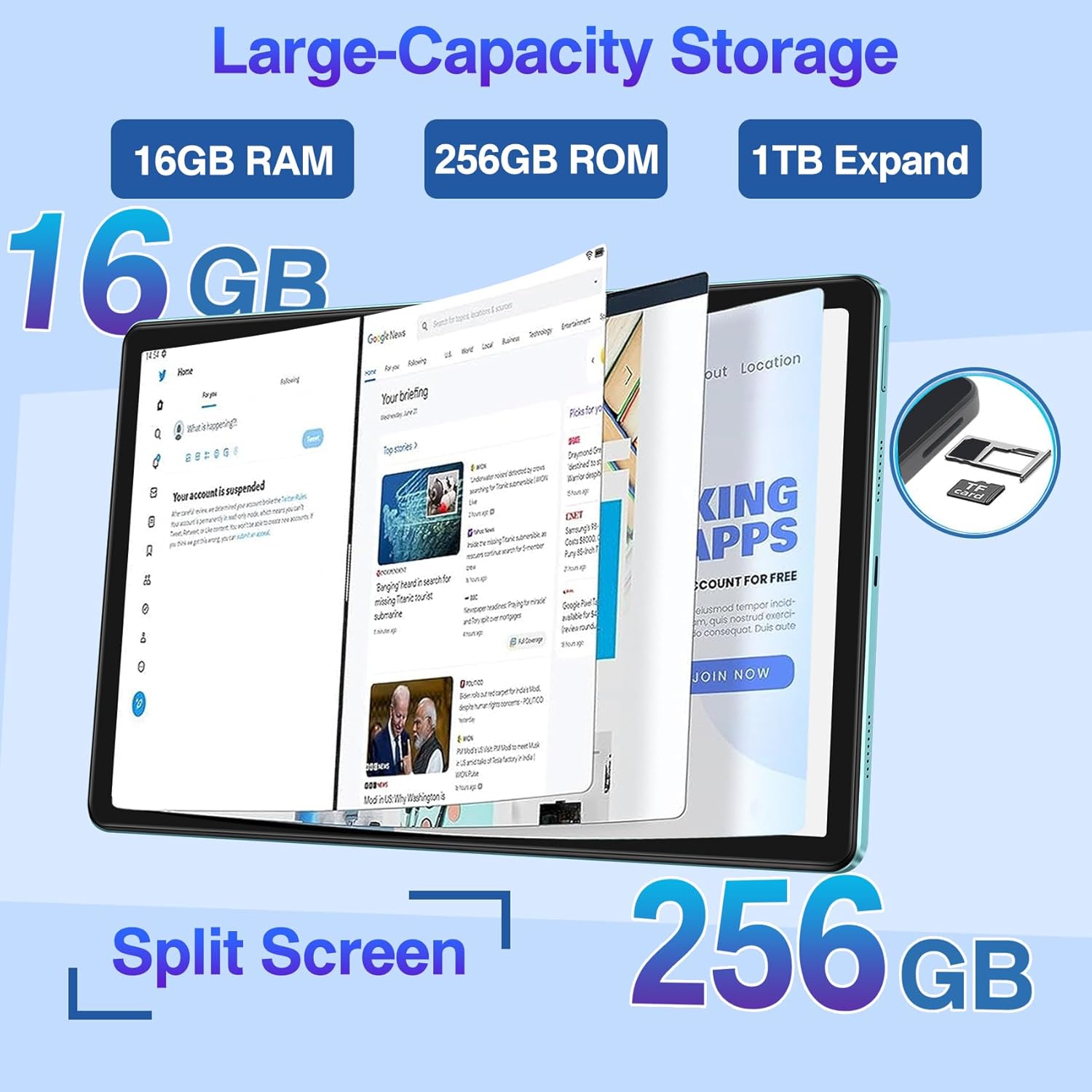
Figure 3.3: Storage and Split Screen Capability

Figura 3.4: Duración y carga de la batería

Figura 3.5: Característica completa sobreview
4. Guía de configuración
4.1 Carga inicial
Before first use, fully charge your DMOAO D11 tablet. Connect the provided Type-C data cable to the tablet's charging port and the US power adapter to a wall outlet. The charging indicator will show the charging status. A full charge ensures optimal battery calibration.
4.2 Encendido / Apagado
- Para encender: Press and hold the Power button (located on the side) for a few seconds until the DMOAO logo appears on the screen.
- Para apagar: Mantenga pulsado el botón de encendido hasta que aparezca el menú de opciones de encendido. Seleccione "Apagar" y confirme.
- Para reiniciar: Desde el menú de opciones de energía, seleccione “Reiniciar”.
4.3 Asistente de configuración inicial
Al encenderla por primera vez, la tableta le guiará a través de un asistente de configuración inicial. Siga las instrucciones en pantalla para:
- Seleccione su idioma preferido
- Conectarse a una red Wi-Fi.
- Inicia sesión con tu cuenta de Google o crea una nueva.
- Configurar bloqueo de pantalla (PIN, patrón, contraseña).
- Review y aceptar términos y condiciones.
4.4 Inserción de una tarjeta MicroSD
To expand your tablet's storage up to 1TB, you can insert a MicroSD card (sold separately). Locate the MicroSD card slot on the side of the tablet. Use the provided SIM ejector tool (or a paperclip) to gently press into the small hole next to the tray to eject it. Place the MicroSD card into the tray with the gold contacts facing down, then carefully reinsert the tray into the slot until it clicks into place.
5. Operación de su tableta
5.1 Navegación básica (Android 13)
Your DMOAO D11 tablet runs on Android 13, offering an intuitive interface. Use touch gestures for navigation:
- Grifo: Seleccione un elemento o abra una aplicación.
- Golpe fuerte: Desplácese por las pantallas, los menús o web páginas.
- Pellizcar para hacer zoom: Ampliar o reducir contenido como fotos o web páginas.
- Pulsación larga: Acceda a los menús contextuales o mueva los íconos de las aplicaciones.
5.2 Conectividad de red
- Wifi: Go to Settings > Network & internet > Wi-Fi. Turn Wi-Fi on and select your desired network. Enter the password if prompted. The tablet supports both 2.4GHz and 5GHz bands for faster speeds.
- Bluetooth: Go to Settings > Connected devices > Connection preferences > Bluetooth. Turn Bluetooth on and pair with compatible devices like headphones or keyboards.
5.3 Uso de la cámara
The D11 tablet is equipped with multiple cameras:
- Cámara frontal (5MP): Ideal para videollamadas y selfies.
- Cámara principal (13MP): For general photography and video recording.
- Cámara macro (2MP): Para fotografías de primeros planos detalladas.
Open the "Camera" app from your home screen or app drawer. Select your desired camera mode (Photo, Video, Macro) and tap the shutter button to capture images or start/stop recording.

Figure 5.1: Camera Features and Usage
5.4 Audio y entretenimiento
The D11 tablet features four BOX speakers for an enhanced audio experience. Enjoy movies, music, and games with clear and immersive sound. You can also connect Bluetooth headphones for private listening.

Figure 5.2: Immersive Display and Audio Experience
5.5 Funcionalidad de pantalla dividida
Android 13 permite la multitarea en pantalla dividida. Para usar esta función:
- Abra la primera aplicación que desee utilizar.
- Swipe up from the bottom of the screen and hold to open the recent apps view.
- Tap the app icon at the top of the first app's card.
- Select "Split top" or "Split screen".
- Elija la segunda aplicación de sus aplicaciones recientes o del cajón de aplicaciones para llenar la otra mitad de la pantalla.

Figure 5.3: Android 13 Split Screen
5.6 Funcionalidad GPS
The DMOAO D11 tablet supports the world's three major satellite positioning systems. You can use GPS for navigation by downloading offline maps or using online mapping services when connected to Wi-Fi.
6. Mantenimiento
6.1 Limpieza de su tableta
Para mantener su tableta limpia y en buen estado:
- Use a soft, lint-free cloth (e.g., microfiber) to wipe the screen and body.
- Para manchas difíciles, un poco deampEnjuague el paño con agua o con un limpiador de pantallas específicamente diseñado para dispositivos electrónicos.
- Evite utilizar productos químicos agresivos, materiales abrasivos o humedad excesiva.
6.2 Cuidado de la batería
Para prolongar la vida útil de su batería de 8600 mAh:
- Evite temperaturas extremas (calor o frío).
- No deje que la batería se descargue por completo con frecuencia. Cárguela antes de que alcance niveles muy bajos.
- Utilice únicamente el cargador proporcionado o un cargador compatible certificado.
- Si no va a utilizar la tableta durante un período prolongado, cárguela al 50 % aproximadamente antes de guardarla.
6.3 Actualizaciones de software
Regularly check for and install software updates to ensure your tablet has the latest features, security patches, and performance improvements. Go to Settings > System > System update to check for available updates.
6.4 Gestión del almacenamiento
To maintain optimal performance, manage your tablet's 256GB internal storage:
- Eliminar periódicamente lo innecesario files, fotos y videos.
- Desinstalar aplicaciones no utilizadas.
- Mueva grande files to a MicroSD card if you have one installed.
- Clear app cache data periodically (Settings > Apps > [App Name] > Storage & cache > Clear cache).
7. Solución de problemas
This section addresses common issues you might encounter with your DMOAO D11 tablet. If the problem persists, please contact customer support.
| Problema | Posible causa | Solución |
|---|---|---|
| La tableta no se enciende. | La batería está completamente agotada; falla del software. | Charge the tablet for at least 30 minutes. If still unresponsive, perform a forced restart by holding the Power button for 10-15 seconds. |
| Problemas de conexión Wi-Fi. | Contraseña incorrecta; problemas con el enrutador; fuera de rango. | Verify Wi-Fi password. Restart your router. Ensure you are within range of the Wi-Fi signal. Forget the network in tablet settings and reconnect. |
| Rendimiento lento o bloqueos de aplicaciones. | Demasiadas aplicaciones ejecutándose; poco almacenamiento; software desactualizado. | Close background apps. Clear app caches. Free up storage space. Check for and install system updates. Restart the tablet. |
| La pantalla no responde. | Fallo temporal del software. | Realice un reinicio forzado manteniendo presionado el botón de Encendido durante 10 a 15 segundos. |
| La batería se agota rápidamente. | Brillo de pantalla alto; aplicaciones en segundo plano; batería vieja. | Reduce screen brightness. Close unused apps. Check battery usage in settings to identify power-hungry apps. Ensure proper charging habits. |
8. Especificaciones
Detailed technical specifications for the DMOAO D11 Tablet:
| Característica | Detalle |
|---|---|
| Marca | DMOAO |
| Nombre del modelo | D11 |
| Sistema operativo | Androide 13 |
| Tamaño de pantalla | 11 pulgadas |
| Resolución de pantalla | 2000 x 1200 píxeles (2K FHD) |
| Procesador | Octa-Core de 2 GHz (MediaTek MT8183) |
| RAM | 16 GB (expansión de 8 GB + 8 GB) |
| Almacenamiento interno | ROM de 256 GB |
| Almacenamiento expandible | Hasta 1 TB mediante tarjeta MicroSD |
| Tipo inalámbrico | 802.11ac (2.4G + 5G Wi-Fi) |
| Bluetooth | Bluetooth 5.0 |
| Cámara trasera | 13 MP (Main) + 2 MP (Macro) |
| Cámara frontal | 5 MP |
| Batería | Polímero de litio de 8600 mAh |
| Puerto de carga | Tipo C |
| Audio | Quad BOX Speakers |
| Peso del artículo | 1.01 libras (aprox. 460 g) |
| Dimensiones del producto | 10.23 x 6.38 x 0.27 inches (approx. 6.8mm thin) |
| Color | Negro |
9. Garantía y soporte
9.1 Garantía limitada
The DMOAO D11 Tablet comes with a Garantía limitada de 2 añosEsta garantía cubre defectos de fabricación y problemas derivados del uso normal. Conserve su comprobante de compra para reclamaciones de garantía.
9.2 Atención al cliente
For any questions, technical assistance, or warranty claims, please contact DMOAO customer support. Refer to the contact information provided on the product packaging or the official DMOAO website. Our support team is dedicated to ensuring your satisfaction.