
Introducción
This manual provides instructions for the ADATA SC610 External Solid State Drive. Please read this manual thoroughly before using the device to ensure proper operation and to maximize its lifespan.
Contenido del paquete
- ADATA SC610 External SSD
Producto terminadoview
The ADATA SC610 is a compact and portable external solid state drive designed for high-speed data transfer. It features a capless push-out USB connector for convenience.

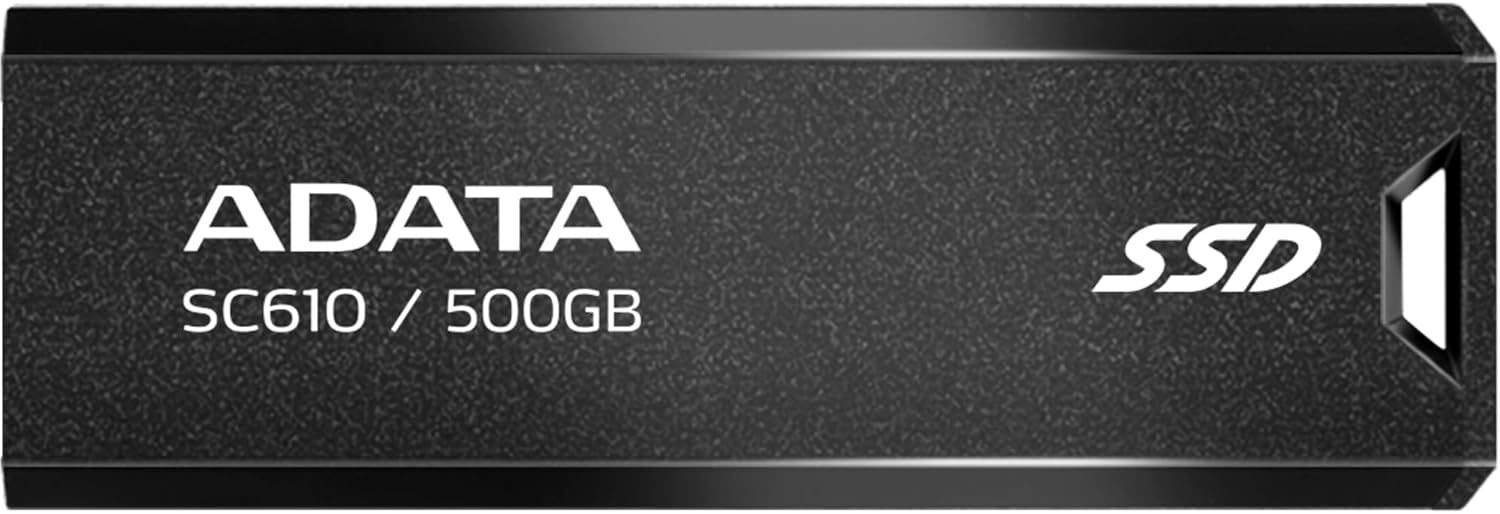
Frente view of the ADATA SC610 External SSD, showing the ADATA logo, SC610 / 500GB model designation, and SSD branding.

Arriba view of the ADATA SC610 External SSD, illustrating the push-out mechanism for the USB connector.
Configuración
Conexión del SSD
- Locate an available USB-A port on your computer or compatible device.
- Gently push the slider on the ADATA SC610 to extend the USB connector.
The ADATA SC610 External SSD with its USB-A connector fully extended, ready for connection.
- Insert the USB connector into the USB-A port.
- The device will be automatically detected by most operating systems.
Initial Use and Formatting
For Windows users, the drive should appear as a removable storage device. For macOS or Linux, it may require initial formatting depending on your intended use. Refer to your operating system's documentation for disk management and formatting procedures.
Operating the ADATA SC610
Transferencia Files
Once connected, the ADATA SC610 functions like any other external storage device. You can drag and drop files, copy and paste, or use backup software to transfer data to and from the SSD.
The device supports USB 3.2 Gen 2, offering read speeds up to 550MB/s and write speeds up to 500MB/s for fast data transfers. Ensure your host device also supports USB 3.2 Gen 2 for optimal performance.
Using with Gaming Consoles
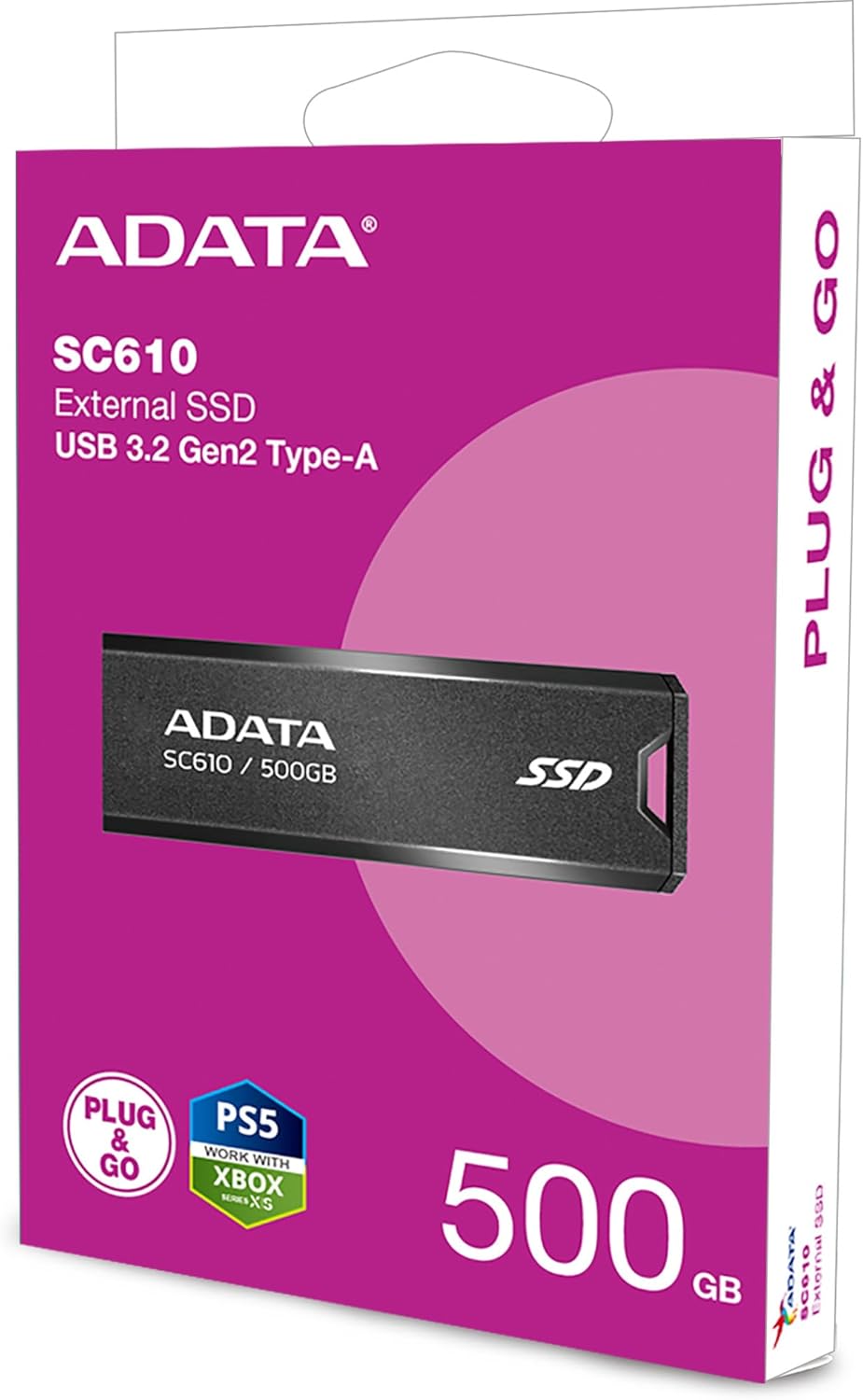
The SC610 is compatible with many gaming consoles, including PlayStation 5 and Xbox Series X|S, for storing games. Consult your console's manual for specific instructions on connecting and utilizing external storage for games.
ADATA SC610 External SSDs connected to an Xbox console, demonstrating their use as external game storage.
Eliminación segura
Always safely eject the ADATA SC610 from your operating system before physically disconnecting it to prevent data corruption. For Windows, use the "Safely Remove Hardware" icon in the system tray. For macOS, drag the drive icon to the Trash or use the Eject option.
Mantenimiento
- Mantenga el SSD limpio y sin polvo. Utilice un paño suave y seco para limpiarlo.
- Evite exponer el dispositivo a temperaturas extremas, luz solar directa o alta humedad.
- Do not drop or subject the SSD to strong impacts.
- Ensure the USB connector is fully retracted when not in use to protect it from damage.
Solución de problemas
Dispositivo no detectado
- Ensure the USB connector is fully extended and securely plugged into the USB port.
- Pruebe con un puerto USB diferente en su computadora.
- Test the SSD on another computer to rule out a port issue.
- Check your computer's Disk Management (Windows) or Disk Utility (macOS) to see if the drive is recognized but unformatted.
Velocidades de transferencia lentas
- Verify that you are using a USB 3.2 Gen 2 compatible port on your host device. Older USB 2.0 or 3.0 ports will result in lower speeds.
- Asegúrese de que los controladores de su computadora estén actualizados.
- Evite transferir muchos archivos pequeños files simultáneamente, ya que esto puede reducir la velocidad de transferencia general en comparación con los grandes files.
Corrupción de datos
- Always safely eject the device before disconnecting it.
- Avoid interrupting file transferencias.
- Run a disk check utility on the drive if you suspect corruption.
Presupuesto
| Característica | Detalle |
|---|---|
| Modelo | SC610 |
| Capacidad | 500 GB |
| Interfaz | USB 3.2 Gen 2 (USB-A) |
| Velocidad de lectura | Hasta 550 MB/s |
| Velocidad de escritura | Hasta 500 MB/s |
| Dimensiones (L x An x Al) | 0.93 x 2.65 x 0.4 pulgadas |
| Peso | 0.459 onzas |
| Tecnología de conectividad | USB |
| Dispositivos compatibles | Consola de juegos |
Garantía y soporte
ADATA products are covered by a limited warranty. For detailed warranty information, technical support, and service inquiries, please visit the official ADATA websitio o comuníquese con su servicio de atención al cliente.
Official ADATA Websitio: www.adata.com